The 6 Best Event Sourcing Software for Venues in 2026, Ranked
Best event sourcing software for venues in 2026: 6 tools with starting prices, free plans and limits. Each listing flags where it falls short. Costs up front.
- Editor's choicePerfect Venue
Simplified inquiry-to-payment workflow
Starts at$199 a month per locationVisit perfectvenue.comFull review - Great alternativeSocial Tables
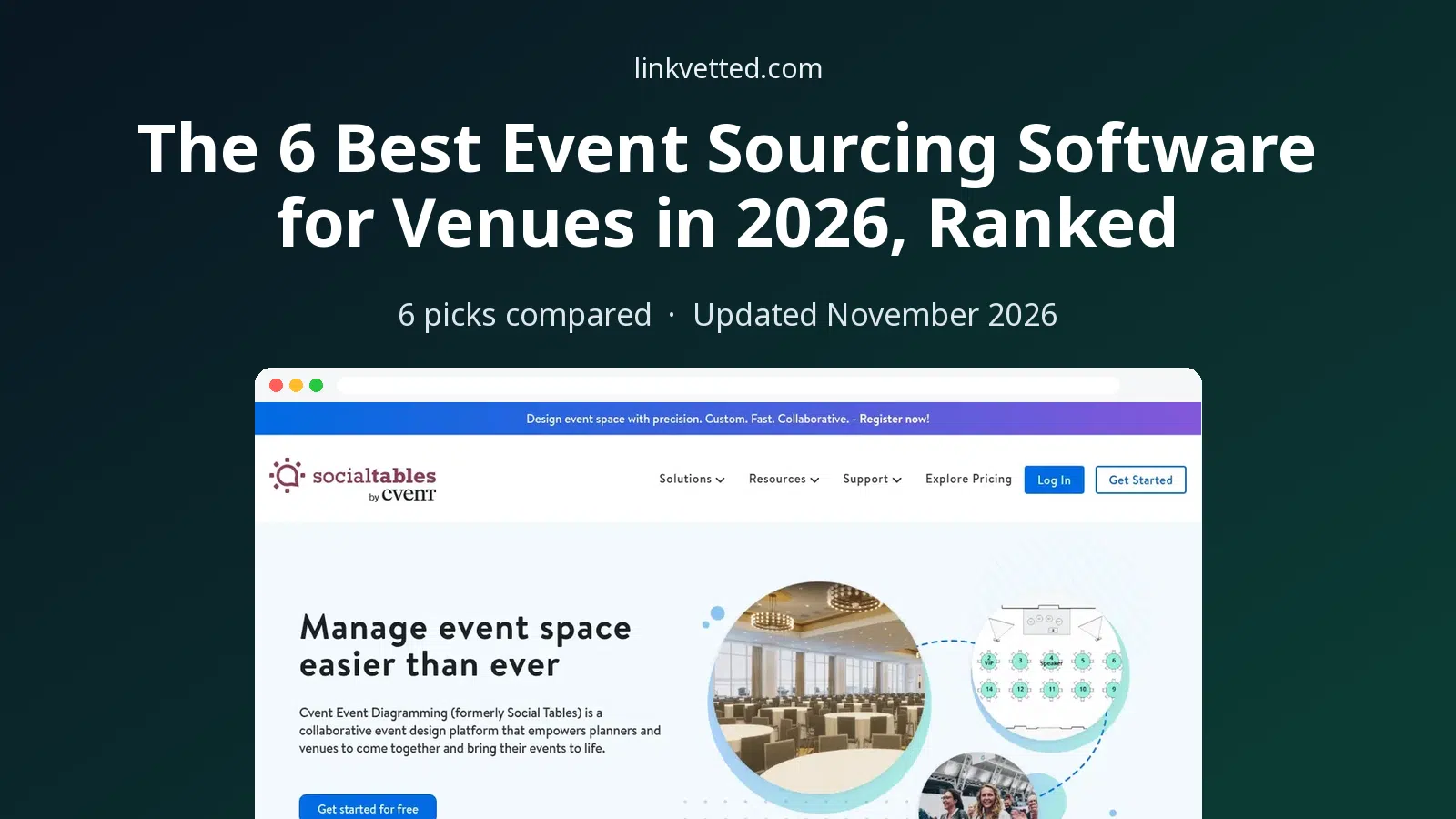
Collaborative event diagramming and space management
Starts at$49 a monthVisit socialtables.comFull review - Also consider
 HoneyBook
Client relationship management for small companies
Starts atSee websiteVisit honeybook.comFull review
Direct answer
Perfect Venue comes first here, mainly for simplified inquiry-to-payment workflow. Listed starting prices: Perfect Venue from $199 a month per location, Social Tables from $49 a month and Event Temple from $249 a month. Social Tables fits collaborative event diagramming and space management; HoneyBook fits client relationship management for small companies. The remaining 3 options are covered below with prices and limits.
TL;DR:
- Perfect Venue takes the first slot, best suited to simplified inquiry-to-payment workflow.
- The cheapest monthly starting price in the list is $49 per month, offered by Social Tables.
- Tripleseat is the one to check for all-in-one venue and event management.
- The main caution on Event Temple: primarily for hotels, not all venue types.
- Social Tables stands alone as the one tool in this list with a free plan.
Last checked November 2026. Prices and plan details were read from the vendors' own pages in November 2026; vendors change plans often, so confirm the current price on the vendor site before you buy.
Quick comparison
| Tool | Best for | Starts at | Free plan? | |
|---|---|---|---|---|
| Perfect Venue | Simplified inquiry-to-payment workflow | $199 a month per location | Free trial | Visit |
| Social Tables | Collaborative event diagramming and space management | $49 a month | Yes | Visit |
| HoneyBook | Client relationship management for small companies | See website | Not stated | Visit |
| Event Temple | Hotel sales and catering teams | $249 a month | Free trial | Visit |
 Planning Pod | Venue management with built-in tools | See website | Not stated | Visit |
 Tripleseat | All-in-one venue and event management | See website | Not stated | Visit |
Event Sourcing Software for Venues compared in detail
This LinkVetted guide covers 6 event sourcing software for venues. Each profile lists a starting price, free plan details, strengths and drawbacks, so you can drop poor fits quickly.
Perfect Venue
Best for: Simplified inquiry-to-payment workflow
Think of Perfect Venue for simplified inquiry-to-payment workflow. Perfect Venue provides event management software that permits venues to easily receive inquiries, send proposals, and get premium all in one place. It concentrates on simplifying the core event sourcing workflow, making it a solid fit for venues that want a straightforward tool to handle leads and payments without broad complexity.
Choose Perfect Venue if you prioritize a clean, approachable interface for inquiries, proposals, and payments. More specifically, Perfect Venue may not offer the depth of features found in more thorough products, like advanced diagramming or hotel-specific sales tools. Entry price for Perfect Venue: $199 per month per location. Trial and free access: Free trial.
What to check first: Could be less a good match for large hotels.
- Simple inquiry management
- Straightforward all-in-one workflow
- May lack advanced diagramming features
Pick HoneyBook if this describes you: client relationship management for small firms. HoneyBook is an AI-powered client relationship product that helps small firms run proposals, contracts, invoices, payments, and projects. In practice, whereas not built exclusively for venues, it can serve event professionals and small venues that require a general CRM to deal with client interactions and financials in one place.
In daily use, HoneyBook is not tailored to venue management, so it may lack features like floor plans, BEOs, or event diagramming. From a buyer's view, consider HoneyBook if you are a small venue or event planner seeking a versatile CRM with core business management tools. Venues with complicated event sourcing needs may outgrow it. Pricing for HoneyBook is not stated here, so ask the vendor for current figures. Trial and free access: Not stated.
Honest limits: May lack specialized event sourcing tools.
What HoneyBook does well: AI-powered CRM features.
- Runs proposals, contracts, invoices, payments
- Supports project management
- Not venue-specific
Event Temple
Best for: Hotel sales and catering teams
Choose Event Temple for hotel sales and catering teams. Choose Event Temple if you are a hotel seeking specialized sales and catering tools.
More specifically, hotels with several event spaces and group business will find it especially aligned with their needs. What you pay to start with Event Temple: $249 per month. On free options: Free trial.
Limits to weigh: not all venue types. Main advantages: simplifies sales and catering workflows.
- Centralizes group, meeting
- Designed specifically for hotels
- Primarily for hotels
Choose Planning Pod for Venue management with built-in tools. It is meant to consolidate several aspects of venue management into a single product, making it a good match for venues that want to simplify operations and cut software sprawl. Also, Planning Pod's thorough feature set may be more than needed for venues with straightforward event sourcing needs.
Where it falls short: Could be feature-heavy for straightforward operations.
Upsides: floor plans, payments.
It may need time to set up and customize. For everyday use, consider Planning Pod if you want an integrated system that handles leads through payments and are ready to invest in setup. Pricing for Planning Pod is not stated here, so ask the vendor for current figures. On free options: Not stated.
- Bundles leads, BEOs
- Designed for venues
- May have a ramp-up time for new users
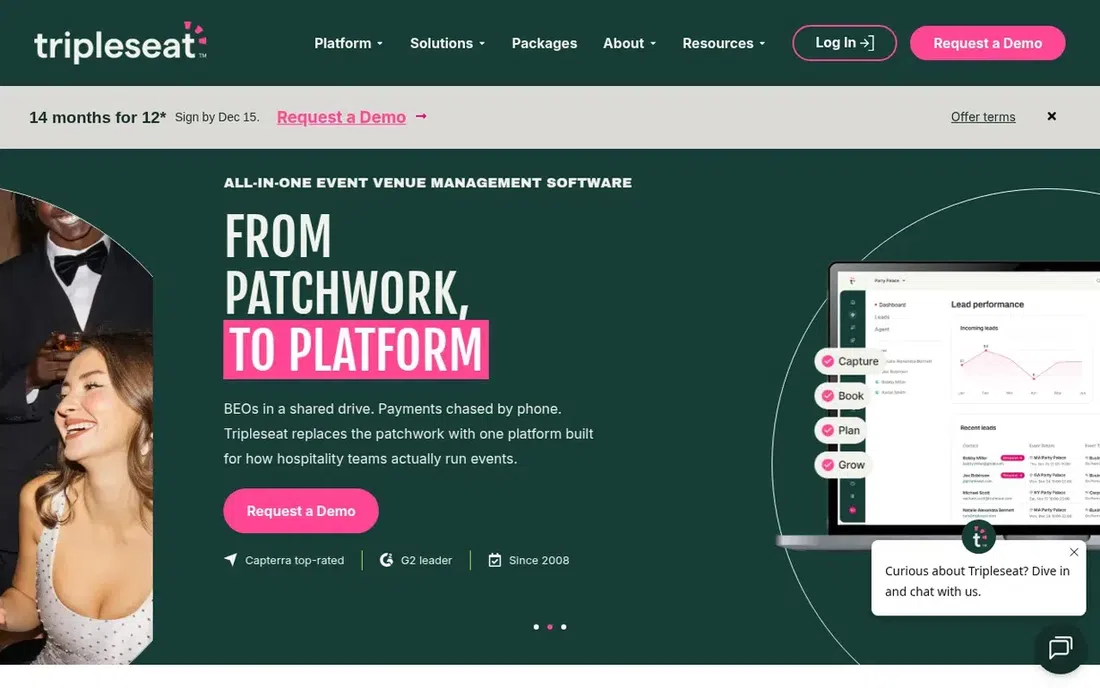
Tripleseat targets all-in-one venue and event management. It simplifies bookings, helps grow revenue, and eases event management from inquiry to execution.
Watch-outs: Needs setup to match specific workflows.
As for the details, consider Tripleseat if you need a proven platform that integrates booking, revenue growth, and event management in one place. More specifically, venues that manage a high volume of events and need a centralized system will find it especially handy, as it handles the core aspects of event sourcing and management. No starting price is listed for Tripleseat here; confirm pricing on the vendor site. As for free access: Not stated.
- Simplifies bookings and event management
- Unique venues
- May be more than needed for very small venues
How the list was put together
We compared the tools on published pricing, free plan or trial availability, feature coverage for event sourcing software for venues, and the limits each vendor documents. Treat prices as a snapshot: vendors change plans often, so check the vendor site for the figure that applies today. Order on the page follows fit for the typical buyer first, then price transparency and free access. Your own requirements should decide the final pick.
A buyer's checklist
- Confirm the entry price on the vendor page. For HoneyBook, Planning Pod and Tripleseat that means a quote rather than a fixed price.
- Test the free plan from Social Tables against your real workload before relying on it.
- Take the trial from Perfect Venue and Event Temple and push a live task through it before you pay.
- Before choosing Perfect Venue, weigh its main limit: may lack advanced diagramming features.
- Confirm you can export your data from Social Tables, so leaving later does not mean losing records.
- Confirm the exact Event Temple plan that includes your must-have features.
FAQ
Can I try these tools before paying?
Often, yes. Social Tables has a free plan and Perfect Venue and Event Temple offer a free trial. Use your own data and a real task during the test, and check what the free tier or trial limits before you rely on it. Each of the 6 options in this event sourcing software for Venues guide has its own card above with the price, free plan and limits.
Which options for event sourcing software for venues have a free plan?
Social Tables is the only tool in this list with a free plan. Free plans usually cap users, projects or features, so check the limits on the vendor page. Several others offer a trial instead. All 6 picks in this event sourcing software for Venues comparison list a starting price, free plan details and the main limits on their cards above.
Do these tools publish their prices?
Not all of them. HoneyBook, Planning Pod and Tripleseat publish no starting price, so expect a quote request for those. The rest, Perfect Venue included, show a starting price, though seats and billing terms still change the final cost.
How are the tools for event sourcing software for venues ordered?
The order follows typical fit for event sourcing software for venues, with Perfect Venue first and Tripleseat last, then price clarity and free access. It is editorial judgement, not a score, so another team could rank the tools differently.
Is it necessary to have diagramming features in event sourcing software?
Diagramming features are useful if you have to visualize event layouts and collaborate with planners on space usage. Not all venues need them, but they can enhance communication and planning.
Can event sourcing software manage both small and large events?
Plenty of products are scalable and can accommodate events of several sizes. Check whether the software supports the range of events you host and can grow with your business.
Sources
- https://www.perfectvenue.com
- https://www.socialtables.com
- https://www.honeybook.com
- https://www.eventtemple.com
- https://www.planningpod.com
- https://tripleseat.com
Social Tables
Best for: Collaborative event diagramming and space management
Social Tables is built with collaborative event diagramming and space management in mind. Venues that require to optimize floor plans and work closely with planners will benefit from its specialized features.
Social Tables starts at: $49 per month. Social Tables offers a free plan.
Trade-offs to know: Focused primarily on diagramming.