8 Best Enterprise Backup Software in 2026: Recovery, Ransomware and Scale
We compared the best enterprise backup software for servers, cloud and SaaS data, covering recovery speed, ransomware protection, pricing and deployment.
- Editor's choice
 Veeam
Virtual, cloud, and SaaS recovery at scale
Starts atSee websiteVisit veeam.comFull review - Great alternative
 Commvault
Broad enterprise workload coverage
Starts atSee websiteVisit commvault.comFull review - Also consider
 Rubrik
Ransomware recovery and data security
Starts atSee websiteVisit rubrik.comFull review
TL;DR:
- Veeam, Commvault, Rubrik, and Cohesity lead for large hybrid estates, with different strengths in virtual, cloud, and ransomware recovery.
- Acronis and Veritas suit teams that need broad workload coverage, while Dell and IBM fit shops already standardized on their hardware or storage.
- Recovery speed, immutable backups, and clean-room recovery matter more than backup speed alone in a ransomware event.
- Enterprise pricing is almost always quote-based, so compare by workload, retention, and recovery targets, not by a headline price.
Quick comparison
| Tool | Best for | Starts at | Free plan? | |
|---|---|---|---|---|
| Veeam | Virtual, cloud, and SaaS recovery at scale | See website | Free trial | Visit |
| Commvault | Broad enterprise workload coverage | See website | Free trial | Visit |
| Rubrik | Ransomware recovery and data security | See website | Free trial | Visit |
 Cohesity | Unified backup and data management | See website | Free trial | Visit |
 Acronis | Cyber protection with backup and security | See website | Free trial | Visit |
 Veritas NetBackup | Large, complex enterprise estates | See website | Free trial | Visit |
 Dell PowerProtect | Dell-centered data protection | See website | Free trial | Visit |
 IBM Storage Protect | IBM and large enterprise environments | See website | Free trial | Visit |
The best enterprise backup software
Enterprise backup software must protect servers, virtual machines, databases, cloud workloads, and SaaS data, and it must restore them fast after failure or attack. The tools below are built for that scale, with centralized management, retention policies, and recovery testing. We compared official feature pages and deployment models, and we note where pricing is quote-based.
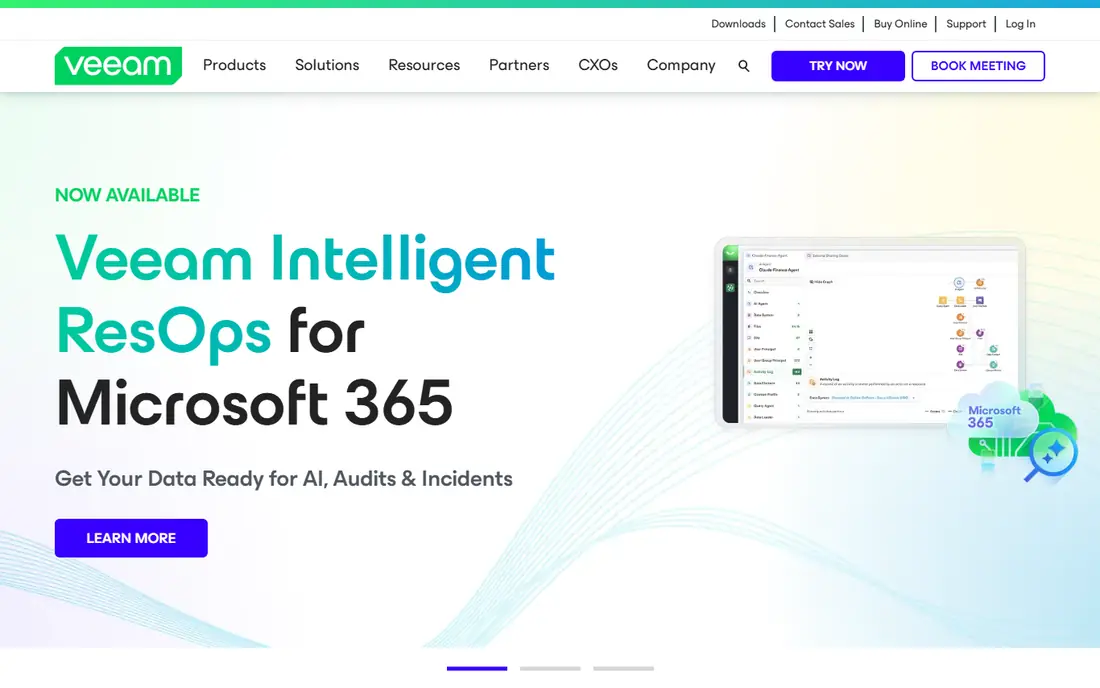
Veeam is a common choice for virtualized and hybrid estates, with backup and recovery for VMware, Hyper-V, cloud workloads, databases, and Microsoft 365. Its instant recovery features help teams bring a virtual machine or file back fast, rather than waiting for a full restore. Central management, retention policies, and replication support disaster recovery planning across sites.
The trade-off is sizing and edition choice. Veeam pricing depends on workloads and editions, so a large estate needs a proper sizing exercise before purchase. Teams that only need simple file backup will find it more than they need. Veeam fits organizations with virtual and cloud workloads that need fast, tested recovery.
- Broad virtual, cloud, and Microsoft 365 coverage
- Instant recovery options
- Large partner and community ecosystem
- Pricing is quote-based and varies by workload
- Large estates need careful sizing
- Some advanced features sit on higher editions
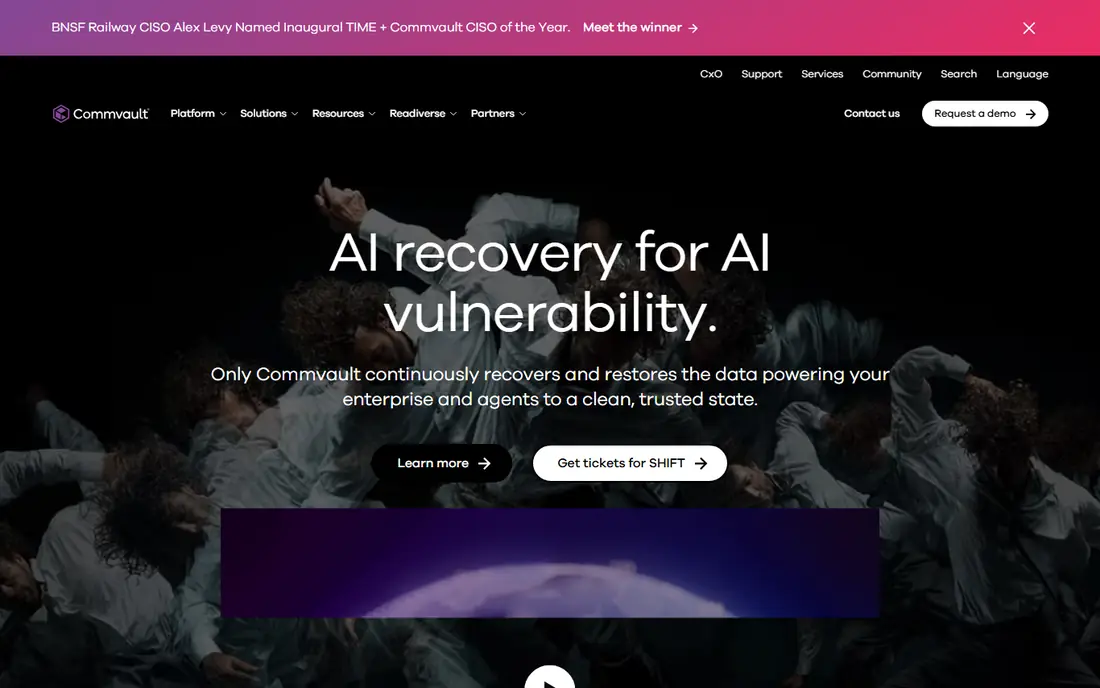
Commvault covers a wide range of workloads, from databases and applications to virtual machines, cloud, and endpoints, under one platform. Its policy engine handles retention, compliance, and data movement across storage tiers, which helps large teams with strict retention rules. Cloud and on-premises deployment options suit hybrid estates that are not moving to cloud all at once.
The catch is complexity and cost. Commvault is an enterprise platform with implementation effort that suits teams with dedicated backup staff. Smaller teams may find the setup and administration heavier than Veeam or Acronis. It fits large organizations that need one platform for many workload types and strict policy control.
- Very broad workload and storage coverage
- Strong policy and retention controls
- Cloud and on-premises deployment
- Enterprise pricing and implementation effort
- Interface can feel complex for small teams
- Needs skilled administration
Rubrik focuses on data security as much as backup, with immutable backups that cannot be changed by ransomware and anomaly detection that flags suspicious changes. Its recovery workflows include isolated clean-room recovery, so teams can test a restore before bringing systems back online. Coverage spans virtual, cloud, databases, and SaaS data, with centralized policy management.
The limit is price and legacy fit. Rubrik pricing is quote-based and tends to suit mid-size and large organizations rather than small offices. Teams with many legacy systems should confirm coverage for those workloads. Rubrik fits organizations where ransomware recovery is a board-level concern and clean recovery matters more than the lowest backup cost.
- Immutable backups and anomaly detection
- Clean-room recovery workflows
- Cloud and SaaS coverage
- Quote-based pricing
- Best value at larger scale
- Some legacy workload coverage is thinner than Commvault or Veritas
Cohesity unifies backup, recovery, and data management on one platform, which helps teams that also need file services, object storage, or test data management. Its ransomware features include detection, immutable snapshots, and recovery workflows that help teams return to a known good state. The platform scales across on-premises and cloud, with policy-based management.
The trade-off is scope. Cohesity offers more than backup alone, so teams that only need backup may pay for breadth they do not use. Implementation also benefits from planning around data management goals. It fits organizations that want backup plus data services in one platform, with ransomware recovery built in.
- Unified platform for backup, recovery, and data management
- Ransomware detection and recovery
- Cloud and on-premises options
- Quote-based pricing
- Platform breadth needs planning
- Smaller teams may not use the full data management suite
Acronis combines backup with cyber protection, including anti-malware, vulnerability assessment, and patching in some editions. That combination appeals to teams that want fewer agents on endpoints and servers, and to managed service providers that protect many small and mid-size clients. Coverage includes servers, workstations, virtual machines, and cloud workloads.
The catch is overlap. If you already have a strong endpoint security stack, Acronis security features may duplicate it. Enterprise pricing also varies by workload and edition, so compare it against a backup-only tool plus your existing security spend. Acronis fits teams that want backup and endpoint protection together, especially through a provider.
- Backup plus anti-malware and endpoint protection in one agent
- Broad device and cloud coverage
- Managed service provider options
- Security features can overlap with existing endpoint tools
- Enterprise pricing varies by workload
- Some advanced enterprise controls sit higher
Veritas NetBackup has long served large enterprises with complex estates, including large databases, mainframe-adjacent workloads, and multi-site deployments. Its policy, catalog, and reporting tools suit teams with strict retention, compliance, and audit needs. It also covers cloud workloads alongside on-premises systems, which helps estates in transition.
The downside is effort and cost. NetBackup needs skilled administration and a proper implementation plan, and its pricing reflects enterprise scale. Smaller teams will find it heavier than Veeam or Acronis. It fits large organizations with complex workloads and a dedicated backup team.
- Very broad enterprise workload coverage
- Strong for large databases and complex estates
- Mature policy and reporting
- Enterprise pricing and skilled administration
- Implementation can be long
- Interface feels dated to some teams
Dell PowerProtect combines software with Dell appliances and storage, which suits organizations already standardized on Dell infrastructure. It covers virtual, database, application, and cloud workloads, with cyber recovery vault options for isolated, immutable copies. Cloud tiering helps move older backups to cheaper storage while keeping recent recovery points fast.
The limit is neutrality. Teams with mixed hardware may get less value than with a software-only platform like Veeam or Commvault, and total cost depends on both software and appliance choices. PowerProtect fits Dell shops that want integrated hardware, software, and support in one vendor relationship.
- Tight integration with Dell storage and appliances
- Broad workload coverage
- Cloud tiering and cyber recovery options
- Best value inside a Dell estate
- Pricing depends on hardware and software mix
- Less neutral than software-only tools
IBM Storage Protect, formerly Tivoli Storage Manager, serves large enterprises with demanding retention, scale, and policy needs. It covers servers, virtual machines, databases, and cloud workloads, with centralized management across sites. Its maturity suits organizations with long retention rules and complex compliance requirements.
The trade-off is scale and effort. Storage Protect is an enterprise platform that needs skilled staff and planning, and it is less common for small teams. It fits IBM-centered estates and large organizations that already run IBM infrastructure and need a proven, policy-driven backup platform.
- Strong for large enterprise and IBM environments
- Broad workload coverage
- Mature retention and policy controls
- Enterprise pricing and implementation
- Needs skilled administration
- Less common for small and mid-size teams
How we picked these
We compared official feature pages, workload coverage, recovery options, and deployment models for tools built for enterprise scale. We favored tools with immutable backups, ransomware recovery workflows, centralized policy management, and coverage for virtual, cloud, and SaaS workloads. We left out consumer backup apps and single-device tools, since they do not meet enterprise recovery and retention needs.
How to choose for recovery, not just backup
Start with recovery targets, not backup speed. Define how much data you can lose, measured in time, and how fast each system must return after failure or attack. Those two targets decide retention, storage tiering, and whether you need instant recovery or clean-room recovery. A backup that cannot restore within your target is not a working backup, even if the nightly job succeeds.
Test restores and ransomware recovery
Schedule regular restore tests for critical systems, including databases and directory services, not just files. Test an isolated recovery too, so you know how to bring systems back without reintroducing malware. Check that backups are immutable or isolated from production credentials, since ransomware often targets backup systems first.
Plan retention and storage costs
Retention rules drive storage cost more than daily backup size. Decide how long to keep daily, weekly, and monthly points, and where older points should tier to cloud or archive storage. Confirm SaaS coverage separately, since Microsoft 365 and Google Workspace data often need their own backup, even when server backup is covered.
FAQ
What is the best enterprise backup software for ransomware recovery?
Rubrik and Cohesity lead for ransomware-focused recovery, with immutable backups, anomaly detection, and clean-room workflows. Veeam and Commvault also offer immutable and isolated recovery options. The best pick depends on your workloads, storage, and whether you need a dedicated security-focused platform.
What is the best backup software for enterprise virtual machines?
Veeam is a strong pick for virtual estates, with instant recovery and broad VMware and Hyper-V coverage. Commvault and Veritas also handle large virtual estates well. Compare recovery speed, replication, and licensing by virtual workload before choosing.
Does enterprise backup software cover Microsoft 365 and Google Workspace?
Many tools cover Microsoft 365, and some cover Google Workspace, but coverage varies by product and edition. Check SaaS backup as a separate line item, including mail, drives, and collaboration data. Do not assume server backup alone protects cloud mailboxes and shared drives.
How much does enterprise backup software cost?
Pricing is almost always quote-based, based on workloads, data volume, retention, and editions. Small estates may pay a few thousand dollars per year, while large estates pay far more, plus storage and appliance costs. Get a quote sized to your actual workloads and recovery targets.
What is immutable backup, and why does it matter?
Immutable backup means a backup copy cannot be changed or deleted during its retention period, even by an attacker with admin access. That protection helps ensure a clean recovery point exists after ransomware. Look for immutability, isolated vaults, and access controls that separate backup administration from production administration.
How often should enterprises test backups?
Test critical restores regularly, at least quarterly for core systems, and after any major change to backup, storage, or infrastructure. Include a full system restore, not just a file restore, and record the time it takes. A test that fails in a drill is far cheaper than a failure during a real outage.