8 Best Daily Pay Apps in 2026
Best daily pay apps compared for 2026: 8 earned wage access and cash advance apps, with fees, speed, limits, and safety notes to check first, before you buy.

- Editor's choice
 DailyPay
Employer based earned wages
Starts atSee websiteVisit dailypay.comFull review - Great alternative
 EarnIn
Direct access without employer
Starts atFreeVisit earnin.comFull review - Also consider
 Payactiv
Employer wellness plus pay
Starts atSee websiteVisit payactiv.comFull review
TL;DR:
- Daily pay apps give early access to wages already earned or to a small advance, but they are not free money, and fees for speed add up fast.
- Employer based apps like DailyPay, Payactiv, and Branch usually track earned wages most accurately, but they only work when an employer offers them.
- Direct apps like EarnIn, Dave, and Brigit work without an employer, yet limits start low and instant transfer fees apply.
- Always compare the total cost for the amount and speed you need, and check whether a tip, subscription, or express fee is truly optional.
Quick comparison
| Tool | Best for | Starts at | Free plan? | |
|---|---|---|---|---|
| DailyPay | Employer based earned wages | See website | No | Visit |
| EarnIn | Direct access without employer | Free | Yes | Visit |
| Payactiv | Employer wellness plus pay | See website | No | Visit |
 Branch | Hourly and gig workers | Free | Yes | Visit |
 Dave | Small advances plus budgeting | $1 per month | No | Visit |
 Brigit | Advances plus budgeting tools | See website | No | Visit |
 MoneyLion | Advances plus banking | Free | Yes | Visit |
 Current | Banking with early pay | Free | Yes | Visit |
The best daily pay apps
Daily pay covers two different models, and the distinction matters. Employer based earned wage access pulls from wages already logged in payroll, while direct cash advance apps estimate earnings from bank deposits. Both can help in a tight week, but fees, limits, and repayment timing differ a lot.
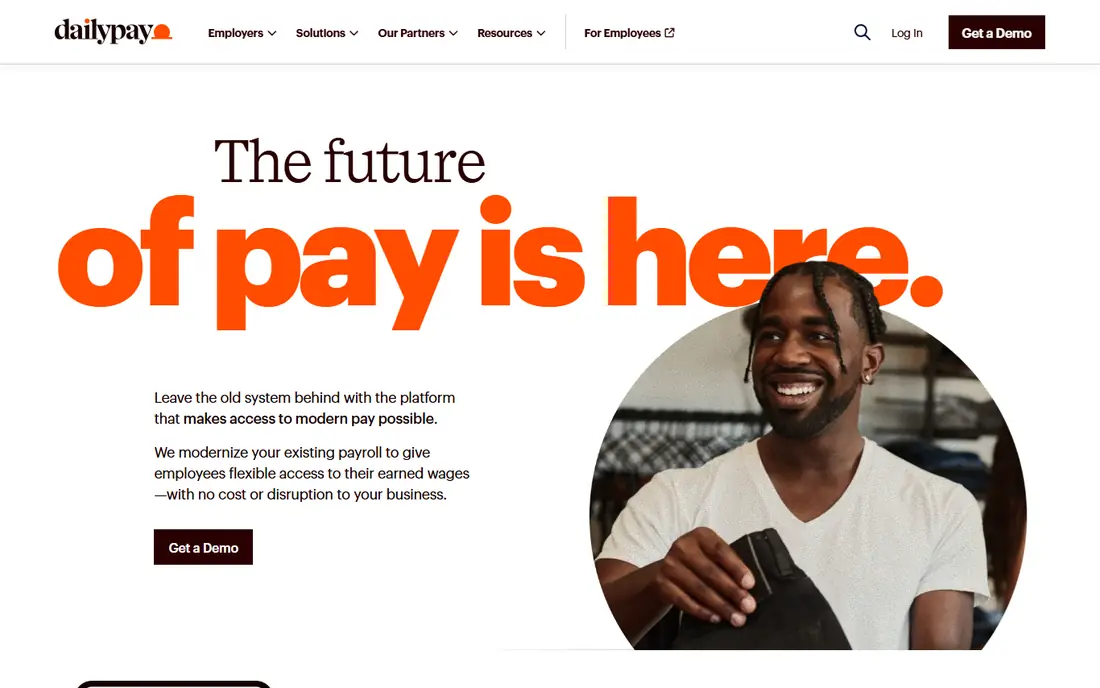
DailyPay connects to employer payroll and time systems, so the amount available reflects hours already worked. Workers can transfer earned pay to a bank account, debit card, or pay card, rather than waiting for the normal payday. The limit is access. If an employer does not offer DailyPay, a worker cannot sign up alone. Fees also vary by employer and transfer method, so check the in app fee for a standard transfer before choosing instant delivery.
- Payroll linked wage tracking
- Transfer to bank, card, or pay card
- Employer may cover fees
- Only available through a participating employer
- Instant transfer fees can apply
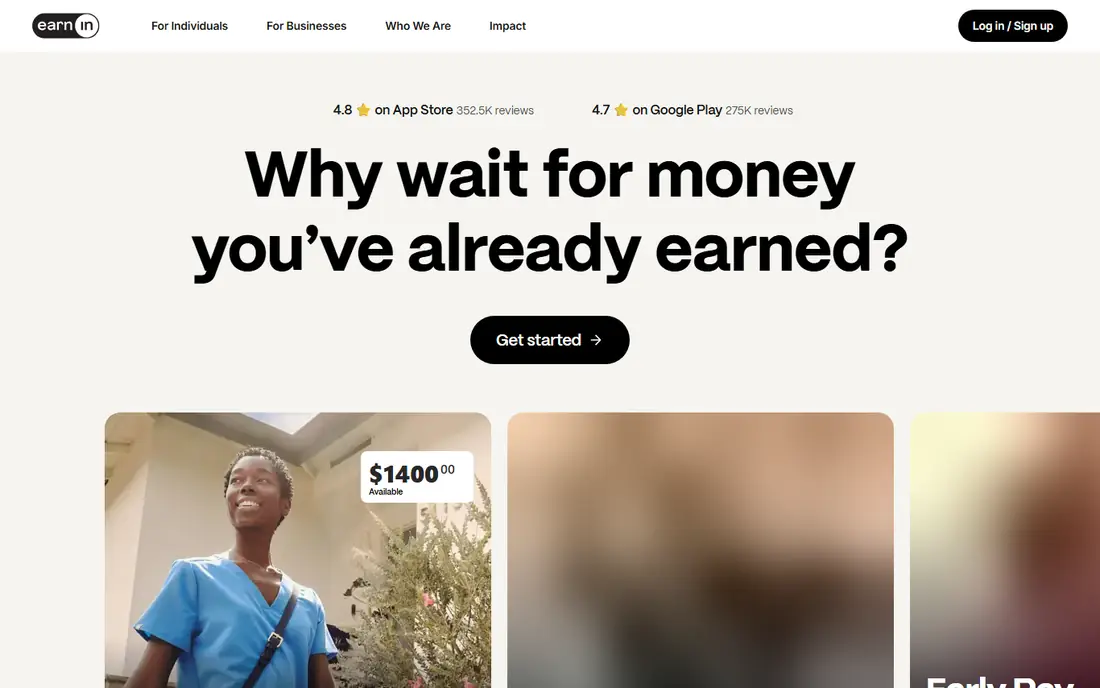
EarnIn is the best known direct option. It connects to a bank account, estimates earned pay from work patterns and deposits, and lets users access up to $150 per day, up to $1,000 per pay period, with no required fee or subscription. Tips are optional. Speed is where cost appears. Standard transfers take one to three business days and are free, while Lightning Speed transfers cost a fee that varies by amount. New users should also expect a lower starting limit that grows with use.
- No mandatory fees or subscription
- No employer sign up needed
- Balance Shield alerts
- Daily limits start low for new users
- Lightning Speed transfers carry a fee
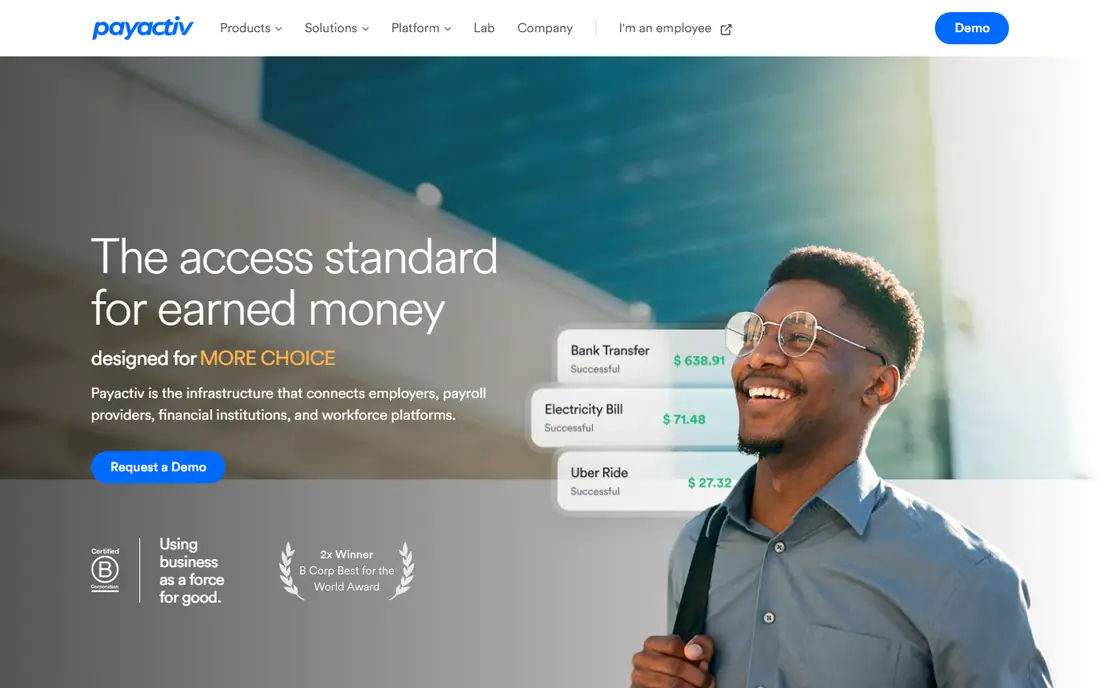
Payactiv is an early employer based provider that pairs earned wage access with savings tools, bill payment help, and financial education. For workers at a participating employer, it can be a broader wellness benefit than a simple advance button. The same employer limit applies. Workers cannot join alone, and the fee for a given transfer depends on the employer plan and the delivery method, so read the fee screen carefully before each transfer.
- Employer payroll integration
- Savings and bill tools
- Financial education content
- Employer participation required
- Fees vary by employer and transfer type
Branch serves hourly workers and gig workers through employer programs and direct tools, with a wallet and debit card that make instant access simpler for wallet users. Shift workers who already use Branch for scheduling or payments get the most value. Workers who want money sent to an outside bank should check transfer fees and timing. The wallet route is usually fastest, while outside bank transfers may take longer or cost more.
- Employer and gig worker options
- Branch Wallet and card
- Fast transfers for wallet users
- Some features need the Branch Wallet
- Fees vary by transfer method
Dave offers ExtraCash advances from $25 to $500, plus budgeting tools and job listings that help users find extra income. It works without an employer, using bank history to set limits, and it does not require a credit check for an advance. The cost model is subscription plus speed. The $1 per month membership is small, but express fees for instant transfers add up if used every pay period. Standard transfers take up to three business days and avoid that extra fee.
- Advances up to $500
- Budgeting and side gig tools
- No credit check for advances
- Monthly membership fee
- Express transfer fees apply for instant delivery
Brigit pairs cash advances with budgeting tools and alerts that warn when an account may go negative. That prediction feature is useful for workers whose main problem is timing, not just a single shortfall. The free tier is limited, and the fuller budgeting and advance features require a paid plan. Users should compare the monthly plan cost against how often they actually need an advance, since a plan that is rarely used is still charged.
- Advances up to $500
- Overdraft prediction alerts
- Credit builder options
- Full features sit behind a paid plan
- Instant delivery carries a fee
MoneyLion offers Instacash advances, plus banking, investing, and credit tools in one app. Basic advances work without a mandatory subscription, and users with a qualifying MoneyLion account can access higher limits. The app is broader than a pure daily pay tool, which can be a plus or a distraction. Users who only need a small advance should focus on the Instacash fee and delivery time, not on the wider product set.
- Instacash advances up to $500
- Banking and investing in one app
- No mandatory subscription for basic advances
- Larger features need qualifying accounts
- Instant delivery fees can apply
Current is a banking app that includes early pay features for users who direct deposit paychecks, plus budgeting tools and fee free basic accounts. For workers who already bank with Current, early access can be simpler than adding a separate advance app. Current is not a pure earned wage access app for every worker. Availability and timing depend on payroll and account setup, so workers at employers without a Current integration should check what early pay actually means for their paycheck.
- Early direct deposit features
- Built in budgeting tools
- No monthly fee for basic account
- Earned wage access depends on account and payroll setup
- Not a standalone advance app
How we picked these
We compared official product pages, fee disclosures, and app store listings for earned wage access and cash advance apps active in October 2026. We favored apps with clear fee screens, no credit check claims that match their own terms, and safety practices like repayment on payday rather than rollover debt, and we noted where employer participation is required.
Using daily pay apps without falling into a fee trap
Check the total cost, not just the headline
A free advance with a $4 express fee, used twice a month, costs about $96 a year. Add a subscription or tips, and the total rises further. Always add membership, express, and tip amounts together for the month before you judge an app as cheap.
Use standard delivery when you can
Standard transfers take one to three business days but are usually free. If the bill is not due today, a standard transfer saves the express fee, and planning one day ahead often removes the need for instant delivery entirely.
Keep the advance small and short
Borrow only the amount needed for the specific bill, and let repayment happen on the next payday as planned. Repeated advances that cover the prior advance are a warning sign that the budget, not the timing, needs attention.
Know the safety basics
Use apps with clear privacy policies, bank level encryption, and in app support. Never share login codes, avoid apps that ask for payment outside the app, and contact the provider directly if a transfer or repayment looks wrong.
Build a buffer so advances become rare
Daily pay apps work best as a bridge, not a routine. After a tight week, try to set aside a small amount from the next paycheck, even ten or twenty dollars, into a separate savings pot. Over several pay periods, that pot grows into a buffer that covers a small bill without a fee, a tip, or a transfer delay. A buffer also changes how you judge an app. When advances are rare, speed matters less, and a free standard transfer is usually fine. When advances happen every period, the total fees deserve a hard look, and a chat with an employer about pay timing or a budgeting review may help more than a new app.
FAQ
Are daily pay apps the same as payday loans?
No. Earned wage access gives early access to wages already earned, while payday loans lend against future pay with interest. Direct advance apps sit between those models, so check whether the product is tied to earned wages or to estimated deposits.
Do daily pay apps check credit?
Most earned wage access and cash advance apps in this list do not require a traditional credit check for an advance. They use bank history, payroll data, or deposit patterns instead, and they do not usually report advances to credit bureaus.
How fast will I get the money?
Employer based apps can offer same day or instant transfers to a card or wallet. Direct apps usually offer free standard transfers in one to three business days, with instant transfers available for a fee at supported banks.
What happens if my paycheck is smaller than expected?
The advance is still due on the planned payday, usually by automatic debit or payroll deduction. If a paycheck changes, contact the provider before payday to discuss options, and avoid taking a second advance to cover the first.
Are tips really optional?
On apps that use tips, the tip should be optional and should not affect service or limits, according to the provider terms. If an app pressures you to tip or hides the no tip option, treat that as a cost and compare it with other apps.