Employee Training Software for Event Planners in 2026: The 6 Best Options Side by Side
Best employee training software for event planners, compared. 6 tools with published prices, free plans and limits. Read the caveats before you buy. Start here.
- Editor's choice
 Cornerstone Learning
Workforce readiness in large event organizations
Starts atSee websiteVisit cornerstoneondemand.comFull review - Great alternative
 Absorb LMS
Enterprises wanting performance-linked training
Starts atSee websiteVisit absorblms.comFull review - Also consider
 TalentLMS
Small teams building online courses
Starts at$119 per monthVisit talentlms.comFull review
Direct answer
Cornerstone Learning is the first pick on this list for workforce readiness in large event organizations. Listed starting prices: TalentLMS from $119 per month. If your case is different, Absorb LMS suits enterprises wanting performance-linked training and TalentLMS suits small teams building online courses. Prices, free plans and limits for all 6 tools follow.
TL;DR:
- Cornerstone Learning is the opening pick, best for workforce readiness in large event organizations.
- Docebo comes with a trade-off: wide product may feel heavy for small teams.
- TalentLMS has the lowest monthly starting price in this list: $119 per month.
- Litmos suits training employees, customers and partners.
- TalentLMS stands alone as the one tool in this list with a free plan.
Last checked November 2026. Prices and plan details were read from the vendors' own pages in November 2026; vendors change plans often, so confirm the current price on the vendor site before you buy.
Quick comparison
| Tool | Best for | Starts at | Free plan? | |
|---|---|---|---|---|
| Cornerstone Learning | Workforce readiness in large event organizations | See website | Not stated | Visit |
| Absorb LMS | Enterprises wanting performance-linked training | See website | Not stated | Visit |
| TalentLMS | Small teams building online courses | $119 per month | Yes | Visit |
 Docebo | Skills visibility across event teams | See website | Not stated | Visit |
| Adobe Learning Manager | Personalized learning at scale | See website | Not stated | Visit |
 Litmos | Training employees, customers and partners | See website | Not stated | Visit |
Tool-by-tool breakdown
LinkVetted compared 6 employee training software for event planners. The goal is a practical shortlist: published prices, free plan facts, best-fit use cases and honest limits for every entry.
Cornerstone Learning
Best for: Workforce readiness in large event organizations
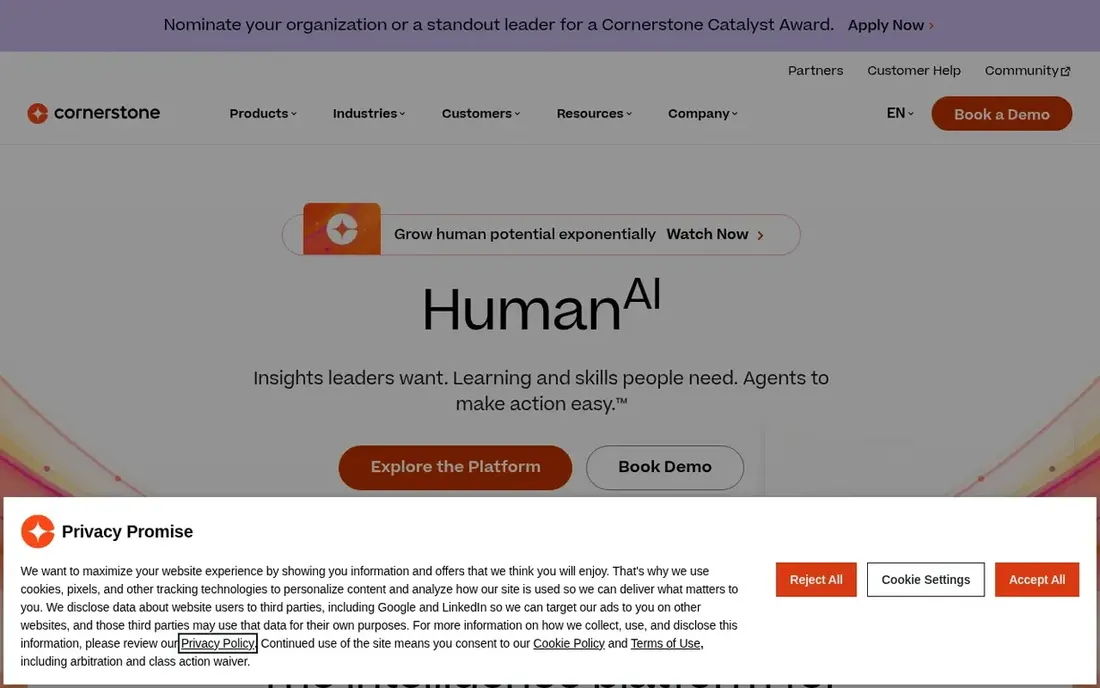
For workforce readiness in large event organizations, Cornerstone Learning is a natural candidate. Cornerstone Learning is part of an intelligence system for workforce readiness, combining skills and learning with AI agents that help people act on insight.
Where it is weaker: Enterprise focus can slow small teams.
Cornerstone Learning shows no starting price here, so confirm the cost on the vendor site. On free options: Not stated.
- Pitched at enterprise readiness
- Skills and learning in one system
- Configuration effort is significant
Absorb LMS is designed for enterprises wanting performance-linked training. The enterprise framing means smaller planning teams may pay for capability they never use, and administration needs dedicated time. From a buyer's view, consider a lighter cloud system if you have restricted learning staff.
What Absorb LMS does well: Aimed at enterprise use.
Watch-outs: Enterprise positioning may overwhelm small teams.
More specifically, event planning firms with large, distributed teams can use it to deliver consistent onboarding and compliance content across regions and event seasons. In practice, Absorb LMS positions itself as an enterprise learning management system with AI-powered training that ties back to performance. No starting price is listed for Absorb LMS here; confirm pricing on the vendor site. Trial and free access: Not stated.
- Emphasizes performance results
- AI-powered training focus
- Needs admin resources
TalentLMS serves small teams building online courses. TalentLMS is a cloud learning product for creating and managing online courses.
What to check first: Advanced reporting is restricted.
From a buyer's view, when training extends to large partner networks or needs deep skills intelligence, the system may feel restricted compared to broader suites. Bigger organizations should weigh enterprise choices before committing. Starting cost for TalentLMS: $119 per month. TalentLMS offers a free plan.
- Suits small planning teams
- Straightforward course management
- Less depth for complex partner programs
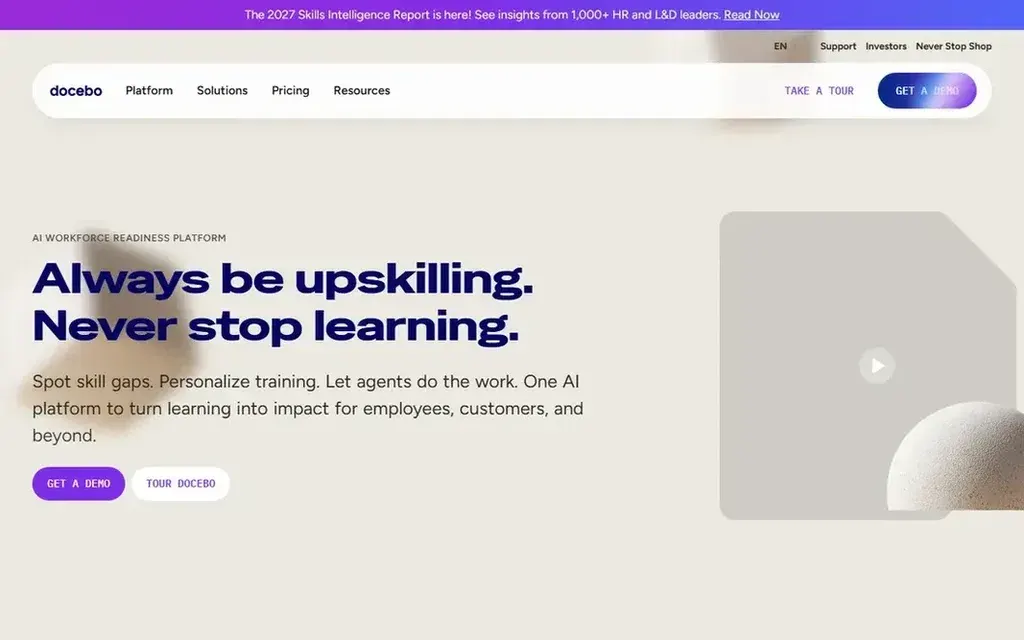
Docebo makes the most sense for skills visibility across event teams. Docebo presents itself as a workforce readiness system that links skills intelligence, learning, knowledge and AI agents. The breadth of the product means more configuration before you see value.
Honest limits: Setup needs planning.
So a very small planning office may find it more than needed. For event planners, that means you can map roles for example coordinator, on-site lead or registration manager to skills and see who is ready. No starting price is listed for Docebo here; confirm pricing on the vendor site. On free options: Not stated.
- Links skills intelligence with learning
- Displays who is ready for roles
- Wide product may feel heavy for small teams
Adobe Learning Manager
Best for: Personalized learning at scale
Adobe Learning Manager works best for personalized learning at scale. Smaller teams with a single internal audience may prefer a more focused tool.
The main drawbacks: Setup can take time.
Adobe Learning Manager does not show a starting price in this comparison, so check the vendor site for current pricing. Free plan details: Not stated.
- Includes customer and partner training
- AI-powered LMS positioning
- Wide scope needs clear goals
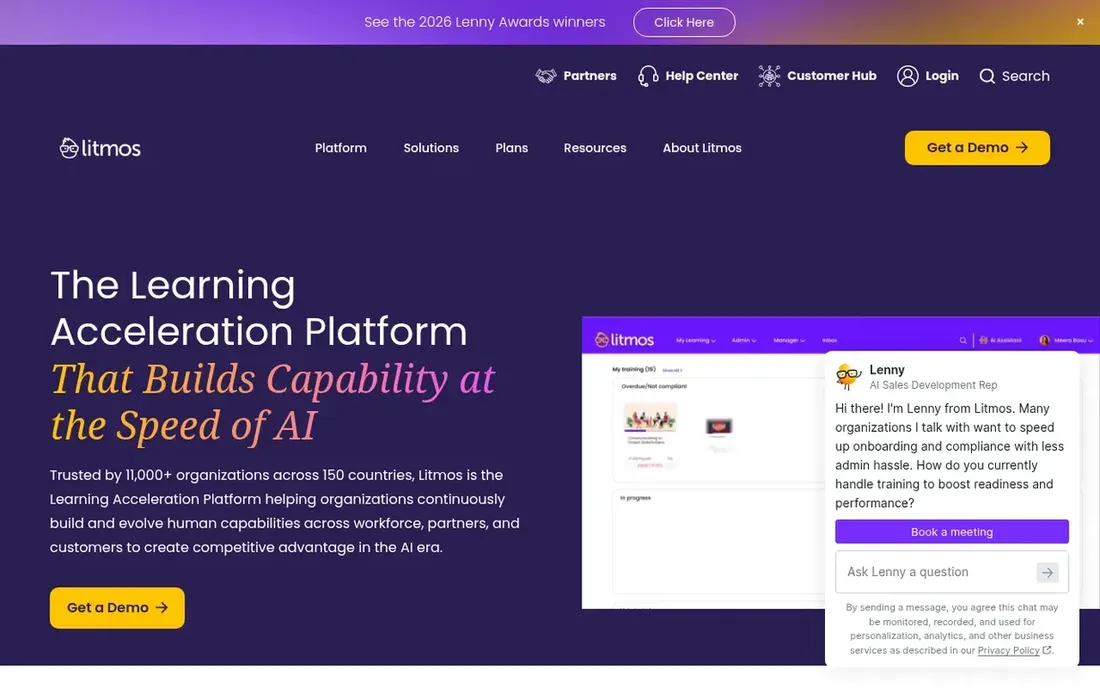
Litmos is a good fit for training employees, customers and partners. Litmos describes a learning acceleration product for building human capability across employees, customers and partners. That scope helps event planners who must train internal staff alongside venue contacts, suppliers and freelance crew.
Points against: Needs content planning upfront.
Worth adding: supporting numerous audiences means you need a clear content and access plan, or administration becomes messy. From a buyer's view, if your training is restricted to a handful of internal staff, a narrower tool may be more straightforward. This comparison lists no price for Litmos; ask the vendor. On free options: Not stated. Where it shines: Fits extended event networks.
- Customers and partners
- Learning acceleration focus
- Feature depth varies by use case
What went into this list
Selection started from tools commonly considered for employee training software for event planners, then narrowed to 6 that have clear pricing information or a clear quote process. Treat prices as a snapshot: vendors change plans often, so check the vendor site for the figure that applies today. Position on the page reflects fit for a typical buyer first, with price clarity and free access breaking ties. Treat it as a guide, not a ruling.
A buyer's checklist
- Confirm the entry price on the vendor page. For Cornerstone Learning, Absorb LMS, Docebo and others that means a quote rather than a fixed price.
- Look at the free plan from TalentLMS closely: its caps decide whether it is usable for real work.
- Before choosing Cornerstone Learning, weigh its main limit: enterprise focus can slow small teams.
- Ask Cornerstone Learning which support channels and response times come with the plan you would buy.
- Before you load data into Docebo, check what an export looks like and who can run it.
FAQ
Do these tools publish their prices?
Not all of them. Cornerstone Learning, Absorb LMS, Docebo and others publish no starting price, so expect a quote request for those. The rest, TalentLMS included, show a starting price, though seats and billing terms still change the final cost.
Which options for employee training software for event planners have a free plan?
TalentLMS is the only tool in this list with a free plan. Free plans usually cap users, projects or features, so check the limits on the vendor page. For the full picture, the cards above cover all 6 entries of this employee training software for event planners list, including price, free plan and limits.
How are the tools for employee training software for event planners ordered?
Cornerstone Learning sits first and Litmos last because the order follows typical fit for employee training software for event planners, then price clarity and free access. It is a judgement call, so read each profile for fit and limits.
What should event planners check before choosing?
Confirm support for external learners, the reporting needed for seasonal onboarding, mobile access for on-site work, and integrations with scheduling or HR systems. Testing content authoring workflows before committing also helps.
Can I try these tools before paying?
Often, yes. TalentLMS has a free plan. Use your own data and a real task during the test, and check what the free tier or trial limits before you rely on it. Prices, free plan details and limits for all 6 tools in this employee training software for event planners roundup sit on the individual cards above.
Which system is best for training seasonal event crew?
The first pick on this list is Cornerstone Learning, because it suits workforce readiness in large event organizations. Absorb LMS is better for enterprises wanting performance-linked training, and TalentLMS for small teams building online courses. Check price and limits against your own needs before choosing.
Sources
- https://www.cornerstoneondemand.com
- https://www.absorblms.com
- https://www.talentlms.com
- https://www.docebo.com
- https://business.adobe.com/products/learning-manager/adobe-learning-manager.html
- https://www.litmos.com