5 Best Employee Scheduling Software for Small Teams for 2026, Vetted and Compared
Compare 5 best employee scheduling software for small teams, with prices, free plans and who each fits. Read the caveats before you buy. Checked this month.
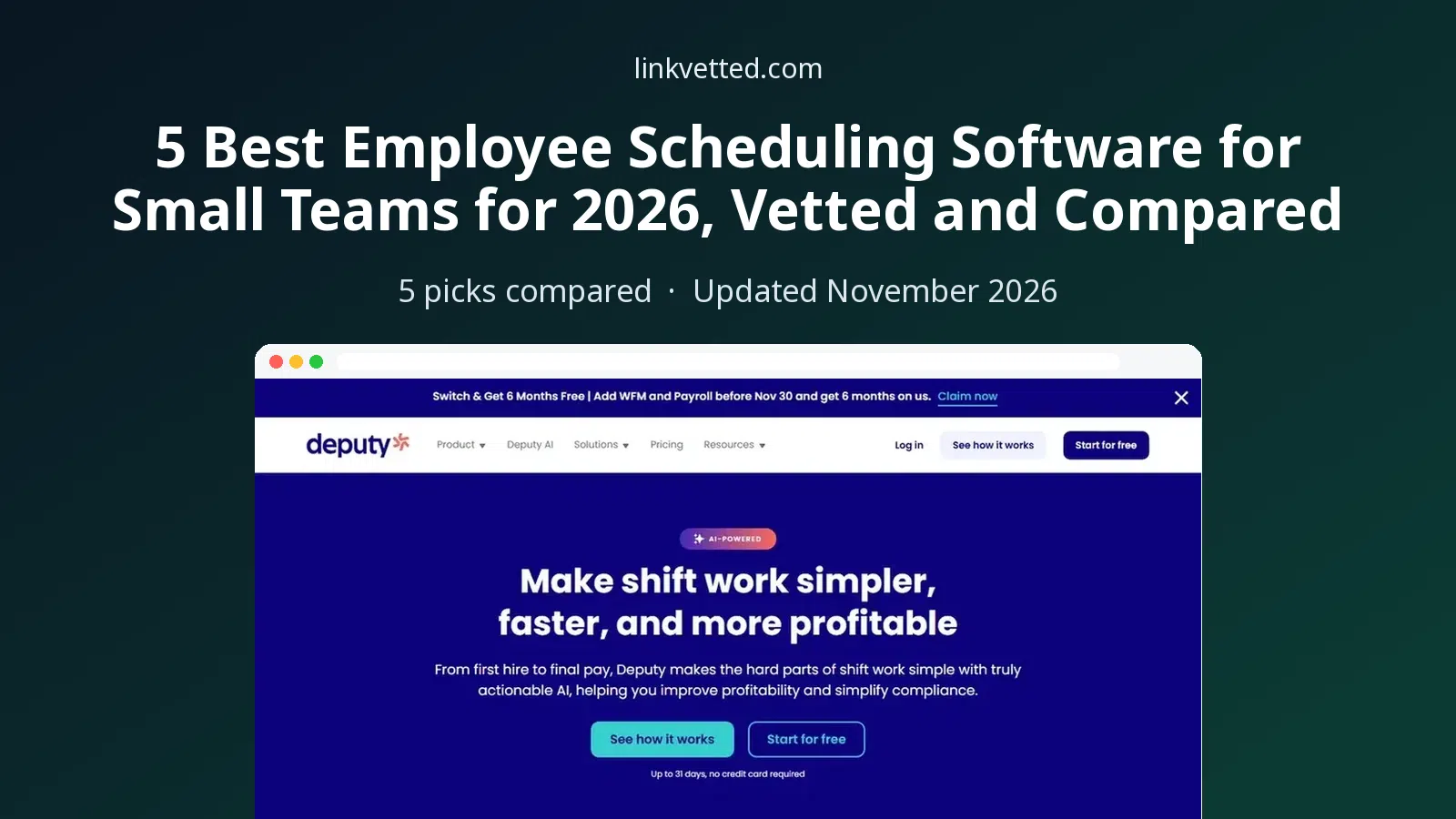
- Editor's choice
 Deputy
Teams needing scheduling with HR and payroll
Starts at$5 per user a monthVisit deputy.comFull review - Great alternative
 Sling
Budget-conscious teams wanting free scheduling
Starts at$1.70 per user a monthVisit getsling.comFull review - Also consider
 Shiftboard
Teams needing support and transition guidance
Starts atSee websiteVisit shiftboard.comFull review
Direct answer
If you need teams needing scheduling with HR and payroll, Deputy is the first tool to look at here. Listed starting prices: Deputy from $5 per user a month, Sling from $1.70 per user a month and When I Work from $2.50 per user a month. Sling fits budget-conscious teams wanting free scheduling; Shiftboard fits teams needing support and transition guidance. The remaining 2 options are covered below with prices and limits.
TL;DR:
- Deputy takes the first slot, best suited to teams needing scheduling with HR and payroll.
- Homebase suits hourly teams needing scheduling and time clocks.
- For the cheapest start, look at Sling: $1.70 per user per month.
- Deputy comes with a trade-off: may be more complicated for very small teams.
- 2 of 5 tools offer a free plan: Sling, Homebase.
Last checked November 2026. Prices and plan details were read from the vendors' own pages in November 2026; vendors change plans often, so confirm the current price on the vendor site before you buy.
Quick comparison
| Tool | Best for | Starts at | Free plan? | |
|---|---|---|---|---|
| Deputy | Teams needing scheduling with HR and payroll | $5 per user a month | Free trial | Visit |
| Sling | Budget-conscious teams wanting free scheduling | $1.70 per user a month | Yes | Visit |
| Shiftboard | Teams needing support and transition guidance | See website | Not stated | Visit |
 When I Work | Straightforward shift scheduling and team messaging | $2.50 per user a month | Free trial | Visit |
 Homebase | Hourly teams needing scheduling and time clocks | $30 per location a month | Yes | Visit |
Every option for employee scheduling software for small teams explained
If you are comparing employee scheduling software for small teams, this page covers 5 tools in one place: what each is best for, what it costs to start, whether it has a free plan, and the main limit to know about.
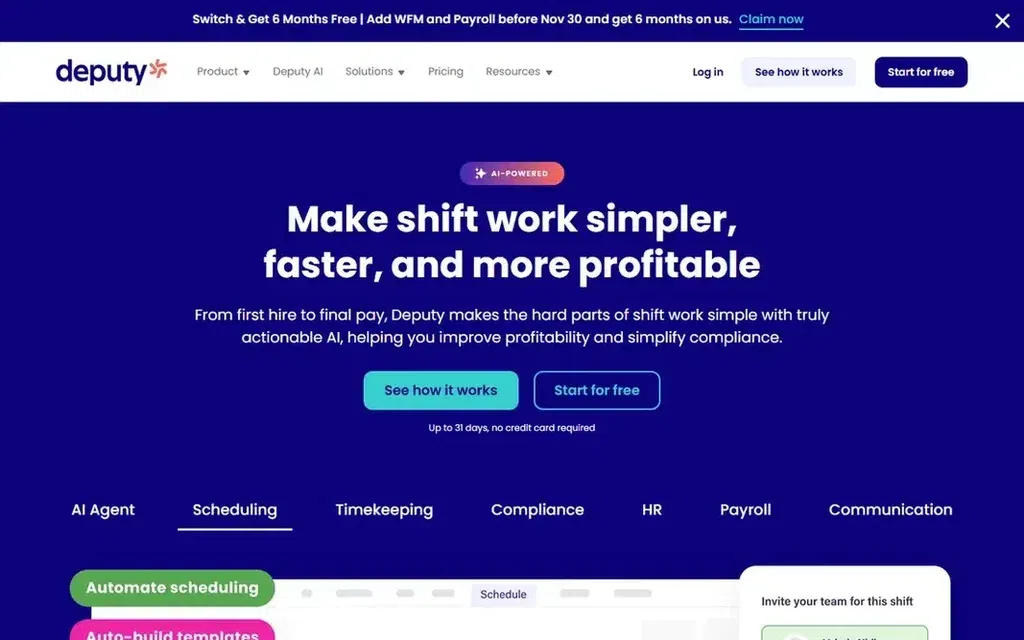
Deputy works best for teams needing scheduling with HR and payroll. Deputy is an employee scheduling system that also provides HR and payroll software, along with AI labor forecasting. It is suited for small teams that are expanding and need more than just shift scheduling.
If you only need entry-level scheduling, a more straightforward tool may be more appropriate. In practice, for a team of just a handful of people, Deputy's extra features might be more than needed, and the ramp-up time could be steeper. Deputy cost at the entry level: $5 per user per month. On free options: Free trial.
Where it falls short: May be more complicated for very small teams.
- Comes with HR and payroll features
- AI labor forecasting helps optimize schedules
- Pricing can be higher than entry-level schedulers
Where Sling fits: budget-conscious teams wanting free scheduling. Sling is a free employee shift scheduling and planning software that helps small companies manage shifts and communicate with employees. It is meant to be simple to use, making it a decent starting point for teams that are new to scheduling software.
Watch-outs: Restricted customization compared with premium alternatives.
Sling may not offer the same depth of HR, payroll, or reporting features as some premium competitors. Small teams with tight budgets will appreciate that core scheduling features are available without cost. In daily use, if you need integrated payroll or advanced compliance tools, you might outgrow Sling. Starting cost for Sling: $1.70 per user per month. A free plan is available with Sling.
- Simple communication with employees
- Free shift scheduling and planning
- May lack advanced HR or payroll features
Shiftboard is aimed squarely at teams needing support and transition guidance. Shiftboard is most relevant for current customers seeking support and continuity.
Limits to weigh: Restricted public information on current features.
Beyond that, the website provides support, login links, and next steps for Shiftboard customers following the acquisition. No starting price is listed for Shiftboard here; confirm pricing on the vendor site. Free access: Not stated.
- Part of UKG
- Gives you support and next steps for customers
- May be transitioning following acquisition
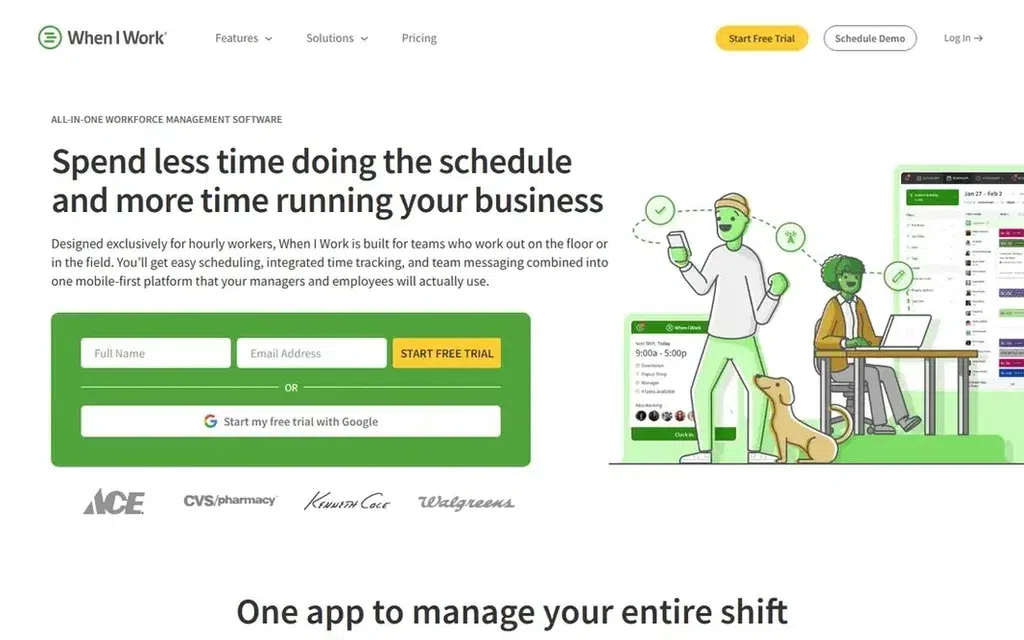
Pick When I Work if this describes you: straightforward shift scheduling and team messaging. When I Work is an employee scheduling and management app that lets you produce shifts, track time, and message your team in one place. It is designed for workplaces that require a straightforward, mobile-friendly way to handle hourly staff.
In daily use, if your team needs integrated payroll or advanced compliance tools, you might have to look at other choices. In daily use, small teams that want to move away from spreadsheets and group texts will find it a solid fit, particularly if they value clear communication alongside scheduling. On top of that, the system may lack some of the deeper HR and payroll features offered by more full systems. When I Work pricing: $2.50 per user per month. Free plan details: Free trial.
Where it is weaker: Advanced features may need a premium plan.
- Time tracking, messaging
- Merges scheduling
- Restricted payroll integration compared with some rivals
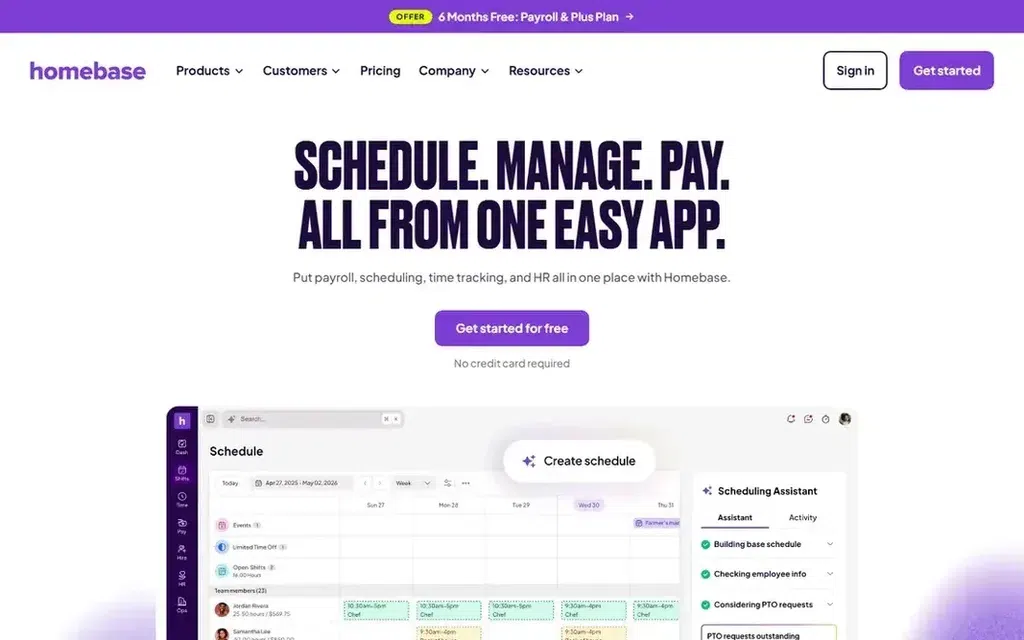
Homebase was built for hourly teams needing scheduling and time clocks. It lets you build schedules, track time, and run payroll from one simple app.
Trade-offs to know: Some features may need upgrading.
Firms with complicated payroll needs or salaried employees might need extra software. Homebase starts at: $30 per location per month. A free plan is available with Homebase.
- Made for small firms with hourly workers
- Time clocks, payroll
- Payroll features may not suit all business types
Our selection method
We compared the tools on published pricing, free plan or trial availability, feature coverage for employee scheduling software for small teams, and the limits each vendor documents. Prices and plan limits come from vendor pages and can change, so confirm them on the vendor site before you buy. The ranking is editorial: typical fit first, then clear pricing, then free access. If your needs are unusual, read the profiles rather than relying on position.
A buyer's checklist
- Get a written quote from Shiftboard; the list shows no starting price for them.
- Read the fine print on the free plans from Sling and Homebase; seat, project and feature caps differ.
- Use real work to test the free trial from Deputy and When I Work, rather than a demo project.
- Read the limits listed for Deputy first: may be more complex for very small teams.
- Make sure When I Work lets you export your data in a format another tool can read.
- Total up the real monthly cost of Homebase, including add-ons, extra users and usage-based fees.
FAQ
Do these tools publish their prices?
Not all of them. Shiftboard publishes no starting price, so expect a quote request for it. The rest, Deputy included, show a starting price, though seats and billing terms still change the final cost. Prices, free plan details and limits for all 5 tools in this employee scheduling software for small teams roundup sit on the individual cards above.
What is the cheapest option for employee scheduling software for small teams in this list?
On published monthly entry prices, Sling is the lowest here at $1.70 per user per month. Entry price is only part of the cost, because seats, add-ons and billing terms can change the total. Each of the 5 options in this employee scheduling software for small teams guide has its own card above with the price, free plan and limits.
Which options for employee scheduling software for small teams have a free plan?
Sling and Homebase offer a free plan in this list. Free plans usually cap users, projects or features, so check the limits on the vendor page. Several others offer a trial instead. All 5 picks in this employee scheduling software for small teams comparison list a starting price, free plan details and the main limits on their cards above.
Is Deputy the right pick for everyone comparing employee scheduling software for small teams?
No single tool suits every team. Deputy comes first because it fits teams needing scheduling with HR and payroll, while Sling suits budget-conscious teams wanting free scheduling and Shiftboard suits teams needing support and transition guidance. Match the tool to your own size, budget and workflow before deciding.
Sources
- https://www.deputy.com
- https://getsling.com
- https://www.shiftboard.com
- https://wheniwork.com
- https://joinhomebase.com