The 5 Best Employee Mobile App Software for Shift Workers in 2026, Ranked
Best employee mobile app software for shift workers: 5 tools compared on price, free plans and fit. With pricing notes and limits. Current for November 2026.
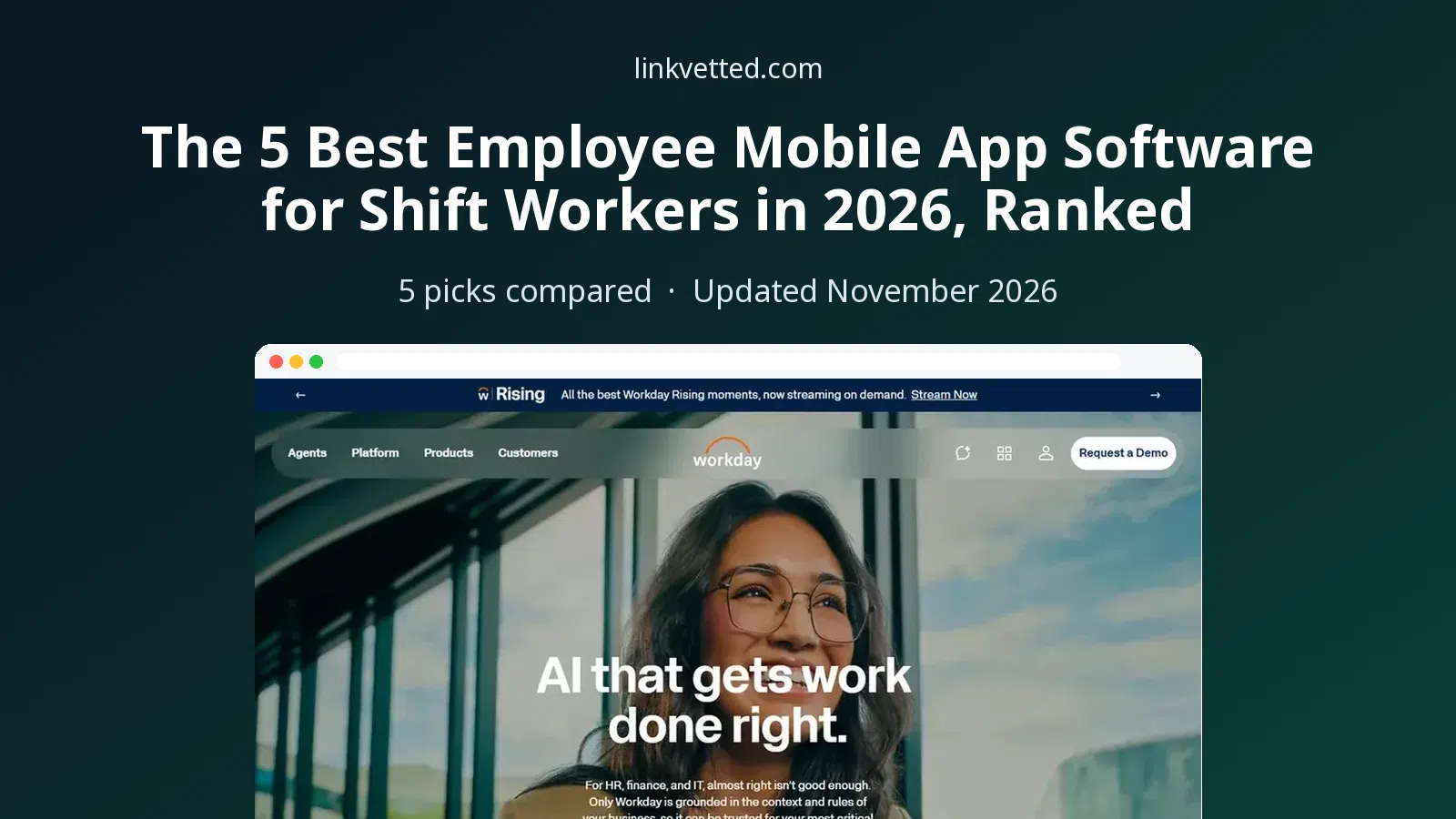
- Editor's choice
 Homebase
All-in-one app for hourly teams
Starts at$30 per location per monthVisit joinhomebase.comFull review - Great alternative
 When I Work
Straightforward shift scheduling and team messaging
Starts at$2.50 per user a monthVisit wheniwork.comFull review - Also consider
 Sling
Straightforward shift planning and communication
Starts at$1.70 per user a monthVisit getsling.comFull review
Direct answer
Homebase leads the list, best for all-in-one app for hourly teams. Listed starting prices: Homebase from $30 per location per month, When I Work from $2.50 per user a month and Sling from $1.70 per user a month. For a different need, When I Work covers straightforward shift scheduling and team messaging and Sling covers straightforward shift planning and communication. The full list of 5 tools follows, with prices and free plan facts.
TL;DR:
- Homebase is the opening pick, best for all-in-one app for hourly teams.
- UKG Pro Workforce Management fits complicated shift operations with HR and pay.
- The main caution on When I Work: narrower scope than full HR suites.
- Free plans exist at 2 of 5 tools (Homebase, Sling).
- The lowest published monthly entry price here is $1.70 per user per month, from Sling.
Last checked November 2026. Prices and plan details were read from the vendors' own pages in November 2026; vendors change plans often, so confirm the current price on the vendor site before you buy.
Quick comparison
| Tool | Best for | Starts at | Free plan? | |
|---|---|---|---|---|
| Homebase | All-in-one app for hourly teams | $30 per location per month | Yes | Visit |
| When I Work | Straightforward shift scheduling and team messaging | $2.50 per user a month | Free trial | Visit |
| Sling | Straightforward shift planning and communication | $1.70 per user a month | Yes | Visit |
 Workday | Enterprise HR, finance and IT alignment | See website | Not stated | Visit |
| UKG Pro Workforce Management | Complicated shift operations with HR and pay | See website | Not stated | Visit |
Employee Mobile App Software for Shift Workers compared in detail
If you are comparing employee mobile app software for shift workers, this page covers 5 tools in one place: what each is best for, what it costs to start, whether it has a free plan, and the main limit to know about.
Think of Homebase for all-in-one app for hourly teams. In practice, the combined scope cuts the number of separate tools to handle.
Drawbacks to consider: Feature selection needs planning.
Upsides: Scheduling.
Homebase makes sense when scheduling, time tracking and payroll should live together for hourly staff. Starting cost for Homebase: $30 per location per month. Homebase has a free plan.
- Time clocks and payroll in one app
- Hiring included in the system
- Breadth may be more than micro teams need
Choose When I Work for straightforward shift scheduling and team messaging. Beyond that, managers get a direct way to publish shifts and keep communication in the same place. For everyday use, the product is scheduling and communication centered, so deeper HR and payroll administration may need other tools.
Honest limits: Payroll depth is restricted compared to HCM products.
Organizations needing wide HCM functionality should look at wider suites. More specifically, When I Work suits teams that value speed and simplicity over breadth. Starting cost for When I Work: $2.50 per user per month. On free options: Free trial.
- Schedule shifts
- Straightforward team communication
- Narrower scope than full HR suites
Sling is built with straightforward shift planning and communication in mind. Sling is presented as employee shift scheduling and planning software that helps companies handle shifts and communicate with employees. Beyond that, companies needing integrated pay processing should pair it with other systems or choose a broader system.
Where it is weaker: Most useful for entry-level scheduling needs.
It performs best for teams with uncomplicated scheduling rhythms. As for the details, Sling's scope centers on scheduling and communication, so payroll and HR features are not its core. The starting price for Sling: $1.70 per user per month. Free access exists with Sling.
- Straightforward positioning for hourly teams
- Shift scheduling and planning focus
- Restricted HR and payroll depth
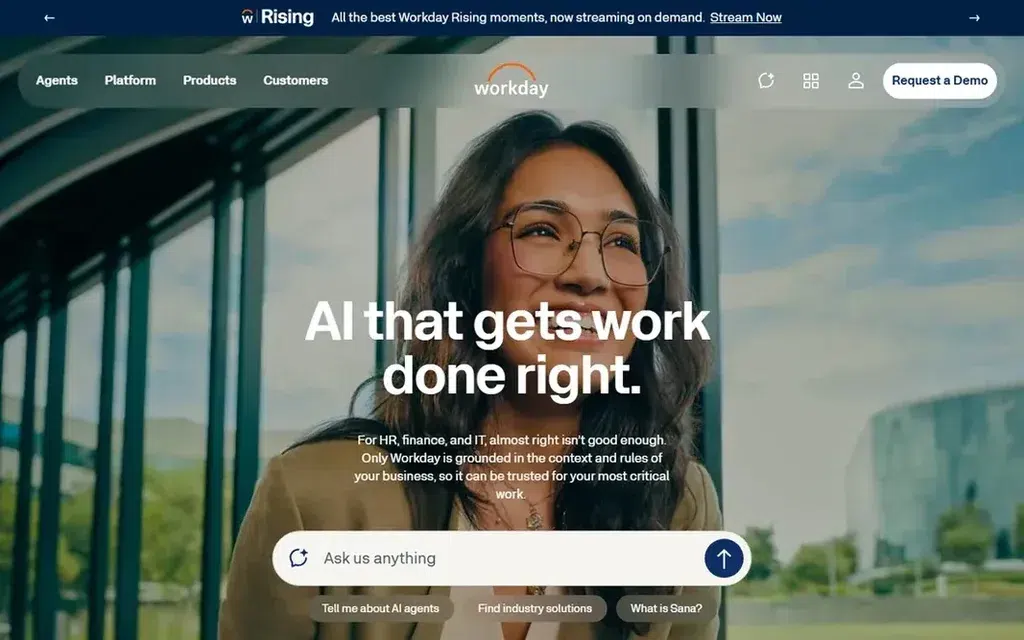
Workday is a good fit for enterprise HR, finance and IT alignment. Teams wanting a fast scheduling rollout should weigh lighter choices first.
Watch-outs: Broad scope can be heavy for simple scheduling.
As for the details, Workday presents itself as an enterprise AI system for HR, finance and IT, with agentic AI and Sana featured on its homepage. Workday does not show a starting price in this comparison, so check the vendor site for current pricing. Free plan details: Not stated.
- AI features highlighted on the vendor site
- Wide organizational coverage
- Enterprise focus may not suit small hourly teams
UKG Pro Workforce Management
Best for: Complicated shift operations with HR and pay
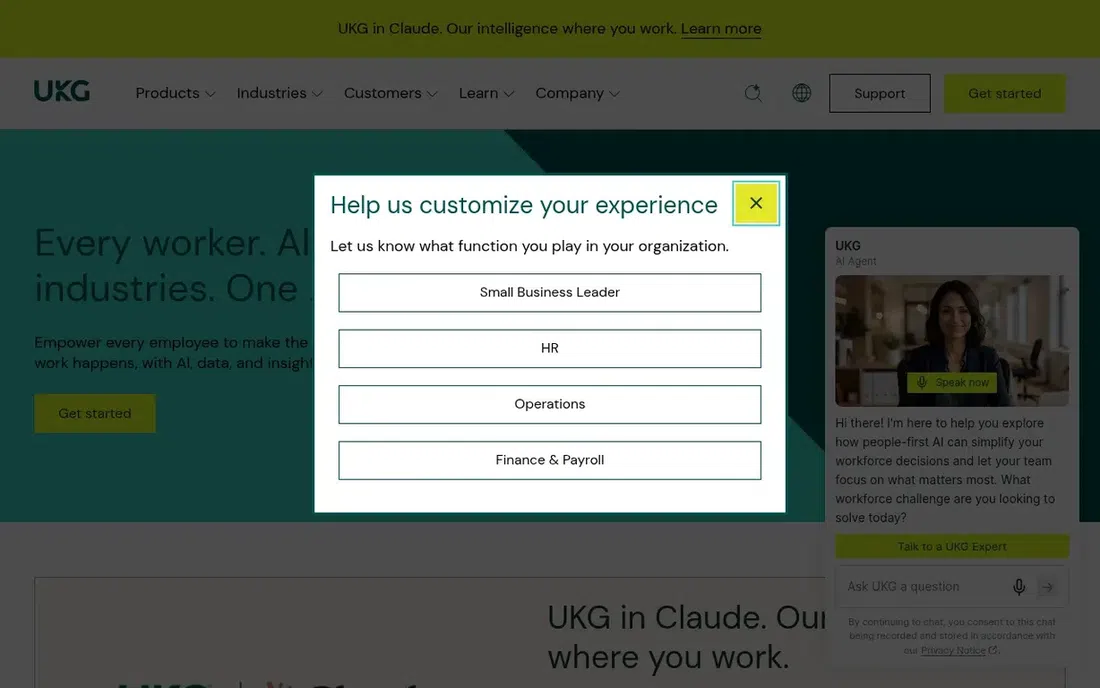
UKG Pro Workforce Management is a good fit for complicated shift operations with HR and pay. UKG Pro Workforce Management is positioned as a workforce intelligence product that brings HR, pay and workforce management together. In daily use, smaller teams with entry-level shift coverage may find lighter tools simpler to adopt.
From a buyer's view, consider alternatives when scheduling and messaging are the only real requirements. Since it spans HR, pay and workforce management, the product carries more configuration weight than a straightforward scheduling app. No starting price is listed for UKG Pro Workforce Management here; confirm pricing on the vendor site. Free access: Not stated.
What to check first: Broad suite may be more than small teams need.
- Merges workforce management with HR and payroll
- Made for modern operational environments
- Setup depth can need planning
Our selection method
What to confirm before you sign up
- Get a written quote from Workday and UKG Pro Workforce Management; the list shows no starting price for them.
- Check what the free option really includes: Homebase and Sling offer a free plan, and usage caps differ.
- Take the trial from When I Work and push a live task through it before you pay.
- Before choosing Homebase, weigh its main limit: breadth may be more than micro teams need.
- List the apps you already depend on and check that UKG Pro Workforce Management supports each one on the plan you would buy.
- Compare total cost, not headline price: for Homebase, add extra seats, add-ons and any usage-based charges.
FAQ
How are the tools for employee mobile app software for shift workers ordered?
Homebase sits first and UKG Pro Workforce Management last because the order follows typical fit for employee mobile app software for shift workers, then price clarity and free access. It is a judgement call, so read each profile for fit and limits.
Can I try these tools before paying?
Often, yes. Homebase and Sling have a free plan and When I Work offers a free trial. Use your own data and a real task during the test, and check what the free tier or trial limits before you rely on it.
What is the cheapest option for employee mobile app software for shift workers in this list?
On published monthly entry prices, Sling is the lowest here at $1.70 per user per month. Entry price is only part of the cost, because seats, add-ons and billing terms can change the total. Prices, free plan details and limits for all 5 tools in this employee mobile app software for shift workers roundup sit on the individual cards above.
Do these tools publish their prices?
Not all of them. Workday and UKG Pro Workforce Management publish no starting price, so expect a quote request for those. The rest, Homebase included, show a starting price, though seats and billing terms still change the final cost.
Sources
- https://joinhomebase.com
- https://wheniwork.com
- https://getsling.com
- https://www.workday.com
- https://www.ukg.com