6 Best E-Fax Software for Medical Offices for 2026, Vetted and Compared
Searching for the best E-Fax software for medical offices? Here are 6 options with prices and free plans. Weak spots flagged for every entry. Numbers first.
- Editor's choice
 MyFax
Everyday faxing from computer, phone, or tablet
Starts at$12 a monthVisit myfax.comFull review - Great alternative
 eFax
Bigger practices wanting wide compliance coverage
Starts atSee websiteVisit efax.comFull review - Also consider
 SRFax
HIPAA-compliant faxing from email and computers
Starts atSee websiteVisit srfax.comFull review
Direct answer
If you need everyday faxing from computer, phone, or tablet, MyFax is the first tool to look at here. Listed starting prices: MyFax from $12 a month, FaxBurner from $14.95 a month and HelloFax from $0.99 per fax. For a different need, eFax covers bigger practices wanting broad compliance coverage and SRFax covers HIPAA-compliant faxing from email and computers. Prices, free plans and limits for all 6 tools follow.
TL;DR:
- This list starts with MyFax, which is built for everyday faxing from computer, phone, or tablet.
- HelloFax is the one to check for simple online faxing with familiar cloud storage.
- Only 2 of the 6 tools have a free plan (FaxBurner, HelloFax), so check the caps.
- Before buying FaxBurner, weigh this: light on healthcare compliance detail.
Last checked November 2026. Prices and plan details were read from the vendors' own pages in November 2026; vendors change plans often, so confirm the current price on the vendor site before you buy.
Quick comparison
| Tool | Best for | Starts at | Free plan? | |
|---|---|---|---|---|
| MyFax | Everyday faxing from computer, phone, or tablet | $12 a month | Free trial | Visit |
| eFax | Bigger practices wanting wide compliance coverage | See website | Not stated | Visit |
| SRFax | HIPAA-compliant faxing from email and computers | See website | Not stated | Visit |
 FaxBurner | Phone-based faxing without a fax machine | $14.95 a month | Yes | Visit |
 MetroFax | Entry-level online fax for small offices | See website | Not stated | Visit |
| HelloFax | Straightforward online faxing with familiar cloud storage | $0.99 per fax | Yes | Visit |
The full E-Fax software for medical offices list
LinkVetted compared 6 E-Fax software for medical offices. The goal is a practical shortlist: published prices, free plan facts, best-fit use cases and honest limits for every entry.
Choose MyFax for everyday faxing from computer, phone, or tablet. For everyday use, medical practices can use it for general paperwork whereas confirming compliance details with the vendor.
Honest limits: Healthcare compliance is not the central focus.
On top of that, offices needing deep administrative controls may also want a more enterprise-oriented service. Price to start with MyFax: $12 per month. As for free access: Free trial.
- Send from computer, phone
- Familiar brand for entry-level fax needs
- Fewer advanced administrative controls highlighted
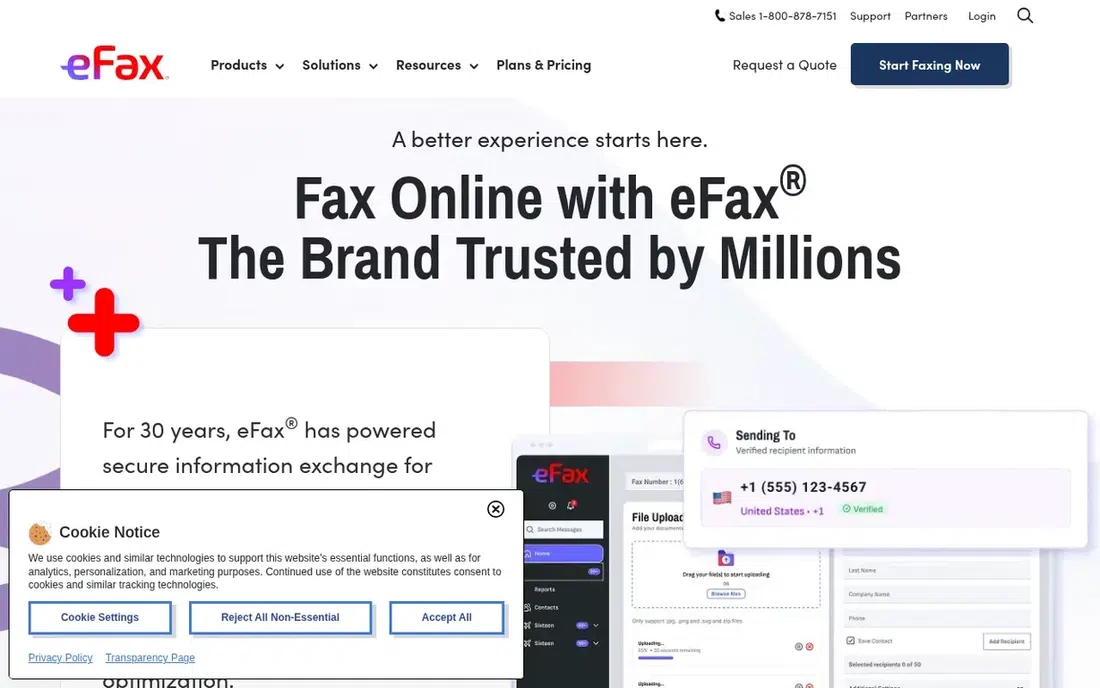
In short, eFax is for bigger practices wanting wide compliance coverage. eFax describes secure, scalable, enterprise-grade cloud faxing with HIPAA, HITRUST, and SOC compliance stated on its homepage. Also, consider eFax when compliance breadth and multi-device access are central to your buying decision.
Downsides: Can feel enterprise-heavy for tiny offices.
Offices focused primarily on email-to-fax may find SRFax a closer match. Beyond that, for a very small practice, the enterprise framing may feel like more than needed, and simpler tools can handle entry-level faxing. Check the vendor site for eFax pricing; none is listed in this comparison. Free access: Not stated.
- Or smartphone
- SOC compliance
- Feature depth may exceed small-clinic needs
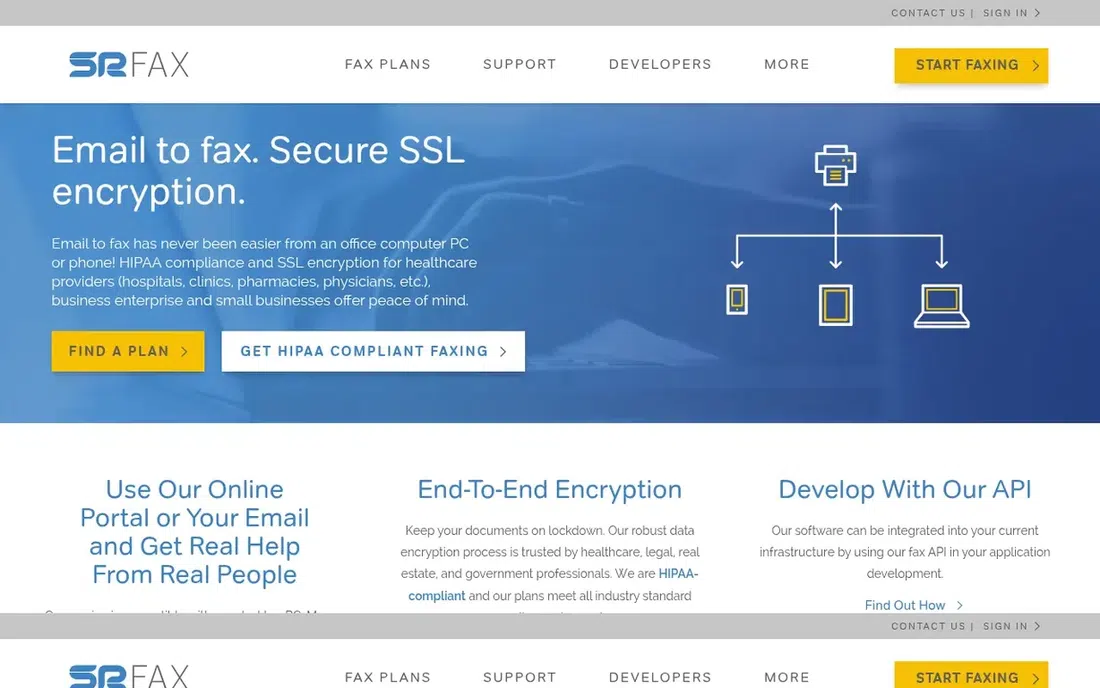
SRFax targets HIPAA-compliant faxing from email and computers. Its core pitch is email-to-fax convenience from an office computer, PC, or phone, with SSL encryption supporting healthcare workflows.
Where it shines: Designed for healthcare providers.
In practice, the service leans practical instead of refined, so teams wanting a highly guided interface may prefer a more consumer-oriented choice. Check the vendor site for SRFax pricing; none is listed in this comparison. Free access: Not stated. What to check first: Interface is utilitarian.
- Or phone
- Send from email, PC
- Setup takes some configuration
FaxBurner serves phone-based faxing without a fax machine. FaxBurner centres on sending and receiving faxes from an iPhone, Android device, or computer, with a free fax number described as available in seconds and no machine or phone line required.
Choose FaxBurner for convenience and mobile use, not as a compliance-first system. Busy practices with heavy fax volume may outgrow a light tool. On cost, FaxBurner starts like this: $14.95 per month. FaxBurner includes a free tier.
Watch-outs: Aimed more at individuals than clinics.
Reasons to shortlist it: No machine or phone line needed.
- Send and receive from iPhone, Android
- Or computer
- Light on healthcare compliance detail
MetroFax is designed for entry-level online fax for small offices. MetroFax is an online fax service that lets users send and receive faxes without a physical machine, a typical setup for small offices moving away from phone lines. From a buyer's view, public information about healthcare compliance and device coverage is thinner than what SRFax or eFax publish, so medical offices must ask questions before committing.
Buyers should confirm compliance features straight with the vendor. From a buyer's view, consider MetroFax for straightforward faxing where you can verify requirements yourself. Beyond that, teams needing documented HIPAA positioning may prefer a provider that states it plainly. MetroFax shows no starting price here, so confirm the cost on the vendor site. Free access: Not stated.
Where it is weaker: Restricted healthcare-specific detail on the site.
- Suited to routine send and receive tasks
- Established online fax service
- Fewer visible compliance cues than rivals
HelloFax
Best for: Straightforward online faxing with familiar cloud storage
HelloFax is aimed squarely at straightforward online faxing with familiar cloud storage. The Dropbox connection appeals to offices already storing documents in that ecosystem. Its homepage does not foreground HIPAA compliance the way SRFax or eFax do, so medical offices should verify healthcare suitability straight before adopting it.
More specifically, HelloFax, now presented as Dropbox Fax, gives you online sending and receiving of faxes from any device with a quick, secure, and steady pitch. On top of that, practices with strict compliance documentation needs should look at the provider-focused choices first. The starting price for HelloFax: $0.99 per fax. You can start on HelloFax without paying.
What to check first: Brand transition may confuse some buyers.
- Now branded as Dropbox Fax
- Send and receive faxes from any device
- Healthcare compliance details are not emphasized
Our selection method
The comparison looks at four things: starting price, free access, how well the feature set matches E-Fax software for medical offices, and the main limit of each tool. Seat minimums, billing terms and add-ons can move the real cost, so the starting prices here are a guide and not a quote. Tools are placed by general fit for E-Fax software for medical offices, with price clarity and free access as tie-breakers. A different team can reasonably rank them differently.
What to check before you buy
- Get a written quote from eFax, SRFax and MetroFax; the list shows no starting price for them.
- Look at free plan limits closely: FaxBurner and HelloFax have one, and the caps decide whether it is usable for real work.
- Run a trial of MyFax with real work before paying for a year; your own workflow is the best test.
- Before choosing MyFax, weigh its main limit: healthcare compliance is not the primary focus.
- Work out what FaxBurner costs with your real seat count, add-ons and usage, not just the entry price.
- Find out whether the entry plan of MyFax covers your must-haves or only a trimmed-down version.
FAQ
What should a clinic check before switching e-fax providers?
Also map which staff need email, desktop, or mobile access so the service matches real workflows. Run a short pilot with a handful of users before moving all fax traffic.
Which e-fax service is best for a small medical practice?
MyFax comes first here and is built for everyday faxing from computer, phone, or tablet. Buyers with other needs may prefer eFax (for bigger practices wanting wide compliance coverage) or SRFax (for HIPAA-compliant faxing from email and computers). Compare costs and limits first.
Is MyFax the right pick for everyone comparing E-Fax software for medical offices?
No single tool suits every team. MyFax comes first because it fits everyday faxing from computer, phone, or tablet, while eFax suits larger practices wanting broad compliance coverage and SRFax suits HIPAA-compliant faxing from email and computers. Match the tool to your own size, budget and workflow before deciding.
What is the cheapest option for E-Fax software for medical offices in this list?
On published monthly entry prices, MyFax is the lowest here at $12 per month. Entry price is only part of the cost, because seats, add-ons and billing terms can change the total. Prices, free plan details and limits for all 6 tools in this E-Fax software for medical offices roundup sit on the individual cards above.
Which options for E-Fax software for medical offices have a free plan?
On this list, FaxBurner and HelloFax include a free plan. Caps on seats, usage or features are common, so test the free plan against your real workload. One other tool offers a trial instead.
How are the tools for E-Fax software for medical offices ordered?
The order follows typical fit for E-Fax software for medical offices, with MyFax first and HelloFax last, then price clarity and free access. It is editorial judgement, not a score, so another team could rank the tools differently.
Sources
- https://www.myfax.com
- https://www.efax.com
- https://www.srfax.com
- https://www.faxburner.com
- https://www.metrofax.com
- https://www.hellofax.com