Live Chat Software for Dental Offices in 2026: The 6 Best Options Side by Side
Best live chat software for dental offices: 6 tools compared on price, free plans and fit. Each entry gets a plain verdict. Built for quick decisions.
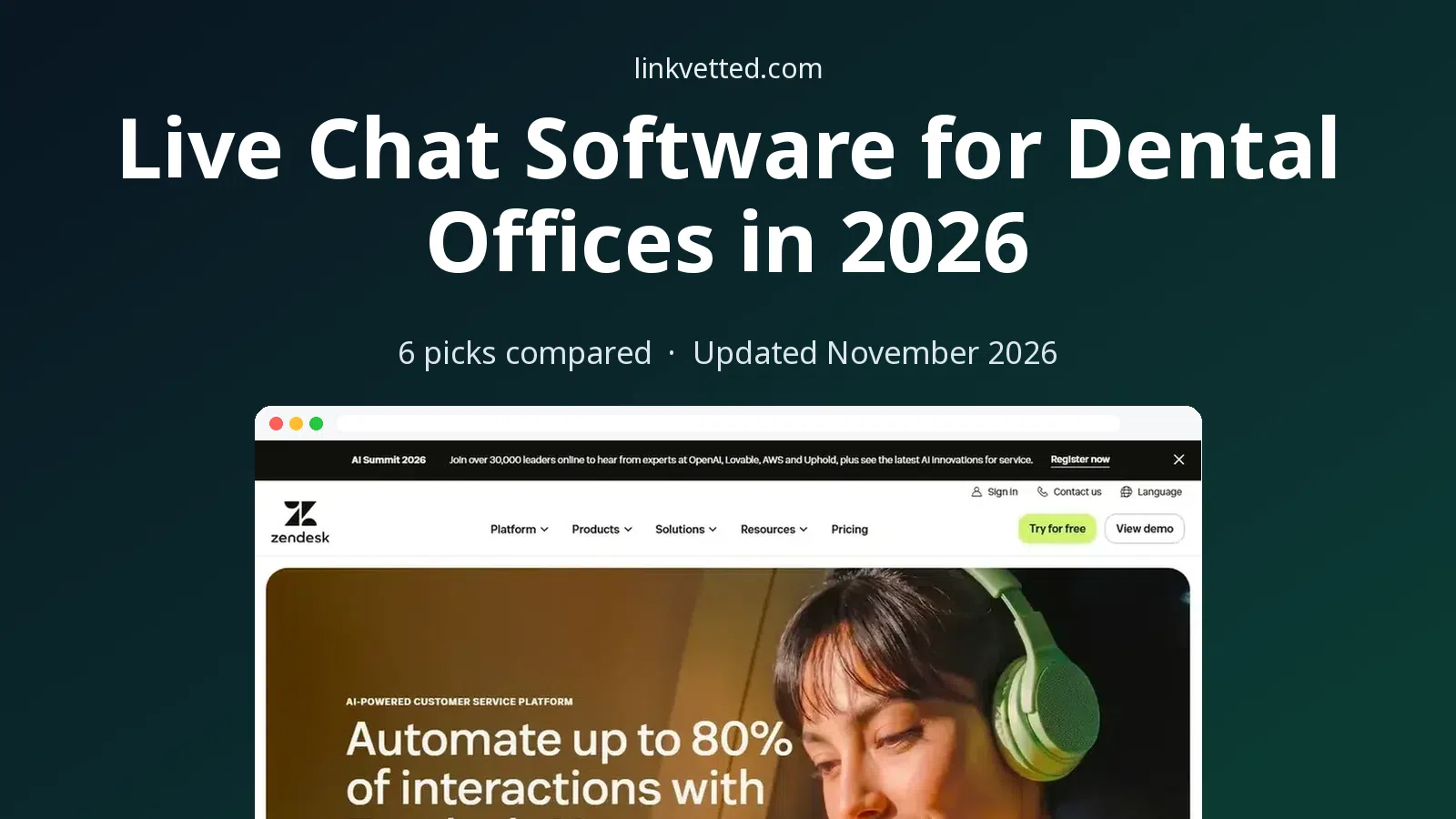
- Editor's choice
 Drift
Conversational marketing and lead capture
Starts atSee websiteVisit drift.comFull review - Great alternative
 Crisp
Multichannel messaging for dental practices
Starts at$45 per month per workspaceVisit crisp.chatFull review - Also consider
 Tidio
Turning chats into bookings and revenue
Starts at$24.17 a monthVisit tidio.comFull review
Direct answer
Drift is the first pick on this list for conversational marketing and lead capture. Listed starting prices: Crisp from $45 per month per workspace, Tidio from $24.17 a month and Zendesk from $19 agent/month premium yearly. If your case is different, Crisp suits multichannel messaging for dental practices and Tidio suits turning chats into bookings and revenue. Details, prices and limits for the rest of the 6 tools are below.
TL;DR:
- Drift is the opening pick, best for conversational marketing and lead capture.
- Just one of the 6 tools, Tidio, has a free plan.
- LiveChat fits overall dental office chat with AI backup.
- The lowest published monthly entry price here is $19 agent/month premium yearly, from Zendesk.
Last checked November 2026. Prices and plan details were read from the vendors' own pages in November 2026; vendors change plans often, so confirm the current price on the vendor site before you buy.
Quick comparison
| Tool | Best for | Starts at | Free plan? | |
|---|---|---|---|---|
| Drift | Conversational marketing and lead capture | See website | Not stated | Visit |
| Crisp | Multichannel messaging for dental practices | $45 per month per workspace | Free trial | Visit |
| Tidio | Turning chats into bookings and revenue | $24.17 a month | Yes | Visit |
 Zendesk | Bigger practices needing full service product | $19 agent/month premium yearly | Free trial | Visit |
 Olark | Marketing-focused practices wanting AI qualification | $29 per agent a month | Free trial | Visit |
 LiveChat | Overall dental office chat with AI backup | $19 per user per month | Free trial | Visit |
6 live chat software for dental offices in detail
Choosing live chat software for dental offices usually comes down to price, fit and limits. This LinkVetted guide sets 6 tools side by side on those three points, with the facts kept short and checkable.
Drift is built with conversational marketing and lead capture in mind. Drift is widely known as a conversational marketing product that helps firms engage website visitors and qualify leads through chat.
More specifically, practices that require a straightforward, dedicated chat widget for appointment questions may find it more than necessary. Consider Drift when conversational marketing and lead routing are priorities for your dental practice. Drift does not show a starting price in this comparison, so check the vendor site for current pricing. Trial and free access: Not stated.
Where it falls short: Homepage details may vary.
- Links up with CRM tools
- Supports lead qualification
- Not dental-specific
Crisp works best for multichannel messaging for dental practices. Crisp is an all-in-one AI-powered multichannel messaging system that helps firms link immediately with customers or leads who are waiting for support.
Worth adding: practices that only need entry-level website chat may not use the full multichannel range. From a buyer's view, Crisp includes plenty of channels, so configuration and staff training may take time. Crisp cost at the entry level: $45 per month per workspace. On free options: Free trial.
Where it falls short: Breadth may need setup.
- All-in-one multichannel messaging
- AI-powered support system
- Not dental-specific
Choose Tidio for turning chats into bookings and revenue. Tidio is AI customer service that turns chats into revenue. Worth adding: for dental offices that want to measure how website conversations translate into scheduled appointments, Tidio gives you a revenue-oriented view of chat performance and a way to deal with typical questions automatically.
Honest limits: Not dental-specific.
The revenue attribution focus may be less relevant for practices that chiefly need entry-level patient support. Choose Tidio when you want AI-driven chat that ties conversations to bookings. Tidio is a general customer service tool, so dental-specific compliance and clinical questions may need custom handling. Tidio starts at: $24.17 per month. A free plan is available with Tidio.
- Focus on revenue outcomes
- Lyro resolves questions immediately
- AI scope may need review
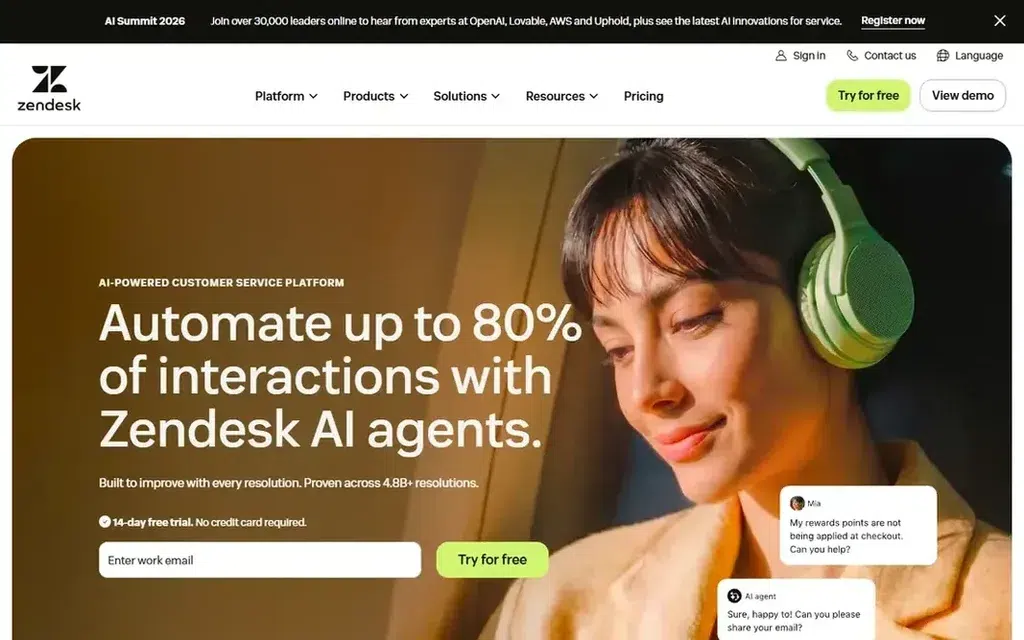
Zendesk is a good fit for bigger practices needing full service platform. For multi-location dental groups or practices with a dedicated patient support team, it gives you a structured way to run conversations across channels and boost service consistency. Worth adding: Zendesk is aimed at broader service operations, so a single-chair practice may find it heavier than needed.
Consider a more straightforward chat tool if you mainly need website chat with fast AI answers. As for the details, configuration takes time, and the ramp-up time can be steep for front-desk staff without technical support. What you pay to start with Zendesk: $19 agent/month premium yearly. Trial and free access: Free trial.
Drawbacks to consider: Setup needs planning.
- Scalable service workflows
- AI agents resolve issues end-to-end
- Can be complicated for small teams
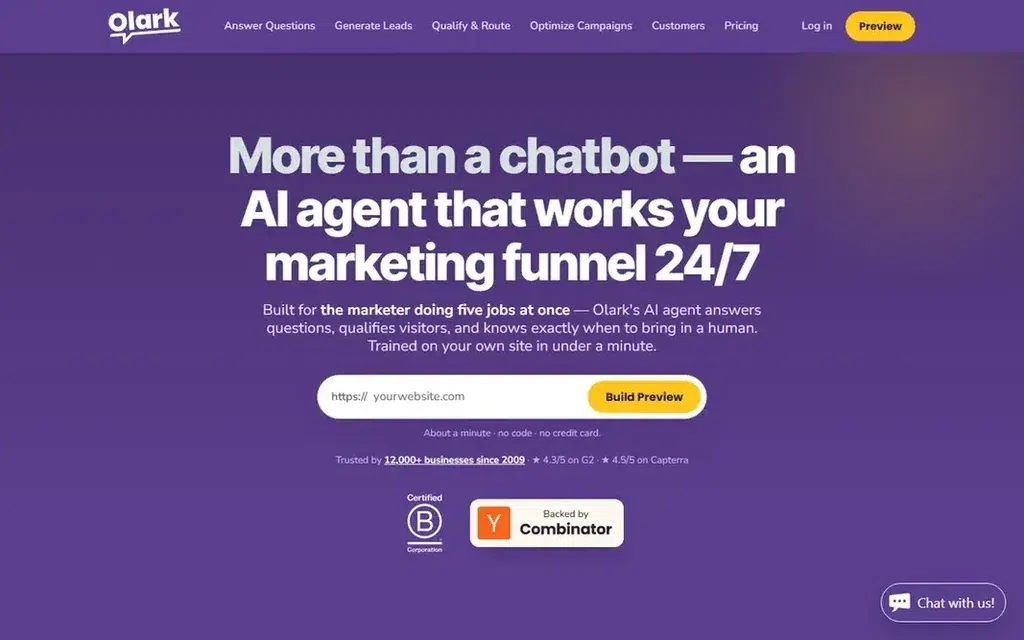
Olark was built for marketing-focused practices wanting AI qualification. It answers questions, qualifies visitors, and knows when to bring in a human, and it can be trained on your own site in under a minute.
In practice, Olark centres on marketing funnel conversion, so practices seeking deep ticketing or clinical workflow tools may need extra systems. Starting cost for Olark: $29 per agent per month. Trial and free access: Free trial.
Watch-outs: May need tuning for clinical topics.
- Designed for busy marketers
- Qualifies visitors and hands off to humans
- Less emphasis on full service desk
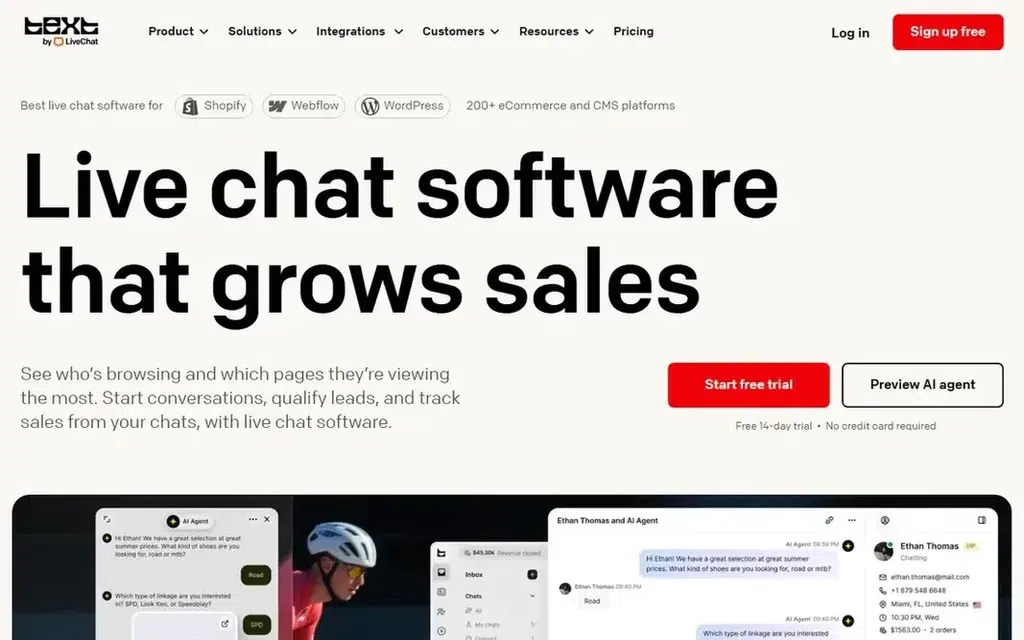
LiveChat works best for overall dental office chat with AI backup. It is meant to qualify leads and track sales from chats, which fits dental offices that want to capture new patient inquiries and follow up on treatment questions.
Also, choose LiveChat when quick website chat and AI-assisted lead capture are the priority. As for the details, the system suits practices that want a dedicated chat channel with AI backup for after-hours coverage. Price to start with LiveChat: $19 per user per month. On free options: Free trial.
Limits to weigh: AI features may need configuration.
- Lead qualification and sales tracking
- AI agent answers 24/7
- Not dental-specific
How these tools were picked
The comparison looks at four things: starting price, free access, how well the feature set matches live chat software for dental offices, and the main limit of each tool. Where a vendor does not publish a price, the entry says quote. Where a price depends on seats or billing term, the entry says so. Tools are placed by general fit for live chat software for dental offices, with price clarity and free access as tie-breakers. A different team can reasonably rank them differently.
Things to verify first
- Ask Drift for a written quote, since no starting price is shown.
- Look at the free plan from Tidio closely: its caps decide whether it is usable for real work.
- Use real work to test the free trial from Crisp, Zendesk, Olark and LiveChat, rather than a demo project.
- Before choosing Drift, weigh its main limit: homepage details may vary.
- Compare total cost, not headline price: for Crisp, add extra seats, add-ons and any usage-based charges.
- Ask Olark about contract length, onboarding fees and user minimums before you sign.
FAQ
Which options for live chat software for dental offices have a free plan?
Tidio is the only tool in this list with a free plan. Free plans usually cap users, projects or features, so check the limits on the vendor page. Several others offer a trial instead. For the full picture, the cards above cover all 6 entries of this live chat software for Dental offices list, including price, free plan and limits.
Do these tools publish their prices?
Not all of them. Drift publishes no starting price, so expect a quote request for it. The rest, Crisp included, show a starting price, though seats and billing terms still change the final cost.
How are the tools for live chat software for dental offices ordered?
Drift sits first and LiveChat last because the order follows typical fit for live chat software for dental offices, then price clarity and free access. It is a judgement call, so read each profile for fit and limits.
Is Drift the right pick for everyone comparing live chat software for dental offices?
No single tool suits every team. Drift comes first because it fits conversational marketing and lead capture, while Crisp suits multichannel messaging for dental practices and Tidio suits turning chats into bookings and revenue. Match the tool to your own size, budget and workflow before deciding.
Is live chat secure for discussing patient information?
Security varies by provider, so you should review each tool's data handling and compliance documentation. For clinical details, numerous practices keep chat concentrated on scheduling and general questions and move sensitive discussions to secure channels.
Sources
- https://www.drift.com
- https://crisp.chat
- https://www.tidio.com
- https://www.zendesk.com
- https://www.olark.com
- https://www.livechat.com
Related guides
- AI Receptionist Software for Dental Practices in 2026: The 5 Best Options Side by Side
- Best AI Software for Dental Practice (2026): 5 Picks Checked on Vendor Pages
- 5 Booking Software for Dental Practices Worth Shortlisting in 2026
- 5 Best Client Portal Software for Dental Practices for 2026, Vetted and Compared