Best DVD Ripping Software in 2026: 8 Tools Compared
Find the best DVD ripping software for discs you own, with free and paid tools compared for speed, formats, subtitles and ease of use today for 2026 now.
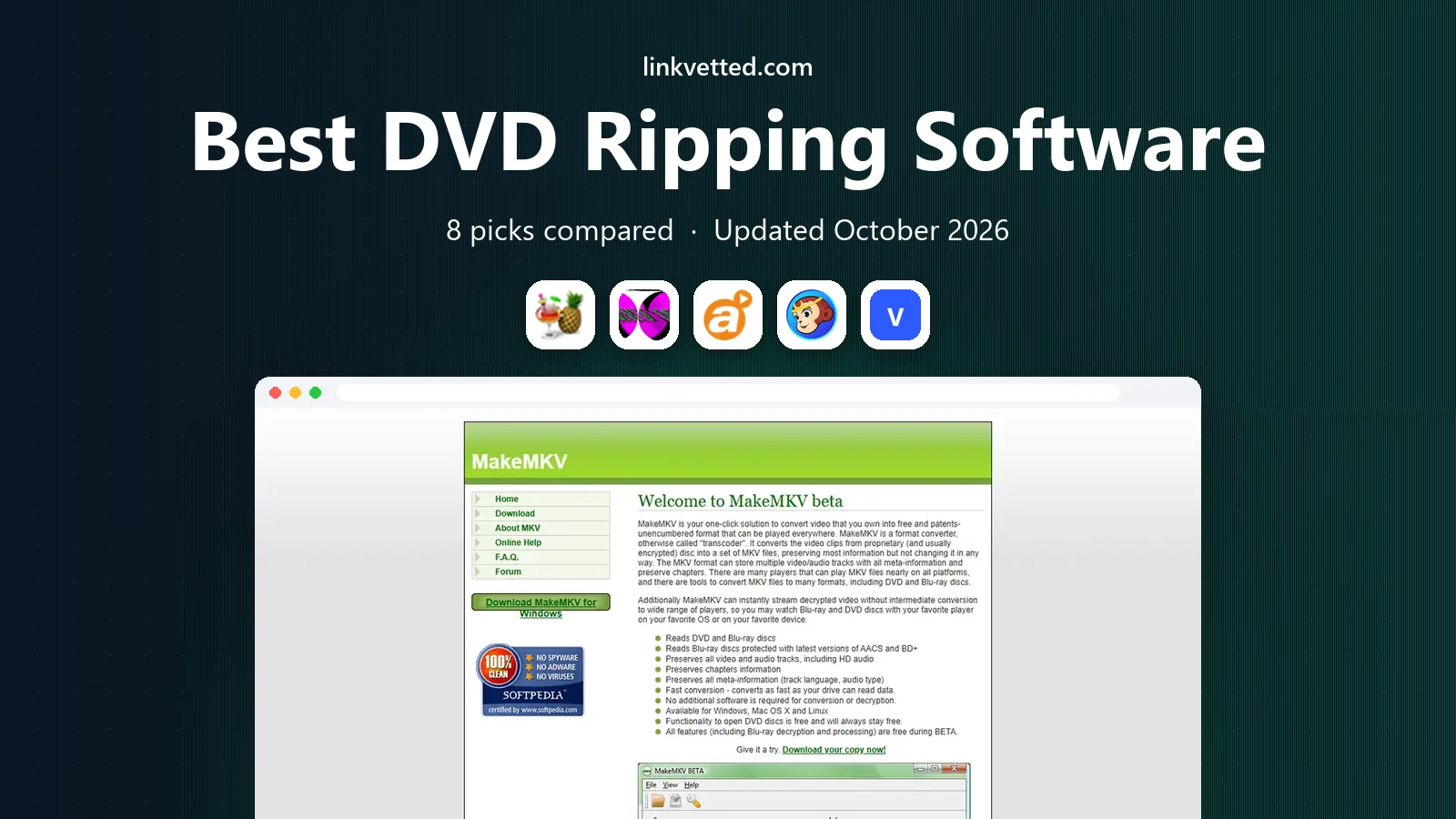
- Editor's choice
 HandBrake
Free transcoding
Starts atFreeVisit handbrake.frFull review - Great alternative
 MakeMKV
Lossless MKV copies
Starts atFreeVisit makemkv.comFull review - Also consider
 WinX DVD Ripper Platinum
Fast paid ripping
Starts at$39.95 per yearVisit winxdvd.comFull review
TL;DR:
- HandBrake is the best free starting point for unprotected DVDs, with strong presets for phones, tablets and TVs.
- MakeMKV is the best choice for a lossless archive, since it copies video, audio and subtitles without re-encoding.
- Paid tools such as WinX DVD Ripper Platinum and DVDFab DVD Ripper add GPU speed, device profiles and support for protected discs.
- Only rip discs you own, and check local law first, since rules on copy protection differ by country.
Quick comparison
| Tool | Best for | Starts at | Free plan? | |
|---|---|---|---|---|
| HandBrake | Free transcoding | Free | Yes | Visit |
| MakeMKV | Lossless MKV copies | Free | Yes | Visit |
| WinX DVD Ripper Platinum | Fast paid ripping | $39.95 per year | Free trial | Visit |
 DVDFab DVD Ripper | Protected discs and profiles | $59.49 | Free trial | Visit |
 VLC Media Player | Simple free playback and ripping | Free | Yes | Visit |
 WonderFox DVD Ripper Pro | Budget paid speed | $29.95 | Free trial | Visit |
 Leawo DVD Ripper | Many output formats | $29.95 per year | Free trial | Visit |
 VideoProc Converter AI | GPU speed and editing | $34.95 | Free trial | Visit |
The best dvd ripping software
DVD ripping software turns a disc you own into a digital file you can play on a phone, tablet, TV or media server. The right tool depends on whether you want a small compressed file, a perfect archive copy, or a quick batch job for a whole shelf of discs.
HandBrake is the tool most people should try first. It is free, open source and available for Windows, macOS and Linux, and it converts DVDs and other video sources into MP4, MKV and WebM files. Presets for phones, tablets, Apple TV and Android devices make a first rip simple, while deeper controls cover quality, subtitles, chapters and audio tracks.
The honest catch is copy protection. HandBrake does not remove protection on its own, so some commercial DVDs need an extra library such as libdvdcss, and that may not be legal in your country. For home videos and unprotected discs, though, it is hard to beat. Our pick for most people starts here.
- Free and open source
- Modern H.264, H.265 and AV1 encoders
- Device presets
- No built-in copy protection removal
- Steeper learning curve for beginners
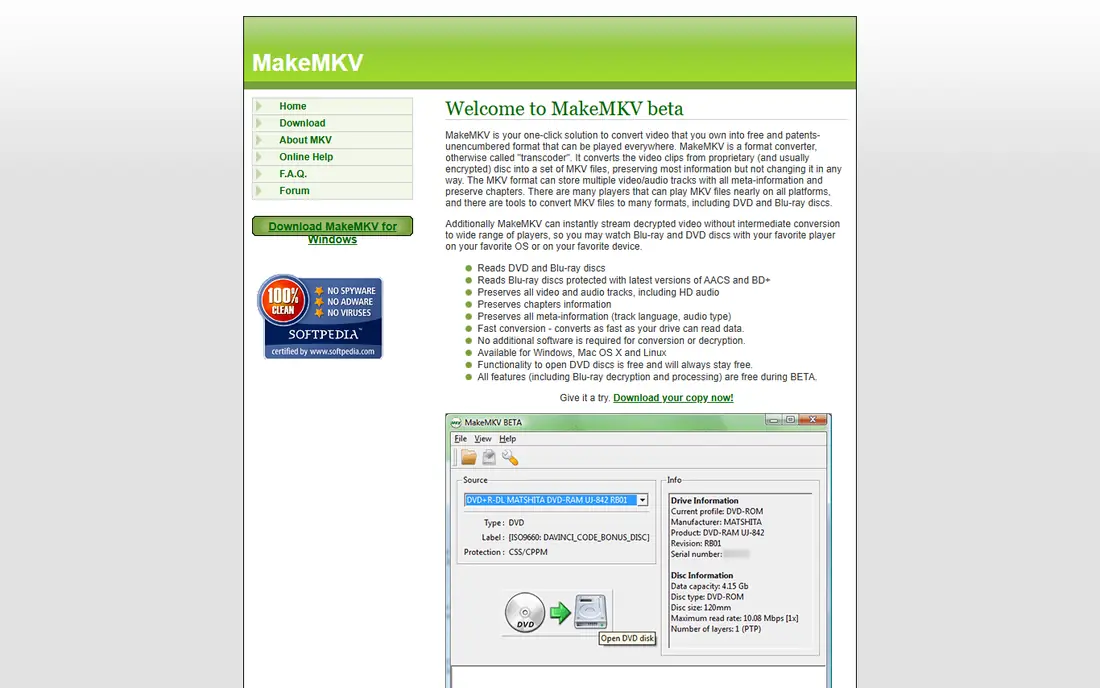
MakeMKV takes a different path from HandBrake. Instead of compressing a disc, it copies the video, every audio track, subtitles and chapters into an MKV file exactly as they appear on the disc. That makes it ideal for a home media server such as Plex or Jellyfin, where quality matters more than file size and you can compress later if needed.
The trade-offs are size and format. MKV files can be several gigabytes per film, and you get no device presets or small MP4 output in one step. DVD ripping is free, while Blu-ray support runs as a trial and then needs a registration key. Pair it with HandBrake if you want both a perfect archive and a small portable copy.
- No re-encoding, so no quality loss
- Keeps all audio, subtitles and chapters
- Very fast
- MKV output only
- Files are large
- Blu-ray use needs a paid key after trial
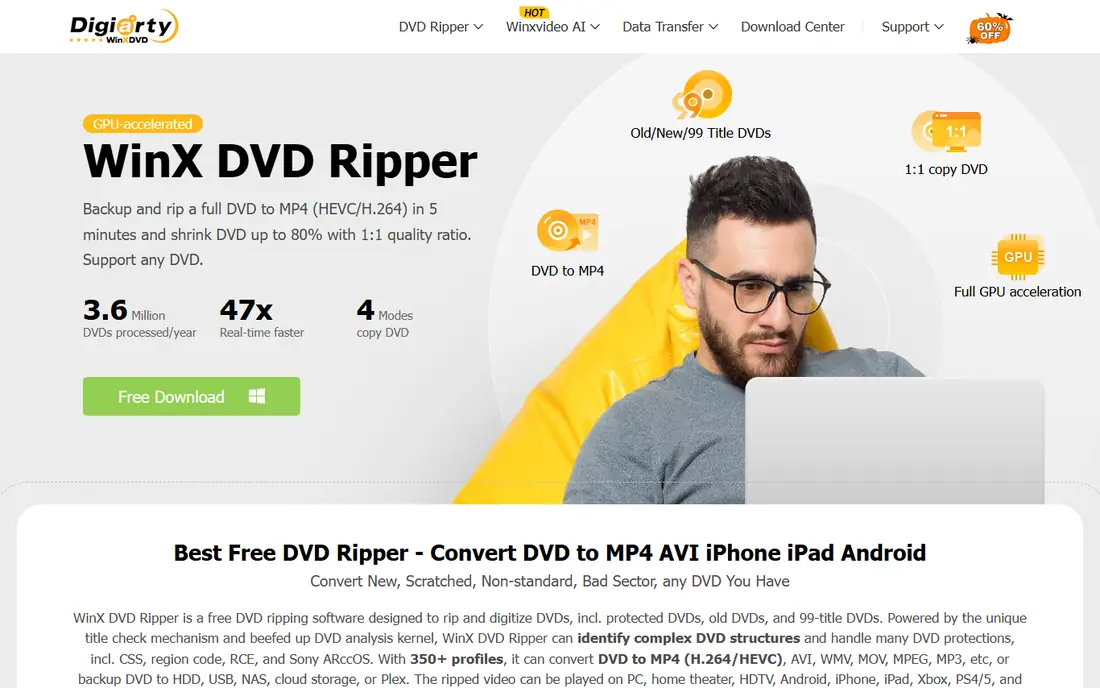
WinX DVD Ripper Platinum is built for speed. It uses GPU acceleration on Intel, NVIDIA and AMD hardware, offers hundreds of output profiles for phones, tablets, game consoles and TVs, and supports a wide range of protected DVDs. For a large collection, that speed and batch handling can save hours compared with a free transcoder.
The trial is limited, capping each output file at five minutes, so it works as a test rather than a free tool. A lifetime license is also sold at a higher price than the annual plan. If you have dozens of discs to convert and want a simple paid workflow, WinX is a strong choice.
- Level-3 GPU acceleration
- Many device profiles
- Handles protected DVDs
- Trial limits output to 5 minutes per file
- No Blu-ray ripping
DVDFab DVD Ripper is the paid tool for difficult discs. It handles CSS, region codes and other common DVD protections, uses GPU acceleration, and offers profiles for a wide range of devices. A 30-day trial lets you test it on your own discs before paying, which matters when disc condition and protection vary.
The price is the main drawback, and the tool is heavier than HandBrake or MakeMKV. Windows support is limited to 64-bit Windows 10 and 11, and macOS users should check the current minimum version. For large collections with newer protected discs, the extra cost can be worth it.
- Cloud decryption for newer discs
- Many profiles and GPU support
- Batch conversion
- Highest price in this list
- Needs an internet connection for some features
VLC is best known as a media player, but it can also convert a DVD to a digital file. That makes it useful for a one-off job when you already have VLC installed and do not want another program. The interface for ripping is less clear than a dedicated ripper, and output options are basic compared with HandBrake.
Speed is another limit, since VLC does not use GPU encoding in the same way as paid tools. Still, for a single unprotected disc or a quick test, it is free, safe when downloaded from the official site, and available on Windows, macOS and Linux. Think of it as a backup option rather than a main ripper.
- Free and open source
- Plays almost anything
- No install cost
- Slow ripping
- Basic output options
- No built-in protection removal
WonderFox DVD Ripper Pro sits at the budget end of paid rippers. It converts DVDs to MP4, MKV, MOV and MP3, uses GPU acceleration, and keeps the interface simple enough for beginners. The price is lower than WinX and DVDFab, which makes it a good step up from free tools for a modest collection.
The trial limits output, so you should test with a short disc first. Advanced users who want fine control over encoders, filters and quality settings will still prefer HandBrake. For owners who want speed and simplicity at a low price, WonderFox is easy to recommend.
- Fast GPU ripping
- MP4, MKV and MOV output
- Simple interface
- Trial limits output length
- Fewer advanced encoding controls than HandBrake
Leawo DVD Ripper converts DVDs to a wide range of video and audio formats, with profiles for phones, tablets and TVs. It lets you pick audio tracks and subtitles before ripping, which helps when a disc has several language options. The annual plan starts at $29.95, with a lifetime license also available.
The interface is less polished than WinX or VideoProc, and the tool is not the fastest in this list. For users who need an unusual output format or who want a broad profile library at a modest price, it remains a useful paid option. Check the trial before buying, as with any paid ripper.
- 180 plus output formats
- Device profiles
- Subtitle and audio selection
- Interface feels dated
- Lifetime pricing costs more than the annual plan
VideoProc Converter AI is a broader video tool that also rips DVDs well. It uses full GPU acceleration, converts to MP4, MKV, MOV, HEVC and AV1, and adds editing, cropping and enhancement features for older footage. That makes it a good choice if you also want to clean up home videos after ripping them.
The trial caps output at five minutes, so it is only a preview. The extra editing tools also make the program larger and more complex than a simple ripper. If you want one tool for ripping, converting and light editing, VideoProc earns its place here.
- Full GPU acceleration
- Editing and enhancement tools
- Many formats
- Trial limits output to 5 minutes
- More features than a pure ripper needs
How we picked these
We compared official feature pages, pricing pages and public reviews for tools that still work in October 2026 on current Windows and macOS versions. We favored tools with clear output formats, honest trial limits, and a track record of updates. We left out abandoned tools such as DVD Shrink and DVD Decrypter as main picks, since they no longer receive updates and may fail on newer discs.
How to choose the right ripper
Start with your goal
If you want a small file for a phone, HandBrake or a paid converter is the fastest route. If you want a perfect archive for a media server, MakeMKV comes first and HandBrake can compress a second copy later. If you have many protected discs, a paid tool with decryption support will save time and failed rips.
Check format, subtitles and chapters
Most players handle MP4 well, while MKV is better for several subtitle and audio tracks. Check that your chosen tool keeps the subtitle languages you need and chapter markers for long films. A test rip of one disc will reveal problems faster than reading a feature list.
Mind the law and the disc
Only rip discs you own, for personal use, and check the rules in your country before bypassing copy protection. In the United States, bypassing protection without permission can breach the law even for a disc you bought. Keep the original disc as well, since a digital copy is not a replacement for proof of ownership.
FAQ
What is the best software for ripping DVDs for free?
HandBrake is the best free option for most people, with modern encoders and device presets. MakeMKV is the best free choice for a lossless archive copy, and VLC works for a simple one-off rip. None of the free tools removes all copy protection on their own.
What is the best DVD decryption software?
DVDFab DVD Ripper and WinX DVD Ripper Platinum both advertise support for protected DVDs, including CSS and region codes. Decryption features vary by disc, and the law on bypassing protection differs by country, so check local rules and test the trial on your own discs first.
What is the best DVD converter software for phones?
WinX DVD Ripper Platinum, VideoProc Converter AI and Leawo DVD Ripper all include profiles for iPhone, Android and tablet playback. HandBrake also includes device presets for free, which is enough for most phone and tablet use.
Can HandBrake rip copy-protected DVDs?
HandBrake does not include built-in copy protection removal. An extra library such as libdvdcss can help with some CSS-protected discs, but it is not a universal fix and may not be legal everywhere. Paid rippers are a better fit for protected commercial discs.
How long does it take to rip a DVD?
A typical film takes from 15 minutes to over an hour, depending on drive speed, disc condition, output quality and your computer. GPU-accelerated paid tools are usually faster than free CPU-based encoding, while lossless MakeMKV copies run at drive speed.
Is it legal to rip a DVD I own?
It depends on your country and whether the disc is protected. Personal backup rules vary, and bypassing copy protection is restricted in several countries. Check local law, keep the original disc, and do not share or sell ripped copies.
Sources
- https://handbrake.fr
- https://www.makemkv.com
- https://www.winxdvd.com/dvd-ripper/best-dvd-ripper.htm
- https://www.videolan.org/vlc/
- https://www.videoconverterfactory.com/dvd-ripper/
- https://www.leawo.org/dvd-ripper/
- https://www.videoproc.com/video-converting-software/
- https://www.dvdfab.cn/dvd-ripper.htm