Best E Prescribing Software in 2026: 8 Tools Compared
Compare the best e prescribing software for US practices, with EPCS, pharmacy links, and current prices, plus what to check before you choose a vendor.
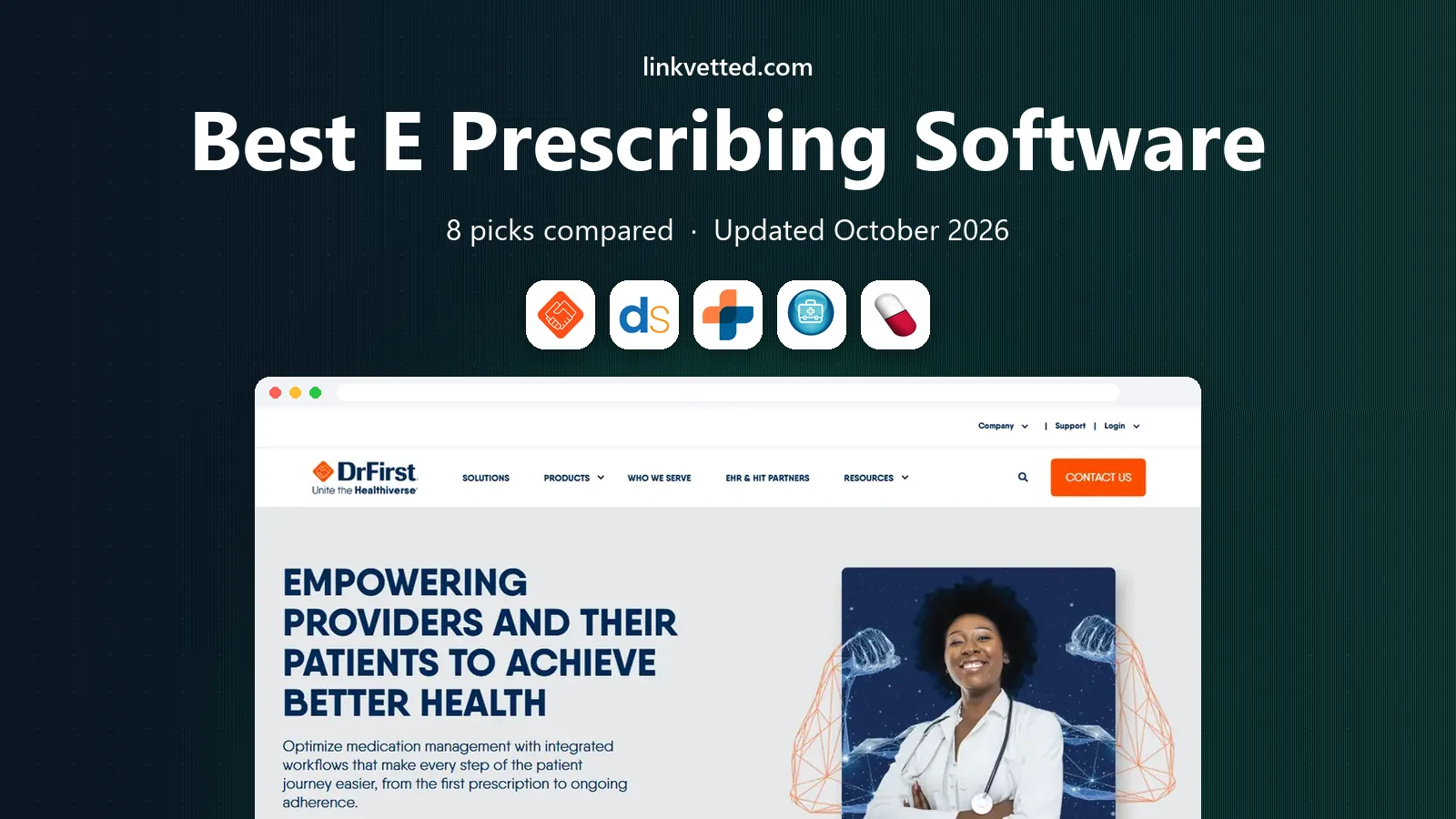
- Editor's choice
 DrFirst Rcopia
Large practices needing depth
Starts atSee websiteVisit drfirst.comFull review - Great alternative
 DoseSpot
Practices using partner EHR tools
Starts atSee websiteVisit dosespot.comFull review - Also consider
 RXNT
Practices wanting a full suite
Starts at$665 per yearVisit rxnt.comFull review
TL;DR:
- MDToolbox and ScriptSure give small practices clear published prices, while DrFirst and DoseSpot often require a quote or partner pricing.
- RXNT suits practices that want e-prescribing inside a fuller EHR and practice management suite, rather than as a standalone tool.
- EPCS for controlled substances needs identity proofing and two factor signing, so confirm that setup, cost, and timing before you sign.
- Practice Fusion and Veradigm bundle prescribing with wider EHR features, which can suit practices that also need charts and scheduling.
- This article is general information only, not medical or legal advice, and prescribers should confirm state rules and pharmacy coverage with the vendor.
Quick comparison
| Tool | Best for | Starts at | Free plan? | |
|---|---|---|---|---|
| DrFirst Rcopia | Large practices needing depth | See website | No | Visit |
| DoseSpot | Practices using partner EHR tools | See website | No | Visit |
| RXNT | Practices wanting a full suite | $665 per year | No | Visit |
 MDToolbox | Small practices wanting clear pricing | $30 per provider per month | Free trial | Visit |
 ScriptSure | Standalone prescribing with EPCS | $45 per provider per month | No | Visit |
 Practice Fusion | Small practices wanting an EHR bundle | $199 per provider per month | Free trial | Visit |
 iPrescribe | Mobile prescribing on the go | $30 per month | No | Visit |
 Veradigm ePrescribe | Practices needing a standalone tool | $59 per prescriber per month | No | Visit |
The best e prescribing software
These tools send prescriptions to pharmacies electronically, check interactions, and support refill and prior authorisation workflows. We compared official pricing pages, vendor feature pages, and public marketplace listings, and we kept only tools that are live for US prescribers in October 2026.

DrFirst Rcopia is one of the best known names in this space, and it is often reached through an EHR partner rather than bought directly. That route can be a strength, since prescriptions can flow from the patient chart without retyping details. Medication history, formulary information, and real time benefit checks help a prescriber spot cost and interaction issues before a prescription leaves the practice. For larger groups, that depth matters more than a low entry price.
The drawback is price transparency. DrFirst does not publish a single list price for Rcopia in many channels, and partner pricing can differ, for example through a practice platform at around $49 per practitioner per month in one published integration guide. Ask for a written quote that separates the base tool, EPCS, and any prescription drug monitoring program access, and confirm who pays for identity proofing. If your practice already uses an EHR that integrates with DrFirst, that link may outweigh the quote step.
- Wide pharmacy network links
- Medication history and benefit checks
- EPCS and mobile access
- No published list price for many buyers
- Setup can involve identity proofing steps
- Costs vary by partner
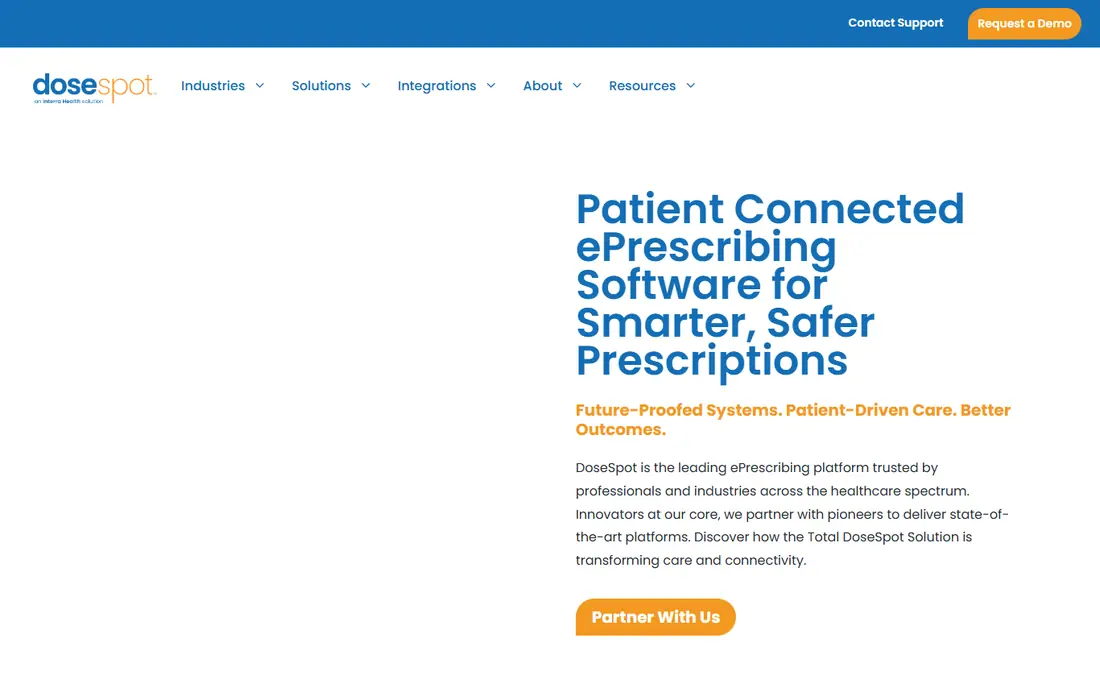
DoseSpot is widely used inside other clinical tools, which means many prescribers meet it through a platform they already use. That integration approach can keep prescribing inside the daily chart workflow, with pharmacy choice, refill requests, and medication history close at hand. It also supports electronic prescribing of controlled substances where the practice completes the required identity proofing and two factor steps. For a practice that does not want a separate prescribing login, that fit is valuable.
Direct pricing is less clear than for smaller standalone tools. Some partner guides list prescriber fees around $65 per month through a specific platform, while enterprise and vendor licensing is often quoted. That range means a small practice should get the total cost through its own platform, including any setup fee and EPCS add on, rather than relying on a headline figure. DoseSpot is best judged on the partner experience and the total monthly cost in your actual setup.
- Strong integration model for EHR vendors
- EPCS support
- Refill and medication history tools
- Direct pricing is often quote based
- Partner fees can add to the total
- Setup includes identity checks
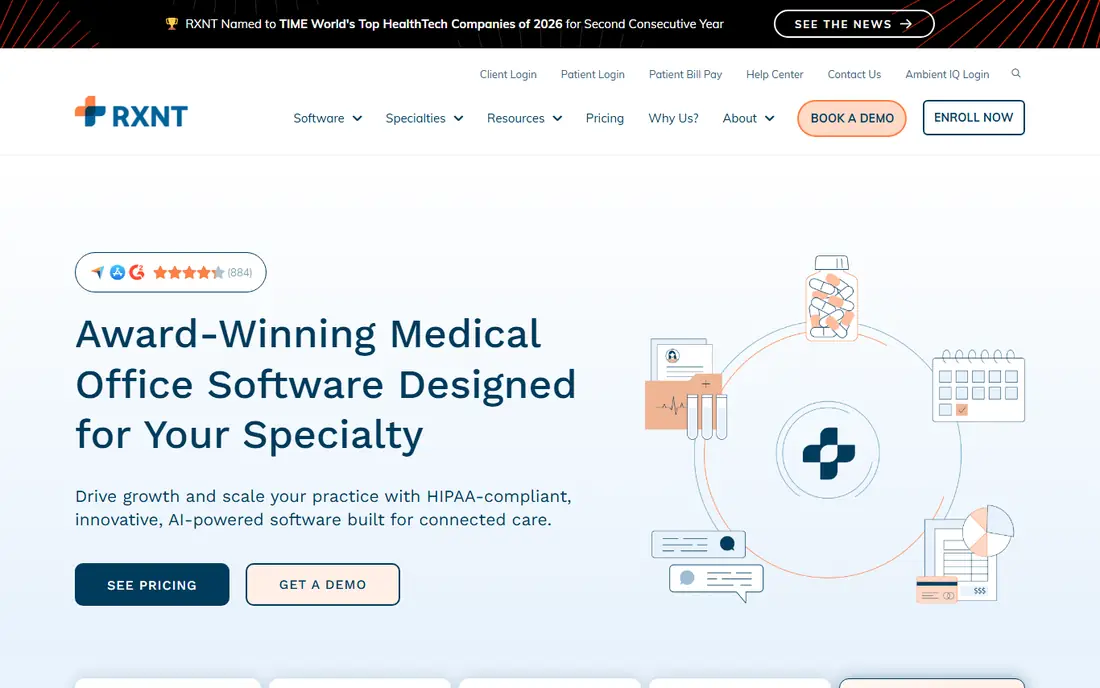
RXNT gives practices a choice that many rivals do not. You can buy e-prescribing on its own for $665 per provider per year, or you can move into an EHR bundle from $126 per provider per month and a full suite from $335 per provider per month. The standalone option suits a prescriber who already has charts and billing elsewhere, while the suite suits a practice that wants scheduling, billing, and prescribing under one login. Onboarding, training, and support are included in published suite descriptions, which helps smaller teams.
The EPCS add on is listed at $85 per year, so controlled substance prescribing needs a separate budget line. There is no free plan, and multi provider costs add up quickly at suite prices. Even so, RXNT is a practical pick for a practice that wants one vendor for clinical and admin work and is willing to pay for that breadth. Check the per provider math for your team size before choosing the full suite over the standalone tool.
- Standalone e-prescribing option
- EHR and practice management bundles
- Included onboarding and training in suite pricing
- Suite pricing rises fast for multi provider groups
- EPCS is an extra annual fee
- No free plan
MDToolbox is the clearest value option in this list for a small practice. E-Prescribe Pro is listed at $30 per provider per month, and E-Prescribe Complete, which adds controlled substance prescribing, is listed at $38 per month, or $35 per month when billed annually. A 30 day trial lets a practice test the workflow before committing. The tool can be used on its own or synced with an existing EHR, which suits practices that do not want to replace their whole system to fix prescribing.
The catch is integration cost. Two way sync options carry setup fees and monthly charges in published guides, so a practice that needs deep EHR sync should budget beyond the base subscription. The interface is practical rather than beautiful, and some users report friction with older EHR links. If your main need is safe, affordable prescribing with EPCS available, MDToolbox is hard to beat on published price alone.
- Clear published pricing
- Standalone use or EHR sync
- EPCS on Complete plan
- Integration setup fees can add cost
- Interface is functional rather than polished
- Sync pricing needs care
ScriptSure is built as a standalone prescribing tool that connects to pharmacies through the Surescripts network. That focus helps practices that want prescribing without buying a full EHR. Published pricing lists $45 per provider per month on the monthly plan, plus a $65 annual ID proofing fee, while the annual plan is listed at $500 per year including ID proofing. For a solo prescriber, that annual route can be simpler to budget.
Integration is where costs can grow. Published guides note that EHR integration and data migration work can carry separate project fees, so a practice that needs a deep link should ask for a fixed scope in writing. ScriptSure also suits telehealth and specialty practices that prescribe across locations, since it is cloud based. The honest trade off is a solid prescribing core with integration as a separate project, not a free add on.
- Standalone cloud prescribing
- EPCS included in published plans
- Surescripts network links
- Annual ID proofing fee on monthly plan
- Integration work can be costly
- No free plan
Practice Fusion is not a prescribing only tool, and that is the point for many small practices. The EHR includes charts, scheduling, a patient portal, and integrated e-prescribing, with EPCS included in published plan terms. Published pricing starts at $199 per provider per month with an annual commitment, and a provider licence includes signing staff licences in published descriptions. A short trial lets a practice test the chart and prescribing flow together.
If you only need to send prescriptions, that price is hard to justify against MDToolbox or ScriptSure. If you also need a modern EHR and want prescribing inside the same record, Practice Fusion becomes a reasonable bundle. Check the annual commitment, tax treatment, and what happens to your data if you leave, since those terms matter more than the monthly figure once the practice is live on the system.
- Full EHR with integrated prescribing
- Patient portal and scheduling
- EPCS included in published terms
- Price is high if you only need prescribing
- Annual commitment applies
- Migration needs planning
iPrescribe, from DrFirst, is aimed at prescribers who work from a phone or tablet. Published marketplace listings put the mobile licence at $30 per month when billed annually, with EPCS included, while a desktop option is listed at a higher price in some guides. That mobile focus suits clinicians who visit patients, cover call, or prescribe between sites, since the tool does not require a desktop EHR session to send a prescription. Medication history and pharmacy selection are central to the workflow.
The limit is scope. A practice that needs deep charting, billing, and reporting will still need other tools, and the desktop tier should be priced before a team assumes full access. Confirm the current licence terms directly, since mobile and desktop pricing has varied in published listings. For a single prescriber who values speed on a phone, iPrescribe is a credible, focused choice.
- Mobile first design for prescribers
- EPCS included in published listings
- Works without a full EHR
- Desktop access sits on a higher plan in some listings
- Support scope varies
- Pricing should be confirmed in writing
Veradigm ePrescribe is a standalone option for practices that want electronic prescribing without adopting a full EHR suite. Published listings put pricing from $59 per prescriber per month, with EPCS listed within that plan in some guides. The tool connects to pharmacies through Surescripts, which gives broad pharmacy coverage for most US patients. For a practice that already has charts and billing in place, a standalone prescriber can be the least disruptive change.
The trade off is that standalone tools rarely match a full EHR on chart depth, and tier details can vary, so the vendor should confirm what is included at $59 in writing. Some listings note sponsored messages as part of the model, which some prescribers may dislike. Even with those caveats, Veradigm earns a place for practices that want a separate, dedicated prescribing tool with a published starting price.
- Standalone prescribing without a full EHR
- Surescripts links
- Sponsored message model in published listings
- No free plan
- Feature depth varies by tier
- Pricing details need vendor confirmation
How we picked these
We compared vendor pricing pages, product pages, and public marketplace listings for tools that send prescriptions electronically in the US, and we favoured tools with EPCS support, pharmacy network links, and live availability in October 2026. We checked how each tool handles controlled substances, medication history, refills, and prior authorisation, and we noted where pricing is published and where a quote is required. We did not claim hands on clinical testing. Our method rests on official feature and pricing pages, help guides, and public listings, read against the practical questions a practice manager would ask before signing.
What to check before you choose
Start with EPCS and identity proofing. Confirm whether controlled substance prescribing is included or an add on, what identity proofing steps are required, how two factor signing works, and how long enrolment takes. A tool that looks cheap can become slow to adopt if EPCS setup drags on, and a practice that prescribes controlled substances regularly should not choose a tool without a clear EPCS path. Ask the vendor to walk through a controlled prescription from login to pharmacy receipt in a demo.
Next, test pharmacy coverage and workflow fit. Send a test prescription to the pharmacies your patients actually use, check refill handling, and confirm how prior authorisations are managed. Also confirm data export, contract length, and renewal terms, since switching prescribing tools mid year can disrupt patient care. Finally, check state rules for your licence type, since requirements differ by state and by drug schedule. This article gives general information only and does not replace legal or clinical advice for your practice.
FAQ
What is the best e prescribing app for a small practice?
MDToolbox is a strong low cost start because pricing is published and a trial is available, while ScriptSure suits a standalone need with EPCS. RXNT is better if you want prescribing inside a wider EHR and billing suite. The right pick depends on whether you need a full EHR or only prescribing.
Do I need EPCS?
You need EPCS if you prescribe controlled substances electronically and your state or payer requires it, and many practices now need it for Medicare Part D work. Confirm your state rules and payer terms, then choose a tool that supports identity proofing and two factor signing for controlled prescriptions.
Can I use e-prescribing without an EHR?
Yes. MDToolbox, ScriptSure, iPrescribe, and Veradigm ePrescribe can be used as standalone tools, though some need a separate chart system for clinical notes. Standalone tools suit prescribers who already have charts elsewhere and only need a safe prescribing workflow.
How much does e prescribing software cost?
Published prices in this list range from $30 per provider per month for MDToolbox Pro to $199 per provider per month for Practice Fusion as an EHR bundle, with RXNT standalone at $665 per year. Quote based tools such as DrFirst and DoseSpot can differ by partner and practice size, so get a written total.
Is e-prescribing safe for patients?
Electronic prescribing can reduce handwriting errors and support interaction checks, formulary checks, and medication history review. Safety still depends on correct patient and pharmacy details, careful review of alerts, and following the prescriber's clinical judgment. This article is general information only, not medical advice.