6 Best Document Signing Software for Business Options for 2026
Best document signing software for business in 2026: 6 tools with starting prices, free plans and limits. Every entry states what it lacks. Numbers first.
- Editor's choice
 Adobe Acrobat Sign
Teams already living in Acrobat
Starts at$19.99/monthVisit adobe.comFull review - Great alternative
 Signeasy
Mobile-first signing for small teams
Starts at$10/monthVisit signeasy.comFull review - Also consider
 Zoho Sign
Budget-friendly signing in the Zoho ecosystem
Starts at$10 per user/month (billed annually)Visit zoho.comFull review
Direct answer
Start with Adobe Acrobat Sign if you need teams already living in Acrobat. Signeasy is the stronger choice for mobile-first signing for small teams, while Zoho Sign suits budget-friendly signing in the Zoho ecosystem. Details, prices and limits for the rest of the 6 tools are below.
TL;DR:
- Adobe Acrobat Sign takes the first slot, best suited to teams already living in Acrobat.
- Check the limits for Zoho Sign before you commit: smaller integration ecosystem outside Zoho.
- Zoho Sign is the only tool of the 6 with a free plan.
- signNow suits budget eSignature without envelope caps.
Quick comparison
| Tool | Best for | Starts at | Free plan? | |
|---|---|---|---|---|
| Adobe Acrobat Sign | Teams already living in Acrobat | $19.99/month | Free trial | Visit |
| Signeasy | Mobile-first signing for small teams | $10/month | Free trial | Visit |
| Zoho Sign | Budget-friendly signing in the Zoho ecosystem | $10 per user/month (billed annually) | Yes | Visit |
 DocuSign | The industry standard for eSignature | $30 per user/month (billed yearly) | Free trial | Visit |
 PandaDoc | Proposals that require signatures | $19 per user/month | Free trial (14 days) | Visit |
 signNow | Budget eSignature without envelope caps | $8 per user/month (billed yearly, official) | Free trial (7 days) | Visit |
The full document signing software for business list
LinkVetted put together this guide to document signing software for business for readers who want a clear shortlist without reading every vendor page. It compares 6 tools on starting price, free plans, who each one suits and where each one falls short.
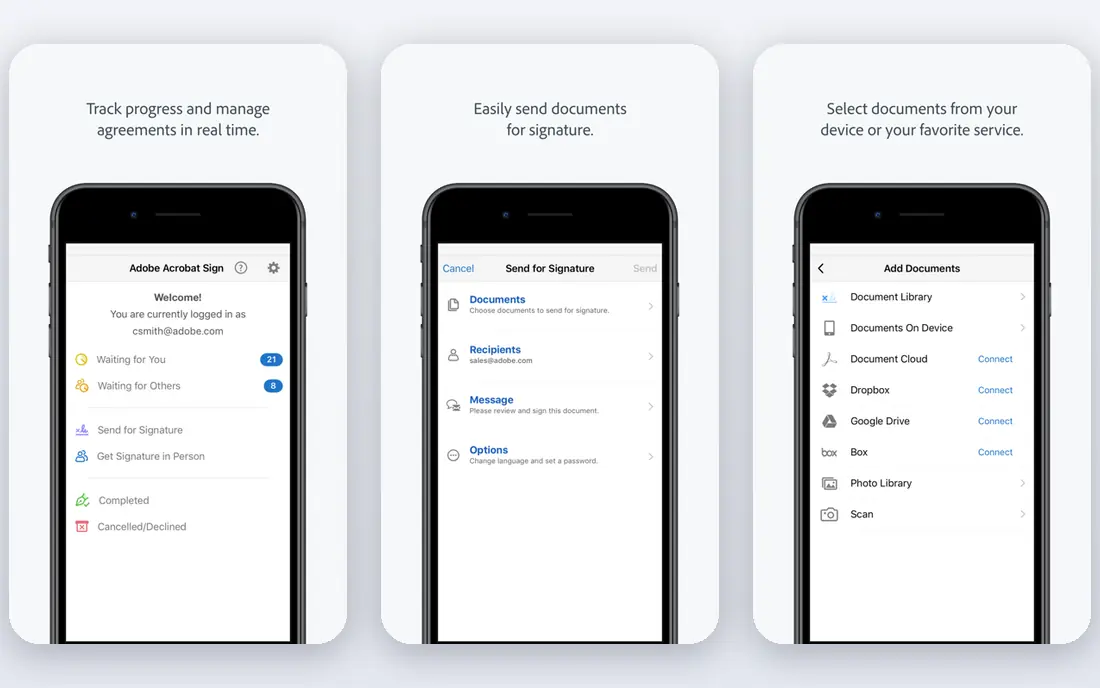
Adobe Acrobat Sign is aimed squarely at teams already living in Acrobat. If your team already uses Acrobat Pro at a reported $19.99 a month, you get eSignature, web forms, and reusable templates as part of the same subscription, plus the full PDF editor.
For everyday use, for organizations standardized on Microsoft 365, that native fit removes friction that DocuSign integrations only approximate. As for the details, the Microsoft integration is the standout: Acrobat Sign is Microsoft's preferred eSignature option, with deep ties into Teams, SharePoint, Dynamics 365, and Outlook. On cost, Adobe Acrobat Sign starts like this: $19.99/month. On free options: Free trial.
Where it is weaker: Standalone enterprise pricing is quote-based.
- No envelope caps on team plans
- Deep Microsoft 365 integration
- Sold through Acrobat plans, which muddies the pricing
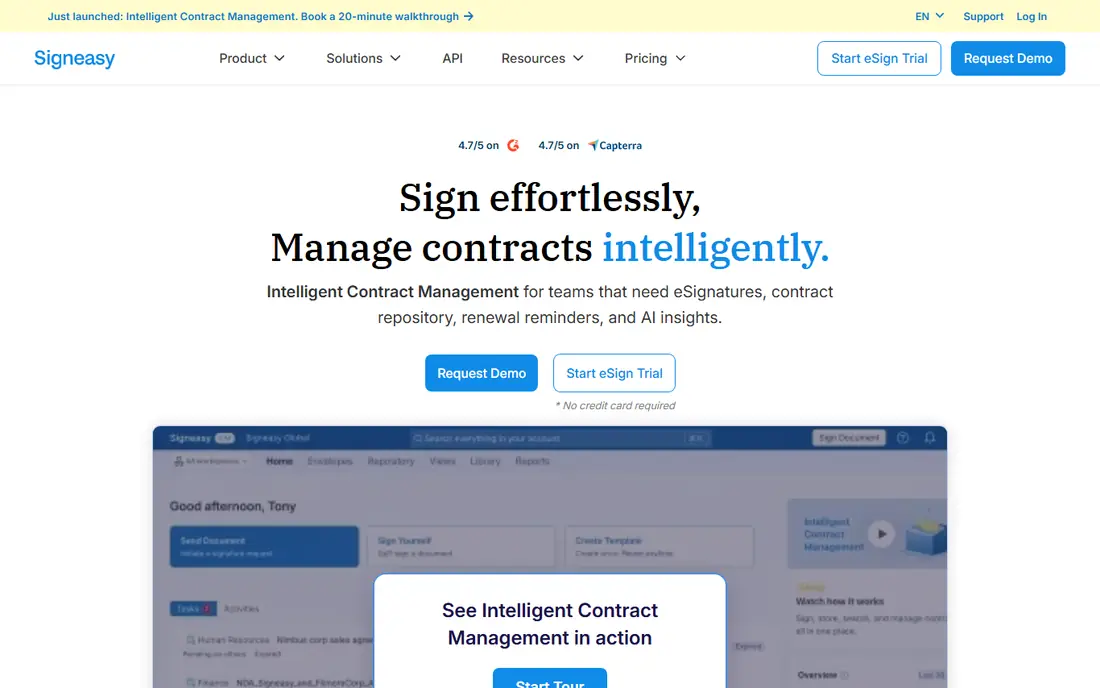
Choose Signeasy for mobile-first signing for small teams. The Personal plan opens at a reported $10 a month.
Features cover the essentials: templates, signing order, reminders, and audit trails, with integrations for Google Workspace and typical cloud storage. Signeasy starts at: $10/month. Trial and free access: Free trial.
Points against: Restricted advanced workflow tools.
- Well suited to field teams
- Solid mobile apps for signing on the go
- No free plan
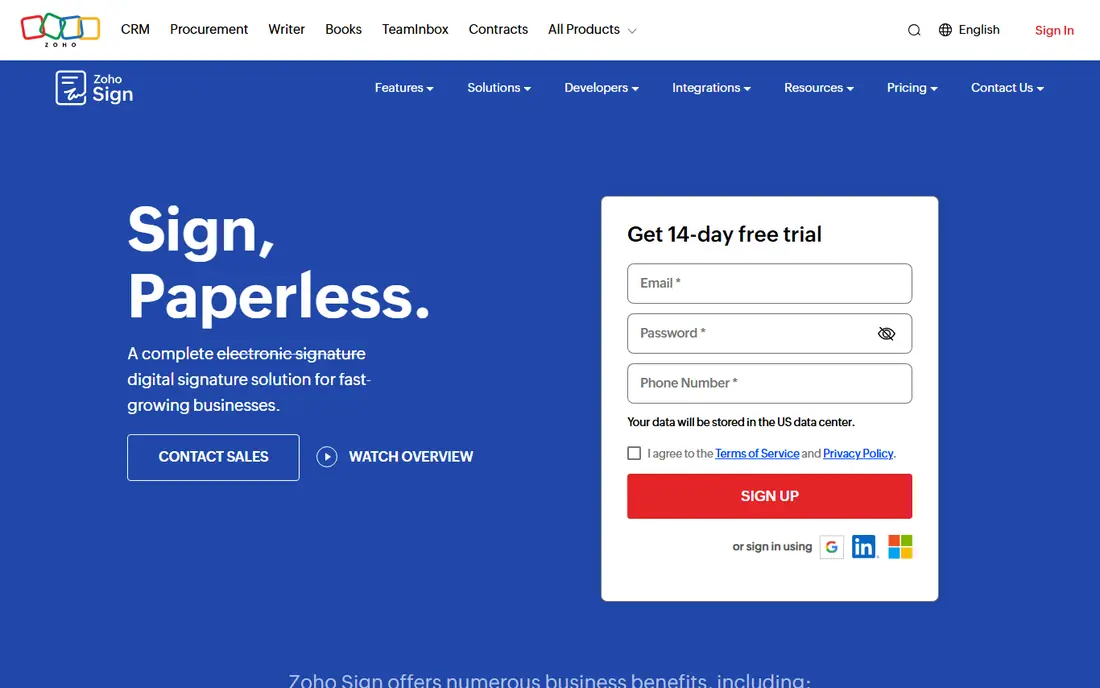
Zoho Sign is aimed squarely at budget-friendly signing in the Zoho ecosystem. The free plan includes 1 user and 5 documents a month with audit trails included. As for the details, Zoho Sign is the budget pick that does not feel like a compromise.
More specifically, native integrations with Zoho CRM, Books, and Recruit mean documents flow through your existing workflows without external connectors. Integrations with non-Zoho tools are thinner than DocuSign's, and the interface, whereas clean, lacks some of the guided polish of the bigger brands. Zoho Sign cost at the entry level: $10 per user/month. Zoho Sign offers a free plan.
What Zoho Sign does well: Real free plan with audit trails.
The main drawbacks: Advanced compliance features need higher levels.
- Unlimited envelopes on Professional
- Cheap premium levels
- Smaller integration ecosystem outside Zoho
Choose DocuSign for the industry standard for eSignature. If your clients expect a DocuSign link, that expectation is the product. Plans start with Personal at $11 a month on annual billing for one user with 5 envelopes per month, Standard at a reported $30 per user per month with 100 envelopes per user a year, and Business Pro at $45 per user a month adding bulk send, web forms, and payment collection.
A 10-person team on Standard costs $3,600 per year before overages, and API access, SSO, and advanced security sit on quoted Enhanced plans above that. From a buyer's view, DocuSign suits businesses where client confidence and integration depth matter more than the bill. For everyday use, if volume is high, compare total cost including overages against unlimited-envelope rivals before committing. Once you exceed 100 envelopes per user a year, overage charges apply at published pay-as-you-go rates. DocuSign cost at the entry level: $30 per user/month. Free options: Free trial.
Honest limits: SSO and API access need pricey higher levels.
- Universally recognized by signers
- Solid compliance coverage including eIDAS and QES choices
- 100-envelope annual cap per user with overage fees
In short, PandaDoc is for proposals that require signatures. The Essentials plan at a reported $19 per user a month (2 seats max) bundles the drag-and-drop editor, templates, pricing tables, payments, and document analytics. Business at $49 per user a month layers on CRM integrations, approval workflows, bulk send, and custom branding.
Limits to weigh: Overkill if you only need plain signatures.
It is a document product with signing built in. In daily use, payments can be collected at signing through Stripe, Square, or PayPal. PandaDoc pricing: $19 per user/month. As for free access: Free trial (14 days).
- Strong CRM integrations
- Drag-and-drop document builder with pricing tables
- No free plan
signNow targets budget eSignature without envelope caps. signNow is the value leader for teams that require real eSignature features without DocuSign's bill. For complicated enterprise integrations, it might.
the main limit is polish and ecosystem. signNow's interface and integration library are thinner than DocuSign's. For straightforward signing workflows, that does not matter. The honest detail: "unlimited document sending" refers to users, templates, and storage, whereas signature invites are capped at 100 per user a year on standard plans. On top of that, every premium plan bundles unlimited document sending, reusable templates, audit trails, mobile apps, and cloud storage. Price to start with signNow: $8 per user/month. Trial and free access: Free trial (7 days).
The main drawbacks: Interface less refined than DocuSign.
- Lowest per-user price among full-featured tools
- Unlimited templates and storage
- Signature invites capped at 100 per user a year
Our selection method
For each of the 6 tools we noted price, free plan or trial, fit for document signing software for business and the main limit, using vendor pages and documentation. Prices and plan limits come from vendor pages and can change, so confirm them on the vendor site before you buy. Order on the page follows fit for the typical buyer first, then price transparency and free access. Your own requirements should decide the final pick.
Pre-purchase checklist
- Prices are a starting point; signNow shows $8 per user/month to start, so verify what your seat count would cost.
- Test the free plan from Zoho Sign against your real workload before relying on it.
- Take the trial from Adobe Acrobat Sign, Signeasy, DocuSign and others and push a live task through it before you pay.
- Read the limits listed for Adobe Acrobat Sign first: sold through Acrobat plans, which muddies the pricing.
- Check the integration list for Adobe Acrobat Sign against the tools you run today, and note which ones need a higher plan.
- Compare total cost, not headline price: for signNow, add extra seats, add-ons and any usage-based charges.
FAQ
Are electronic signatures legally binding?
In the US, the ESIGN Act and UETA provide electronic signatures the same legal standing as handwritten ones for most business documents. The EU's eIDAS regulation supplies a similar framework.
Can I collect payments with eSignature software?
PandaDoc and DocuSign Business Pro support payment collection inside documents. This is handy for proposals, engagement letters, and order forms where signature and deposit happen together.
Can I try these tools before paying?
Often, yes. Zoho Sign has a free plan and Adobe Acrobat Sign, Signeasy, DocuSign and others offer a free trial. Use your own data and a real task during the test, and check what the free tier or trial limits before you rely on it.
Do these tools publish their prices?
Yes. Every tool from Adobe Acrobat Sign to signNow shows a starting price, though seats, add-ons and billing terms still change the final cost.
What is the cheapest option for document signing software for business in this list?
On published monthly entry prices, signNow is the lowest here at $8 per user/month. Entry price is only part of the cost, because seats, add-ons and billing terms can change the total.
Which options for document signing software for business have a free plan?
Zoho Sign is the only tool in this list with a free plan. Free plans usually cap users, projects or features, so check the limits on the vendor page. Several others offer a trial instead.