7 Best Document Archiving Software Options for 2026
7 products for the best document archiving software, ranked by fit, with starting costs and free tiers. Includes honest limits for each tool. No filler.
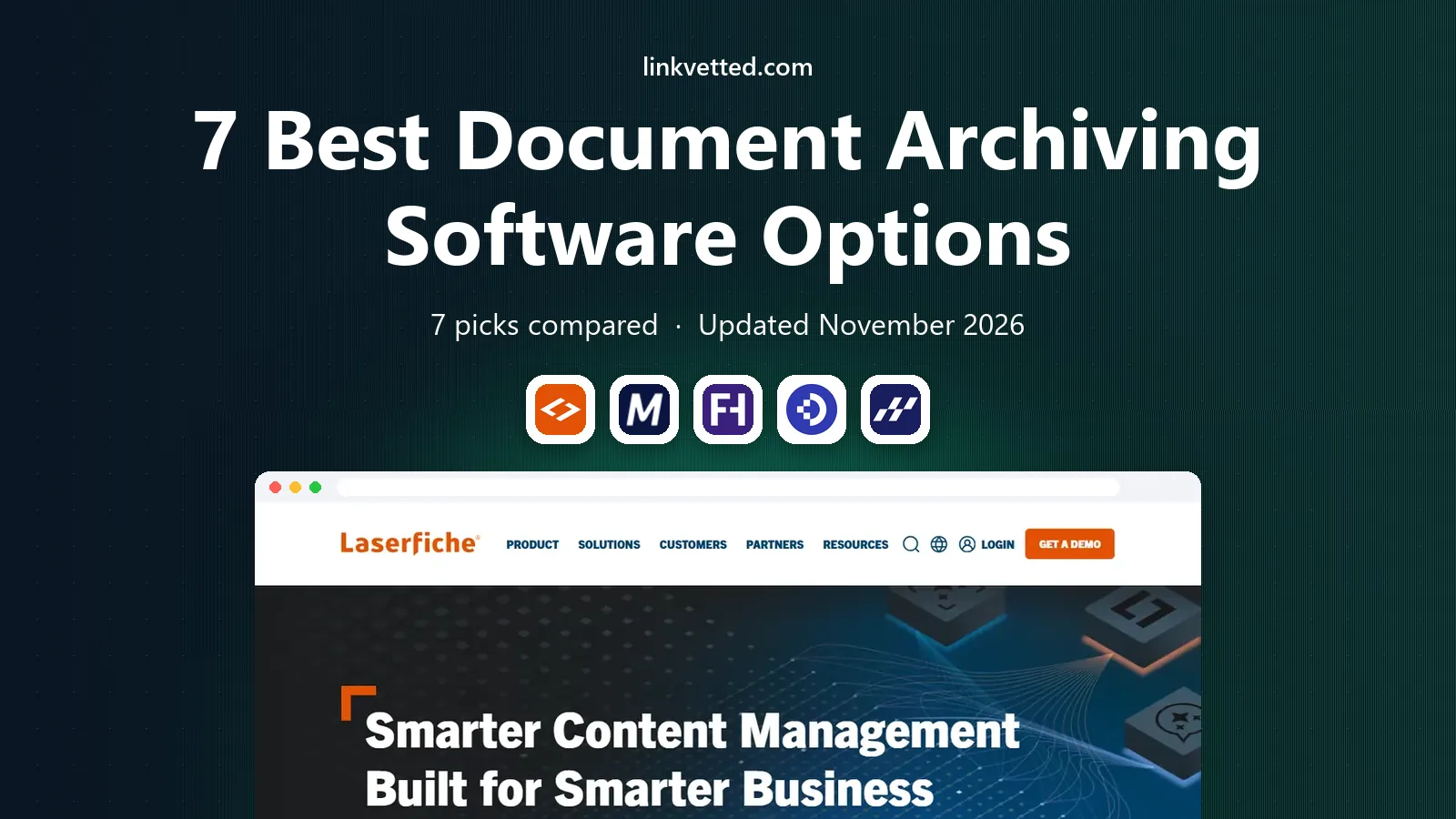
- Editor's choice
 Laserfiche
Enterprise content services
Starts atSee websiteVisit laserfiche.comFull review - Great alternative
 M-Files
Metadata-driven management
Starts atSee websiteVisit m-files.comFull review - Also consider
 FileHold
Straightforward document management
Starts atSee websiteVisit filehold.comFull review
TL;DR:
- Laserfiche takes the first slot, best suited to enterprise content services.
- onPhase suits archiving plus AP automation.
- Only Alfresco offers a free plan among these 7 tools.
- Pricing across the list, from Laserfiche to onPhase, is by quote only.
Direct answer
Start with Laserfiche if you need enterprise content services. M-Files is better for metadata-driven management, and FileHold is better for straightforward document management. Details, prices and limits for the rest of the 7 tools are below.
Quick comparison
| Tool | Best for | Starts at | Free plan? | |
|---|---|---|---|---|
| Laserfiche | Enterprise content services | See website | Free trial | Visit |
| M-Files | Metadata-driven management | See website | Free trial | Visit |
| FileHold | Straightforward document management | See website | Free trial | Visit |
 DocuWare | Archiving with workflow automation | See website | Free trial | Visit |
 Alfresco | Open-source-rooted ECM | See website | Yes | Visit |
 Square 9 | Intelligent document processing | See website | Free trial | Visit |
 onPhase | Archiving plus AP automation | See website | No | Visit |
The full document archiving software list
This LinkVetted guide covers 7 options for document archiving software. Each profile lists a starting price, free plan details, strengths and drawbacks, so you can drop poor fits quickly.
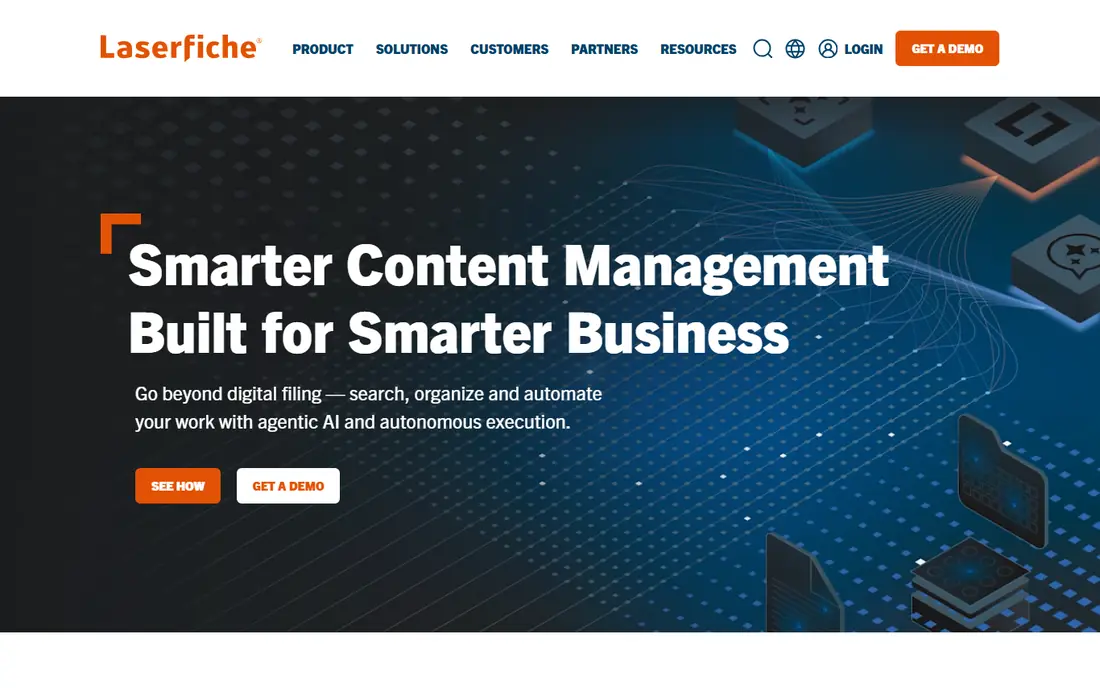
Choose Laserfiche for enterprise content services. Laserfiche customers should invest in records management training early; the compliance features need knowledgeable administrators. Smaller organizations may find it heavy.
Enterprises standardizing content management get depth and compliance. Laserfiche is an enterprise content services system with document archiving at its core, plus records management and process automation. More specifically, plan the implementation in phases. Government, education and financial institutions are strongholds. Laserfiche does not show a starting price in this comparison, so check the vendor site for current pricing. Free options: Free trial.
Where it falls short: Enterprise pricing.
- Enterprise content management depth
- Process automation
- Implementation effort
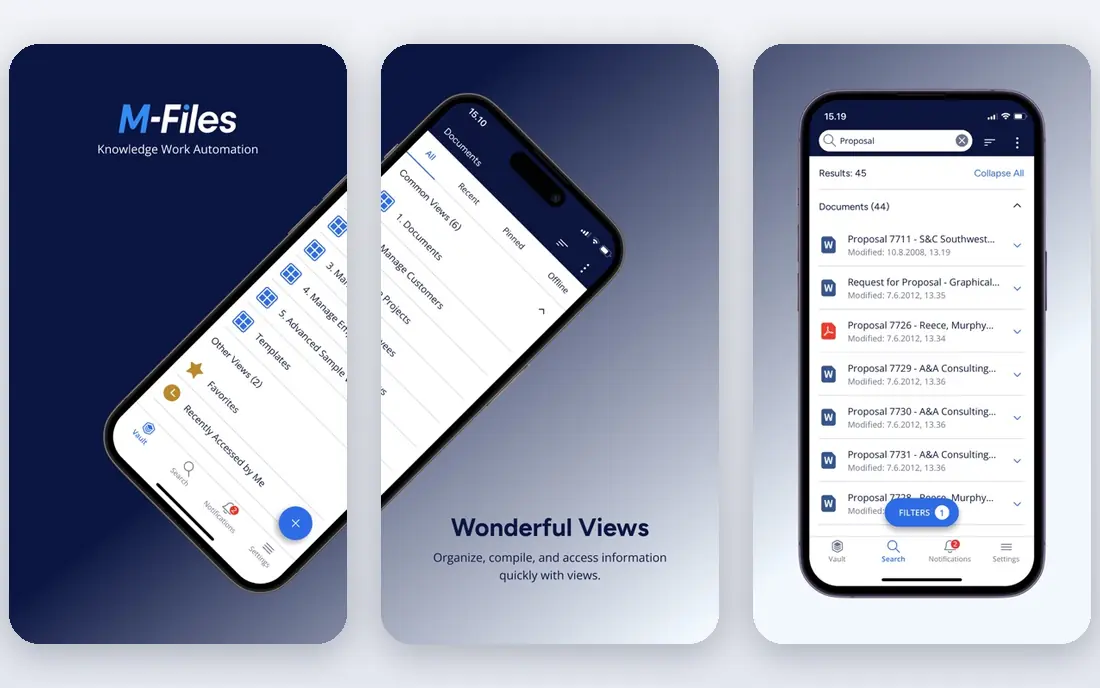
For metadata-driven management, M-Files is a natural candidate. AI helps classify and the search is very good. More specifically, M-Files users should commit to the metadata mindset completely; half-migrated folder structures build confusion.
On top of that, teams attached to folders need retraining. The AI classification boosts as the system learns your content. More specifically, train staff on finding documents by properties, not locations. On top of that, organizations drowning in shared drives find the metadata approach transformative. Check the vendor site for M-Files pricing; none is listed in this comparison. Free plan details: Free trial.
The main drawbacks: Concept shift for folder-trained teams.
- Metadata rather than folders
- AI-assisted organization
- Pricing not published

FileHold targets straightforward document management. Keep the folder structure straightforward from the start. Beyond that, the straightforward approach fits teams without dedicated IT.
Points against: Smaller vendor.
FileHold delivers document management and archiving without enterprise complexity: version control, approvals, search and retention at accessible pricing. Worth adding: for straightforward archiving needs, the simplicity and price appeal. From a buyer's view, mid-sized companies get organized rapidly. In daily use, FileHold customers should take advantage of the quick deployment to get fast wins; early success builds adoption momentum. Pricing for FileHold is not stated here, so ask the vendor for current figures. Free plan details: Free trial.
- Quick deployment
- Budget-friendly and straightforward
- Fewer advanced workflow features
DocuWare works best for archiving with workflow automation. DocuWare buyers should pilot with one department's documents before enterprise rollout; AP is the classic starting point.
For everyday use, cloud deployment gets you live fastest. Check the vendor site for DocuWare pricing; none is listed in this comparison. As for free access: Free trial.
Points against: Implementation for complicated setups.
- Capable document management plus workflows
- Wide adoption
- Pricing not published
Choose Alfresco for open-source-rooted ECM. The Hyland backing supplies a roadmap worth following.
Drawbacks to consider: Enterprise features need premium levels.
Beyond that, enterprise capabilities need premium Hyland levels. Beyond that, Alfresco users should decide between community and enterprise editions based on support needs, not just features. Pricing for Alfresco is not stated here, so ask the vendor for current figures. Alfresco offers a free plan.
- Now backed by Hyland
- Adaptable system
- Community edition limits
Square 9 is designed for intelligent document processing. Distributed and hybrid teams like the cloud access. Distributed teams benefit most from the cloud access.
Watch-outs: Enterprise depth thinner.
From a buyer's view, Square 9 users should start with the AI capture on their highest-volume document type; the ramp-up time is quickest there. Beyond that, measure indexing time before and after to prove the ROI. Mid-sized organizations automating document-heavy processes get a capable system. Square 9 shows no starting price here, so confirm the cost on the vendor site. On free options: Free trial.
- AI document capture
- Archiving with automation
- Mid-market focus
onPhase is designed for archiving plus AP automation. The scope centers on finance.
Where it is weaker: Formerly DocuPhase, so older reviews use the old name.
Worth adding: finance teams get the most from the automation. Check the vendor site for onPhase pricing; none is listed in this comparison. onPhase has no free tier.
- AP automation with document archiving
- Payments included
- Finance-centric scope
How we compared the tools
The comparison looks at four things: starting price, free access, how well the feature set matches document archiving software, and the main limit of each tool. Prices and plan limits come from vendor pages and can change, so confirm them on the vendor site before you buy. We ordered the tools by general fit, then by how clearly pricing is shown, then by free access. A buyer with unusual needs may reorder them.
Before you commit
- Request quotes from Laserfiche, onPhase and the others; the list shows no fixed prices.
- Look at the free plan from Alfresco closely: its caps decide whether it is usable for real work.
- Take the trial from Laserfiche, M-Files, FileHold and others and push a live task through it before you pay.
- Before choosing Laserfiche, weigh its main limit: enterprise pricing.
- Price Laserfiche for your actual team size; headline prices rarely include add-ons or overage.
- Confirm you can export your data from M-Files, so leaving later does not mean losing records.
FAQ
Is Laserfiche the right pick for everyone comparing document archiving software?
No single tool suits every team. Laserfiche comes first because it fits enterprise content services, while M-Files suits metadata-driven management and FileHold suits straightforward document management. Match the tool to your own size, budget and workflow before deciding.
How is archiving different from cloud storage?
Cloud storage holds files; archiving layers on version control, retention schedules, audit trails, compliance features and advanced search.
Which options for document archiving software have a free plan?
Alfresco is the only tool in this list with a free plan. Free plans usually cap users, projects or features, so check the limits on the vendor page. Several others offer a trial instead.
What does intelligent document processing add?
AI capture that reads incoming documents, extracts data and files them automatically, reducing manual indexing.
How long should firms retain documents?
It relies on document type and jurisdiction: tax records commonly seven years, employment records vary. Set retention schedules with legal counsel.
Do these tools publish their prices?
No. None of the tools, from Laserfiche to onPhase, shows a fixed starting price here, so budget time for quotes.