Best Disk Cleaner Software for 2026: Our 6 Vetted Picks
Best disk cleaner software in 2026: 6 tools with starting prices, free plans and limits. Price notes and drawbacks come with each one. Read before you buy.
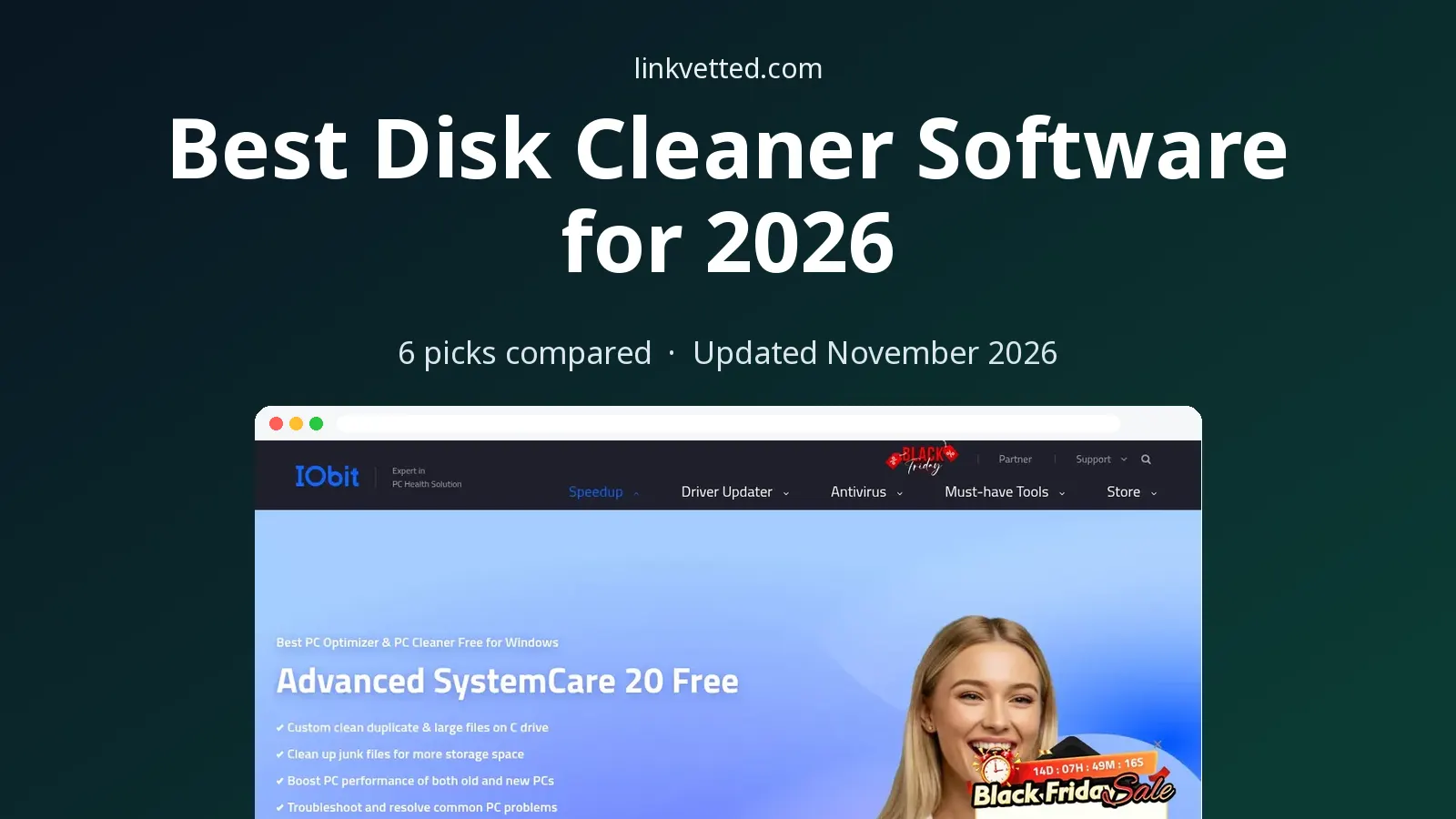
- Editor's choiceIObit Advanced SystemCare
Windows users wanting cleanup plus optimization
Starts atSee websiteVisit iobit.comFull review - Great alternativeCleanMyMac
Mac users wanting cleaning and maintenance
Starts atSee websiteVisit macpaw.comFull review - Also considerBleachBit
Open-source privacy wiping on Windows and Linux
Starts atSee websiteVisit bleachbit.orgFull review
Direct answer
This list puts IObit Advanced SystemCare first for Windows users wanting cleanup plus optimization. Listed starting prices: CCleaner from $44.95. Alternatives: CleanMyMac for Mac users wanting cleaning and maintenance, and BleachBit for open-source privacy wiping on Windows and Linux. All 6 tools are compared below on price, free plan and limits.
TL;DR:
- Top of the list is IObit Advanced SystemCare, which targets Windows users wanting cleanup plus optimization.
- Just one of the 6 tools, CCleaner, has a free plan.
- No starting price is published for IObit Advanced SystemCare, CleanMyMac, BleachBit and others; expect a quote.
- For all-in-one Windows system maintenance, Glary Utilities is worth a look.
Last checked November 2026. Prices and plan details were read from the vendors' own pages in November 2026; vendors change plans often, so confirm the current price on the vendor site before you buy.
Quick comparison
| Tool | Best for | Starts at | Free plan? | |
|---|---|---|---|---|
| IObit Advanced SystemCare | Windows users wanting cleanup plus optimization | See website | Not stated | Visit |
| CleanMyMac | Mac users wanting cleaning and maintenance | See website | Not stated | Visit |
| BleachBit | Open-source privacy wiping on Windows and Linux | See website | Not stated | Visit |
 CCleaner | All-around Windows PC cleaning and privacy | $44.95 | Yes | Visit |
| Auslogics Disk Defrag | Dedicated Windows disk defragmentation | See website | Not stated | Visit |
| Glary Utilities | All-in-one Windows system maintenance | See website | Not stated | Visit |
Our 6 picks for disk cleaner software
If you are comparing disk cleaner software, this page covers 6 tools in one place: what each is best for, what it costs to start, whether it has a free plan, and the main limit to know about.
IObit Advanced SystemCare
Best for: Windows users wanting cleanup plus optimization

Think of IObit Advanced SystemCare for Windows users wanting cleanup plus optimization. The free edition limits some modules, and the tool is Windows-only.
Where it is weaker: Windows only.
IObit Advanced SystemCare is a Windows utility that cleans junk, optimizes system settings, and brings security and privacy features. In practice, if you want a leaner, open-source choice or a Mac option, consider BleachBit or CleanMyMac instead. IObit Advanced SystemCare shows no starting price here, so confirm the cost on the vendor site. On free options: Not stated.
- Merges cleaning with performance optimization
- Contains security and privacy features
- Some modules are restricted in the free version
CleanMyMac
Best for: Mac users wanting cleaning and maintenance
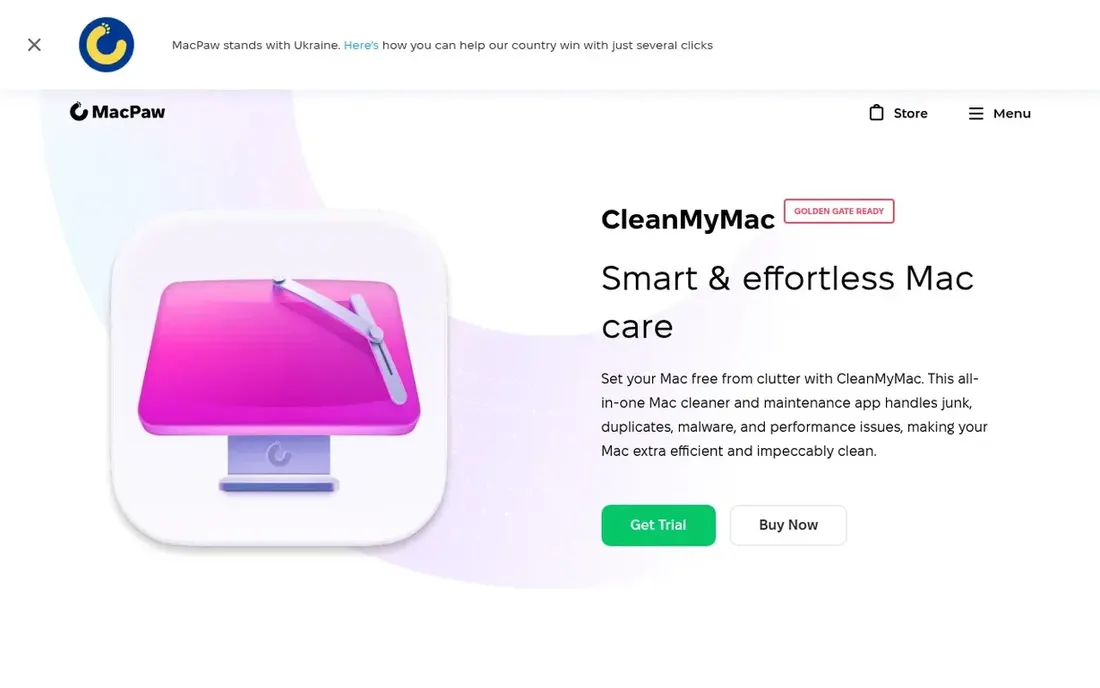
Where CleanMyMac fits: Mac users wanting cleaning and maintenance. If you use Windows or prefer open-source tools, CCleaner or BleachBit are more suitable alternatives.
Drawbacks to consider: macOS only.
CleanMyMac does not show a starting price in this comparison, so check the vendor site for current pricing. Free plan details: Not stated.
- Merges cleaning with maintenance and protection
- Simple few-click workflow
- Needs a premium license for full features
BleachBit
Best for: Open-source privacy wiping on Windows and Linux
BleachBit makes the most sense for open-source privacy wiping on Windows and Linux. BleachBit is a free, open-source disk space cleaner and privacy manager for Windows and Linux. It shreds files, wipes free space, and deletes junk safely, making it a solid fit for privacy-conscious users who prefer open-source software.
It does not support macOS and its interface is more utilitarian than commercial cleaners. In practice, if you are on a Mac or want a more guided experience, CleanMyMac or CCleaner may be preferable. This comparison lists no price for BleachBit; ask the vendor. Free access: Not stated.
Points against: No macOS version.
- Shreds files and wipes free space
- Free and open source
- Less refined interface than commercial tools
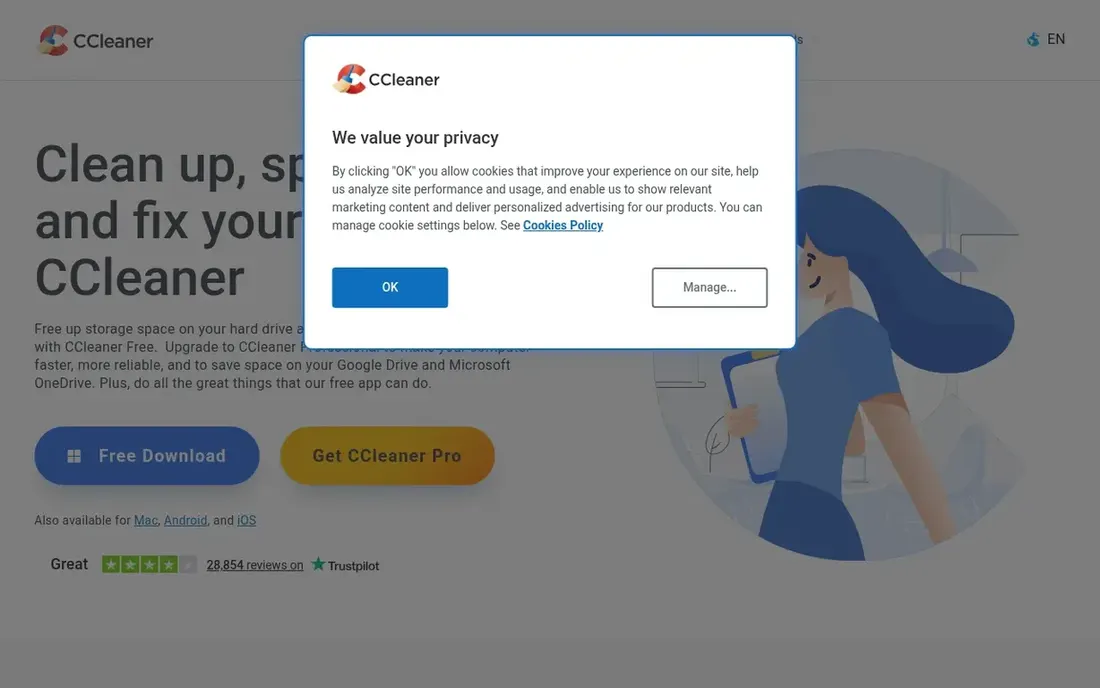
Choose CCleaner for all-around Windows PC cleaning and privacy. CCleaner is a long-standing Windows utility that removes temporary files, browser traces, and other clutter whereas offering privacy protection.
Where it falls short: Windows-focused.
If you need deep registry editing or cross-platform support, look at BleachBit or a Mac-specific tool instead. The starting price for CCleaner: $44.95. CCleaner has a free plan.
- Well-known interface for beginners
- Cleans junk files and browser traces
- Some features may need the premium edition
Auslogics Disk Defrag
Best for: Dedicated Windows disk defragmentation
Auslogics Disk Defrag was built for dedicated Windows disk defragmentation. It fits users who specifically want to defrag drives instead of perform wide junk cleanup, and it provides a straightforward workflow.
It does not clean temporary files or browser traces, so it is not a full disk cleaner. Auslogics Disk Defrag shows no starting price here, so confirm the cost on the vendor site. Free options: Not stated.
Downsides: Not a general junk cleaner.
- Straightforward defrag workflow
- Free edition available
- Windows only
Glary Utilities
Best for: All-in-one Windows system maintenance
Think of Glary Utilities for all-in-one Windows system maintenance. Glary Utilities is a free suite of Windows system tools that cleans the registry, defragments disks, removes junk files, and guards privacy.
Reasons to shortlist it: Comes with privacy protection.
Where it falls short: Interface can feel busy for beginners.
It is Windows-only, and the broad feature set may overwhelm new users. If you prefer a more straightforward, single-purpose cleaner or need macOS support, CCleaner or CleanMyMac are more focused choices. No starting price is listed for Glary Utilities here; confirm pricing on the vendor site. As for free access: Not stated.
- Free system utilities
- Combines registry cleaning, defrag
- Windows only
How we compared the tools
Selection started from tools commonly considered for disk cleaner software, then narrowed to 6 that have clear pricing information or a clear quote process. Seat minimums, billing terms and add-ons can move the real cost, so the starting prices here are a guide and not a quote. Tools are placed by general fit for disk cleaner software, with price clarity and free access as tie-breakers. A different team can reasonably rank them differently.
What to confirm before you sign up
- Confirm the entry price on the vendor page. For IObit Advanced SystemCare, CleanMyMac, BleachBit and others that means a quote rather than a fixed price.
- Test the free plan from CCleaner against your real workload before relying on it.
- Read the limits listed for IObit Advanced SystemCare first: Windows only.
- Find out what support CCleaner includes on your plan, and whether onboarding help costs extra.
- Map your must-have features to a specific IObit Advanced SystemCare plan before you compare prices.
FAQ
Do these tools publish their prices?
Not all of them. IObit Advanced SystemCare, CleanMyMac, BleachBit and others publish no starting price, so expect a quote request for those. The rest, CCleaner included, show a starting price, though seats and billing terms still change the final cost.
Is IObit Advanced SystemCare the right pick for everyone comparing disk cleaner software?
No single tool suits every team. IObit Advanced SystemCare comes first because it fits Windows users wanting cleanup plus optimization, while CleanMyMac suits Mac users wanting cleaning and maintenance and BleachBit suits open-source privacy wiping on Windows and Linux. Match the tool to your own size, budget and workflow before deciding.
Are free disk cleaners safe to use?
Reputable free cleaners from known vendors are generally safe when downloaded from official sites. Always review what a tool will delete before confirming, and avoid unknown sources.
Can disk cleaners boost computer speed?
Removing junk files can free disk space and cut clutter, which may help system responsiveness. Defragmentation can also boost hard drive performance.
Which options for disk cleaner software have a free plan?
CCleaner is the only tool in this list with a free plan. Free plans usually cap users, projects or features, so check the limits on the vendor page. All 6 picks in this disk cleaner software comparison list a starting price, free plan details and the main limits on their cards above.
What is the difference between a disk cleaner and a defragmenter?
A disk cleaner removes temporary files, caches, and browser traces to free space. A defragmenter reorganizes files on a hard drive to boost access speed.
Sources
- https://www.iobit.com/en/advancedsystemcarefree.php
- https://macpaw.com/cleanmymac
- https://www.bleachbit.org
- https://www.ccleaner.com
- https://www.auslogics.com/en/software/disk-defrag
- https://www.glarysoft.com/glary-utilities