The 6 Best Digital Experience Monitoring Software for Remote Teams in 2026, Ranked
6 best digital experience monitoring software for remote teams, with entry costs, free tiers and the buyer each one serves. Real limits included. Facts only.
- Editor's choiceThousandEyes
Network assurance for digital experiences
Starts atSee websiteVisit thousandeyes.comFull review - Great alternative
 Splunk Observability Cloud
Unified visibility and cost control
Starts at$6 per vCPU a monthVisit splunk.comFull review - Also consider
 New Relic
AI-driven DEM with browser monitoring
Starts at$10 per user per monthVisit newrelic.comFull review
Direct answer
For network assurance for digital experiences, ThousandEyes is where this list starts. Listed starting prices: Splunk Observability Cloud from $6 per vCPU a month, New Relic from $10 per user per month and AppDynamics from $6 a month, per CPU core, billed yearly. If your case is different, Splunk Observability Cloud suits unified visibility and cost control and New Relic suits AI-driven DEM with browser monitoring. Details, prices and limits for the rest of the 6 tools are below.
TL;DR:
- Number one here is ThousandEyes, a fit for network assurance for digital experiences.
- For real user monitoring across web and mobile, Datadog Digital Experience Monitoring is worth a look.
- Check the limits for Splunk Observability Cloud before you commit: may be complicated to deploy.
- Free plans exist at 3 of 6 tools (Splunk Observability Cloud, New Relic, AppDynamics).
- The cheapest monthly starting price in the list is $6 per vCPU per month, offered by Splunk Observability Cloud.
Last checked November 2026. Prices and plan details were read from the vendors' own pages in November 2026; vendors change plans often, so confirm the current price on the vendor site before you buy.
Quick comparison
| Tool | Best for | Starts at | Free plan? | |
|---|---|---|---|---|
| ThousandEyes | Network assurance for digital experiences | See website | Free trial | Visit |
| Splunk Observability Cloud | Unified visibility and cost control | $6 per vCPU a month | Yes | Visit |
| New Relic | AI-driven DEM with browser monitoring | $10 per user per month | Yes | Visit |
 AppDynamics | Unified observability across environments | $6 a month, per CPU core, billed yearly | Yes | Visit |
 Catchpoint | Internet performance monitoring | See website | Not stated | Visit |
| Datadog Digital Experience Monitoring | Real user monitoring across web and mobile | $8 per committer per month | Free trial | Visit |
Digital Experience Monitoring Software for Remote Teams profiles
LinkVetted compared 6 digital experience monitoring software for remote teams. The goal is a practical shortlist: published prices, free plan facts, best-fit use cases and honest limits for every entry.
ThousandEyes
Best for: Network assurance for digital experiences
Choose ThousandEyes for network assurance for digital experiences. Cisco ThousandEyes enables organizations to assure every digital experience across every network, everywhere, every time.
Points against: Network-centric.
It offers assurance for digital experiences by monitoring network performance and reachability. As for the details, consider alternatives if you need a tool that merges RUM with network monitoring from day one. This comparison lists no price for ThousandEyes; ask the vendor. Free access: Free trial.
- Assures digital experiences
- Spans every network
- May need integration for app data
Splunk Observability Cloud is a good fit for unified visibility and cost control. As a wide observability product, Splunk may need significant setup and management effort.
What to check first: Wide system focus.
It is not solely centred on digital experience monitoring, so teams seeking a specialized RUM tool might find it overkill. What you pay to start with Splunk Observability Cloud: $6 per vCPU per month. Splunk Observability Cloud includes a free tier.
- Control over data and costs
- Quicker problem resolution
- May be complicated to deploy
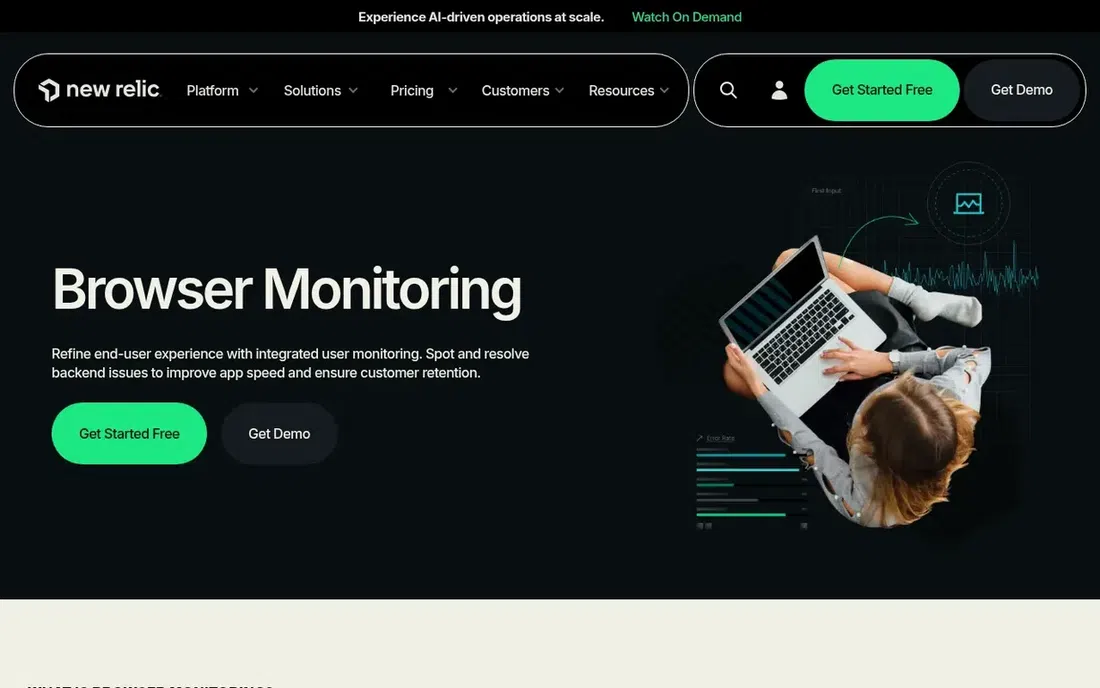
Think of New Relic for AI-driven DEM with browser monitoring. New Relic gives you browser monitoring as part of its completely integrated, AI-driven digital experience monitoring (DEM) option. It helps unlock a better user experience by monitoring browser performance and user interactions.
The main drawbacks: Concentrated on browser data.
Worth adding: the AI-driven approach may need some ramp-up time. New Relic's browser monitoring is centred on web applications, so teams with heavy mobile app usage may need extra monitoring. On cost, New Relic starts like this: $10 per user per month. You can start on New Relic without paying.
- Browser monitoring focus
- AI-driven insights
- May need extra modules
AppDynamics works best for unified observability across environments. AppDynamics, now part of the Splunk Observability portfolio, gives you unified observability across any environment and stack. It helps ensure resilience of digital systems, identify problems proactively, find root causes, and resolve them quick.
Points against: May be complicated.
Worth adding: as part of Splunk, AppDynamics may be integrated with broader observability tools, which could be complicated for teams seeking a standalone option. Consider other choices if you need a specialized digital experience monitoring tool with a more straightforward focus. AppDynamics starts at: $6 per month, per CPU core, billed annually. AppDynamics offers a free plan.
- Proactive problem identification
- Unified observability
- Now part of Splunk portfolio
Catchpoint is aimed squarely at internet performance monitoring. Catchpoint gives you an Internet Performance Monitoring (IPM) Suite that optimizes performance, availability, reliability, and reachability from wherever your customers and employees are. This makes it right for remote teams that require to ensure digital experiences are consistent across different locations and networks.
Limits to weigh: May need expertise.
It may also need specialized expertise to completely use. Consider other choices if your primary need is browser or mobile app monitoring instead of network assurance. Check the vendor site for Catchpoint pricing; none is listed in this comparison. As for free access: Not stated.
- Focus on reliability and reachability
- Optimizes performance and availability
- Network-centric focus
Datadog Digital Experience Monitoring
Best for: Real user monitoring across web and mobile
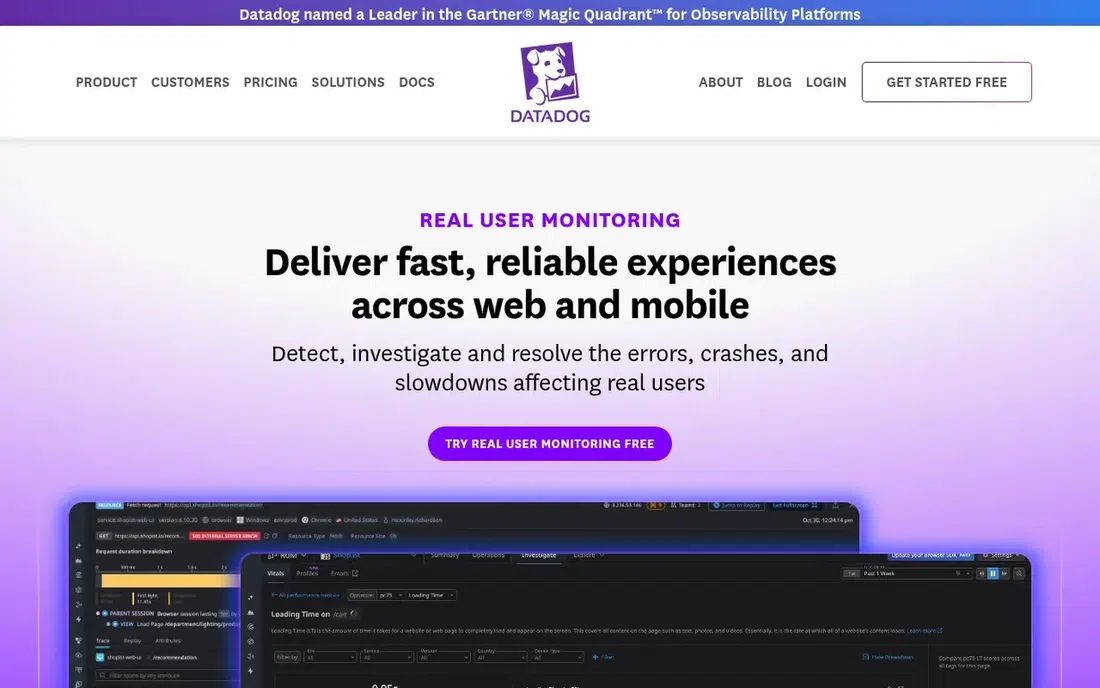
Datadog Digital Experience Monitoring works best for real user monitoring across web and mobile. This tool suits remote teams that require to understand and boost the end-user experience by focusing on actual user interactions and performance data from browsers and mobile apps.
Also, it may require configuration to capture all relevant data. Price to start with Datadog Digital Experience Monitoring: $8 per committer per month. On free options: Free trial.
The main drawbacks: May need setup effort.
- Resolves user-facing issues
- Spots errors and crashes
- Concentrated on real user data
How we chose
We compared the tools on published pricing, free plan or trial availability, feature coverage for digital experience monitoring software for remote teams, and the limits each vendor documents. Seat minimums, billing terms and add-ons can move the real cost, so the starting prices here are a guide and not a quote. Tools are placed by general fit for digital experience monitoring software for remote teams, with price clarity and free access as tie-breakers. A different team can reasonably rank them differently.
A buyer's checklist
- Confirm the entry price on the vendor page. For ThousandEyes and Catchpoint that means a quote rather than a fixed price.
- Read the fine print on the free plans from Splunk Observability Cloud, New Relic and AppDynamics; seat, project and feature caps differ.
- Take the trial from ThousandEyes and Datadog Digital Experience Monitoring and push a live task through it before you pay.
- Before choosing ThousandEyes, weigh its main limit: network-centric.
- List the apps you already depend on and check that ThousandEyes supports each one on the plan you would buy.
- Ask Splunk Observability Cloud how an export works before you move any records in; an easy exit lowers the risk.
FAQ
Can I try these tools before paying?
Often, yes. Splunk Observability Cloud, New Relic and AppDynamics have a free plan and ThousandEyes and Datadog Digital Experience Monitoring offer a free trial. Use your own data and a real task during the test, and check what the free tier or trial limits before you rely on it.
Is ThousandEyes the right pick for everyone comparing digital experience monitoring software for remote teams?
No single tool suits every team. ThousandEyes comes first because it fits network assurance for digital experiences, while Splunk Observability Cloud suits unified visibility and cost control and New Relic suits AI-driven DEM with browser monitoring. Match the tool to your own size, budget and workflow before deciding.
What is digital experience monitoring for remote teams?
Digital experience monitoring (DEM) helps teams understand how users experience digital services, including performance, availability, and errors. For remote teams, it supplies visibility into user interactions across several networks and devices, enabling proactive issue resolution.
What is the cheapest option for digital experience monitoring software for remote teams in this list?
On published monthly entry prices, Splunk Observability Cloud is the lowest here at $6 per vCPU per month. Entry price is only part of the cost, because seats, add-ons and billing terms can change the total. All 6 picks in this digital experience monitoring software for remote teams comparison list a starting price, free plan details and the main limits on their cards above.
Do these tools publish their prices?
Not all of them. ThousandEyes and Catchpoint publish no starting price, so expect a quote request for those. The rest, Splunk Observability Cloud included, show a starting price, though seats and billing terms still change the final cost.
Sources
- https://www.thousandeyes.com
- https://www.splunk.com/en_us/products/observability-cloud.html
- https://newrelic.com/platform/browser-monitoring
- https://www.appdynamics.com
- https://www.catchpoint.com
- https://www.datadoghq.com/product/real-user-monitoring