Best DevOps Developer Platforms in 2026: Prices, Free Plans and 6 Picks
Weighing the best DevOps developer platforms? We lined up 6 products by cost, free access and fit. Each tool gets a one-line verdict. See the full list.
- Editor's choiceJFrog Artifactory
Universal artifact and package management
Starts at$50 a monthVisit jfrog.comFull review - Great alternative
 Jenkins
Open source automation with adaptable pipelines
Starts atSee websiteVisit jenkins.ioFull review - Also consider
 GitLab
Integrated lifecycle with governance and context
Starts at$15 per user a monthVisit gitlab.comFull review
Direct answer
Our first pick is JFrog Artifactory, best for universal artifact and package management. Listed starting prices: JFrog Artifactory from $50 a month, GitLab from $15 per user a month and CircleCI from $15 a month. For a different need, Jenkins covers open source automation with adaptable pipelines and GitLab covers integrated lifecycle with governance and context. All 6 tools are compared below on price, free plan and limits.
TL;DR:
- JFrog Artifactory sits first on this list: universal artifact and package management.
- GitHub has the lowest monthly starting price in this list: $4 per user per month.
- For all-in-one developer collaboration and automation, GitHub is worth a look.
- A fair warning about SonarQube: not a build or deployment product.
Last checked November 2026. Prices and plan details were read from the vendors' own pages in November 2026; vendors change plans often, so confirm the current price on the vendor site before you buy.
Quick comparison
| Tool | Best for | Starts at | Free plan? | |
|---|---|---|---|---|
| JFrog Artifactory | Universal artifact and package management | $50 a month | Not stated | Visit |
| Jenkins | Open source automation with adaptable pipelines | See website | Not stated | Visit |
| GitLab | Integrated lifecycle with governance and context | $15 per user a month | Yes | Visit |
 SonarQube | Code quality and security verification | See website | Not stated | Visit |
 CircleCI | Continuous integration and delivery automation | $15 a month | Yes | Visit |
 GitHub | All-in-one developer collaboration and automation | $4 per user a month | Yes | Visit |
Our 6 DevOps developer platforms
LinkVetted compared 6 DevOps developer platforms. The goal is a practical shortlist: published prices, free plan facts, best-fit use cases and honest limits for every entry.
JFrog Artifactory
Best for: Universal artifact and package management
JFrog Artifactory is built with universal artifact and package management in mind. Artifactory is not a source control or pipeline product, so it works alongside other tools instead of replacing them.
Points against: Centred on artifacts instead of source control.
For everyday use, teams seeking a single product for code and delivery may prefer a broader suite. The starting price for JFrog Artifactory: $50 per month. Trial and free access: Not stated.
- Supports many artifact types
- Runs binaries, containers, packages
- Needs integration with build and deploy tools
Jenkins works best for open source automation with adaptable pipelines. Jenkins is an open source automation server that makes it possible for developers to dependably build, test, and deploy software.
Where it falls short: Plugin sprawl can complicate upgrades.
In practice, operating Jenkins requires continuing maintenance and expertise, and plugin compatibility can become a burden over time. Also, teams that prefer a managed, integrated system may be better served by a commercial choice. No starting price is listed for Jenkins here; confirm pricing on the vendor site. Free options: Not stated.
- Open source and widely used
- Large plugin ecosystem
- Configuration and maintenance fall to your team
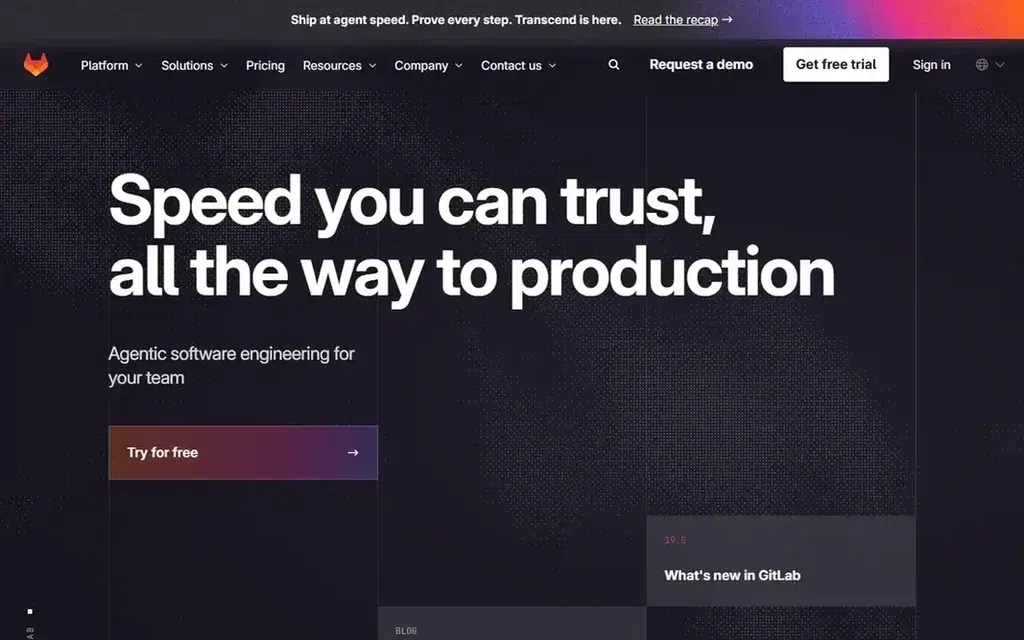
Pick GitLab if this describes you: integrated lifecycle with governance and context. The breadth of the product can mean more setup effort than a narrowly focused tool.
Trade-offs to know: Wide surface area can take time to configure.
Worth adding: GitLab presents itself as an intelligent orchestration platform with context and governance for the whole software lifecycle. Beyond that, teams that only need pipeline automation may find a specialized CI service more straightforward to adopt. Price to start with GitLab: $15 per user per month. You can start on GitLab without paying.
- Emphasizes governance and control
- Supports teams working alongside agents
- May be more than small teams need
SonarQube was built for code quality and security verification. SonarQube does not run repositories or run deployments, so it is an addition to a DevOps stack instead of a foundation.
Honest limits: Not a build or deployment system.
Choose it alongside a source control and pipeline system instead of as a standalone replacement. Pricing for SonarQube is not stated here, so ask the vendor for current figures. On free options: Not stated.
- Centres on code quality and security
- Verification for AI-generated code workflows
- Needs integration into developer workflows
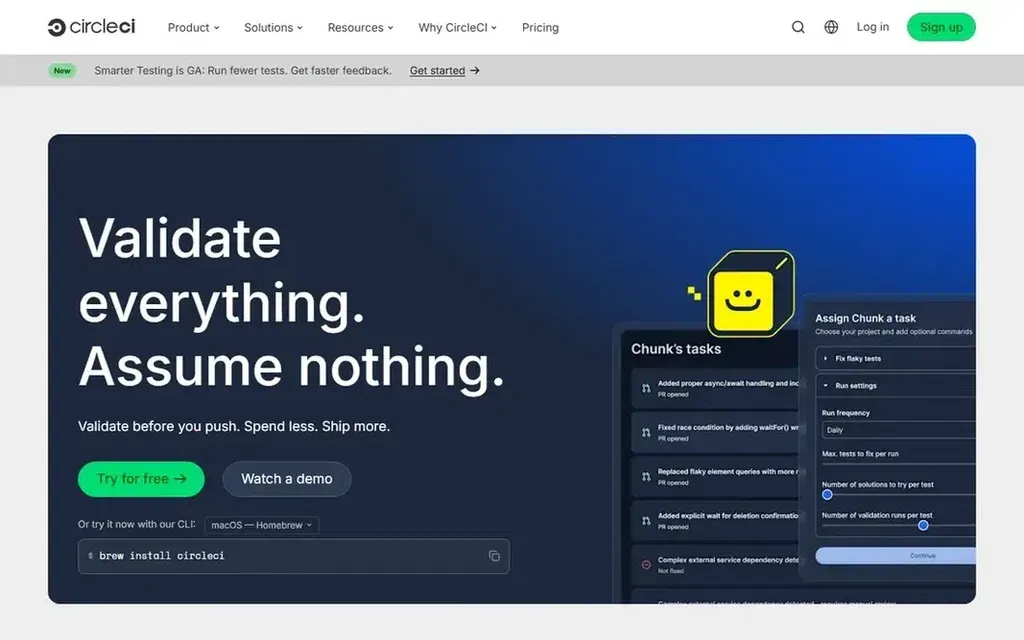
CircleCI is designed for continuous integration and delivery automation. CircleCI is a continuous integration and delivery product that helps teams validate, test, and ship every change with intelligent automation.
Where it is weaker: Needs integration with other tools for complete coverage.
Since CircleCI concentrates on pipelines, it is not a replacement for repository hosting or artifact management. CircleCI starts at: $15 per month. CircleCI offers a free plan.
- Suits teams with existing source control
- Automation targeted at quick feedback
- Not a full source control platform
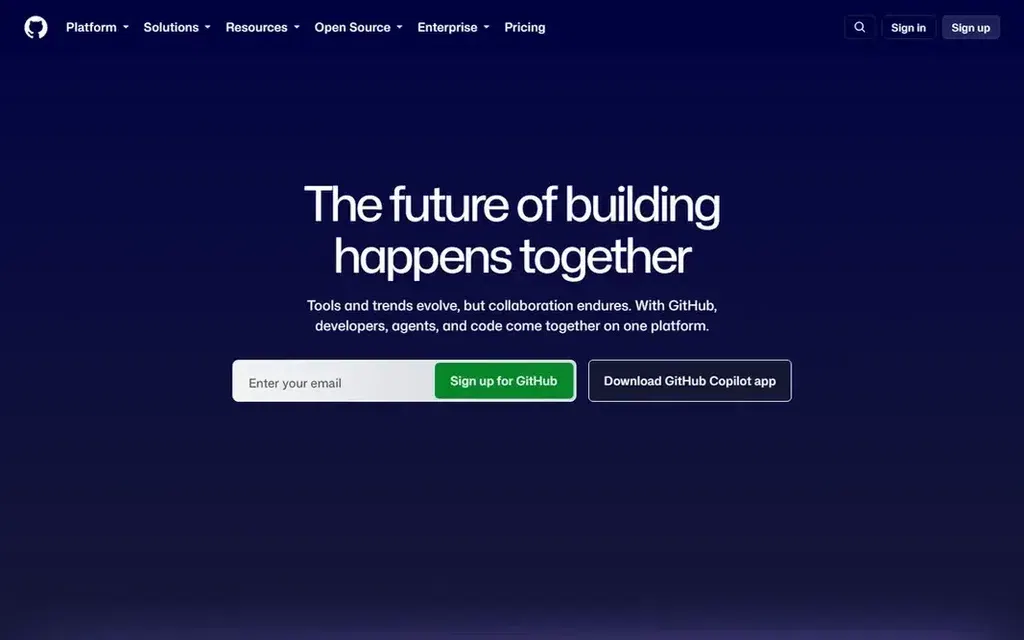
GitHub was built for all-in-one developer collaboration and automation. GitHub is a developer system built around repository hosting and collaboration, with automation and AI assistance layered on top.
On cost, GitHub starts like this: $4 per user per month. GitHub includes a free tier.
Where it falls short: Some pipeline depth is handled by separate services.
- Merges repositories with AI-assisted workflows
- Widely adopted by developers and open source projects
- Advanced governance may need add-on tooling
How we built this list
Selection started from tools commonly considered for DevOps developer platforms, then narrowed to 6 that have clear pricing information or a clear quote process. Where a price is missing, the vendor does not list one publicly or ties it to a quote. Always confirm before budgeting. The ranking is editorial: typical fit first, then clear pricing, then free access. If your needs are unusual, read the profiles rather than relying on position.
Before you commit
- Get a written quote from Jenkins and SonarQube; the list shows no starting price for them.
- Look at free plan limits closely: GitLab, CircleCI and GitHub have one, and the caps decide whether it is usable for real work.
- Before choosing JFrog Artifactory, weigh its main limit: concentrated on artifacts instead of source control.
- The entry price of GitHub is only the starting point; model the full cost with seats and extras.
- Look at the renewal terms for JFrog Artifactory: auto-renewal, notice periods and price changes can matter more than the first-year price.
FAQ
Can I try these options before paying?
Often, yes. GitLab, CircleCI and GitHub have a free plan. Use your own data and a real task during the test, and check what the free tier or trial limits before you rely on it.
Is an open source automation server enough for DevOps?
Jenkins can manage build, test, and deployment automation, and it is widely used for that purpose. As for the details, plenty of teams combine it with other systems.
Do I need both a CI system and an artifact repository?
A CI system like CircleCI or Jenkins builds and tests changes, whereas an artifact repository for example JFrog Artifactory stores and runs the resulting binaries and packages. Plenty of teams use both together.
Do these tools publish their prices?
Not all of them. Jenkins and SonarQube publish no starting price, so expect a quote request for those. The rest, JFrog Artifactory included, show a starting price, though seats and billing terms still change the final cost.
Is JFrog Artifactory the right pick for everyone comparing DevOps developer platforms?
No single tool suits every team. JFrog Artifactory comes first because it fits universal artifact and package management, while Jenkins suits open source automation with flexible pipelines and GitLab suits integrated lifecycle with governance and context. Match the tool to your own size, budget and workflow before deciding.
What is the cheapest option for DevOps developer platforms in this list?
On published monthly entry prices, GitHub is the lowest here at $4 per user per month. Entry price is only part of the cost, because seats, add-ons and billing terms can change the total. All 6 picks in this DevOps developer platforms comparison list a starting price, free plan details and the main limits on their cards above.
Sources
- https://jfrog.com/artifactory
- https://www.jenkins.io
- https://gitlab.com
- https://www.sonarsource.com/products/sonarqube
- https://circleci.com
- https://github.com