5 Best Desktop Imaging Software for Onboarding Workstations for 2026, Vetted and Compared
Best desktop imaging software for onboarding workstations in 2026: 5 contenders with entry costs and free tiers. Verdicts stay brief and factual. No hype.
- Editor's choice
 Macrium Reflect
Steady backup and quick recovery for Windows
Starts atSee websiteVisit macrium.comFull review - Great alternative
 Clonezilla
Straightforward disk and partition cloning
Starts atSee websiteVisit clonezilla.orgFull review - Also considerVeeam Recovery Media
Recovery-focused imaging within a data product
Starts atSee websiteVisit veeam.comFull review
Direct answer
This list puts Macrium Reflect first for dependable backup and quick recovery for Windows. Listed starting prices: SmartDeploy from $1,100 a year. Look at Clonezilla for straightforward disk and partition cloning, and at Veeam Recovery Media for Recovery-focused imaging within a data system. Details, prices and limits for the rest of the 5 tools are below.
TL;DR:
- Macrium Reflect takes the first slot, best suited to dependable backup and quick recovery for Windows.
- Veeam Recovery Media comes with a trade-off: imaging is a recovery function, not provisioning.
- Acronis Cyber Protect is the one to check for integrated backup, imaging and endpoint management.
- Pricing for Macrium Reflect, Clonezilla, Veeam Recovery Media and Acronis Cyber Protect is quote-based, which adds a sales step before you can compare cost.
- Macrium Reflect, Acronis Cyber Protect and the 3 others all need a premium plan or a trial, since no free plan is listed.
Last checked November 2026. Prices and plan details were read from the vendors' own pages in November 2026; vendors change plans often, so confirm the current price on the vendor site before you buy.
Quick comparison
| Tool | Best for | Starts at | Free plan? | |
|---|---|---|---|---|
| Macrium Reflect | Steady backup and quick recovery for Windows | See website | Not stated | Visit |
| Clonezilla | Straightforward disk and partition cloning | See website | Not stated | Visit |
| Veeam Recovery Media | Recovery-focused imaging within a data product | See website | Not stated | Visit |
| SmartDeploy | Modern desktop management and imaging | $1,100 a year | Not stated | Visit |
 Acronis Cyber Protect | Integrated backup, imaging and endpoint management | See website | Not stated | Visit |
Tool-by-tool breakdown
Short on time? The summary and table above give the quick view of 5 desktop imaging software for onboarding workstations, and the profiles that follow give the detail behind each entry.
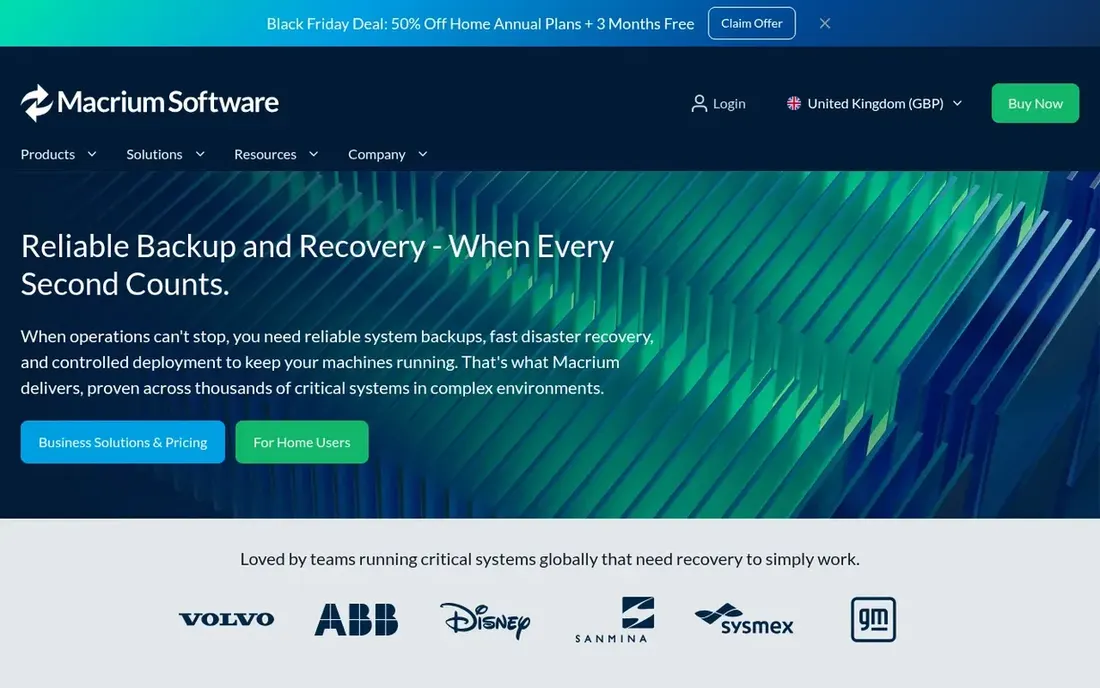
Macrium Reflect is aimed squarely at steady backup and quick recovery for Windows. Macrium Reflect is backup and recovery software targeted at critical systems, including Windows, OT and embedded environments. Organizations that require image customization and driver handling at scale should weigh a provisioning-focused product instead.
What to check first: Imaging is framed around backup and restore.
Also, for onboarding, it suits teams that want to capture a known-good workstation state and restore it rapidly, keeping downtime low when a machine needs to be rebuilt or reset. Its strength is recovery instead of mass provisioning, so large rollouts across numerous machines may call for a dedicated deployment tool. Macrium Reflect shows no starting price here, so confirm the cost on the vendor site. Trial and free access: Not stated. Upsides: Handles Windows.
- Emphasizes minimizing downtime
- OT and embedded systems
- Less about wide endpoint management
Clonezilla is designed for straightforward disk and partition cloning. Its interface is mostly text-based and the workflow is manual, so it lacks the customization and management features of dedicated deployment platforms.
Honest limits: Text-based interface can be intimidating.
Where onboarding involves varied hardware or large fleets, a provisioning-focused tool is typically a better fit. No starting price is listed for Clonezilla here; confirm pricing on the vendor site. Free options: Not stated.
- Works for straightforward
- Open-source cloning and imaging
- Restricted customization and management features
Veeam Recovery Media
Best for: Recovery-focused imaging within a data product
In short, Veeam Recovery Media is for Recovery-focused imaging within a data platform. For onboarding workstations, it is most relevant to teams already using Veeam who want a way to restore a machine to a working state from recovery media when hardware fails or a system needs rebuilding.
It is not a mass provisioning tool, so it will not customize and push images to numerous new workstations at once. On top of that, organizations seeking repeatable onboarding at scale should pair it with a deployment product. Veeam Recovery Media shows no starting price here, so confirm the cost on the vendor site. Free plan details: Not stated.
Watch-outs: Imaging is a recovery function, not provisioning.
- Suits cyber-resilient backup strategies
- Part of a broader data protection system
- Full benefit needs the wider product
SmartDeploy
Best for: Modern desktop management and imaging
In short, SmartDeploy is for modern desktop management and imaging. It fits IT teams onboarding workstations who want imaging combined with application deployment in a more managed, modern workflow instead of separate tools for each step.
Consider it when onboarding involves both OS images and application setup at scale. On cost, SmartDeploy starts like this: $1,100 per year. Trial and free access: Not stated.
Watch-outs: Value relies on adopting its workflow.
- Framed around intelligent desktop management
- Spans application deployment too
- Overlaps with multiple management functions
Acronis Cyber Protect
Best for: Integrated backup, imaging and endpoint management
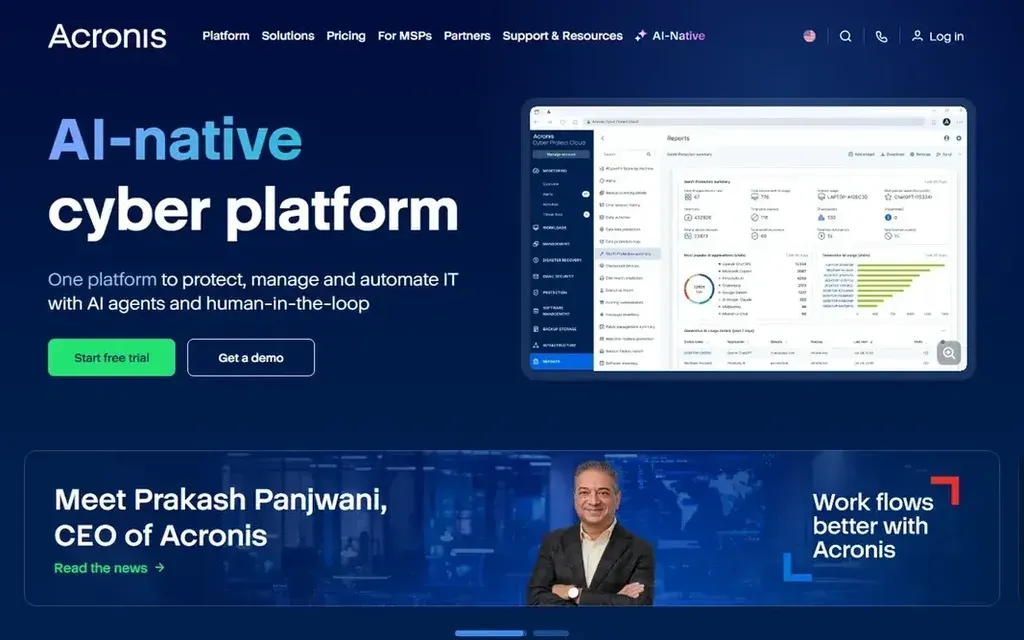
Acronis Cyber Protect was built for integrated backup, imaging and endpoint management. Since it is a wide product, teams that only have to clone a disk may find more capability than required. It also rewards organizations willing to adopt its wider management approach.
Honest limits: Wide feature set can feel heavy for straightforward imaging.
As for the details, for onboarding workstations, that means an image and recovery workflow can sit alongside the same tooling used to run endpoints, which appeals to teams that want fewer separate products to administer. Acronis Cyber Protect is a system that brings together backup, cybersecurity, endpoint management and automation for MSPs and businesses. This comparison lists no price for Acronis Cyber Protect; ask the vendor. Free options: Not stated.
- Spans endpoint management alongside imaging
- Made for MSPs and business workloads
- Full value relies on using the wider product
How the list was put together
Selection started from tools commonly considered for desktop imaging software for onboarding workstations, then narrowed to 5 that have clear pricing information or a clear quote process. Treat prices as a snapshot: vendors change plans often, so check the vendor site for the figure that applies today. Position on the page reflects fit for a typical buyer first, with price clarity and free access breaking ties. Treat it as a guide, not a ruling.
Before you commit
- Get a written quote from Macrium Reflect, Clonezilla, Veeam Recovery Media and Acronis Cyber Protect; the list shows no starting price for them.
- Read the limits listed for Macrium Reflect first: imaging is framed around backup and restore.
- Check whether the features you need in Clonezilla sit on the entry plan or only on higher tiers.
- Let daily users try SmartDeploy on real work; their feedback beats any feature checklist.
- Make sure Acronis Cyber Protect lets you export your data in a format another tool can read.
FAQ
Does any tool for desktop imaging software for onboarding workstations here have a free plan?
No tool in this list, Macrium Reflect and Acronis Cyber Protect included, has a permanent free plan. Trials and quotes are the usual route, so plan a short evaluation period.
How are the tools for desktop imaging software for onboarding workstations ordered?
Macrium Reflect sits first and Acronis Cyber Protect last because the order follows typical fit for desktop imaging software for onboarding workstations, then price clarity and free access. It is a judgement call, so read each profile for fit and limits.
Can I try these tools before paying?
Not by default. None of the tools, from Macrium Reflect to Acronis Cyber Protect, lists a free plan or a free trial here, so ask each vendor for a demo before committing.
What should I look for in desktop imaging software for onboarding?
Focus on how images are created and customized, how well the tool manages different hardware models, and how rapidly a machine can be restored. Also check whether you need pure imaging or broader endpoint management alongside it.
Is Macrium Reflect the right pick for everyone comparing desktop imaging software for onboarding workstations?
No single tool suits every team. Macrium Reflect comes first because it fits reliable backup and fast recovery for Windows, while Clonezilla suits straightforward disk and partition cloning and Veeam Recovery Media suits Recovery-focused imaging within a data platform. Match the tool to your own size, budget and workflow before deciding.
Sources
- https://www.macrium.com
- https://clonezilla.org
- https://www.veeam.com
- https://www.smartdeploy.com
- https://www.acronis.com