Best Delivery Driver Apps to Make Money in 2026: 8 Apps Compared
Best delivery driver apps to make money compared for 2026: pay, flexibility, vehicle needs and payouts across 8 apps, with honest earning notes in your city.
- Editor's choice
 DoorDash
Most consistent volume
Starts atFreeVisit doordash.comFull review - Great alternative
 Uber Eats
Flexible food delivery
Starts atFreeVisit ubereats.comFull review - Also consider
 Grubhub
Restaurant delivery
Starts atFreeVisit grubhub.comFull review
TL;DR:
- DoorDash and Uber Eats offer the most consistent order volume in most cities, which matters more than a headline pay rate.
- Instacart and Shipt suit drivers who prefer grocery shops over restaurant runs, with larger baskets and scheduled windows.
- Amazon Flex and Spark Driver offer scheduled blocks that suit drivers who want planned shifts rather than on-demand work.
- Grubhub and Roadie are useful second apps for extra orders, especially in areas where the big two are quiet.
- Earnings vary by city, time, tips and vehicle costs, and no app guarantees a set income.
Quick comparison
| Tool | Best for | Starts at | Free plan? | |
|---|---|---|---|---|
| DoorDash | Most consistent volume | Free | Yes | Visit |
| Uber Eats | Flexible food delivery | Free | Yes | Visit |
| Grubhub | Restaurant delivery | Free | Yes | Visit |
 Instacart | Grocery delivery | Free | Yes | Visit |
 Amazon Flex | Scheduled delivery blocks | Free | Yes | Visit |
 Spark Driver | Walmart and retail orders | Free | Yes | Visit |
 Roadie | Larger and longer deliveries | Free | Yes | Visit |
 Shipt | Scheduled grocery shops | Free | Yes | Visit |
The best delivery driver apps to make money
Delivery work appeals because you can start quickly and choose when to work, but pay depends on orders, tips, distance and your costs. The apps below are active in the United States in October 2026, and each suits a different style of driving, from restaurant runs to grocery shops and larger deliveries.
Disclaimer: Earnings vary by city, hours, demand, tips and vehicle costs, and are not guaranteed income. Treat any pay figure as an estimate for your area, check the app terms before you start, and track fuel, wear and tax costs from the first week.
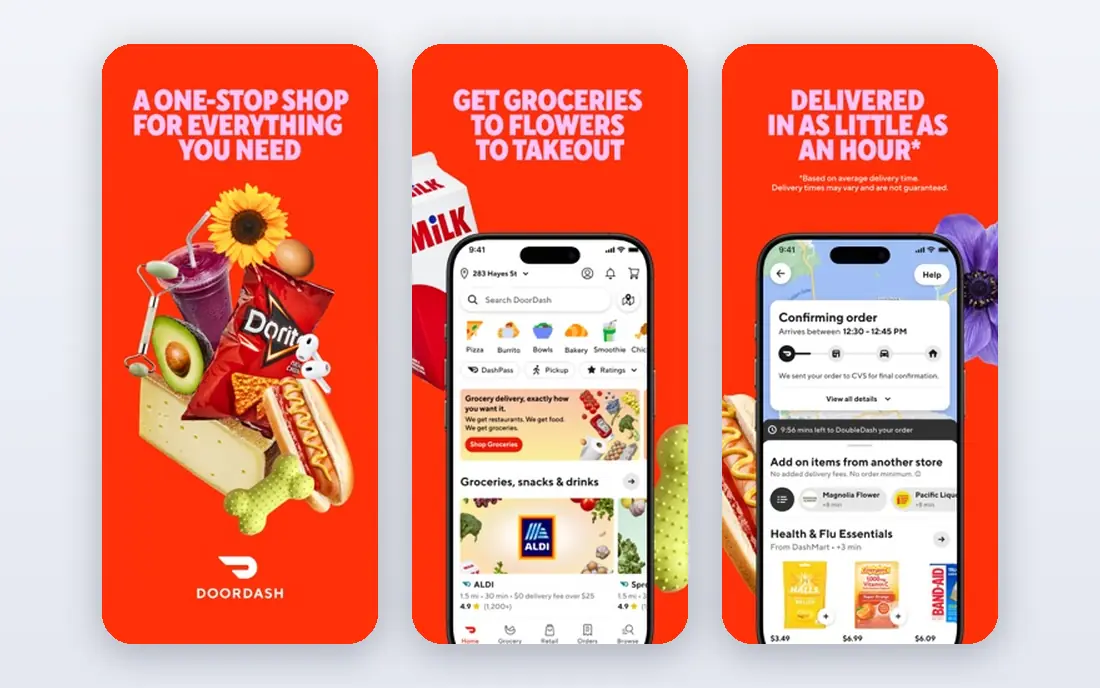
DoorDash is the default first app for many drivers because it usually has orders when other apps are quiet. You can dash on demand or schedule hours, see the estimated pay and distance for an offer, and decline orders that do not suit you. That transparency helps you learn which neighbourhoods and times pay best in your city.
The honest catch is that volume alone does not guarantee good hourly pay. Short, low-tip orders can drag your average down, and waiting at a busy restaurant eats into the hour. Drivers who do best tend to multi-app carefully, track their real hourly rate after costs, and avoid chasing every order during slow periods.
- Large order volume in many cities
- Flexible scheduling
- Clear per-order pay breakdown before acceptance
- Pay varies a lot by time and area
- Busy periods can mean long waits at restaurants
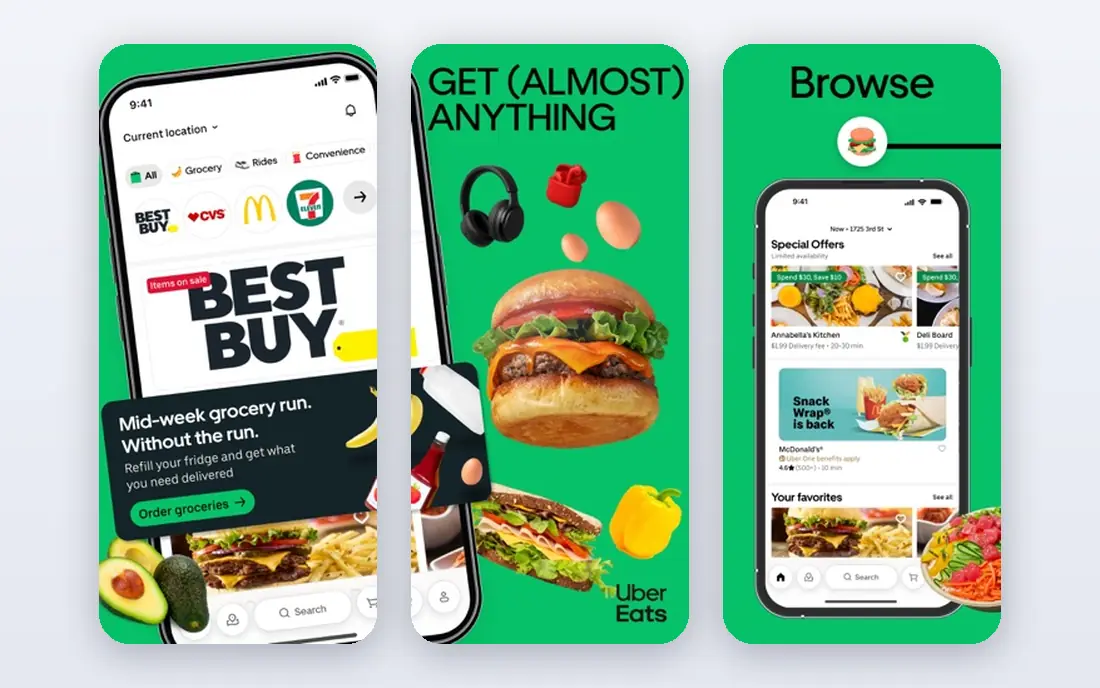
Uber Eats suits drivers who want to log in and out without a fixed schedule. The restaurant network is wide, and in many cities you can also pick up grocery and retail orders through the same app. Instant pay options, where offered, help when you need earnings the same day rather than waiting for a weekly payout.
The downside is the same as DoorDash: off-peak pay can be thin, and a run of short orders may not cover fuel and wear. Uber Eats works best as a main app in a busy city, or as a second app alongside DoorDash in a quieter area. Compare your hourly rate across both before you settle on one.
- Flexible login times
- Large restaurant network
- Instant pay options in many areas
- Pay can be uneven outside peak times
- Support can be slow for pay disputes
Grubhub is a useful second app rather than a sole income source for most drivers. Its restaurant focus means orders are straightforward, and scheduled blocks can give you a planned window when you know you will be available. In cities where Grubhub has a strong restaurant base, it can fill gaps between DoorDash or Uber Eats orders.
The limit is volume. In many markets, Grubhub simply has fewer orders, so waiting time can be higher. That makes it a poor main app in a quiet area, but a good addition when you are already out. Run it alongside a busier app, and only accept orders that beat your current hourly rate.
- Restaurant-focused orders
- Scheduled blocks in many markets
- Clear offer details
- Volume is lower than DoorDash and Uber Eats in many cities
- Availability varies by market
Instacart suits drivers who prefer shopping to restaurant waiting. A grocery batch can pay more per trip than a single food order, especially when a customer adds a large basket or a good tip. You also control more of the job, from choosing replacements to communicating with the customer about stock.
The catch is effort. Shopping a long list, handling replacements and carrying heavy bags takes longer than a restaurant pickup, and a poor batch can eat an hour for modest pay. Drivers who do well learn store layouts, check item counts before accepting, and avoid batches with many heavy items unless the pay reflects the work.
- Larger grocery baskets
- Batch orders can pay more per trip
- Flexible shopper scheduling
- Shopping takes time and skill
- Heavy or large orders need a suitable vehicle
Amazon Flex appeals to drivers who like a plan. You reserve a delivery block, collect packages from a station, and follow a route for a stated block pay. There is no waiting at restaurants and no reliance on tips, which makes the income for a block easier to predict than an on-demand food shift.
The trade-off is access. Blocks can be competitive in popular markets, and a route with many stops or heavy packages can take longer than expected. Vehicle size matters too, since a small car may not suit every route. Flex works best as a planned part of a week, paired with an on-demand app for gaps.
- Planned delivery blocks with stated pay
- Package delivery rather than food
- No customer tipping pressure
- Blocks can be hard to secure in busy markets
- Routes and package counts vary
Spark Driver connects drivers to Walmart and other retail orders, from groceries to general goods. That retail focus gives it a different order mix from food-only apps, and in areas with a busy Walmart, volume can be steady. Trip offers show pay and details before you accept, which helps you judge whether a large order is worth the time.
The limit is local coverage. Where Walmart delivery is limited, Spark will be quiet, and large grocery orders can still be slow to shop and load. It is a strong option near a busy store, and a useful second app elsewhere. Check your local store coverage before you count on it as a main source of work.
- Walmart and retail order volume
- Grocery and general goods in one app
- Trip offers with pay shown
- Availability depends on local Walmart coverage
- Large orders can be heavy and time-consuming
Roadie is different from food delivery, since gigs often involve larger items, retail goods or longer trips. That suits drivers with a larger vehicle who want fewer, bigger jobs rather than many small restaurant runs. Pay is shown before you accept, so you can judge distance, size and time against the fee.
The downside is frequency. Roadie gigs are less frequent than food orders in most cities, so it rarely works as a sole app. It is best as an extra source for drivers who already drive for another app, or for drivers with a van or truck who can take jobs that car drivers cannot. Always check item size and loading help before accepting a large gig.
- Larger items and longer routes
- Gigs suited to drivers with bigger vehicles
- Clear gig pay before acceptance
- Fewer gigs than food apps in many areas
- Larger items need space and careful handling
Shipt suits drivers who like grocery work with a schedule. You can claim shopping windows, shop for customers, and deliver orders in a planned block. The app gives you tools to message customers about replacements, which reduces the guesswork that can slow a shop down.
The catch is market coverage and order mix. Shipt is stronger in some regions than others, and a window with small orders may pay less than a busy food shift. Like Instacart, it rewards drivers who learn store layouts and shop efficiently. For a driver who prefers groceries and a schedule, it is a solid pick alongside Instacart.
- Scheduled shopping windows
- Grocery and retail orders
- Customer communication tools
- Shopper availability varies by market
- Pay depends on order size and tips
How we picked these
We compared official driver pages, signup requirements, pay structures, scheduling options and payout methods for each app, and we checked that each service is still accepting drivers in the United States in October 2026. We favoured apps with clear offer details, a real order base, and honest payout terms, and we avoided apps that promised fixed earnings without explaining the variables. We did not test driving ourselves, so treat pay notes as a guide to compare apps, not a promise for your city.
How to compare delivery pay honestly
Start with your hourly rate after costs, not the pay per order. A twelve dollar order that takes an hour and uses a lot of fuel is worse than a nine dollar order that takes twenty minutes close to home. Track miles, fuel, time waiting and time driving for at least two weeks, then compare apps on that real figure.
Next, check the schedule that fits your life. On-demand apps suit irregular hours, while Flex, Spark and Shipt blocks suit planned weeks. A mix often works best: one main app for volume, one second app for gaps, and a scheduled block when you want predictable work. Avoid running too many apps at once if it leads to missed pickups or late deliveries.
Finally, protect yourself on tax and insurance. Delivery drivers are usually independent contractors, so tax, vehicle costs and insurance are your responsibility. Keep records from the start, check your car insurance covers delivery work, and set aside money for tax rather than spending every payout. That discipline turns a side income into a workable one.
FAQ
Which delivery app pays the most?
There is no single answer, since pay depends on your city, hours, tips and vehicle costs. DoorDash and Uber Eats often lead on volume, while Instacart batches and Amazon Flex blocks can pay more per trip in the right conditions. Compare your own hourly rate after costs across two apps for two weeks before you decide.
Do I need a car to deliver?
It depends on the app and your city. Many food apps allow bikes or scooters in dense cities, while grocery, retail and Roadie gigs usually need a car or larger vehicle. Check the app requirements for your area, including vehicle age, licence and insurance rules, before you sign up.
How do delivery drivers get paid?
Most apps pay weekly by bank transfer, with instant pay options available on some apps for a fee or a minimum balance. Tips are usually paid through the app, and some apps show the full offer pay before you accept. Check the payout schedule and any instant pay fees in the app terms.
Can I drive for more than one delivery app?
Yes, many drivers multi-app, but do it carefully. Accepting orders from two apps at once can lead to late deliveries if timing overlaps. A safer approach is to run one app as your main source and switch to a second app during quiet periods, rather than stacking orders from both at the same time.
Is delivery driving good for daily income?
It can provide income on the day you work, especially with instant pay options, but earnings are not guaranteed and vary by demand. Treat it as variable income, track costs honestly, and keep a buffer for slow weeks, vehicle repairs and tax. A daily payout does not mean a daily profit until costs are counted.