Best Dedicated SMTP Server Services in 2026: 8 Services Compared
Compare the best dedicated smtp server services for reliable delivery, dedicated IPs, and clear pricing. We checked features, free plans, and sending limits.
- Editor's choice
 SendGrid
High-volume sending through a proven API
Starts at$19.95 per monthVisit sendgrid.comFull review - Great alternative
 Mailgun
Developers building custom email programs
Starts at$15 per monthVisit mailgun.comFull review - Also consider
 Amazon SES
Lowest per-email cost at scale
Starts at$0.10 per 1,000 emailsVisit aws.amazon.comFull review
TL;DR:
- A dedicated IP gives you control over your sending reputation, but it needs warm-up and steady volume to work well.
- Postmark and Mailgun suit transactional mail such as password resets and receipts, while Brevo suits teams that also send marketing mail.
- Amazon SES has the lowest per-email cost in this group, but it needs more setup than a plug-in relay service.
- SMTP2GO is the simplest choice for older apps that only need a plain SMTP relay with clear reporting.
Quick comparison
| Tool | Best for | Starts at | Free plan? | |
|---|---|---|---|---|
| SendGrid | High-volume sending through a proven API | $19.95 per month | Free trial | Visit |
| Mailgun | Developers building custom email programs | $15 per month | Yes | Visit |
| Amazon SES | Lowest per-email cost at scale | $0.10 per 1,000 emails | No | Visit |
 Postmark | Transactional mail with fast delivery | $15 per month | Yes | Visit |
 SMTP2GO | Simple SMTP relay for older apps | $15 per month | Yes | Visit |
 Brevo | Marketing and transactional mail in one place | $9 per month | Yes | Visit |
 Mailjet | Teams that design mail together | See website | Yes | Visit |
 MailerSend | Small teams that want visual templates | See website | Yes | Visit |
The best dedicated smtp server services
A dedicated SMTP service moves your mail off a shared server and onto sending infrastructure built for delivery, tracking, and reputation control. The picks below cover dedicated IPs, shared sending, and full APIs, so you can match the tool to your volume and your team.

SendGrid, now part of Twilio, is a safe default for teams that send a lot of mail and want documentation that covers almost every common setup. Its API handles marketing mail, transactional mail, and templates, and its reporting shows bounces, blocks, and spam reports in one place. That depth matters when a delivery problem appears, because you can trace it to a domain, a template, or a list segment instead of guessing.
The trade-off is cost and complexity for small senders. The entry paid plan covers up to 50,000 emails in the commonly listed Essentials tier, but a dedicated IP requires the Pro tier, so small teams should budget for that step if they want full reputation control. SendGrid still fits best when volume is steady and the team can follow warm-up guidance.
- Large sending capacity
- Detailed delivery reports
- Many integrations and API guides
- No permanent free plan
- Dedicated IP sits on a higher tier
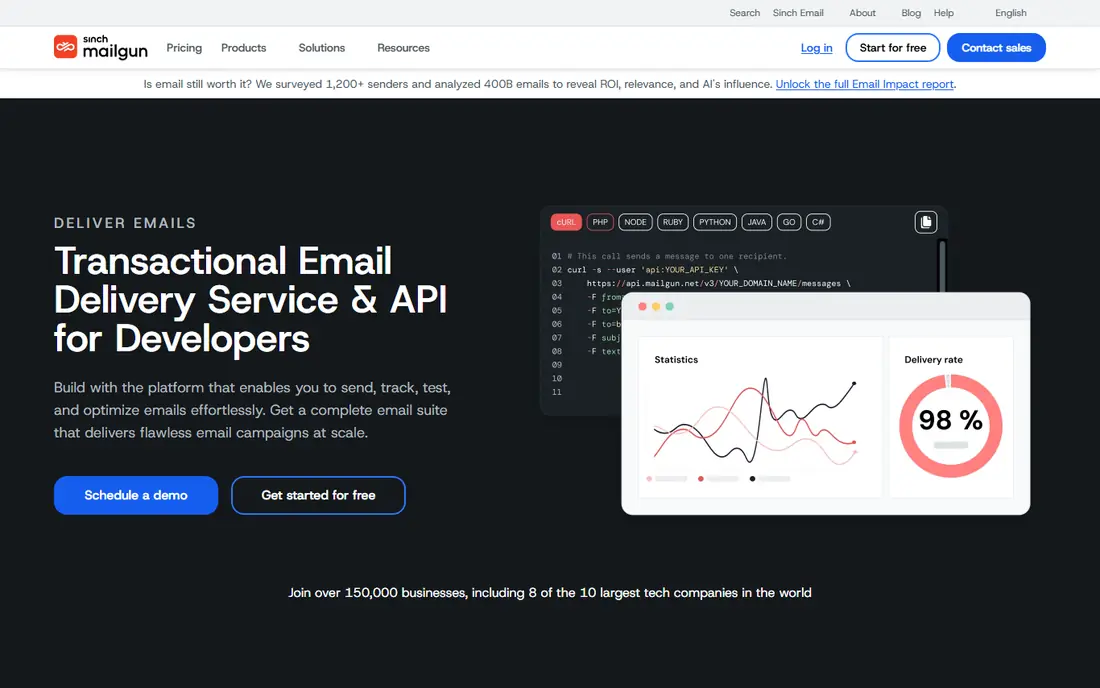
Mailgun is built for developers first. Its API, webhooks, and routing rules make it easy to send mail from an app, receive replies, and act on bounces without a separate inbox tool. Teams that run several domains will like the regional choice, since EU data handling is a real requirement for many European customers.
The free tier covers 100 emails a day, which is enough to test but not enough to run a live product. Paid plans start at 10,000 emails a month, and a dedicated IP costs extra. Mailgun is a strong pick when your developers own email and you want control over events, logs, and suppression lists.
- Strong API and routing tools
- Inbound email parsing
- EU and US sending regions
- Free tier is small
- Dedicated IP is a paid add-on
Amazon Simple Email Service is the cheapest way to send large volumes in this group, at about $0.10 per 1,000 emails on the standard rate noted in current comparisons. It fits teams already on AWS, since it plugs into Lambda, S3, and CloudWatch for handling bounces and complaints. Dedicated IPs are available for a separate monthly fee per IP.
The catch is the learning curve. New accounts start in a sandbox with limits, and you must request production access before sending to unverified addresses. Reporting also feels more technical than a marketing email tool. Choose SES when cost at scale matters more than a polished dashboard.
- Very low per-email price
- Scales with AWS
- Dedicated IP available for a monthly fee
- Setup takes more work
- Reporting is less friendly than rivals
Postmark keeps transactional mail and bulk mail on separate streams, which helps protect password resets and receipts from the reputation effects of a marketing blast. Its dashboard is plain and fast, and its message details make it easy to see why a single message bounced. That focus is why many product teams pick it for app mail only.
Pricing starts at $15 a month for 10,000 emails, and the free tier covers 100 emails a month. A dedicated IP is available as a paid add-on for higher-volume senders. Postmark is less suited to teams that want a full marketing suite, since it does not try to be one.
- Very fast delivery for transactional mail
- Separate streams for bulk and transactional mail
- Clear delivery tracking
- Small free tier
- Dedicated IP costs extra and needs higher volume
SMTP2GO is the pick when you do not want to rewrite an app to use a new API. You point your existing mail settings at its servers, add the DNS records it asks for, and it handles relay, reporting, and suppression. That simplicity is a real benefit for legacy software, printers, and internal tools that only speak SMTP.
The free plan covers 1,000 emails a month, which is generous for testing. Paid plans start at 10,000 emails a month, and a dedicated IP is available from the Professional tier. If you need drag-and-drop campaigns and deep marketing automation, look at Brevo or Mailjet instead.
- Easy SMTP setup with no code changes in many cases
- Clear reports
- Free tier for testing
- Fewer marketing tools than rivals
- Dedicated IP needs a higher plan
Brevo suits small businesses that want one login for newsletters, transactional mail, and contact lists. The free plan allows 300 emails a day, and the Starter plan starts at $9 a month. Its template editor and contact segments are friendlier than a developer-only API, so a marketing owner can run campaigns without asking an engineer for help each time.
The trade-off is that dedicated IP control costs extra, and very high-volume senders may outgrow the lower tiers. Brevo still offers good value when your team sends both marketing and transactional mail and wants one bill for both.
- Free plan with 300 emails a day
- Marketing, SMS, and transactional mail in one account
- Contact tools included
- Dedicated IP is an add-on
- Higher tiers needed for larger sending limits
Mailjet stands out for teams, because several people can work on the same template, comment on it, and approve it before it goes out. That workflow helps agencies and in-house teams that need a second pair of eyes on every campaign. Its API also covers transactional sending, so developers are not left out.
The free plan covers a limited daily volume, which works for testing and small lists. Pricing on the vendor site should be checked before you budget, since plans and limits change. Mailjet fits best when more than one person touches email design and approval.
- Shared template editing and approval
- Real-time collaboration tools
- Solid API for developers
- Pricing varies by region and plan
- Dedicated IP only on higher tiers
MailerSend gives small product and marketing teams a clean way to build templates without code, then send them through an API or SMTP. Its inbound routing lets you receive mail at a domain and forward it to a webhook, which helps with reply handling. Activity logs are easy to read, so tracking a single message takes seconds.
The free tier covers 500 emails a month, so it is a testing tier rather than a production tier for most apps. Paid plans cover larger volumes, and dedicated IPs are available on paid plans. Pick MailerSend when template design and simple setup matter more than the lowest possible per-email price.
- Visual template builder
- Inbound routing
- Clear activity logs
- Free tier is small
- Higher-volume pricing rises quickly
How we picked these
We compared official pricing pages, feature pages, and public comparisons of SMTP providers, and we favored services with a clear free tier or trial, published sending limits, and a dedicated IP option. We also weighed setup effort, since a dedicated SMTP service only helps if your team can finish DNS setup, warm-up, and bounce handling. We did not claim hands-on testing. Our findings rest on vendor documentation, pricing pages, and public reviews.
What to check before you buy a dedicated SMTP service
Start with volume and mail type. Transactional mail needs speed and separate streams, while marketing mail needs list tools, templates, and unsubscribe handling. A service that excels at one may be only average at the other, so list your top three use cases before you compare prices.
Dedicated IP or shared IP
A dedicated IP gives you full control over reputation, but a new IP needs gradual warm-up, starting with small volumes to engaged recipients and building up over weeks. A shared IP is easier at low volume, since the provider manages reputation across many senders. Choose a dedicated IP when you send steady, high volumes and can follow warm-up steps.
DNS, authentication, and bounce handling
Every service in this list needs SPF, DKIM, and DMARC records to prove your mail is legitimate. Set those records up before your first large send, and check that bounces and spam complaints feed back into your suppression list. Skipping this step is the fastest way to hurt delivery, even on a good service.
Cost at your real volume
Compare prices at your actual monthly volume, not just the starting price. Per-email services look cheap at low volume but can cost more than a tiered plan once you pass a threshold, and dedicated IPs, extra domains, and overage fees add up. Run a three-month volume estimate, then check the plan that covers your peak month.
FAQ
What is a dedicated SMTP server service?
It is a service that sends your email through servers built for delivery, tracking, and reputation management, rather than through a basic web host mail server. A dedicated IP option lets your domain build its own sending reputation, separate from other senders.
What is the best SMTP relay service provider for a small app?
Postmark or SMTP2GO are good starting points for a small app, since both offer a small free tier and simple setup. Postmark fits transactional mail best, while SMTP2GO fits apps that only need plain SMTP relay.
Do I need a dedicated IP?
You need one when you send high, steady volumes and want full control over reputation, and when you can warm it up gradually. At low or uneven volumes, a shared IP from a reputable provider often delivers better results with less work.
How long does IP warm-up take?
Warm-up usually takes several weeks, with volume rising gradually to engaged recipients first. Rushing it can trigger blocks, so follow the provider guide and watch bounce and complaint rates each day.
Can I use one service for marketing and transactional mail?
Yes, but keep the streams separate when the provider allows it, so a marketing campaign cannot hurt delivery of password resets and receipts. Brevo, SendGrid, and Mailgun all support that split in different ways.
Is Amazon SES hard to set up?
SES needs more setup than a plug-in relay, including AWS account steps, sandbox limits, and production access requests. It rewards that effort with very low per-email pricing, so it suits teams with AWS experience.
Sources
- https://mailcleanup.com/best-smtp-services-servers/
- https://www.sequenzy.com/blog/best-transactional-email-services
- https://www.smtp.com/blog/transactional-email/smtp2go-alternatives/
- https://sendgrid.com/pricing
- https://www.mailgun.com/pricing
- https://aws.amazon.com/ses/pricing/
- https://postmarkapp.com/pricing
- https://www.smtp2go.com/pricing
- https://www.brevo.com/pricing/
- https://www.mailjet.com/pricing/
- https://www.mailersend.com/pricing