Best Day Trading Platform No Minimum in 2026: 9 Brokers Compared
Find the best day trading platform no minimum in 2026 with 9 brokers offering $0 account minimums, $0 stock trades, charts and paper trading options today.
- Editor's choice
 Robinhood
Simplest mobile start
Starts atFreeVisit robinhood.comFull review - Great alternative
 Webull
Charts and paper trading
Starts atFreeVisit webull.comFull review - Also consider
 Fidelity
Research and support
Starts atFreeVisit fidelity.comFull review
TL;DR:
- All nine brokers here let you open an account with $0, and most charge $0 commission on US stock and ETF trades.
- A $0 minimum does not remove other costs, such as options contract fees, margin interest and market data fees.
- Day traders should check pattern day trader rules, because a margin account under $25,000 faces trading limits in the US.
- Webull, Schwab thinkorswim and TradeStation style tools suit active chart users, while Fidelity and Robinhood suit simpler starts.
- Paper trading before you risk real money is the cheapest way to learn order types, speed and risk controls.
Quick comparison
| Tool | Best for | Starts at | Free plan? | |
|---|---|---|---|---|
| Robinhood | Simplest mobile start | Free | Yes | Visit |
| Webull | Charts and paper trading | Free | Yes | Visit |
| Fidelity | Research and support | Free | Yes | Visit |
 Charles Schwab | thinkorswim desktop | Free | Yes | Visit |
 E*TRADE | Education and tools | Free | Yes | Visit |
 Interactive Brokers | Global and advanced routing | Free | Yes | Visit |
 SoFi Invest | Simple investing plus banking | Free | Yes | Visit |
 moomoo | Market data and community | Free | Yes | Visit |
 Public | Fractional shares and options | Free | Yes | Visit |
The best day trading platform no minimum
Day trading with no account minimum is now normal in the US, but the platforms still differ a lot in charts, speed, order types and learning tools. This is not financial advice, and trading carries risk, including the risk of losing money quickly, especially with margin products. The brokers below all allow a $0 opening balance, so you can compare tools before you fund an account.
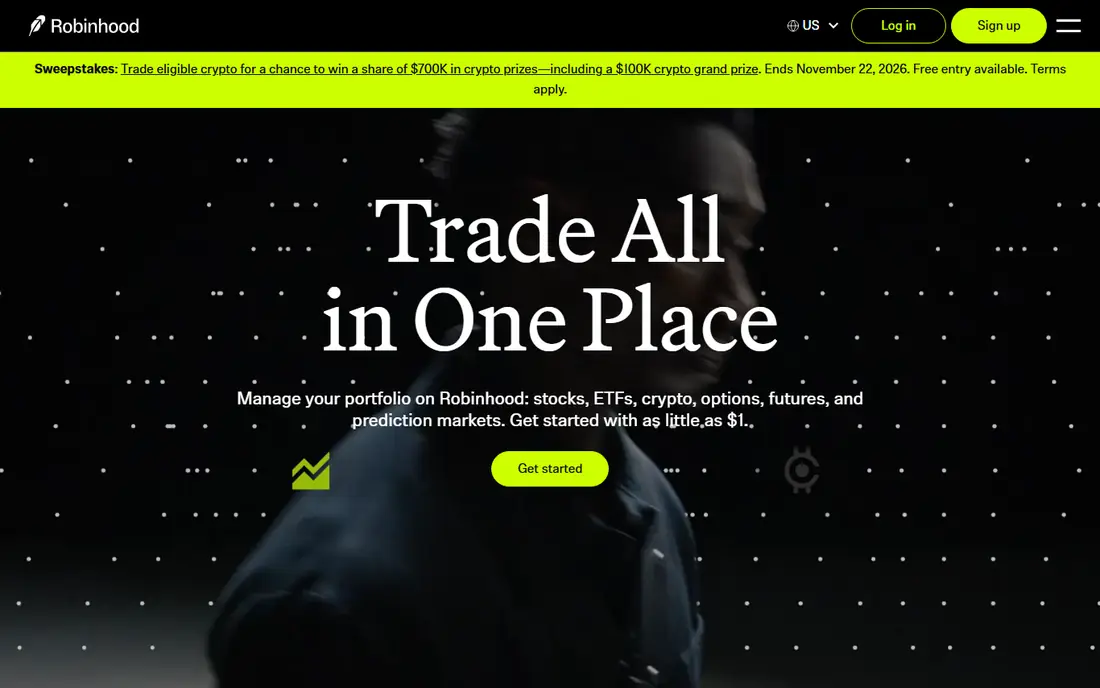
Robinhood is the easiest place to place a first trade, and that simplicity is a real advantage for beginners. The app keeps order entry short, fractional shares let you start with $1, and $0 stock and ETF commissions remove the old barrier of paying a fee on every small trade. For a new trader who wants to learn the basics without a complex desktop, it is a friendly start.
The limits show up fast for active day traders. There is no paper trading mode, research and charting are more basic than Webull or thinkorswim, and some order types and data tools are limited. Use Robinhood if simplicity matters most, and move to a richer platform once you need deeper charts or practice trading without real money.
- $0 stock and ETF trades
- Fractional shares from $1
- Clean mobile app
- No paper trading mode
- Research tools are thinner than full service rivals
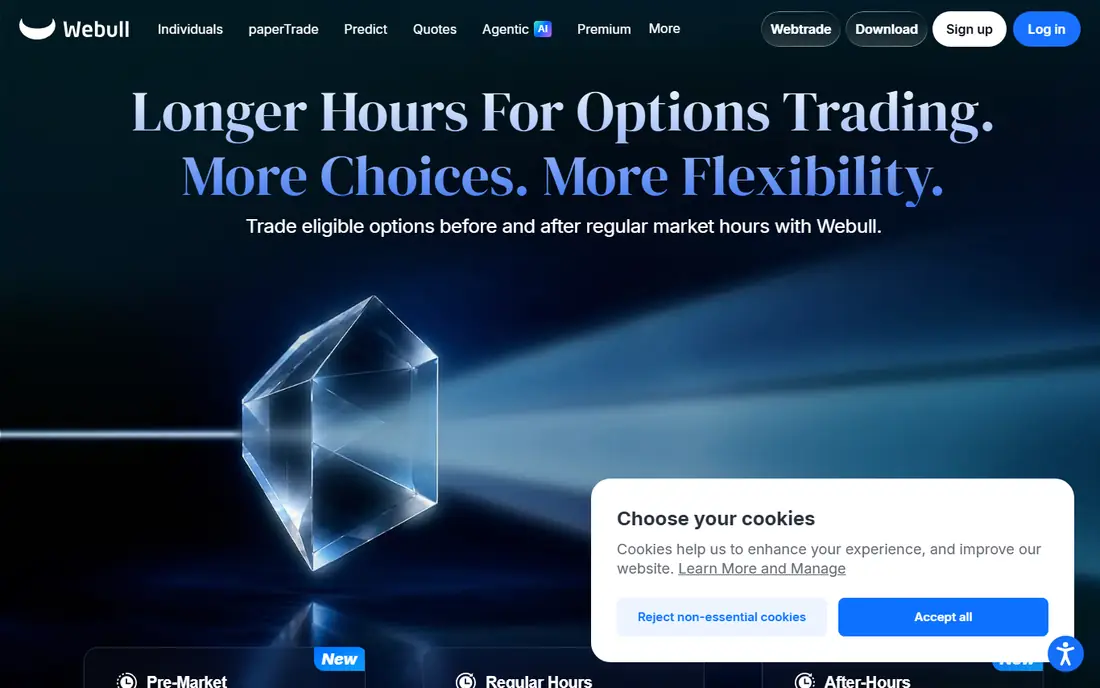
Webull is our pick for active traders on a phone. Its charts, indicators and Level 2 style data options go well beyond a basic investing app, and paper trading lets you practise day trading strategies without risking cash. Fractional shares from $5 and $0 stock and ETF trades keep the cost of starting low, while futures and options are available for traders who understand those risks.
The main gaps are mutual funds, which Webull does not offer, and support that leans on online channels rather than phone help at all hours. For pure day trading in stocks, ETFs and options, those gaps matter less than the charting and practice tools. If you want to test strategies first, Webull is hard to beat at this price.
- Strong mobile charts
- Paper trading included
- $0 stock and ETF trades
- No mutual funds
- Customer support is mainly online
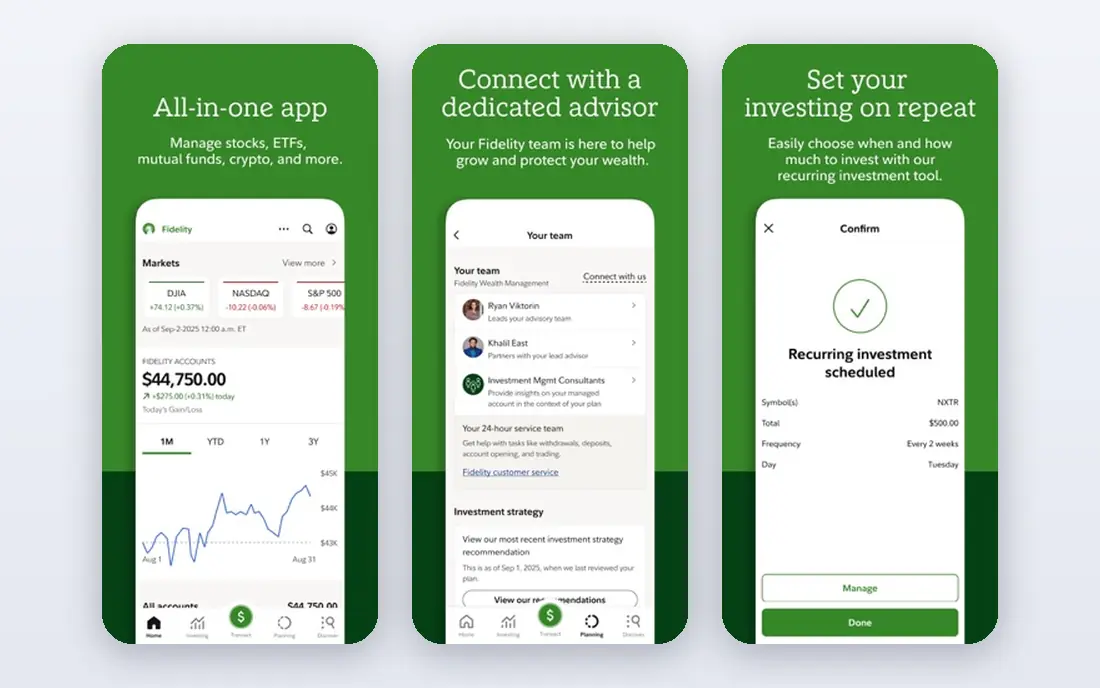
Fidelity is the safest all round choice in this list, and it also works for day trading. You get $0 stock and ETF trades, fractional shares from $1, deep research, and phone support around the clock, which matters when an order or a market event needs a human answer. Its Active Trader Pro desktop gives active traders custom layouts, streaming data and advanced order entry.
The desktop design will not win beauty contests, and some traders prefer the cleaner look of Webull or moomoo. That is a fair taste point, but it does not change the core value: low cost, strong research and reliable support. If you want one broker for both day trading and longer term investing, Fidelity is our top pick.
- $0 stock and ETF trades
- Fractional shares from $1
- Strong research and 24/7 support
- Active Trader Pro feels dated to some users
- Mobile app is less sleek than newer rivals
Schwab pairs a full service broker with thinkorswim, one of the most capable free trading desktops in the US. PaperMoney lets you practise with virtual funds, the charting and screening tools are deep, and $0 stock and ETF trades keep costs down. For traders who want a professional desktop without paying a platform fee, Schwab is a strong case.
Thinkorswim takes time to learn, and new traders can feel lost in its menus and studies. Start with the basic layout and paperMoney, then add scanners and custom studies as you gain skill. Schwab also offers banking and a wide range of account types, which makes it a good long term home if you outgrow a phone only app.
- Thinkorswim with paperMoney practice
- $0 stock and ETF trades
- 24/7 support
- Thinkorswim learning curve is steep
- Some advanced data costs extra
ETRADE, part of Morgan Stanley, suits traders who want to learn as they trade. Its education library, webinars and paper trading give new day traders a structured way to practise order types and risk controls. Power ETRADE adds a more active desktop with streaming charts and risk tools, while the main app stays approachable for everyday trades.
Options trades carry a per contract fee, which is normal across most brokers here, so check the current fee before you trade options often. The platform can also feel busy until you settle on a layout. For a balance of learning, tools and support, E*TRADE remains a solid no minimum choice.
- $0 stock and ETF trades
- Paper trading
- Strong education library
- Power E*TRADE can feel complex at first
- Options contract fees apply on most trades
Interactive Brokers, often called IBKR, is the advanced pick. Its Lite plan offers $0 US stock and ETF trades, while Pro adds directed routing and low margin rates for serious traders. You can trade stocks, options, futures, forex and markets outside the US from one account, which no simple app in this list matches.
That power comes with complexity. Trader Workstation looks dated and packs in features most beginners will never use, and the learning curve is real. IBKR suits traders who already know order routing, margin rules and risk controls, or who are willing to learn them in depth. Beginners should start on paper trading or a simpler broker first.
- $0 account minimum
- Global market access
- Low margin rates and advanced order types
- Trader Workstation is complex
- Interface can overwhelm beginners
SoFi Invest fits people who want trading inside a broader money app, with banking, loans and investing in one place. Stock and ETF trades are $0, fractional shares start at $5, and the app keeps order entry simple. For occasional day trades or for building a habit of regular investing, that simplicity is enough.
Active day traders will miss advanced charting, Level 2 data and paper trading, which SoFi does not emphasise. Treat SoFi as a simple, low cost start, especially if you already use SoFi for banking, and move to Webull or Schwab when you need deeper tools. It is a good door in, not a professional day trading desk.
- $0 account minimum
- Fractional shares from $5
- Simple app alongside SoFi banking
- Fewer advanced day trading tools
- No paper trading for active practice
Moomoo has built a loyal following among active retail traders for its charts, free data tools and community discussion. Stock and ETF trades are $0, fractional shares start at $5, and the app packs in screeners, earnings calendars and paper trading style practice features. For a phone first trader who likes data, it is a lively and capable option.
The US account limits matter: moomoo does not offer IRA accounts, and its product range is narrower than Fidelity or Schwab. Check that it covers the account type and assets you need before you fund it. For taxable day trading with rich charts, moomoo earns its place.
- $0 account minimum
- Free market data options
- Strong charts and community features
- No IRA accounts in the US
- Support and account types are narrower than full service brokers
Public suits traders who like a social, transparent feel without giving up low costs. You can buy fractional shares from $5, trade stocks and ETFs at $0 commission, and follow other investors for ideas, while keeping your own decisions separate. Its options offering, with $0 listed options on qualifying plans, is a notable draw for options traders who watch contract fees.
Public lacks mutual funds and the deep research libraries of larger brokers, and its tools are simpler than thinkorswim or Trader Workstation. That trade is fair for many new traders. Use Public for simple, low cost trading and learning from community context, and use a research heavy broker when you need deeper analysis.
- $0 account minimum
- Fractional shares from $5
- $0 options on listed contracts in some plans
- No mutual funds
- Research is lighter than Fidelity or Schwab
How we picked these
We compared official pricing pages, account minimums, commission schedules and platform features for US brokers in October 2026, with a focus on day trading needs: $0 opening balance, $0 stock and ETF trades, charts, order types and paper trading. We included a mix of simple mobile brokers and professional desktops, and we left out brokers that require a minimum deposit to open, even if their trading fees are low.
What to check before you day trade
First, understand the pattern day trader rule. If you use a margin account and make four or more day trades in five business days, US rules generally require at least $25,000 in that account, and brokers will restrict trading if you fall below it. A cash account avoids that rule but brings settlement waits, so check your broker help pages before you trade often.
Costs beyond commission
Commission free does not mean cost free. Options usually carry a per contract fee, margin interest can add up fast, and real time Level 2 data or advanced chart packages may cost extra. Read the fee schedule for the exact products you plan to trade, and set a daily loss limit before you start. A simple rule, such as risking only a small share of your account on any one trade, protects you from a single bad morning.
Practise, then fund slowly
Paper trading is the best free lesson in this list. Use it to learn market, limit and stop orders, to test how fast you can exit a losing trade, and to see whether your strategy survives a volatile week. When you move to real money, fund only what you can afford to lose, keep position sizes small, and review your trades weekly. Day trading rewards discipline more than speed alone.
FAQ
What is the best day trading platform no minimum?
For most beginners, Fidelity or Webull are the best starts: Fidelity for research and support, Webull for charts and paper trading. Schwab thinkorswim suits traders who want a professional desktop, while Robinhood suits the simplest mobile start.
Can I really start day trading with $0?
You can open an account with $0 at the brokers here, but you need cash in the account to buy shares, even if that is only $1 for a fractional share. The $0 figure means no minimum to open, not free shares or free trading capital.
Does the pattern day trader rule apply with no minimum brokers?
Yes. The rule applies to margin accounts at US brokers, regardless of the opening minimum. If you day trade often on margin, you generally need to keep at least $25,000 in the account. Cash accounts have different limits, mainly around settlement times.
Are commission free brokers truly free?
Stock and ETF trades are $0 at the brokers here, but options contract fees, margin interest, data subscriptions and transfer fees can still apply. Check the full fee schedule for your broker before you trade a new product type.
Is day trading risky?
Yes, day trading carries risk and many new traders lose money, especially when using margin or trading volatile stocks. This article is not financial advice. Practise first, use small sizes, set loss limits, and never trade with money you need for bills or rent.
Which platform has the best paper trading?
Schwab paperMoney and Webull paper trading are the strongest free practice options in this list, with E*TRADE also offering paper trading. Practise on the platform you plan to use for real trades, so the order entry feels familiar.