Best Data Warehouse Software in 2026: 9 Tools Compared
Compare the best data warehouse software in 2026, including Snowflake, BigQuery, Redshift, Databricks, and ClickHouse, with pricing and fit for each team.
- Editor's choice
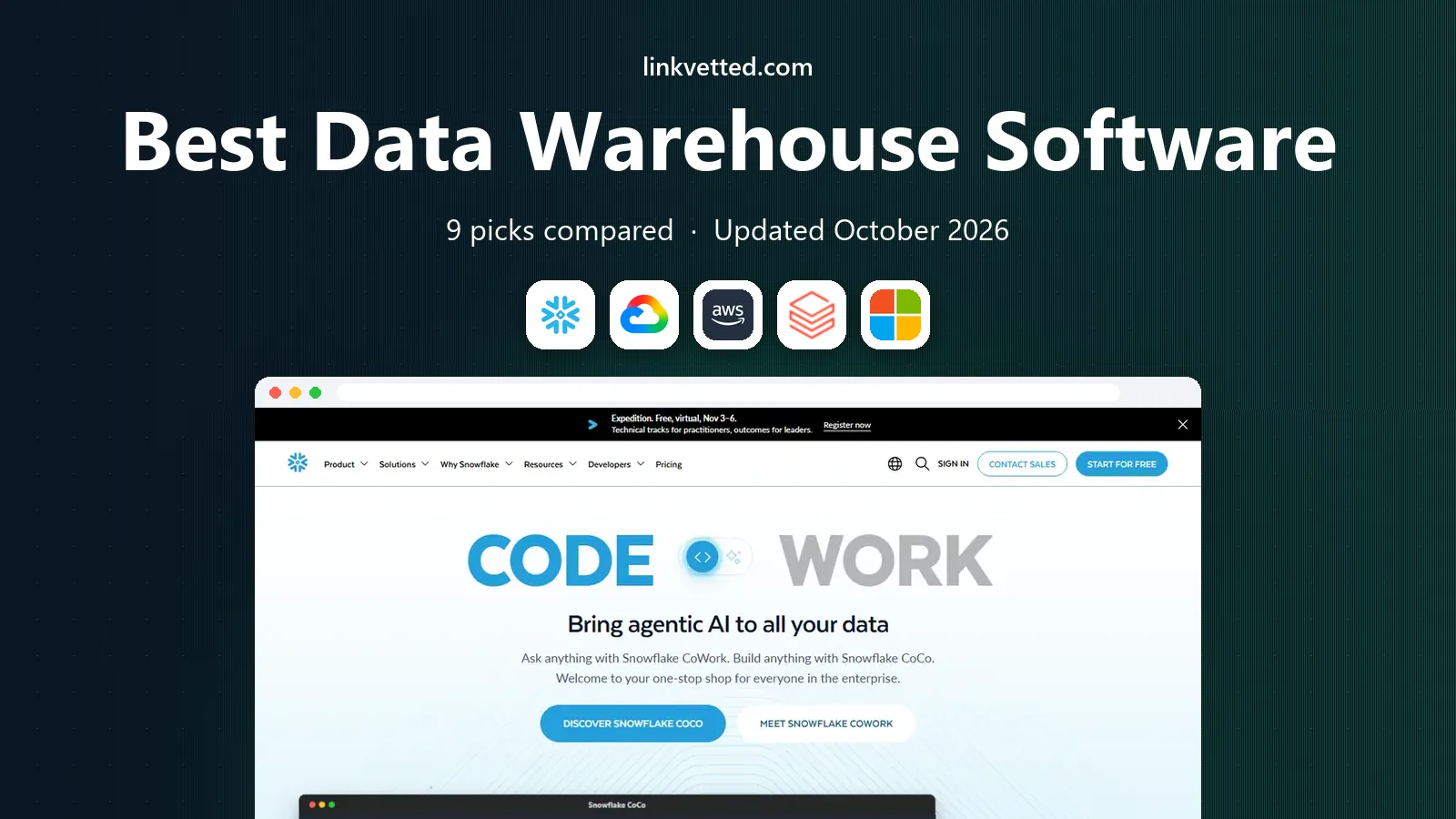
 Snowflake
Multi-cloud teams needing governed warehousing
Starts atSee websiteVisit snowflake.comFull review - Great alternative
 Google BigQuery
Google Cloud teams wanting serverless SQL analytics
Starts atSee websiteVisit cloud.google.comFull review - Also consider
 Amazon Redshift
AWS teams needing a managed warehouse
Starts atSee websiteVisit aws.amazon.comFull review
TL;DR:
- Snowflake suits teams that want multi-cloud warehousing with separate compute and storage billing.
- BigQuery suits Google Cloud teams that want serverless queries with a monthly free tier for queries and storage.
- Redshift suits AWS teams that already store data in Amazon services and want a managed warehouse.
- Databricks suits teams that combine SQL analytics with machine learning on a lakehouse.
- ClickHouse suits teams that need fast analytical queries on large event and log data.
Quick comparison
| Tool | Best for | Starts at | Free plan? | |
|---|---|---|---|---|
| Snowflake | Multi-cloud teams needing governed warehousing | See website | Free trial | Visit |
| Google BigQuery | Google Cloud teams wanting serverless SQL analytics | See website | Yes | Visit |
| Amazon Redshift | AWS teams needing a managed warehouse | See website | Free trial | Visit |
 Databricks SQL | Teams combining SQL analytics and machine learning | See website | Free trial | Visit |
 Microsoft Fabric | Microsoft and Power BI teams | See website | Free trial | Visit |
 ClickHouse Cloud | Teams needing fast analytics on events and logs | See website | Free trial | Visit |
 Teradata VantageCloud | Large enterprises with governed, high-volume analytics | See website | No | Visit |
 Oracle Autonomous Data Warehouse | Oracle-centric teams wanting an autonomous warehouse | See website | Free trial | Visit |
 MotherDuck | Small teams and startups wanting simple SQL analytics | See website | Yes | Visit |
The best data warehouse software
We compared official pricing, feature pages, and public reviews to build this list, and we focused on products that work today and fit the topic clearly. Shortlist two or three options from this list, run the same real task on each during a trial, and choose the one your team actually enjoys using. The best tool is the one that gets used every day.

Snowflake is the default shortlist pick for many data teams, and the reason is flexibility rather than any single feature. It runs on AWS, Azure, and Google Cloud, separates compute from storage so teams can scale each part on its own, and supports secure data sharing between accounts without copying large files. Governance, role-based access, and near-zero maintenance appeal to teams that need many analysts working on the same governed data.
The catch is cost control. Because compute is billed by credits, a poorly written query or a warehouse left running can raise a bill quickly, so teams need budgets, auto-suspend settings, and query habits from day one. For pricing, check the official site before you buy, because plans and free tiers change, and the entry price above may not include every feature your team needs. If this product matches your main use case and its weakness is one you can live with, it deserves a place on your shortlist.
- Multi-cloud support
- Separate compute and storage
- Strong data sharing
- Costs need careful control
- Learning curve for new teams
Google BigQuery
Best for: Google Cloud teams wanting serverless SQL analytics
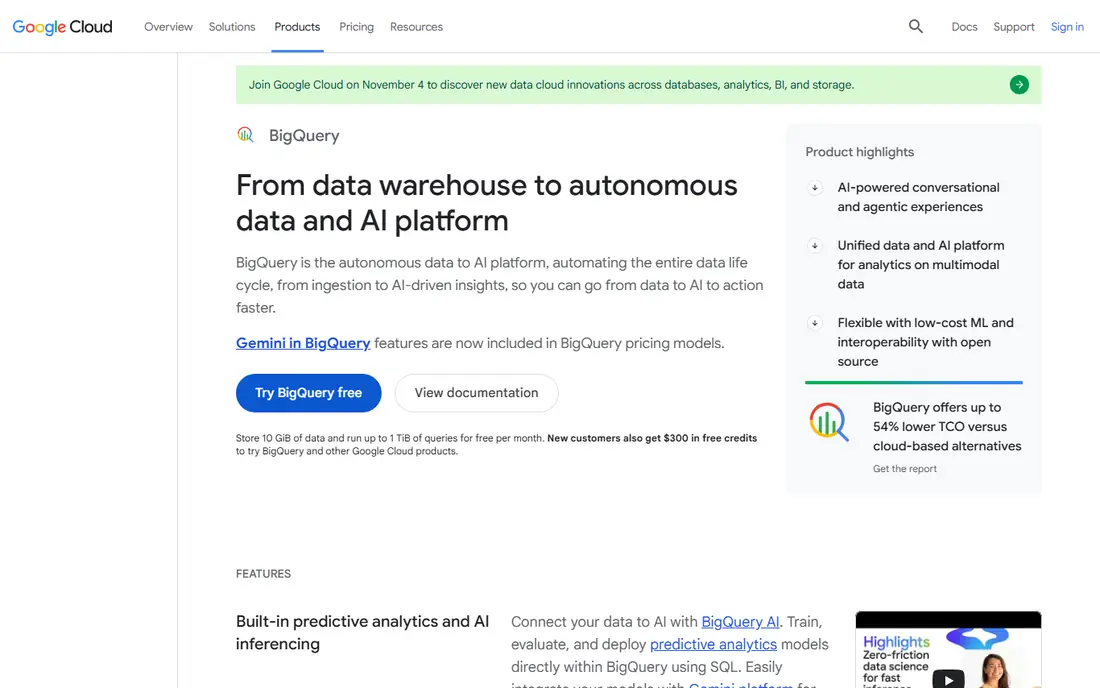
BigQuery takes a different approach from most warehouses: there is no cluster to size or keep running. Teams write SQL, Google Cloud scales the work, and the first 1 TiB of queries and first 10 GiB of storage each month are free, which makes small projects cheap to start. Integration with Google Cloud storage, Looker, and Sheets helps teams that already live in Google tools.
Costs depend on how much data each query scans, so unpartitioned tables and broad queries can surprise a team. Good table design and cost controls matter more here than on a fixed-capacity warehouse. For pricing, check the official site before you buy, because plans and free tiers change, and the entry price above may not include every feature your team needs. If this product matches your main use case and its weakness is one you can live with, it deserves a place on your shortlist.
- Serverless scaling
- Free monthly query and storage tier
- Strong SQL support
- Query costs vary with data scanned
- Less control over compute
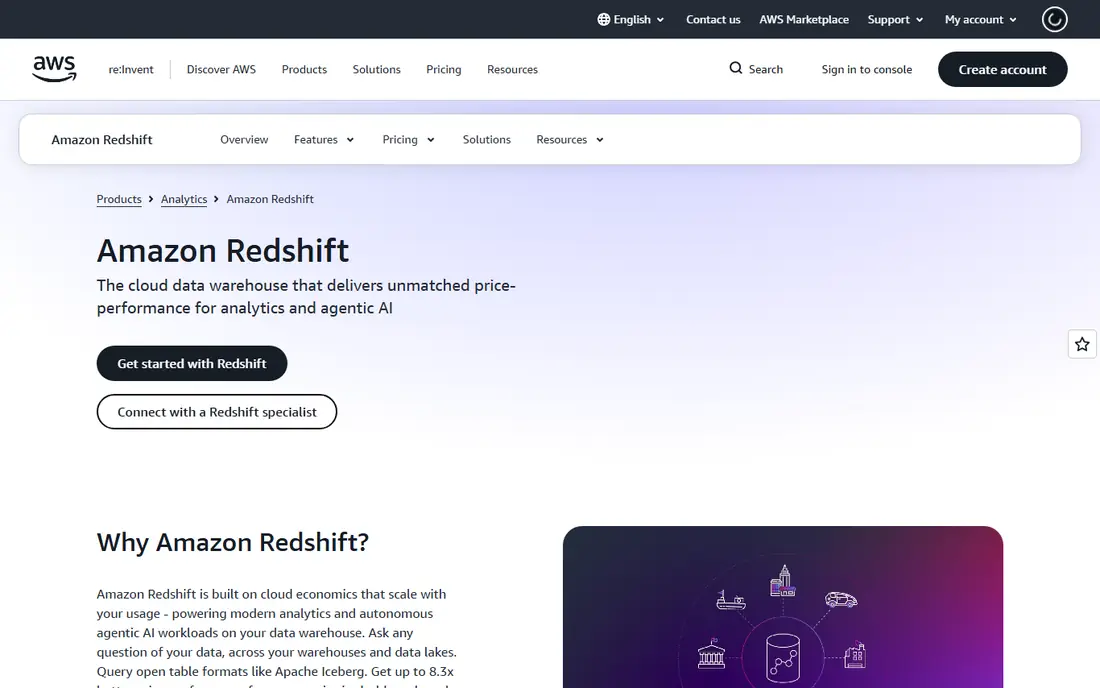
Redshift is the natural warehouse for teams that already store data in AWS, and that integration is its main strength. It works closely with S3, Glue, and other AWS services, supports a serverless mode billed by usage, and handles standard SQL analytics for dashboards and reporting. Provisioned clusters suit steady, heavy workloads, while serverless suits teams with variable demand.
Redshift runs only on AWS, so multi-cloud teams will need another tool, and large workloads still benefit from distribution and sort key choices. It is managed, not magic. For pricing, check the official site before you buy, because plans and free tiers change, and the entry price above may not include every feature your team needs. If this product matches your main use case and its weakness is one you can live with, it deserves a place on your shortlist.
- Deep AWS integration
- Serverless option
- Strong SQL support
- AWS-only by design
- Tuning still matters for large workloads
Databricks SQL sits on top of a lakehouse, which means the same data can feed dashboards, notebooks, and machine learning models. Teams that already use Databricks for data engineering get SQL analytics without moving data to a separate warehouse, and governance tools help control access across teams. Serverless SQL options reduce the need to manage clusters for routine dashboard work.
Pricing is based on Databricks Units, which vary by tier and workload, so a total cost comparison needs a real workload test. Teams without Spark experience may also need time to learn the platform. For pricing, check the official site before you buy, because plans and free tiers change, and the entry price above may not include every feature your team needs. If this product matches your main use case and its weakness is one you can live with, it deserves a place on your shortlist.
- Lakehouse design
- SQL and machine learning in one place
- Strong governance
- Pricing uses DBUs and varies by workload
- Setup takes care
Microsoft Fabric bundles warehousing, lakehouse, and Power BI reporting into one Azure service, which appeals to Microsoft-first teams. Analysts can work on warehouse data and publish Power BI reports without moving data between separate tools, and capacity billing can suit teams with many viewers. For companies already on Microsoft 365 and Azure, identity, security, and administration fit existing routines.
Capacity sizing takes planning, and Fabric is newer than Snowflake or Redshift, so some teams will find fewer third-party guides and a smaller hiring pool for specialists. For pricing, check the official site before you buy, because plans and free tiers change, and the entry price above may not include every feature your team needs. If this product matches your main use case and its weakness is one you can live with, it deserves a place on your shortlist.
- One platform for data and Power BI
- Capacity billing
- Azure integration
- Capacity model takes planning
- Newer platform than rivals
ClickHouse earns its place for speed on analytical queries, especially on event, log, and time-series data. Its columnar design scans large tables quickly, the open source version can be self-managed at no license cost, and ClickHouse Cloud adds a managed option with a trial. Teams that run customer-facing analytics or internal dashboards over billions of rows often notice the difference in query time.
Self-managed ClickHouse needs tuning and care around merges and storage, and its ecosystem is narrower than the big cloud warehouses. It is a strong analytical engine, not a full data platform on its own. For pricing, check the official site before you buy, because plans and free tiers change, and the entry price above may not include every feature your team needs. If this product matches your main use case and its weakness is one you can live with, it deserves a place on your shortlist.
- Very fast analytical queries
- Open source core
- Cloud option
- Operational tuning for self-managed use
- Narrower ecosystem
Teradata VantageCloud
Best for: Large enterprises with governed, high-volume analytics
Teradata has served large enterprise warehouses for decades, and VantageCloud carries that focus into cloud deployments. It is built for high-volume, governed analytics where many teams query the same data under strict controls, and it runs in Teradata Cloud and major public clouds. Companies with long-standing Teradata workloads can move to cloud without rebuilding every report and model.
Pricing is quote-based, setup is an enterprise project rather than a quick trial, and smaller teams will find simpler tools faster and cheaper to run. For pricing, check the official site before you buy, because plans and free tiers change, and the entry price above may not include every feature your team needs. If this product matches your main use case and its weakness is one you can live with, it deserves a place on your shortlist.
- Enterprise governance
- High-volume analytics
- Multi-cloud options
- Quote-only pricing
- Enterprise setup and cost
Oracle Autonomous Data Warehouse
Best for: Oracle-centric teams wanting an autonomous warehouse
Oracle Autonomous Data Warehouse aims to remove much of the routine work of running a warehouse. It automates tuning, patching, and scaling tasks that would otherwise fall to database administrators, and it fits teams that already run Oracle databases and applications. Cloud and dedicated deployment options suit regulated teams that need control over where data lives.
The strongest fit is inside the Oracle ecosystem, and usage pricing varies by region and configuration, so teams outside that ecosystem should compare total cost with a cloud-native warehouse before committing. For pricing, check the official site before you buy, because plans and free tiers change, and the entry price above may not include every feature your team needs. If this product matches your main use case and its weakness is one you can live with, it deserves a place on your shortlist.
- Autonomous tuning and patching
- Oracle integration
- Cloud and on-prem options
- Oracle ecosystem focus
- Usage pricing varies by region
MotherDuck is the small, friendly option on this list, and that is a strength for teams that do not need an enterprise warehouse yet. It builds on DuckDB, offers serverless SQL analytics with a capped free tier, and bills compute by the second, which suits startups and small analytics teams. Setup is quick, SQL skills transfer directly, and costs stay low for modest data volumes.
It is not designed to replace Snowflake or BigQuery at petabyte scale or for hundreds of concurrent analysts, so growing teams should check limits and migration paths early. For pricing, check the official site before you buy, because plans and free tiers change, and the entry price above may not include every feature your team needs. If this product matches your main use case and its weakness is one you can live with, it deserves a place on your shortlist.
- Simple serverless SQL
- DuckDB compatibility
- Low entry cost
- Smaller scale than enterprise warehouses
- Newer service
How we picked these
To pick these tools, we compared vendor pricing pages, documentation, and public comparisons current in October 2026. We favored warehouses that are actively maintained, run real production workloads, and publish enough pricing or trial information to judge cost. We checked that each product fits the warehouse category, rather than adding general databases or dashboards that do not belong here.
How to choose a data warehouse
Start with your cloud, not the feature list
The cheapest warehouse is usually the one that lives where your data already lives. An AWS team will spend less time and money moving data to Redshift than to a warehouse on another cloud, and the same logic applies to Google Cloud and BigQuery or Azure and Fabric. Multi-cloud teams should weigh Snowflake or Databricks more heavily, because they are designed to run across clouds without rebuilding pipelines.
Control costs before you scale
Warehouse bills grow through three habits: queries that scan too much data, warehouses left running, and dashboards that refresh too often. Use partitioning, clustering, or sort keys, set auto-suspend or capacity limits, and check query history weekly during the first month. A short trial with your real dashboards will tell you more about cost than any vendor calculator.
FAQ
What is the difference between a data warehouse and a data lake?
A data warehouse stores structured, cleaned data in a form ready for SQL reporting, while a data lake stores raw data in many formats for later processing. Modern lakehouses, such as Databricks, try to combine both ideas. For most reporting teams, a warehouse is the simpler starting point.
Is Snowflake or BigQuery cheaper?
It depends on your workload, because Snowflake bills compute by credits and storage by volume, while BigQuery on-demand bills by data scanned. Small, occasional queries can be very cheap on BigQuery free tier, while steady, heavy dashboard use may favor a capacity or credit model. Run the same dashboards on both during a trial and compare the actual bills.
Do small teams need a data warehouse at all?
Not always. A small team with modest data can start with a database, a spreadsheet, or a tool like MotherDuck or DuckDB before paying for a warehouse. Move to a warehouse when reporting slows down, data sources multiply, or several teams need governed access to the same numbers.
What is a lakehouse?
A lakehouse combines lake storage with warehouse features such as SQL, governance, and performance controls. Databricks is the best-known example. It suits teams that want analytics and machine learning on the same data, but it adds complexity for teams that only need dashboards.
Can I migrate from one warehouse to another later?
Yes, but migration takes planning, because SQL dialects, data types, and performance tuning differ. Keep transformation logic in a separate tool, document metric definitions, and test dashboards on the new warehouse before switching. The cleaner your pipelines are, the easier a move becomes.
Sources
- https://www.snowflake.com
- https://cloud.google.com/bigquery
- https://aws.amazon.com/redshift
- https://www.databricks.com
- https://www.microsoft.com/en-us/microsoft-fabric
- https://clickhouse.com
- https://www.teradata.com
- https://www.oracle.com/autonomous-database/autonomous-data-warehouse/
- https://motherduck.com