Best Data Extraction Tool for Processing Docs in 2026: Prices, Free Plans and 6 Picks
Best data extraction tool for processing docs: 6 contenders ranked by fit, with entry costs and free tiers. With pricing notes and limits. Compare quickly.
- Editor's choiceMicrosoft Azure AI Document Intelligence
Extracting text, structure and fields in Azure
Starts atSee websiteVisit azure.microsoft.comFull review - Great alternative
 Rossum
Transactional document workflow automation
Starts at$18,000 per yearVisit rossum.aiFull review - Also consider
 ABBYY FineReader PDF
OCR conversion to editable formats
Starts at$16 per monthVisit abbyy.comFull review
Direct answer
If you need extracting text, structure and fields in Azure, Microsoft Azure AI Document Intelligence is the first tool to look at here. Listed starting prices: Rossum from $18,000 per year and ABBYY FineReader PDF from $16 per month. Rossum is better for transactional document workflow automation, and ABBYY FineReader PDF is better for OCR conversion to editable formats. Details, prices and limits for the rest of the 6 tools are below.
TL;DR:
- Top of the list is Microsoft Azure AI Document Intelligence, which targets extracting text, structure and fields in Azure.
- ABBYY FineReader PDF is the lowest-priced starter here at $16 per month.
- What to know about Rossum first: concentrated on transactional documents.
- Google Cloud Document AI fits custom and pretrained document models.
- Neither Microsoft Azure AI Document Intelligence nor Google Cloud Document AI, nor any of the other 4 tools, has a permanent free plan; trials and quotes are the norm.
Last checked November 2026. Prices and plan details were read from the vendors' own pages in November 2026; vendors change plans often, so confirm the current price on the vendor site before you buy.
Quick comparison
| Tool | Best for | Starts at | Free plan? | |
|---|---|---|---|---|
| Microsoft Azure AI Document Intelligence | Extracting text, structure and fields in Azure | See website | Not stated | Visit |
| Rossum | Transactional document workflow automation | $18,000 per year | Free trial | Visit |
| ABBYY FineReader PDF | OCR conversion to editable formats | $16 per month | Free trial | Visit |
| Kofax Power PDF | Straightforward PDF editing and modification | See website | Not stated | Visit |
 Adobe Acrobat Pro | PDF-centric extraction and editing | See website | Not stated | Visit |
| Google Cloud Document AI | Custom and pretrained document models | See website | Not stated | Visit |
Every option for data extraction tool for processing docs explained
LinkVetted put together this guide to data extraction tool for processing docs for readers who want a clear shortlist without reading every vendor page. It compares 6 tools on starting price, free plans, who each one suits and where each one falls short.
Microsoft Azure AI Document Intelligence
Best for: Extracting text, structure and fields in Azure
Microsoft Azure AI Document Intelligence targets extracting text, structure and fields in Azure. Azure AI Document Intelligence, now part of Azure Content Understanding in Foundry Tools, uses AI models to extract document text, structure and fields.
It is a cloud service that needs setup and engineering resources, so it is not the quickest route for one-off document edits. More specifically, choose it when your extraction work belongs inside an Azure-based application or pipeline. Pricing for Microsoft Azure AI Document Intelligence is not stated here, so ask the vendor for current figures. Free plan details: Not stated.
Trade-offs to know: Developer-oriented instead of desktop.
- AI models for text and field extraction
- Records document structure
- Cloud configuration required
In short, Rossum is for transactional document workflow automation. Rossum is an AI document processing option geared toward automating complicated transactional workflows, with the vendor emphasizing reduced manual tasks, improved accuracy and efficiency.
It suits operations teams that process recurring business documents and want automation wrapped around a defined workflow instead of ad hoc extraction. On cost, Rossum starts like this: $18,000 per year. Free access: Free trial.
Honest limits: Less suited to general PDF editing.
- AI document processing option
- Aims to cut manual tasks
- Concentrated on transactional documents
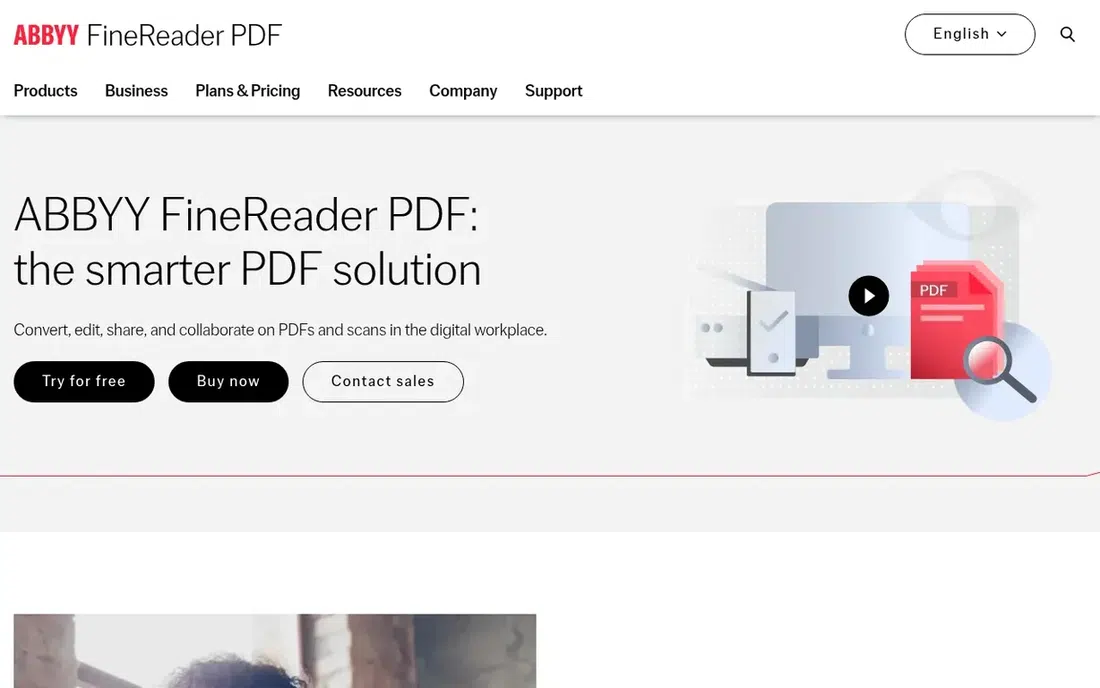
In short, ABBYY FineReader PDF is for OCR conversion to editable formats. ABBYY FineReader PDF is PDF editor software powered by the vendor's AI-based OCR technology. It is built to convert files like PDF to Excel or PDF to Word, and it also includes editing, sharing and collaboration.
From a buyer's view, if you need programmatic extraction embedded in applications, a cloud AI service is a more natural fit. Results rely on scan quality and document layout, and the product is oriented toward interactive use instead of API-driven batch pipelines. Entry price for ABBYY FineReader PDF: $16 per month. On free options: Free trial.
Where it falls short: OCR accuracy varies with source quality.
- Word and more
- Converts PDF to Excel
- Not pitched at developer pipelines
Kofax Power PDF
Best for: Straightforward PDF editing and modification
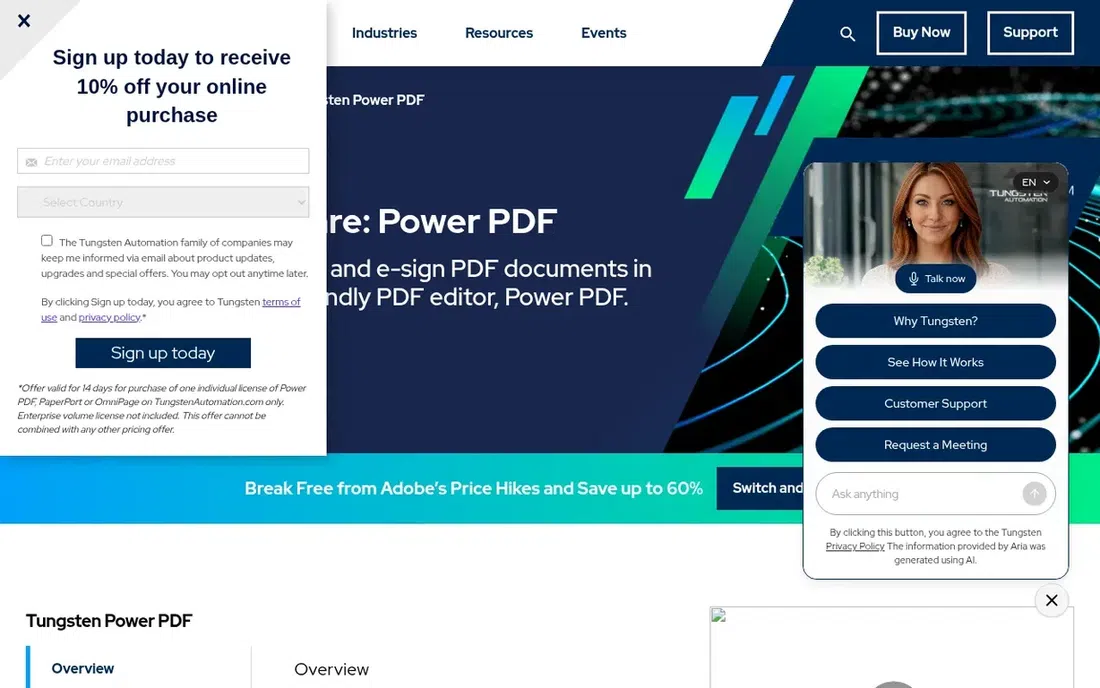
Kofax Power PDF was built for straightforward PDF editing and modification. Kofax Power PDF, offered under Tungsten Automation, is a PDF editor built around modifying PDFs without hassle.
For everyday use, since its emphasis is editing, it is a weaker choice when the goal is pulling structured fields from large document sets. Consider a dedicated OCR or document AI service when extraction volume and structure matter more than manual editing. Check the vendor site for Kofax Power PDF pricing; none is listed in this comparison. Free access: Not stated.
Trade-offs to know: Extraction depth is restricted to editing needs.
- Centred on simple PDF editing
- Practical for document modification tasks
- Not positioned as an OCR data service
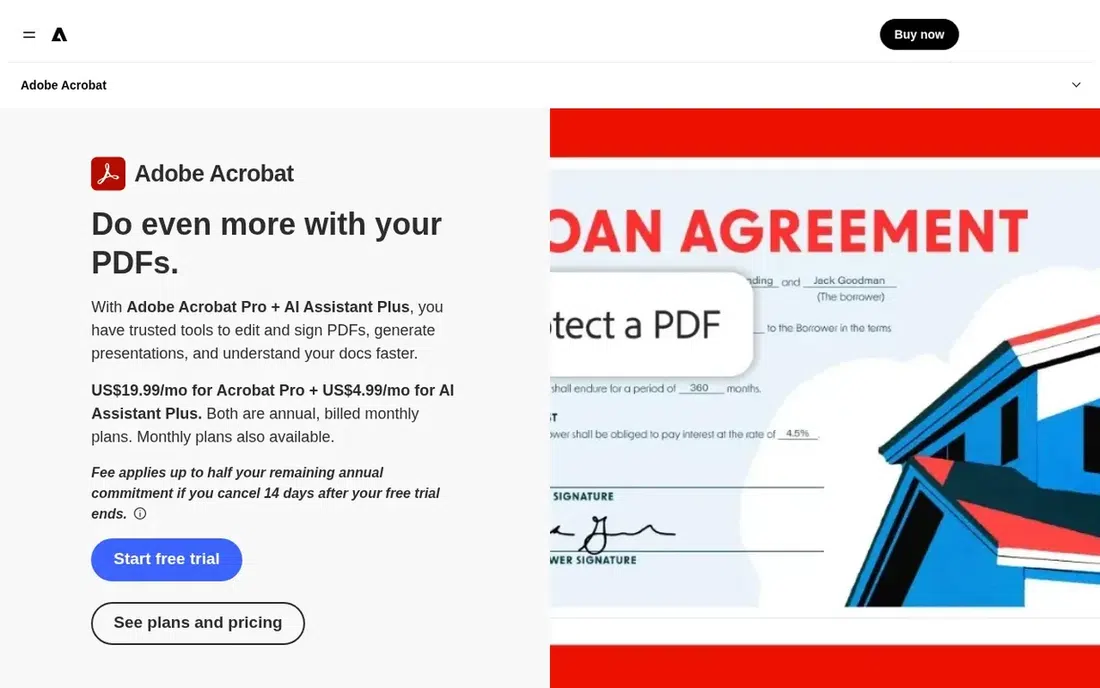
Adobe Acrobat Pro is designed for PDF-centric extraction and editing. Choose Acrobat Pro when your work is document-centric and manual review matters more than pipeline automation.
Adobe Acrobat Pro does not show a starting price in this comparison, so check the vendor site for current pricing. Trial and free access: Not stated.
Honest limits: Best value for PDF-heavy teams.
- Convert and share in one tool
- Familiar PDF editing and conversion workspace
- Less concentrated on bulk automatic extraction
Google Cloud Document AI
Best for: Custom and pretrained document models
Pick Google Cloud Document AI if this describes you: custom and pretrained document models. Google Cloud Document AI is an options suite that contains pretrained models for document processing, a Workbench for building custom models.
A Warehouse for searching and storing documents. Beyond that, custom model work takes time and cloud expertise, and the product assumes a cloud-first architecture. Pricing for Google Cloud Document AI is not stated here, so ask the vendor for current figures. Free options: Not stated.
What to check first: Needs Google Cloud familiarity.
- Warehouse for search and storage
- Workbench for custom models
- Setup effort for custom models
How the list was put together
Selection started from tools commonly considered for data extraction tool for processing docs, then narrowed to 6 that have clear pricing information or a clear quote process. Treat prices as a snapshot: vendors change plans often, so check the vendor site for the figure that applies today. The order reflects how well each tool fits the most common buying scenario for data extraction tool for processing docs, then price clarity, then free plan access. It is a starting point, not a verdict.
Before you commit
- Ask Microsoft Azure AI Document Intelligence, Kofax Power PDF, Adobe Acrobat Pro and Google Cloud Document AI for a written quote, since no starting price is shown.
- Run a trial of Rossum and ABBYY FineReader PDF with real work before paying for a year; your own workflow is the best test.
- Before choosing Microsoft Azure AI Document Intelligence, weigh its main limit: Cloud configuration required.
- Test how quickly ABBYY FineReader PDF answers a pre-sales question; it hints at how support will feel later.
- Involve the people who will use Microsoft Azure AI Document Intelligence daily; a short pilot beats a long feature checklist.
FAQ
Is Microsoft Azure AI Document Intelligence the right pick for everyone comparing data extraction tool for processing docs?
No single tool suits every team. Microsoft Azure AI Document Intelligence comes first because it fits extracting text, structure and fields in Azure, while Rossum suits transactional document workflow automation and ABBYY FineReader PDF suits OCR conversion to editable formats. Match the tool to your own size, budget and workflow before deciding.
Which tool fits teams processing recurring business documents?
Rossum is positioned around automating complicated transactional workflows, which makes it a natural candidate for recurring business documents. Match the choice to how standardized your documents are and how much automation you need.
What is the cheapest option for data extraction tool for processing docs in this list?
On published monthly entry prices, ABBYY FineReader PDF is the lowest here at $16 per month. Entry price is only part of the cost, because seats, add-ons and billing terms can change the total. Prices, free plan details and limits for all 6 tools in this data Extraction tool for processing docs roundup sit on the individual cards above.
Can I try these tools before paying?
Often, yes. Rossum and ABBYY FineReader PDF offer a free trial. Use your own data and a real task during the test, and check what the free tier or trial limits before you rely on it. Each of the 6 options in this data Extraction tool for processing docs guide has its own card above with the price, free plan and limits.
Do these tools publish their prices?
Not all of them. Microsoft Azure AI Document Intelligence, Kofax Power PDF, Adobe Acrobat Pro and Google Cloud Document AI publish no starting price, so expect a quote request for those. The rest, Rossum included, show a starting price, though seats and billing terms still change the final cost.
Sources
- https://azure.microsoft.com/en-us/products/ai-services/ai-document-intelligence
- https://rossum.ai
- https://www.abbyy.com/finereader
- https://www.kofax.com/products/power-pdf
- https://www.adobe.com/acrobat/acrobat-pro.html
- https://cloud.google.com/document-ai