Data Exploration Platform in 2026: The 6 Best Options Side by Side
Best data exploration platform in 2026: 6 tools with starting prices, free plans and limits. Price notes and drawbacks come with each one. Facts only.
- Editor's choice
 Domo
Governed data for AI and exploration
Starts atSee websiteVisit domo.comFull review - Great alternative
 Qlik Sense
Integrated data fabric and analytics
Starts atSee websiteVisit qlik.comFull review - Also consider
 ThoughtSpot
Search and AI-driven exploration
Starts at$25 per user a monthVisit thoughtspot.comFull review
Direct answer
For governed data for AI and exploration, Domo is where this list starts. Listed starting prices: ThoughtSpot from $25 per user a month and Tableau from $15 per user a month. Qlik Sense is better for integrated data fabric and analytics, and ThoughtSpot is better for search and AI-driven exploration. All 6 tools are compared below on price, free plan and limits.
TL;DR:
- Top of the list is Domo, which targets governed data for AI and exploration.
- For unified data, analytics and AI, Databricks is worth a look.
- Only Tableau offers a free plan among these 6 tools.
- Check the limits for Domo before you commit: system breadth needs onboarding.
Last checked November 2026. Prices and plan details were read from the vendors' own pages in November 2026; vendors change plans often, so confirm the current price on the vendor site before you buy.
Quick comparison
| Tool | Best for | Starts at | Free plan? | |
|---|---|---|---|---|
| Domo | Governed data for AI and exploration | See website | Free trial | Visit |
| Qlik Sense | Integrated data fabric and analytics | See website | Not stated | Visit |
| ThoughtSpot | Search and AI-driven exploration | $25 per user a month | Free trial | Visit |
 Tableau | Visual drag-and-drop data exploration | $15 per user a month | Yes | Visit |
 Looker | Governed metrics with AI agents | See website | Not stated | Visit |
 Databricks | Unified data, analytics and AI | See website | Not stated | Visit |
Tool-by-tool breakdown
LinkVetted compared 6 tools for data exploration platform. The goal is a practical shortlist: published prices, free plan facts, best-fit use cases and honest limits for every entry.
Choose Domo for governed data for AI and exploration. Users link and move data from any source, prepare and expand access for exploration, and accelerate business-critical insights.
In practice, Domo centres on governed data for AI agents, with AI and data products spanning the data journey. Worth adding: if you only need standalone visual exploration on data already prepared elsewhere, a more straightforward analytics tool may be a lighter choice. Domo does not show a starting price in this comparison, so check the vendor site for current pricing. Free options: Free trial.
Where it falls short: Product breadth needs onboarding.
- Link and move data from any source
- Focus on governed data for AI agents
- Governance setup takes effort
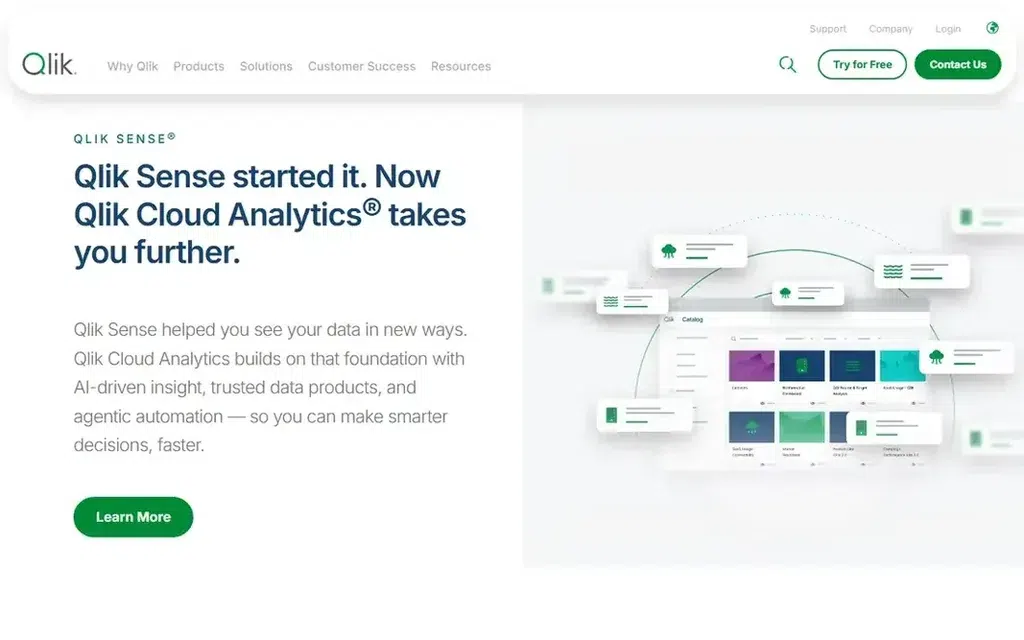
Think of Qlik Sense for integrated data fabric and analytics. Qlik Sense sits within that portfolio for exploration and insight.
The breadth of the data fabric means more moving parts to configure and govern, which can slow smaller teams. Qlik Sense shows no starting price here, so confirm the cost on the vendor site. Free plan details: Not stated.
What to check first: Broad scope can be complicated.
- Data quality capabilities
- End-to-end data integration
- Ramp-up time across products
For search and AI-driven exploration, ThoughtSpot is a natural candidate. It is geared toward teams that want to transform insights into action through search-style and AI-assisted exploration instead of manual chart building alone.
If you prefer practical visual authoring with full manual control, a traditional drag-and-drop system may fit better. Beyond that, embedded deployments add setup work. On cost, ThoughtSpot starts like this: $25 per user per month. As for free access: Free trial.
Points against: Setup for embedded use takes work.
- AI agents for analytics
- Automatic insights
- AI-first approach needs trust building
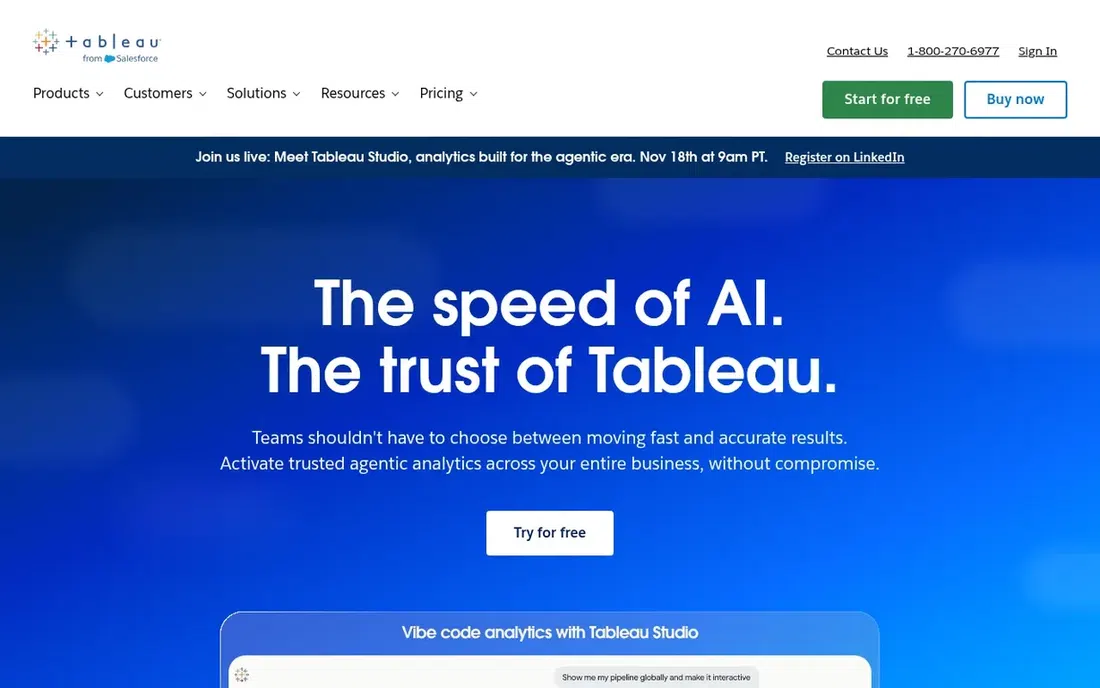
Tableau is a good fit for visual drag-and-drop data exploration. Tableau is business intelligence and analytics software built around seeing and understanding data. More specifically, setup and data modeling take planning, and very large or complicated environments may call for extra governance tooling.
Worth adding: users link to almost any database, then drag and drop to build visualizations and share them with a click. Its strength in visual exploration can mean more manual work when you need tightly governed, reusable metrics across plenty of teams. On cost, Tableau starts like this: $15 per user per month. Free access exists with Tableau.
Limits to weigh: Governance takes planning.
- Links to almost any database
- Drag-and-drop visualization building
- Deep modeling needs setup
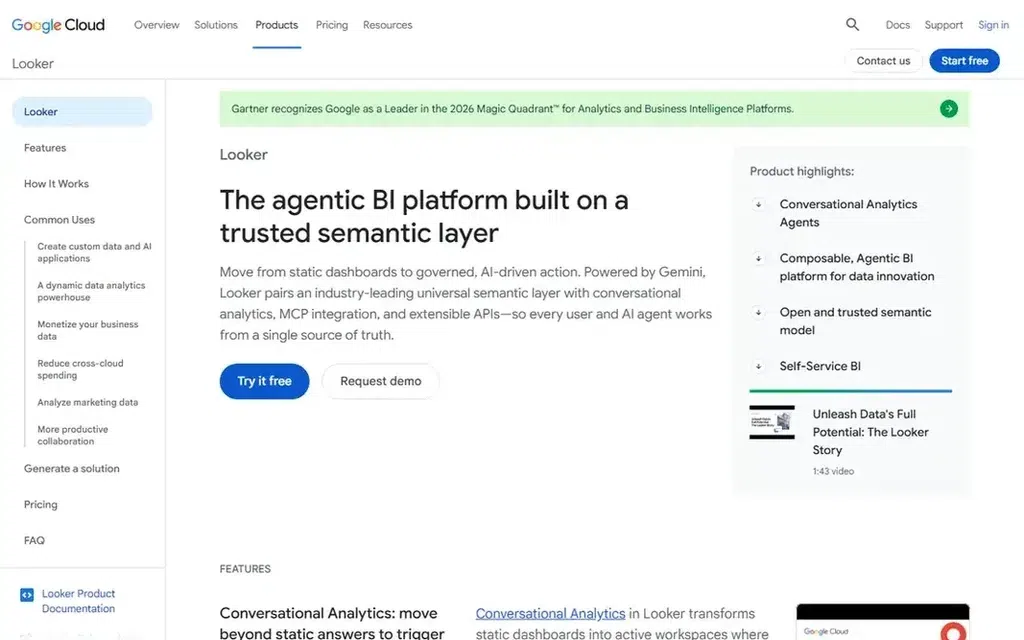
In short, Looker is for governed metrics with AI agents. It brings together metrics through a trusted semantic layer and brings Gemini agents to support analysis. Teams already invested in Google Cloud that require embedded analytics alongside self-service access to curated data.
If you want quick, freeform visual exploration with minimal upfront modeling, a drag-and-drop tool may suit you better. The semantic layer approach rewards disciplined modeling but demands technical effort to build and maintain. Pricing for Looker is not stated here, so ask the vendor for current figures. On free options: Not stated.
Where it falls short: Tied closely to Google Cloud.
- Embedded analytics on Google Cloud
- Gemini agents for assisted analysis
- Modeling needs technical skill
Databricks is a good fit for unified data, analytics and AI. Databricks provides a unified system for data, analytics and AI, with a data-centric approach that eases ETL, data warehousing, governance and AI on its Data + AI Platform.
Where it falls short: Exploration shares space with engineering.
It suits data teams that want exploration to sit close to engineering, governance and machine learning work, reducing the have to move data between separate systems for analysis. Databricks does not show a starting price in this comparison, so check the vendor site for current pricing. On free options: Not stated.
- Governance across data work
- Unified data and AI system
- Wide product needs expertise
How the list was put together
We compared the tools on published pricing, free plan or trial availability, feature coverage for data exploration platform, and the limits each vendor documents. Figures are shown as the vendors publish them. Billing terms, seat minimums and add-ons can change the real cost. Position on the page reflects fit for a typical buyer first, with price clarity and free access breaking ties. Treat it as a guide, not a ruling.
Questions to settle before buying
- Confirm the entry price on the vendor page. For Domo, Qlik Sense, Looker and Databricks that means a quote rather than a fixed price.
- Look at the free plan from Tableau closely: its caps decide whether it is usable for real work.
- Use real work to test the free trial from Domo and ThoughtSpot, rather than a demo project.
- Before choosing Domo, weigh its main limit: product breadth needs onboarding.
- Test how quickly Qlik Sense answers a pre-sales question; it hints at how support will feel later.
- Check the integration list for Looker against the tools you run today, and note which ones need a higher plan.
FAQ
Is a unified data platform better than a dedicated exploration tool?
Dedicated tools like Tableau or Domo may be simpler for business users who primarily need visual discovery. Plenty of organizations combine both approaches.
Is Domo the right pick for everyone comparing data exploration platform?
No single tool suits every team. Domo comes first because it fits governed data for AI and exploration, while Qlik Sense suits integrated data fabric and analytics and ThoughtSpot suits search and AI-driven exploration. Match the tool to your own size, budget and workflow before deciding.
Can I try these tools before paying?
Often, yes. Tableau has a free plan and Domo and ThoughtSpot offer a free trial. Use your own data and a real task during the test, and check what the free tier or trial limits before you rely on it. Each of the 6 options in this data Exploration platform guide has its own card above with the price, free plan and limits.
Which data exploration product is a good match for visual analysis?
This list starts with Domo, which fits governed data for AI and exploration. For other needs, Qlik Sense is aimed at integrated data fabric and analytics, and ThoughtSpot at search and AI-driven exploration. Check each tool's price and main limit first.
Do these tools publish their prices?
Not all of them. Domo, Qlik Sense, Looker and Databricks publish no starting price, so expect a quote request for those. The rest, ThoughtSpot included, show a starting price, though seats and billing terms still change the final cost.
What is the cheapest option for data exploration platform in this list?
On published monthly entry prices, Tableau is the lowest here at $15 per user per month. Entry price is only part of the cost, because seats, add-ons and billing terms can change the total. All 6 picks in this data Exploration platform comparison list a starting price, free plan details and the main limits on their cards above.
Sources
- https://www.domo.com
- https://www.qlik.com
- https://www.thoughtspot.com
- https://www.tableau.com
- https://cloud.google.com/looker
- https://www.databricks.com