Data Capture Software in 2026: The 6 Best Options Side by Side
Best data capture software: 6 contenders ranked by fit, with entry costs and free tiers. The weak spots sit next to the strengths. Built for quick decisions.
- Editor's choice
 DocuWare
Document management and workflow
Starts atSee websiteVisit start.docuware.comFull review - Great alternative
 Rossum
Transactional workflow automation
Starts at$18,000 a yearVisit rossum.aiFull review - Also consider
 Laserfiche
AI-powered process automation
Starts at$42 per user a monthVisit laserfiche.comFull review
Direct answer
DocuWare leads the list, best for document management and workflow. Listed starting prices: Rossum from $18,000 a year and Laserfiche from $42 per user a month. Rossum is better for transactional workflow automation, and Laserfiche is better for AI-powered process automation. All 6 tools are compared below on price, free plan and limits.
TL;DR:
- Number one here is DocuWare, a fit for document management and workflow.
- Hyland OnBase is the one to check for content management with capture.
- DocuWare, Hyland OnBase and the 4 others all need a premium plan or a trial, since no free plan is listed.
- Starting prices begin at $42 per user per month with Laserfiche.
Last checked November 2026. Prices and plan details were read from the vendors' own pages in November 2026; vendors change plans often, so confirm the current price on the vendor site before you buy.
Quick comparison
| Tool | Best for | Starts at | Free plan? | |
|---|---|---|---|---|
| DocuWare | Document management and workflow | See website | Not stated | Visit |
| Rossum | Transactional workflow automation | $18,000 a year | Free trial | Visit |
| Laserfiche | AI-powered process automation | $42 per user a month | Not stated | Visit |
| IBM Datacap | IBM ecosystem integration | See website | Not stated | Visit |
| ABBYY FlexiCapture | AI-driven document automation | See website | Not stated | Visit |
 Hyland OnBase | Content management with capture | See website | Not stated | Visit |
6 options for data capture software in detail
Choosing data capture software usually comes down to price, fit and limits. This LinkVetted guide sets 6 tools side by side on those three points, with the facts kept short and checkable.
DocuWare is aimed squarely at document management and workflow. DocuWare is a document management software and workflow option that bundles data capture capabilities to boost document processing. It helps organizations automate workflows and run documents efficiently.
Downsides: Capture is one of plenty of features.
In daily use, while DocuWare gives you capture, its primary strength is document management. So it may not match dedicated capture tools in depth. It could be more than needed for straightforward capture tasks. That said, for organizations wanting an integrated document management and workflow system, DocuWare is a solid choice. DocuWare does not show a starting price in this comparison, so check the vendor site for current pricing. Free access: Not stated.
- Document management
- Workflow automation
- May be overkill for straightforward needs
Rossum is aimed squarely at transactional workflow automation. For firms concentrated on transactional document automation, Rossum supplies a targeted option, but others may need a more general capture tool. In daily use, Rossum gives you AI document processing built to automate complicated transactional workflows.
It cuts manual tasks and raises accuracy, driving efficiency in document-heavy processes. This tool is a strong match for organizations that manage transactional documents for example invoices and purchase orders and want to automate data capture. On top of that, Rossum is specialized for transactional workflows, so it may not be the best fit for other document types. It also needs integration with existing systems. Starting cost for Rossum: $18,000 per year. Free options: Free trial.
What Rossum does well: Focus on transactional workflows. Drawbacks to consider: Specialized for transactional documents.
- Automation of manual tasks
- AI document processing
- May not suit all document types
Laserfiche is a good fit for AI-powered process automation. Laserfiche supplies AI-powered document management and process automation, including data capture features to accelerate work.
Beyond that, organizations with narrow capture needs might find it excessive. Nevertheless, for those seeking an integrated approach to document management and capture, Laserfiche gives you a solid option. Starting cost for Laserfiche: $42 per user per month. Free access: Not stated.
Where it falls short: Wide product focus.
- AI-powered document management
- Process automation
- May need configuration
IBM Datacap
Best for: IBM ecosystem integration
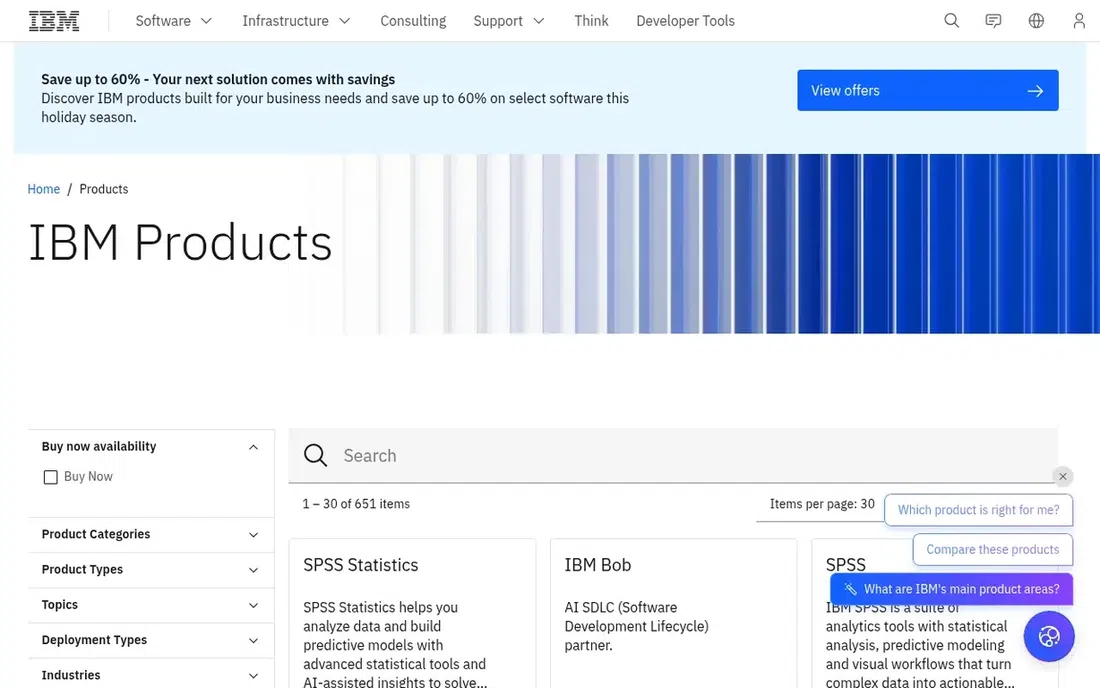
IBM Datacap is aimed squarely at IBM ecosystem integration. Organizations not invested in the IBM ecosystem might find other tools more straightforward. Still, for IBM-centric environments, it provides a cohesive capture option.
IBM Datacap is a document capture and data extraction option that suits within the broader IBM software portfolio. It is meant to help organizations automate the ingestion of paper and electronic documents, extracting key information for business processes. As for the details, public information about Datacap is less in-depth than some competitors. It may need IBM-specific expertise to implement and maintain. This comparison lists no price for IBM Datacap; ask the vendor. Free options: Not stated.
What to check first: May need IBM expertise.
- Scalable for enterprises
- Integration with IBM products
- Restricted public details
ABBYY FlexiCapture
Best for: AI-driven document automation
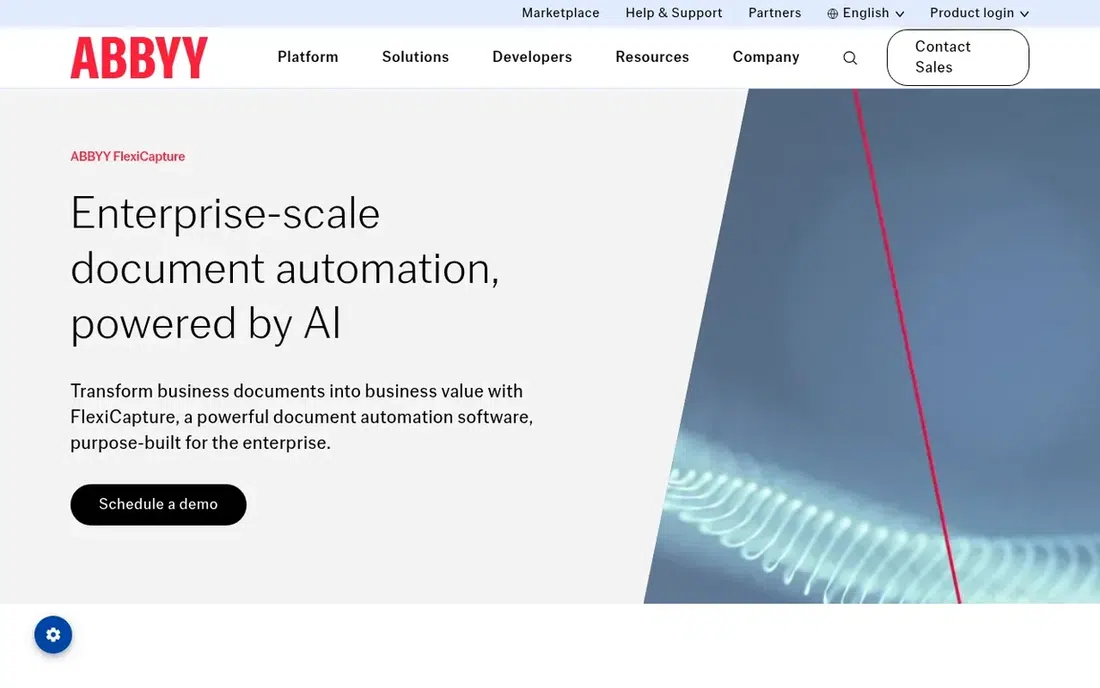
ABBYY FlexiCapture is a good fit for AI-driven document automation. It transforms enterprise documents into business value by extracting data and automating workflows. Worth adding: organizations with more straightforward needs or restricted IT resources might consider lighter alternatives.
However, for enterprises seeking full AI-driven capture, it remains a solid choice. Worth adding: FlexiCapture can be complicated to configure and may need specialized training to completely use its features. ABBYY FlexiCapture does not show a starting price in this comparison, so check the vendor site for current pricing. Trial and free access: Not stated.
Honest limits: Complicated setup.
- Enterprise scalability
- Advanced OCR and NLP
- May need training
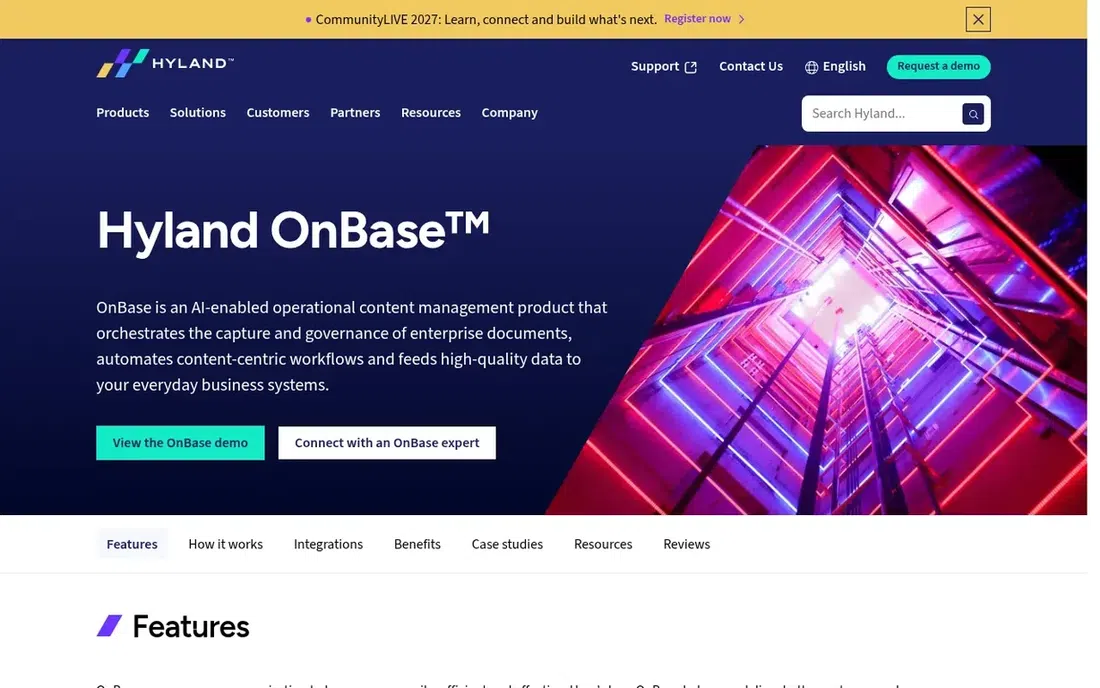
For content management with capture, Hyland OnBase is a natural candidate. Hyland OnBase is a content management option that bundles data capture capabilities to efficiently handle information and simplify business processes. It helps organizations capture, store, and access documents within a unified system.
Trade-offs to know: May be complex to deploy.
This tool is a strong match for firms seeking a thorough content services platform with built-in capture functionality. Deployment can be complicated and may need significant configuration. From a buyer's view, OnBase is a wide system, so its capture features may not be as specialized as dedicated data capture tools. In daily use, organizations needing only entry-level capture might prefer a more straightforward option, but those wanting an all-in-one content management system will find OnBase compelling. Pricing for Hyland OnBase is not stated here, so ask the vendor for current figures. On free options: Not stated.
- Workflow automation
- Integrated content management
- Wide focus beyond capture
How we built this list
Things to verify first
- Ask DocuWare, IBM Datacap, ABBYY FlexiCapture and Hyland OnBase for a written quote, since no starting price is shown.
- Use real work to test the free trial from Rossum, rather than a demo project.
- Before choosing DocuWare, weigh its main limit: capture is one of numerous features.
- Map your must-have features to a specific DocuWare plan before you compare prices.
- Test how quickly Rossum answers a pre-sales question; it hints at how support will feel later.
FAQ
What is data capture software?
Data capture software automates the extraction of information from documents like invoices, forms, and receipts. It uses technologies like OCR and machine learning to convert unstructured data into structured, usable information.
What is the cheapest option for data capture software in this list?
On published monthly entry prices, Laserfiche is the lowest here at $42 per user per month. Entry price is only part of the cost, because seats, add-ons and billing terms can change the total. Each of the 6 options in this data capture software guide has its own card above with the price, free plan and limits.
How are the tools for data capture software ordered?
The order follows typical fit for data capture software, with DocuWare first and Hyland OnBase last, then price clarity and free access. It is editorial judgement, not a score, so another team could rank the tools differently.
Does any tool for data capture software here have a free plan?
No tool in this list, DocuWare and Hyland OnBase included, has a permanent free plan. Rossum offer a trial. Trials and quotes are the usual route, so plan a short evaluation period.
Is DocuWare the right pick for everyone comparing data capture software?
No single tool suits every team. DocuWare comes first because it fits document management and workflow, while Rossum suits transactional workflow automation and Laserfiche suits AI-powered process automation. Match the tool to your own size, budget and workflow before deciding.
Sources
- https://start.docuware.com
- https://rossum.ai
- https://www.laserfiche.com
- https://www.ibm.com/products/datacap
- https://www.abbyy.com/flexicapture
- https://www.hyland.com/en/solutions/products/onbase
Related guides
- Data De-Identification Tools for Remote Teams in 2026: The 6 Best Options Side by Side
- Dashboard Software for Manufacturing Operations in 2026: The 5 Best Options Side by Side
- Data Quality Software in 2026: A Guide to 7 Tools
- Crime Analytics Software for Remote Teams in 2026: The 6 Best Options Side by Side