5 Data As a Service Software Worth Shortlisting in 2026
Best data as a service software in 2026: 5 tools with starting prices, free plans and limits. Read the caveats before you buy. Current for November 2026.
- Editor's choice
 Fivetran
Automatic data movement and centralization
Starts at$12,000Visit fivetran.comFull review - Great alternative
 Amazon Redshift
AWS-native managed cloud data warehouse
Starts atSee websiteVisit aws.amazon.comFull review - Also considerdbt Labs
Governed data transformation pipelines
Starts at$100 per user per monthVisit getdbt.comFull review
Direct answer
This list puts Fivetran first for automatic data movement and centralization. Listed starting prices: Fivetran from $12,000 and dbt Labs from $100 per user per month. If your case is different, Amazon Redshift suits AWS-native managed cloud data warehouse and dbt Labs suits governed data transformation pipelines. All 5 tools are compared below on price, free plan and limits.
TL;DR:
- Fivetran sits first on this list: automatic data movement and centralization.
- Fivetran stands alone as the one tool in this list with a free plan.
- Databricks suits unified data, analytics and AI work.
- The cheapest monthly starting price in the list is $100 per user per month, offered by dbt Labs.
- The main caution on Google BigQuery: costs can be hard to predict at scale.
Last checked November 2026. Prices and plan details were read from the vendors' own pages in November 2026; vendors change plans often, so confirm the current price on the vendor site before you buy.
Quick comparison
| Tool | Best for | Starts at | Free plan? | |
|---|---|---|---|---|
| Fivetran | Automatic data movement and centralization | $12,000 | Yes | Visit |
| Amazon Redshift | AWS-native managed cloud data warehouse | See website | Not stated | Visit |
| dbt Labs | Governed data transformation pipelines | $100 per user per month | Free trial | Visit |
 Google BigQuery | Managed autonomous data and AI product | See website | Not stated | Visit |
 Databricks | Unified data, analytics and AI work | See website | Not stated | Visit |
The best data as a service software
This LinkVetted guide covers 5 options for data as a service software. Each profile lists a starting price, free plan details, strengths and drawbacks, so you can drop poor fits quickly.
Choose Fivetran for automatic data movement and centralization. Fivetran concentrates on moving data instead of transforming or modeling it, so you will likely need a separate transformation layer. Fivetran is an automatic data movement product that centralizes the data a team needs so it can deliver insights quicker.
It pairs well with transformation tools downstream. In daily use, teams with very few sources or highly custom pipelines may find a more straightforward approach sufficient. Fivetran pricing: $12,000. You can start on Fivetran without paying.
Watch-outs: Connector behavior varies by source. What Fivetran does well: Automates data pipelines.
- Cuts manual engineering effort
- Centralizes data from many sources
- Concentrated on movement, not transformation
In short, Amazon Redshift is for AWS-native managed cloud data warehouse. Performance commonly relies on schema and distribution choices, so some tuning is expected.
Limits to weigh: Tuning may be needed for performance.
More specifically, organizations outside AWS, or those wanting a single product spanning data engineering and AI, may prefer a broader product or a different warehouse. This comparison lists no price for Amazon Redshift; ask the vendor. On free options: Not stated.
- Completely managed warehouse
- Aimed at large-scale analytics
- Best value inside AWS
dbt Labs
Best for: Governed data transformation pipelines
Think of dbt Labs for governed data transformation pipelines. It suits analytics engineering teams that want version-controlled, tested transformations layered on top of a warehouse. dbt Labs concentrates on transformation.
Trade-offs to know: Relies on an upstream warehouse.
What dbt Labs does well: governed pipelines. So it relies on a separate warehouse and frequently a separate ingestion tool. Starting cost for dbt Labs: $100 per user per month. As for free access: Free trial.
- Transformation-focused workflow
- Supports analytics and AI initiatives
- Needs SQL and modeling skills
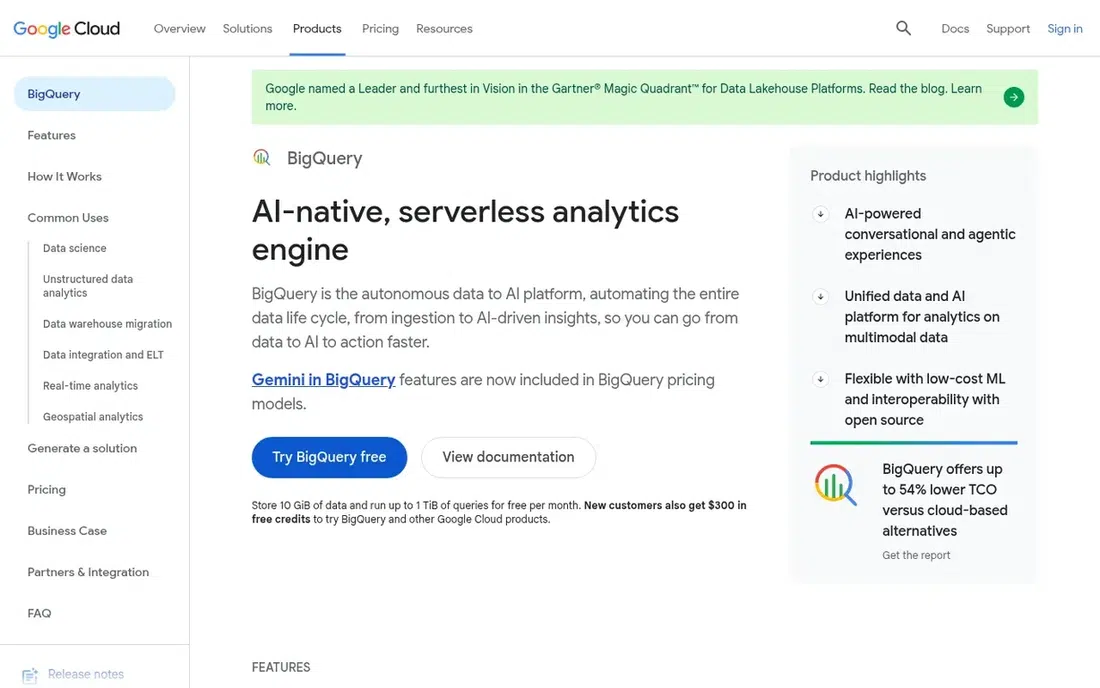
Pick Google BigQuery if this describes you: managed autonomous data and AI product. Its serverless design lets analysts query large datasets without provisioning clusters.
On top of that, pricing and query costs can become difficult to forecast as usage grows. Teams unfamiliar with Google Cloud may face a learning curve. This comparison lists no price for Google BigQuery; ask the vendor. As for free access: Not stated.
Honest limits: Costs can be hard to predict at scale.
- Automates the data life cycle
- Supports analytics and AI workflows
- Needs cloud data skills
Databricks is designed for unified data, analytics and AI work. Databricks supplies a unified system for data, analytics and AI, with a data-centric approach that eases ETL, data warehousing, governance and AI work.
Honest limits: Can be complicated to configure.
For everyday use, the breadth of the platform can make initial setup and governance choices complex, and smaller teams may find it more than they need. No starting price is listed for Databricks here; confirm pricing on the vendor site. As for free access: Not stated.
- Supports ETL and warehousing
- Governance built into the product
- Overlaps with narrower tools
Selection criteria
Questions to settle before buying
- Get a written quote from Amazon Redshift, Google BigQuery and Databricks; the list shows no starting price for them.
- Look at the free plan from Fivetran closely: its caps decide whether it is usable for real work.
- Use real work to test the free trial from dbt Labs, rather than a demo project.
- Read the limits listed for Fivetran first: centred on movement, not transformation.
- Look at the renewal terms for Fivetran: auto-renewal, notice periods and price changes can matter more than the first-year price.
- Pick one real project and run it in dbt Labs first; a small pilot shows fit faster than a checklist.
FAQ
What is the cheapest option for data as a service software in this list?
On published monthly entry prices, dbt Labs is the lowest here at $100 per user per month. Entry price is only part of the cost, because seats, add-ons and billing terms can change the total. Each of the 5 options in this data as A service software guide has its own card above with the price, free plan and limits.
How are the tools for data as a service software ordered?
The order follows typical fit for data as a service software, with Fivetran first and Databricks last, then price clarity and free access. It is editorial judgement, not a score, so another team could rank the tools differently.
Can I try these options before paying?
Often, yes. Fivetran has a free plan and dbt Labs offers a free trial. Use your own data and a real task during the test, and check what the free tier or trial limits before you rely on it. All 5 picks in this data as A service software comparison list a starting price, free plan details and the main limits on their cards above.
Is Fivetran the right pick for everyone comparing data as a service software?
No single tool suits every team. Fivetran comes first because it fits automated data movement and centralization, while Amazon Redshift suits AWS-native managed cloud data warehouse and dbt Labs suits governed data transformation pipelines. Match the tool to your own size, budget and workflow before deciding.
Should I pick a warehouse or a pipeline tool first?
Start with where your data will live, since warehouses for example BigQuery and Redshift anchor the stack. Then add a movement tool like Fivetran and a transformation layer like dbt Labs to complete the pipeline.
Sources
- https://www.fivetran.com
- https://aws.amazon.com/redshift
- https://www.getdbt.com
- https://cloud.google.com/bigquery
- https://www.databricks.com