6 Dashboard Software for Sales Teams Worth Shortlisting in 2026
Shortlisting the best dashboard software for sales teams? 6 products compared on cost, free access and ideal buyer. Short verdicts, no fluff. See the full list.
- Editor's choice
 Domo
Governed data for sales insights
Starts atSee websiteVisit domo.comFull review - Great alternative
 Zoho CRM
Wide CRM with adaptable dashboards
Starts atSee websiteVisit zoho.comFull review - Also consider
 Pipedrive
Straightforward pipeline-focused reporting
Starts atSee websiteVisit pipedrive.comFull review
Direct answer
Domo leads the list, best for governed data for sales insights. Listed starting prices: Tableau from $15 per user per month. For a different need, Zoho CRM covers wide CRM with adaptable dashboards and Pipedrive covers straightforward pipeline-focused reporting. The remaining 3 options are covered below with prices and limits.
TL;DR:
- Domo sits first on this list: governed data for sales insights.
- Only Tableau offers a free plan among these 6 tools.
- The main caution on Domo: broader product than dashboards alone.
- The lowest published monthly entry price here is $15 per user per month, from Tableau.
- HubSpot Sales Hub is the one to check for dashboards on live CRM data.
Last checked November 2026. Prices and plan details were read from the vendors' own pages in November 2026; vendors change plans often, so confirm the current price on the vendor site before you buy.
Quick comparison
| Tool | Best for | Starts at | Free plan? | |
|---|---|---|---|---|
| Domo | Governed data for sales insights | See website | Free trial | Visit |
| Zoho CRM | Wide CRM with adaptable dashboards | See website | Not stated | Visit |
| Pipedrive | Straightforward pipeline-focused reporting | See website | Not stated | Visit |
 Tableau | Deep custom sales visualization | $15 per user per month | Yes | Visit |
 Looker Studio | Accessible shared sales reports | See website | Not stated | Visit |
 HubSpot Sales Hub | Dashboards on live CRM data | See website | Not stated | Visit |
Tool-by-tool breakdown
LinkVetted put together this guide to dashboard software for sales teams for readers who want a clear shortlist without reading every vendor page. It compares 6 tools on starting price, free plans, who each one suits and where each one falls short.
In short, Domo is for governed data for sales insights. Domo is a data product that links and moves data from any source, prepares it for exploration and accelerates business-critical insights with AI and data products. Sales teams use it when dashboards must sit on governed, well-prepared data shared across the organization.
Choose Domo when sales dashboards have to draw on organization-wide, well-managed data. Getting value depends on planning how data is connected and governed. Check the vendor site for Domo pricing; none is listed in this comparison. Free access: Free trial.
What to check first: Needs data governance planning.
- Links data from numerous sources
- Made for business-critical insights
- Broader system than dashboards alone
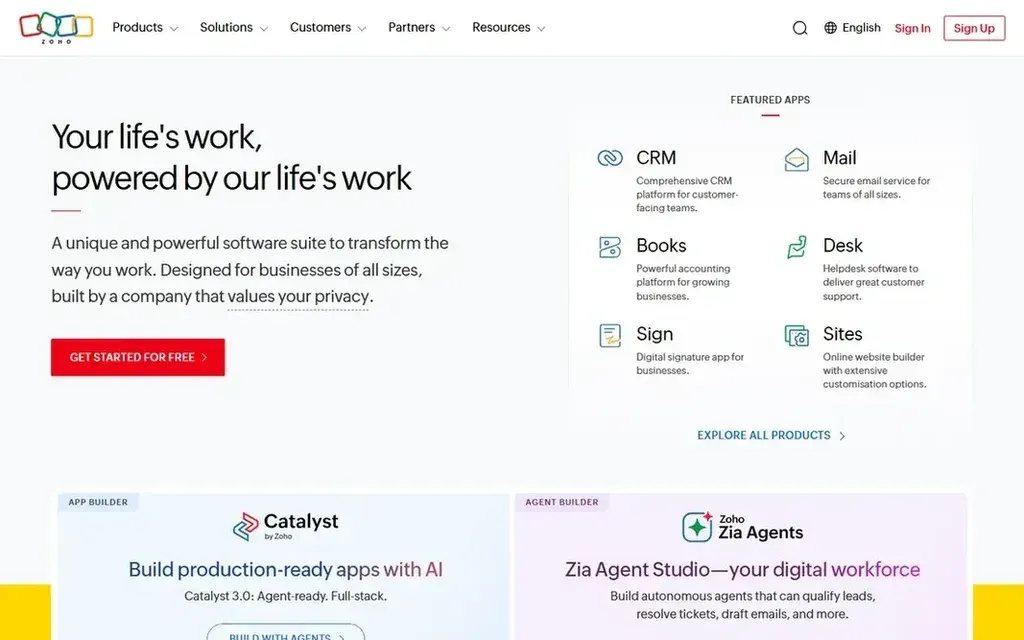
Think of Zoho CRM for wide CRM with adaptable dashboards. Choose Zoho CRM when you want customizable sales dashboards inside a full CRM system. Worth adding: the breadth of features means configuration takes time, and new users may need onboarding before dashboards feel easy-to-learn.
Watch-outs: Interface can feel dense for new users.
On top of that, teams wanting a minimal, single-purpose pipeline tool may prefer something lighter. Organizations already using other Zoho applications can keep sales data and reporting connected across the suite. No starting price is listed for Zoho CRM here; confirm pricing on the vendor site. Free plan details: Not stated.
- Dashboard views across sales operations
- Broad feature set in one product
- Plenty of features need setup time
Pipedrive targets straightforward pipeline-focused reporting. Pipedrive is a sales CRM centered on pipeline management, with dashboards that help teams track deals and monitor progress. Worth adding: teams with heavy customization needs should compare broader products.
Trade-offs to know: Reporting tied closely to pipeline data.
Best features of Pipedrive: Simple to adopt for small teams.
On top of that, analytics depth is more restricted than dedicated business intelligence tools, so complicated cross-source reporting may need another product. Pick Pipedrive when pipeline visibility and straightforward sales dashboards are the priority. Also, smaller teams and those new to CRM reporting frequently find the pipeline-first structure simple to follow. Check the vendor site for Pipedrive pricing; none is listed in this comparison. Free options: Not stated.
- Clear pipeline management focus
- Straightforward dashboard views
- Less depth for advanced analytics
Tableau works best for deep custom sales visualization. Tableau is not a CRM, so pipeline management and deal tracking happen elsewhere and data must be prepared for analysis.
Honest limits: Separate from CRM workflow tools.
Users without analytics experience may need training before building their own dashboards. On cost, Tableau starts like this: $15 per user per month. Free access exists with Tableau.
- Drag-and-drop visualization building
- Links to plenty of data sources
- Needs analytics skills
Looker Studio was built for accessible shared sales reports. Sales teams use it to assemble pipeline, revenue and activity data into shareable views, notably when stakeholders across departments need the same reporting.
It is a reporting layer instead of a sales system, so CRM functions and deal tracking come from other tools. As for the details, pick Looker Studio when the goal is clear, shareable sales reporting instead of managing the sales process itself. This comparison lists no price for Looker Studio; ask the vendor. On free options: Not stated.
What to check first: Less suited to deal management.
- Works with data from multiple sources
- Made for sharing insights
- Report design takes some learning

HubSpot Sales Hub targets dashboards on live CRM data. HubSpot Sales Hub is a sales product built on CRM data, positioning dashboards as part of a wider pipeline and deal management workflow. More specifically, teams that already track contacts, deals and activity in one place get reporting that reflects current records instead of exported snapshots.
Where it falls short: Reporting depth grows with configuration.
In practice, organizations needing highly customized visual analytics across numerous external sources may prefer a dedicated analytics tool alongside it. The reporting is most solid when the CRM is used consistently. So teams with messy or partial data will see the same gaps in their dashboards. HubSpot Sales Hub shows no starting price here, so confirm the cost on the vendor site. Free access: Not stated.
- Combines pipeline tracking with deal tools
- Dashboards draw on complete CRM data
- Full value relies on CRM adoption
How we chose
LinkVetted used vendor pricing pages and product documentation as the base, then compared plans, free access and documented limits for 6 tools. Where a vendor does not publish a price, the entry says quote. Where a price depends on seats or billing term, the entry says so. Tools are placed by general fit for dashboard software for sales teams, with price clarity and free access as tie-breakers. A different team can reasonably rank them differently.
Pre-purchase checklist
- Ask Domo, Zoho CRM, Pipedrive and others for a written quote, since no starting price is shown.
- Look at the free plan from Tableau closely: its caps decide whether it is usable for real work.
- Use real work to test the free trial from Domo, rather than a demo project.
- Before choosing Domo, weigh its main limit: broader system than dashboards alone.
- Map your must-have features to a specific Domo plan before you compare prices.
- Before you load data into Looker Studio, check what an export looks like and who can run it.
FAQ
Do these tools publish their prices?
Not all of them. Domo, Zoho CRM, Pipedrive and others publish no starting price, so expect a quote request for those. The rest, Tableau included, show a starting price, though seats and billing terms still change the final cost.
Can one dashboard serve sales leadership and reps?
Typically yes, but the views should differ: leadership needs pipeline health and forecast visibility, whereas reps need their own activity and deal status. Most systems here support several dashboard views or filtered reports. Plan permissions so each group sees the detail it needs.
What should a small sales team look for first?
Start with how rapidly the team can see pipeline status without additional setup, which favors pipeline-focused tools for example Pipedrive. Confirm that dashboard views match your sales stages and that sharing reports with the team is straightforward.
How do I keep sales dashboards accurate?
Accuracy relies on consistent data entry in the underlying CRM, so agree on what gets logged and when. Tools with governed data preparation, like Domo, help when several sources feed the same report.
Is Domo the right pick for everyone comparing dashboard software for sales teams?
No single tool suits every team. Domo comes first because it fits governed data for sales insights, while Zoho CRM suits broad CRM with flexible dashboards and Pipedrive suits simple pipeline-focused reporting. Match the tool to your own size, budget and workflow before deciding.
Which options for dashboard software for sales teams have a free plan?
Tableau is the only tool in this list with a free plan. Free plans usually cap users, projects or features, so check the limits on the vendor page. One other tool offers a trial instead. Each of the 6 options in this dashboard software for sales teams guide has its own card above with the price, free plan and limits.
Sources
- https://www.domo.com
- https://www.zoho.com/crm
- https://www.pipedrive.com
- https://www.tableau.com
- https://lookerstudio.google.com
- https://www.hubspot.com/products/sales