Best Cybersecurity Software for Restaurants for 2026: Our 5 Vetted Picks
Need the best cybersecurity software for restaurants? We compare 5 tools on cost, free access and who each suits. The catches are listed up front. Easy to scan.
- Editor's choice
 ESET Protect
Cross-platform endpoint protection
Starts atSee websiteVisit eset.comFull review - Great alternativeLastPass Business
Business password management
Starts atSee websiteVisit lastpass.comFull review - Also consider
 CrowdStrike Falcon
Advanced endpoint and cloud protection
Starts at$7.99 per device a monthVisit crowdstrike.comFull review
Direct answer
ESET Protect is the first pick on this list for cross-platform endpoint protection. Listed starting prices: CrowdStrike Falcon from $7.99 per device a month. Alternatives: LastPass Business for Business password management, and CrowdStrike Falcon for advanced endpoint and cloud protection. The other 2 tools in the list cover narrower or pricier cases.
TL;DR:
- Top of the list is ESET Protect, which targets cross-platform endpoint protection.
- The lowest published monthly entry price here is $7.99 per device per month, from CrowdStrike Falcon.
- What to know about ESET Protect first: interface can be complicated for non-technical users.
- Neither ESET Protect nor Keeper Security, nor any of the other 3 tools, has a permanent free plan; trials and quotes are the norm.
- Keeper Security fits privileged access and secrets management.
Last checked November 2026. Prices and plan details were read from the vendors' own pages in November 2026; vendors change plans often, so confirm the current price on the vendor site before you buy.
Quick comparison
| Tool | Best for | Starts at | Free plan? | |
|---|---|---|---|---|
| ESET Protect | Cross-platform endpoint protection | See website | Free trial | Visit |
| LastPass Business | Business password management | See website | Free trial | Visit |
| CrowdStrike Falcon | Advanced endpoint and cloud protection | $7.99 per device a month | Free trial | Visit |
 Microsoft Defender for Business | Small companies using Microsoft 365 | See website | Not stated | Visit |
| Keeper Security | Privileged access and secrets management | See website | Free trial | Visit |
The 5 tools in detail
If you are comparing cybersecurity software for restaurants, this page covers 5 tools in one place: what each is best for, what it costs to start, whether it has a free plan, and the main limit to know about.
Pick ESET Protect if this describes you: cross-platform endpoint protection. It offers antivirus and internet security tailored for companies, making it right for restaurants with diverse device types. For everyday use, the management interface may be challenging for users without IT experience, and some advanced features might need extra modules.
The main drawbacks: Interface can be complicated for non-technical users.
In practice, restaurants seeking a straightforward, set-and-forget option might prefer Microsoft Defender for Business. That said, for mixed-device environments, ESET Protect is a steady choice. Check the vendor site for ESET Protect pricing; none is listed in this comparison. Trial and free access: Free trial.
- Supports Windows, Mac, Android, Linux
- Solid antivirus and internet security
- May need add-ons for full feature set
LastPass Business
Best for: Business password management
In short, LastPass Business is for Business password management. LastPass Business gives you thorough password management for companies, integrating secure access and advanced authentication for complete control and visibility. It is built for firms of all sizes, making it a good match for restaurants that need to handle several staff credentials securely.
As a password manager, LastPass Business does not provide endpoint protection or threat detection. For everyday use, restaurants seeking a single tool for all security needs may have to look elsewhere, but for password management, it is effective. No starting price is listed for LastPass Business here; confirm pricing on the vendor site. As for free access: Free trial.
Where it falls short: Not a full cybersecurity suite.
- Suits companies of all sizes
- Full password management
- Needs integration with endpoint protection for complete coverage
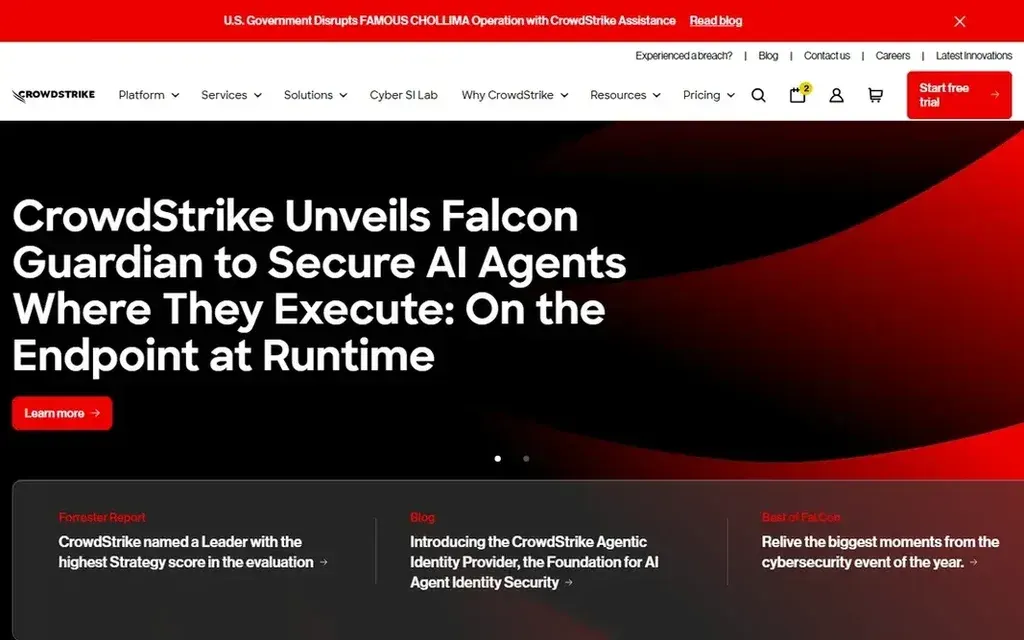
CrowdStrike Falcon works best for advanced endpoint and cloud protection. CrowdStrike Falcon is a cloud-native cybersecurity system that uses AI to stop breaches across endpoints, cloud workloads, identities, and data. It is built for organizations that require solid, scalable protection and have the resources to handle a sophisticated security setup.
Watch-outs: Can be complicated for very small teams.
On top of that, restaurants with several locations and integrated cloud services may find its wide coverage valuable. The product's depth can be overwhelming for small restaurant teams without dedicated IT staff. It may also be more than a single-location restaurant needs. On cost, CrowdStrike Falcon starts like this: $7.99 per device per month. Free options: Free trial.
- AI-native threat detection
- Guards endpoints, identities, data
- May need security expertise
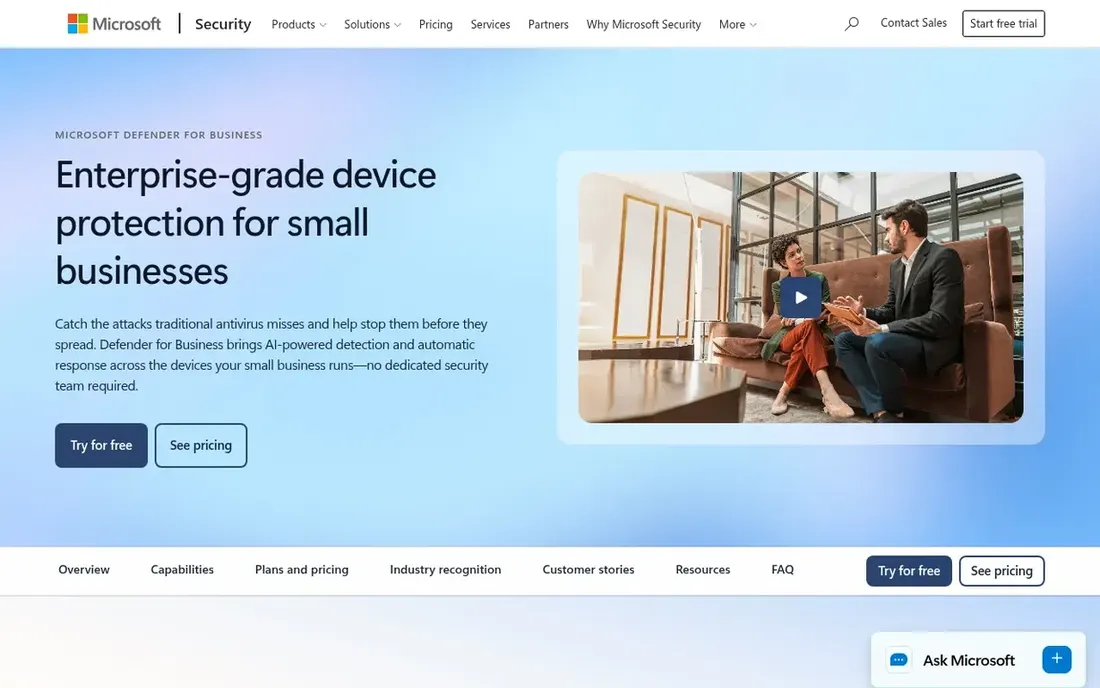
Microsoft Defender for Business is designed for small firms using Microsoft 365. Microsoft Defender for Business is a device security option designed to help small companies protect against cybersecurity threats. It integrates well with Microsoft 365 and is straightforward to deploy for restaurants already using Microsoft products.
Trade-offs to know: Restricted advanced features compared with enterprise tools.
It handles essential endpoint protection and is a practical choice for smaller teams without dedicated security staff. For entry-level protection in a Microsoft-centric setup, it is a solid fit. Also, the tool is most effective within Microsoft ecosystems and may not offer the same depth as specialized products like CrowdStrike Falcon. Microsoft Defender for Business shows no starting price here, so confirm the cost on the vendor site. On free options: Not stated.
- Simple to deploy for Microsoft-centric teams
- Designed for small firms
- Most useful for Microsoft environments
Keeper Security
Best for: Privileged access and secrets management
For privileged access and secrets management, Keeper Security is a natural candidate. Keeper Security gives you a unified control plane for privileged access, secrets, remote connections, endpoints, and databases in a single zero-trust product. It is well suited to restaurants that require to secure sensitive access and run credentials across systems.
Beyond that, the product helps enforce least-privilege access and protect critical data. In daily use, restaurants looking for an all-in-one security option might find it incomplete on its own. That said, for access management and zero-trust enforcement, it is a solid choice. Check the vendor site for Keeper Security pricing; none is listed in this comparison. Free plan details: Free trial.
Honest limits: Centres on access management.
- Zero-trust system
- Manages secrets and remote connections
- Not full endpoint protection
How we chose
Selection started from tools commonly considered for cybersecurity software for restaurants, then narrowed to 5 that have clear pricing information or a clear quote process. Figures are shown as the vendors publish them. Billing terms, seat minimums and add-ons can change the real cost. Position on the page reflects fit for a typical buyer first, with price clarity and free access breaking ties. Treat it as a guide, not a ruling.
What to confirm before you sign up
- Get a written quote from ESET Protect, LastPass Business, Microsoft Defender for Business and Keeper Security; the list shows no starting price for them.
- Run a trial of ESET Protect, LastPass Business, CrowdStrike Falcon and Keeper Security with real work before paying for a year; your own workflow is the best test.
- Read the limits listed for ESET Protect first: interface can be complicated for non-technical users.
- Check whether Microsoft Defender for Business bills monthly or annually, and what cancelling early costs.
- Look at which plan of Keeper Security unlocks the features you need; entry tiers are often cut down.
FAQ
What should I look for in a cybersecurity tool for my restaurant?
Consider simplicity, compatibility with your existing systems, and the level of support offered. Also, ensure the tool includes all your devices and connects with other security measures you have in place.
What is the cheapest option for cybersecurity software for restaurants in this list?
On published monthly entry prices, CrowdStrike Falcon is the lowest here at $7.99 per device per month. Entry price is only part of the cost, because seats, add-ons and billing terms can change the total. Prices, free plan details and limits for all 5 tools in this Cybersecurity software for restaurants roundup sit on the individual cards above.
Do these tools publish their prices?
Not all of them. ESET Protect, LastPass Business, Microsoft Defender for Business and Keeper Security publish no starting price, so expect a quote request for those. The rest, CrowdStrike Falcon included, show a starting price, though seats and billing terms still change the final cost.
How are the tools for cybersecurity software for restaurants ordered?
The order follows typical fit for cybersecurity software for restaurants, with ESET Protect first and Keeper Security last, then price clarity and free access. It is editorial judgement, not a score, so another team could rank the tools differently.
Can I try these tools before paying?
Often, yes. ESET Protect, LastPass Business, CrowdStrike Falcon and Keeper Security offer a free trial. Use your own data and a real task during the test, and check what the free tier or trial limits before you rely on it.
Sources
- https://www.eset.com/us/business/endpoint-protection
- https://www.lastpass.com/business
- https://www.crowdstrike.com
- https://www.microsoft.com/en-us/security/business/endpoint-security/microsoft-defender-business
- https://www.keepersecurity.com