6 Customer Service Management Systems Worth Shortlisting in 2026
Need the best customer service management systems? We compare 6 tools on cost, free access and who each suits. Limits and pricing notes included. Decide faster.
- Editor's choice
 Zoho Desk
Unified help desk with AI collaboration
Starts atSee websiteVisit zoho.comFull review - Great alternative
 Kustomer
Omnichannel conversations with CRM context
Starts atSee websiteVisit kustomer.comFull review - Also consider
 Freshdesk
Agent productivity with automatic workflows
Starts atSee websiteVisit freshworks.comFull review
Direct answer
This list puts Zoho Desk first for unified help desk with AI collaboration. Listed starting prices: Zendesk from $19 agent/month premium yearly. Alternatives: Kustomer for omnichannel conversations with CRM context, and Freshdesk for agent productivity with automatic workflows. Details, prices and limits for the rest of the 6 tools are below.
TL;DR:
- Top of the list is Zoho Desk, which targets unified help desk with AI collaboration.
- Zendesk suits AI-assisted omnichannel service at scale.
- ServiceNow Customer Service Management comes with a trade-off: enterprise-oriented setup and governance.
- The cheapest monthly starting price in the list is $19 agent/month premium yearly, offered by Zendesk.
- None of the 6 tools, from Zoho Desk to Zendesk, has a free plan, so budget for a subscription or use a trial.
Last checked November 2026. Prices and plan details were read from the vendors' own pages in November 2026; vendors change plans often, so confirm the current price on the vendor site before you buy.
Quick comparison
| Tool | Best for | Starts at | Free plan? | |
|---|---|---|---|---|
| Zoho Desk | Unified help desk with AI collaboration | See website | Not stated | Visit |
| Kustomer | Omnichannel conversations with CRM context | See website | Not stated | Visit |
| Freshdesk | Agent productivity with automatic workflows | See website | Not stated | Visit |
| ServiceNow Customer Service Management | Connecting service with other departments | See website | Not stated | Visit |
 Salesforce Service Cloud | Service teams inside the Salesforce ecosystem | See website | Not stated | Visit |
 Zendesk | AI-assisted omnichannel service at scale | $19 agent/month premium yearly | Free trial | Visit |
Every option for customer service management systems explained
If you are comparing customer service management systems, this page covers 6 tools in one place: what each is best for, what it costs to start, whether it has a free plan, and the main limit to know about.
Zoho Desk is aimed squarely at unified help desk with AI collaboration. For highly specialized enterprise service workflows, compare against systems aimed at large-scale process coordination before deciding.
Limits to weigh: Best experience assumes Zoho ecosystem use.
Check the vendor site for Zoho Desk pricing; none is listed in this comparison. On free options: Not stated.
- Unified help desk for support at scale
- Built around AI and human collaboration
- Very complex processes may need more tooling
Think of Kustomer for omnichannel conversations with CRM context. It fits teams that want conversation history and customer context together instead of split across separate tools.
Drawbacks to consider: Setup relies on your data model.
Its scope is more focused than broad enterprise service suites, so organizations needing deep cross-department process orchestration may look elsewhere. Kustomer shows no starting price here, so confirm the cost on the vendor site. Free plan details: Not stated.
- Merges service with CRM data
- Brings together conversations in one system
- Narrower footprint than large enterprise suites
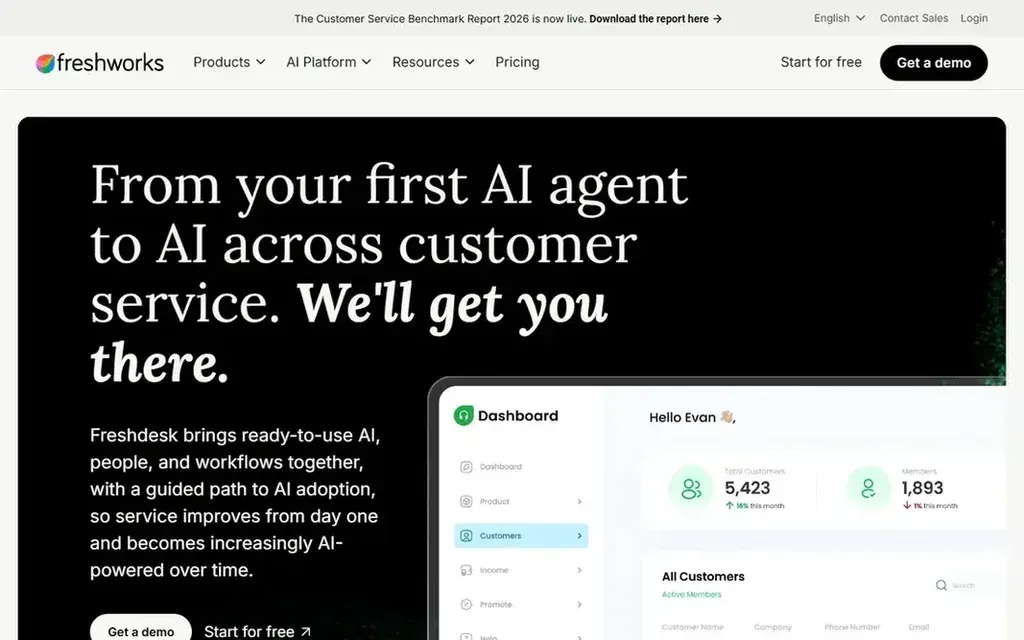
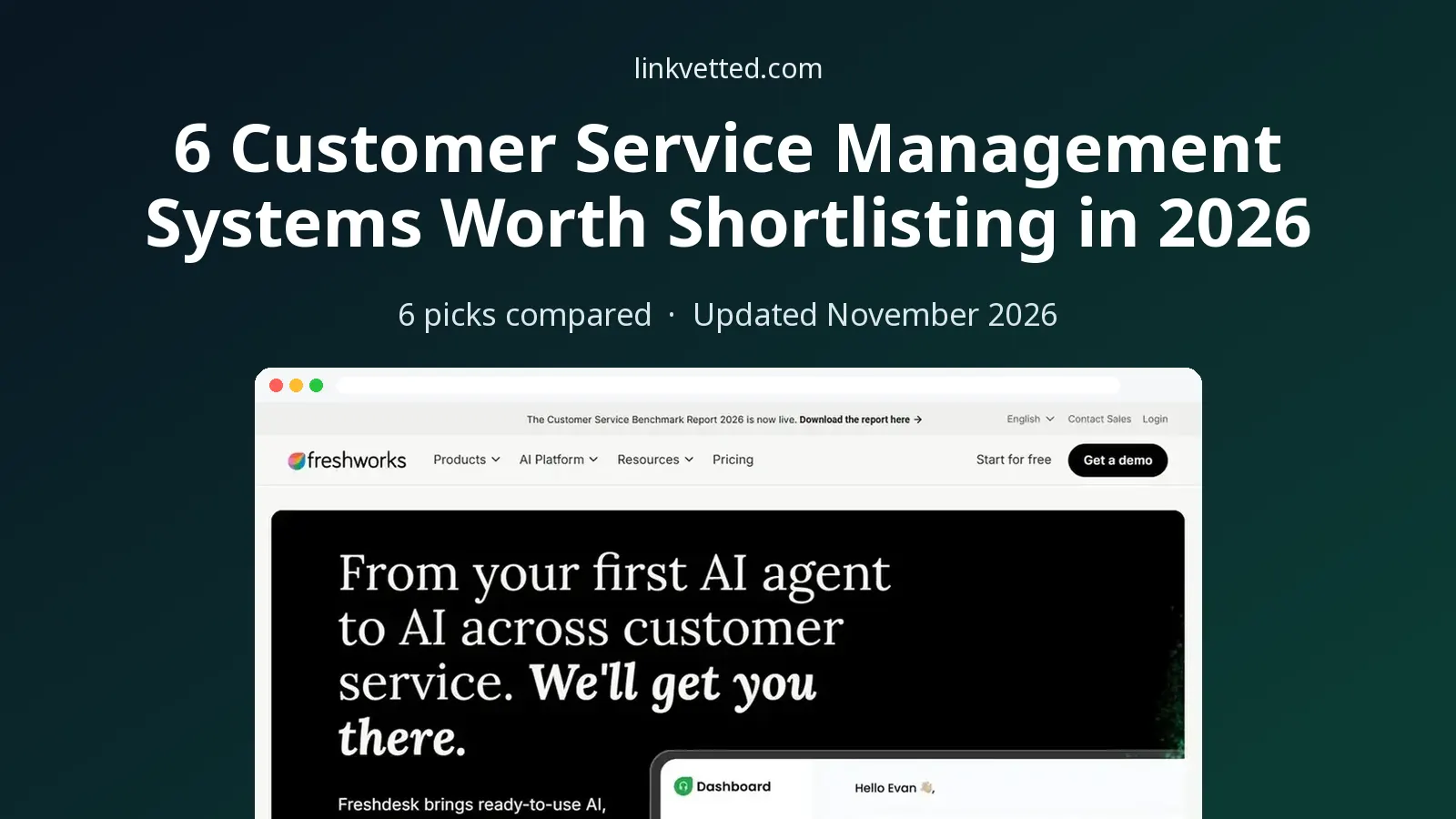
Freshdesk works best for agent productivity with automatic workflows. Freshdesk from Freshworks is an AI-powered customer service solution centered on omnichannel ticketing and automatic workflows, with the stated goal of boosting agent productivity and delivering smooth customer experiences.
Teams with highly complicated, multi-department processes may find its scope narrower than large service products. If your service operations must tie into broader enterprise workflow tooling, consider a system made for that kind of integration. This comparison lists no price for Freshdesk; ask the vendor. Free options: Not stated.
Watch-outs: Advanced automation may need setup time.
- Omnichannel ticketing in one place
- Clear focus on agent productivity
- Deep customization is restricted compared to bigger suites
ServiceNow Customer Service Management
Best for: Connecting service with other departments
ServiceNow Customer Service Management is designed for connecting service with other departments. ServiceNow Customer Service Management is described as going beyond CRM, removing silos and connecting customer service with other teams to boost customer satisfaction.
On top of that, if you want a light ticketing tool that support agents can adopt rapidly, a more straightforward help desk is the better route. For everyday use, the product is designed for enterprise process coordination, so smaller teams may find the structure more than they need. ServiceNow Customer Service Management does not show a starting price in this comparison, so check the vendor site for current pricing. Trial and free access: Not stated.
Where it is weaker: Enterprise-oriented setup and governance.
- Built to remove silos between teams
- Aims at improving customer satisfaction
- Can be heavy for small support teams
Salesforce Service Cloud
Best for: Service teams inside the Salesforce ecosystem
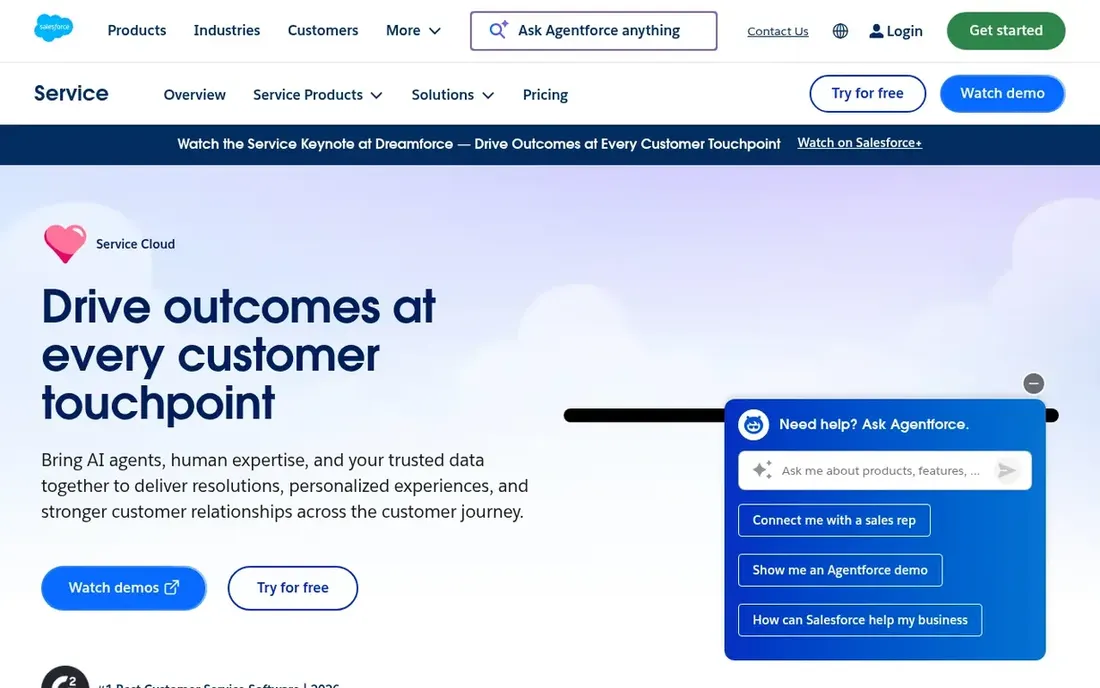
Salesforce Service Cloud was built for Service teams inside the Salesforce ecosystem. Bigger service operations with complicated processes are the typical audience.
Firms without a Salesforce footprint may prefer a standalone help desk that is quicker to stand up and more straightforward to maintain. Salesforce Service Cloud is positioned as customer service support software powered by AI, targeted at creating connected, efficient and scalable service that customers love. Check the vendor site for Salesforce Service Cloud pricing; none is listed in this comparison. As for free access: Not stated.
Where it falls short: Configuration can be involved.
- AI features built into the service system
- Scalable service workflows
- Best value relies on ecosystem fit
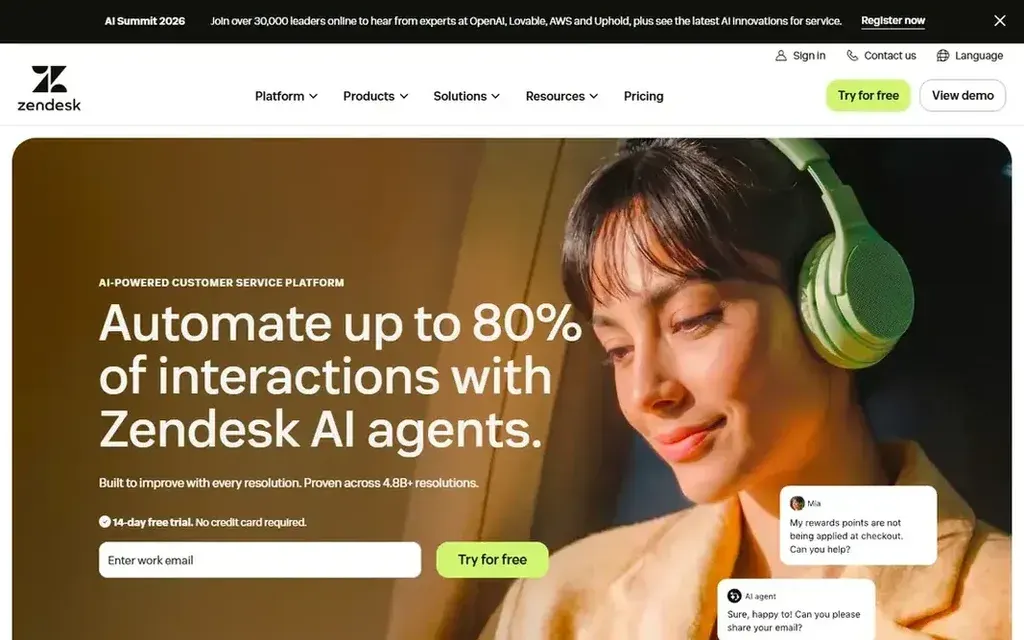
Zendesk is a good fit for AI-assisted omnichannel service at scale. Zendesk presents itself as an AI-powered customer service system built to move beyond deflection, with AI agents that resolve issues end to end.
On top of that, the system's breadth means setup and administration take real effort, and smaller teams may find they use only part of what it provides. The starting price for Zendesk: $19 agent/month premium yearly. On free options: Free trial.
Limits to weigh: Add-on modules may complicate planning.
- Wide channel coverage for support teams
- Focus on service quality and speed
- Feature depth can need configuration effort
What went into this list
We compared the tools on published pricing, free plan or trial availability, feature coverage for customer service management systems, and the limits each vendor documents. Figures are shown as the vendors publish them. Billing terms, seat minimums and add-ons can change the real cost. Order on the page follows fit for the typical buyer first, then price transparency and free access. Your own requirements should decide the final pick.
A buyer's checklist
- Ask Zoho Desk, Kustomer, Freshdesk and others for a written quote, since no starting price is shown.
- Take the trial from Zendesk and push a live task through it before you pay.
- Read the limits listed for Zoho Desk first: best experience assumes Zoho ecosystem use.
- Find out whether the entry plan of Zoho Desk covers your must-haves or only a trimmed-down version.
- The entry price of Salesforce Service Cloud is only the starting point; model the full cost with seats and extras.
FAQ
Does any tool for customer service management systems here have a free plan?
A permanent free plan is not offered by Zoho Desk, Zendesk or the other tools here. Zendesk offer a trial. Plan a short evaluation period instead.
What is the cheapest option for customer service management systems in this list?
On published monthly entry prices, Zendesk is the lowest here at $19 agent/month premium yearly. Entry price is only part of the cost, because seats, add-ons and billing terms can change the total. Prices, free plan details and limits for all 6 tools in this customer service management systems roundup sit on the individual cards above.
Which customer service management system is a good match for an expanding team?
Zoho Desk is the pick this page puts first, mainly for unified help desk with AI collaboration. If your situation differs, Kustomer suits omnichannel conversations with CRM context, and Freshdesk suits agent productivity with automatic workflows. Compare price and limits before you decide.
Can I try these options before paying?
Often, yes. Zendesk offers a free trial. Use your own data and a real task during the test, and check what the free tier or trial limits before you rely on it. Each of the 6 options in this customer service management systems guide has its own card above with the price, free plan and limits.
How are the tools for customer service management systems ordered?
Zoho Desk sits first and Zendesk last because the order follows typical fit for customer service management systems, then price clarity and free access. It is a judgement call, so read each profile for fit and limits.
Sources
- https://www.zoho.com/desk
- https://www.kustomer.com
- https://www.freshworks.com/freshdesk
- https://www.servicenow.com/products/customer-service-management.html
- https://www.salesforce.com/service
- https://www.zendesk.com