Top 6 Customer Service Experience for 2026 (Prices and Free Plans)
Compare 6 picks for the best customer service experience, with prices, free plans and who each fits. Caveats come with every verdict. Built for quick decisions.
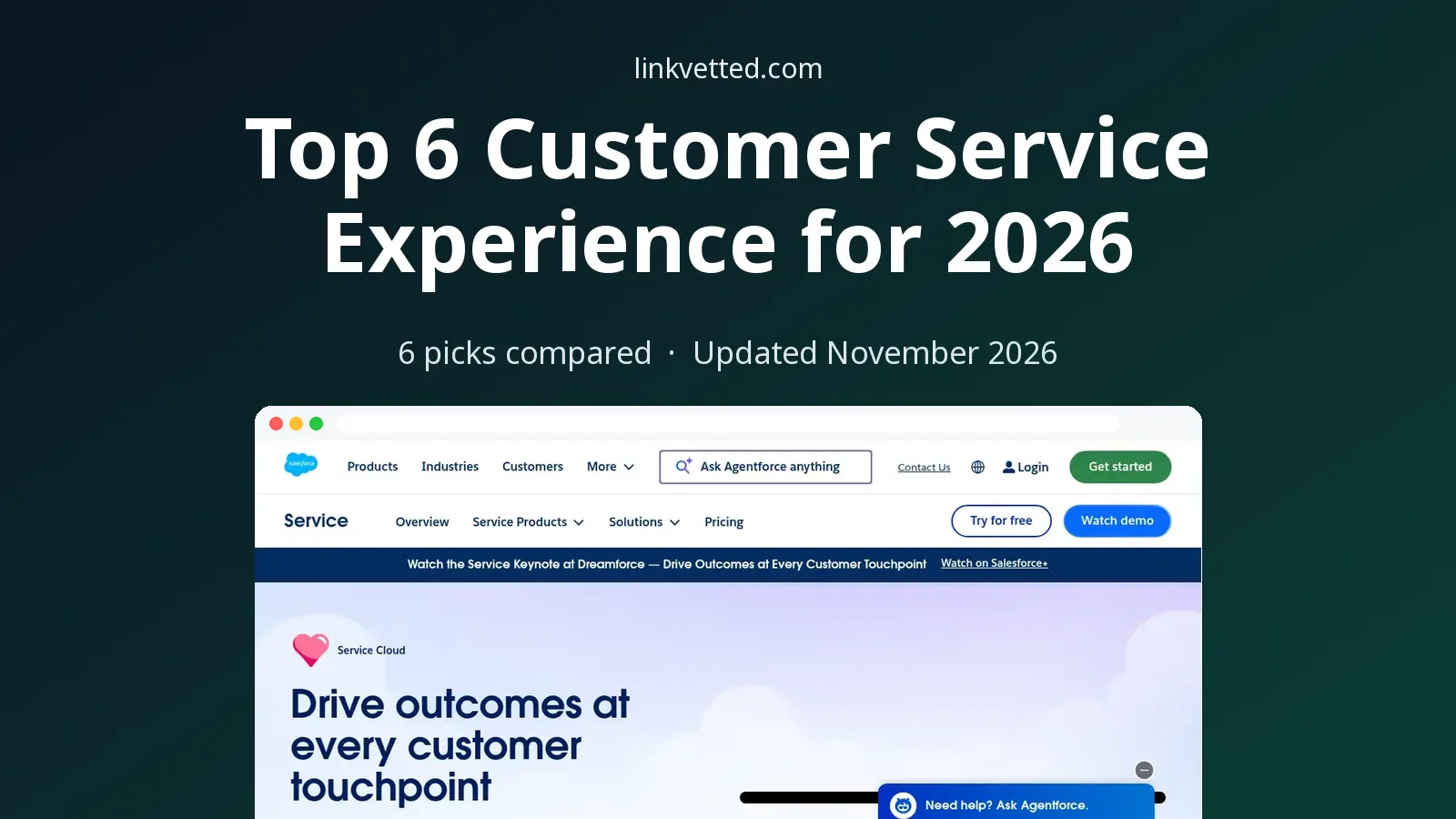
- Editor's choiceServiceNow Customer Service Management
Connecting service across departments
Starts atSee websiteVisit servicenow.comFull review - Great alternative
 Kustomer
Unified omnichannel conversations in a CRM
Starts atSee websiteVisit kustomer.comFull review - Also consider
 HubSpot Service Hub
Expanding teams building customer experience
Starts atSee websiteVisit hubspot.comFull review
Direct answer
ServiceNow Customer Service Management comes first here, mainly for connecting service across departments. Listed starting prices: Zendesk from $19 agent/month premium yearly. For a different need, Kustomer covers unified omnichannel conversations in a CRM and HubSpot Service Hub covers growing teams building customer experience. The other 3 tools in the list cover narrower or pricier cases.
TL;DR:
- Number one here is ServiceNow Customer Service Management, a fit for connecting service across departments.
- A permanent free plan is missing from all 6 tools, ServiceNow Customer Service Management and Zendesk included; plan for a trial or a premium start.
- The lowest published monthly entry price here is $19 agent/month premium yearly, from Zendesk.
- Zendesk is the one to check for AI agents resolving issues end to end.
- What to know about Salesforce Service Cloud first: configuration depth can be demanding.
Last checked November 2026. Prices and plan details were read from the vendors' own pages in November 2026; vendors change plans often, so confirm the current price on the vendor site before you buy.
Quick comparison
| Tool | Best for | Starts at | Free plan? | |
|---|---|---|---|---|
| ServiceNow Customer Service Management | Connecting service across departments | See website | Not stated | Visit |
| Kustomer | Unified omnichannel conversations in a CRM | See website | Not stated | Visit |
| HubSpot Service Hub | Expanding teams building customer experience | See website | Not stated | Visit |
 Salesforce Service Cloud | Connected service inside the Salesforce ecosystem | See website | Not stated | Visit |
 Freshdesk | Omnichannel ticketing with automatic workflows | See website | Not stated | Visit |
 Zendesk | AI agents resolving issues end to end | $19 agent/month premium yearly | Free trial | Visit |
Customer Service Experience, one by one
LinkVetted compared 6 tools for customer service experience. The goal is a practical shortlist: published prices, free plan facts, best-fit use cases and honest limits for every entry.
ServiceNow Customer Service Management
Best for: Connecting service across departments
ServiceNow Customer Service Management targets connecting service across departments. The system's enterprise scope can make implementation and administration involved, which may be more than a small support team needs.
Drawbacks to consider: Enterprise-oriented scope.
- Removes silos between teams
- Aims to boost customer satisfaction
- Implementation can be involved
In short, Kustomer is for unified omnichannel conversations in a CRM. It suits teams that treat the customer record as the center of support and want every channel to feed a single, shared view of each conversation.
The main drawbacks: Needs thoughtful workflow design.
Its CRM-centered approach asks teams to design workflows around that model, which can take planning before results present. Pricing for Kustomer is not stated here, so ask the vendor for current figures. On free options: Not stated.
- AI customer service CRM
- Automates workflows for faster support
- CRM-centric model may not suit all
HubSpot Service Hub makes the most sense for expanding teams building customer experience. Teams with highly complicated service operations or deep customization needs may find the product's scope limiting compared to bigger enterprise suites.
If you operate outside the HubSpot ecosystem, weigh whether a standalone help desk better matches your workflow. HubSpot Service Hub is presented as an AI-powered customer service system for expanding teams, concentrated on transforming customer experience. This comparison lists no price for HubSpot Service Hub; ask the vendor. On free options: Not stated.
Downsides: Deeper service needs may outgrow it.
- Suits the wider HubSpot suite
- Built for expanding service teams
- Best experience within HubSpot
Salesforce Service Cloud
Best for: Connected service inside the Salesforce ecosystem
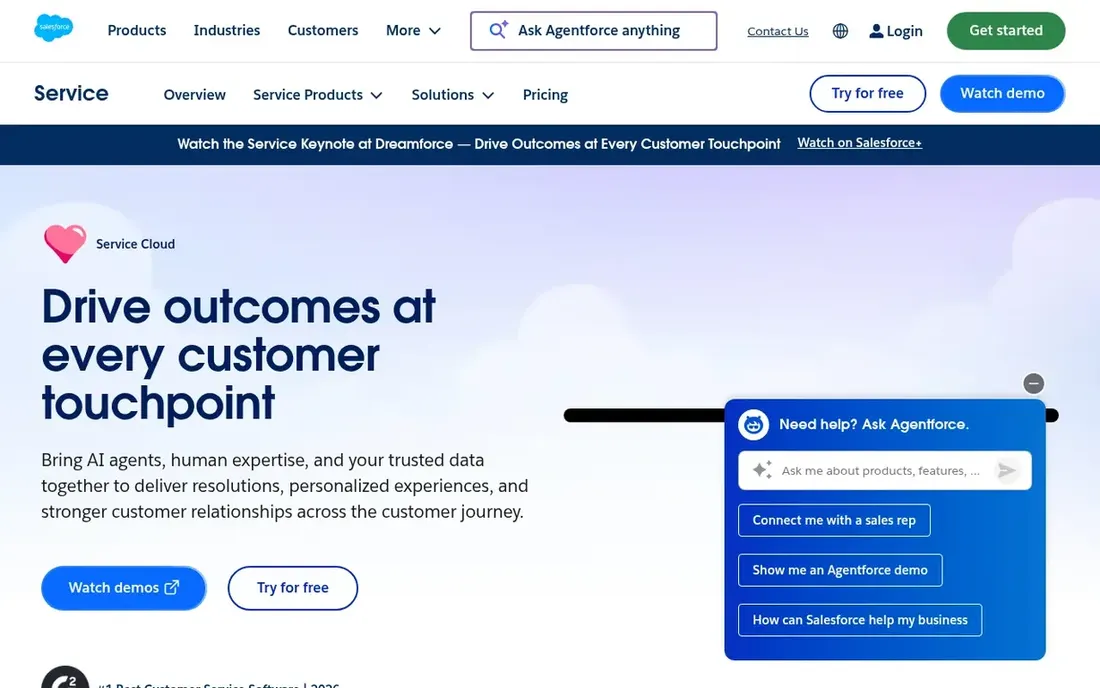
Salesforce Service Cloud is designed for connected service inside the Salesforce ecosystem. The system's depth can translate into a steeper configuration and administration effort.
Points against: Best value inside the Salesforce ecosystem.
Teams outside the Salesforce ecosystem may not capture its full value. Check the vendor site for Salesforce Service Cloud pricing; none is listed in this comparison. Trial and free access: Not stated.
- Connected and scalable service model
- Ties service to wider customer data
- Configuration depth can be demanding
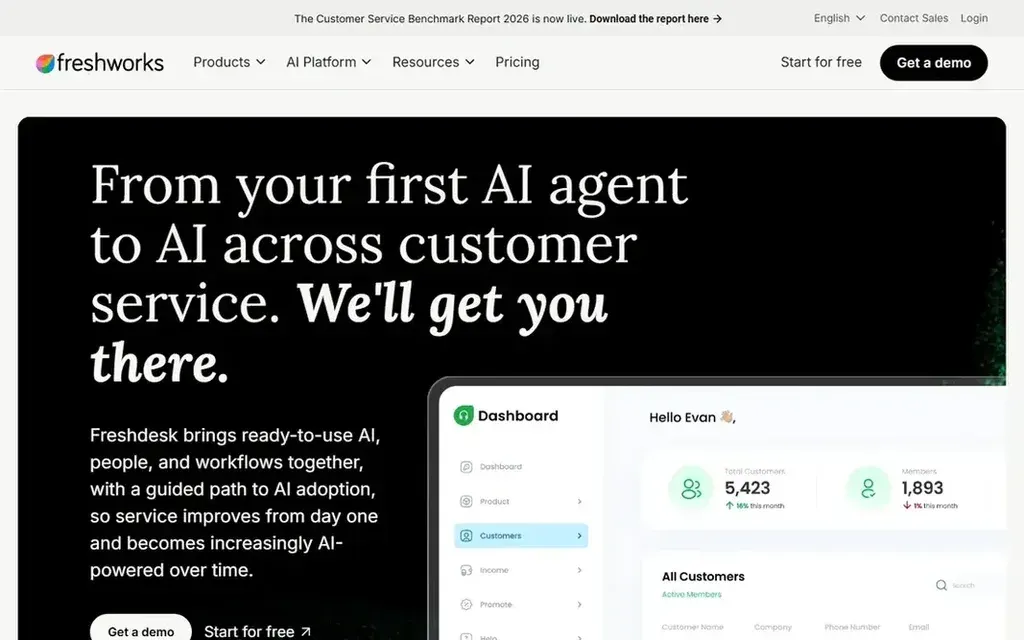
Pick Freshdesk if this describes you: omnichannel ticketing with automatic workflows. If your operation is small and channel volume is restricted, a more straightforward shared inbox may handle your needs with less administration.
The main drawbacks: Advanced automation needs planning.
Also, workflow automation rewards careful planning, and sprawling configurations can become harder to maintain as teams grow. In practice, Freshdesk is an AI-powered customer service option from Freshworks with omnichannel ticketing and automatic workflows, positioned to boost agent productivity and deliver smooth customer experiences. No starting price is listed for Freshdesk here; confirm pricing on the vendor site. Free access: Not stated.
- AI-powered service features
- Omnichannel ticketing in one place
- Complicated setups can sprawl
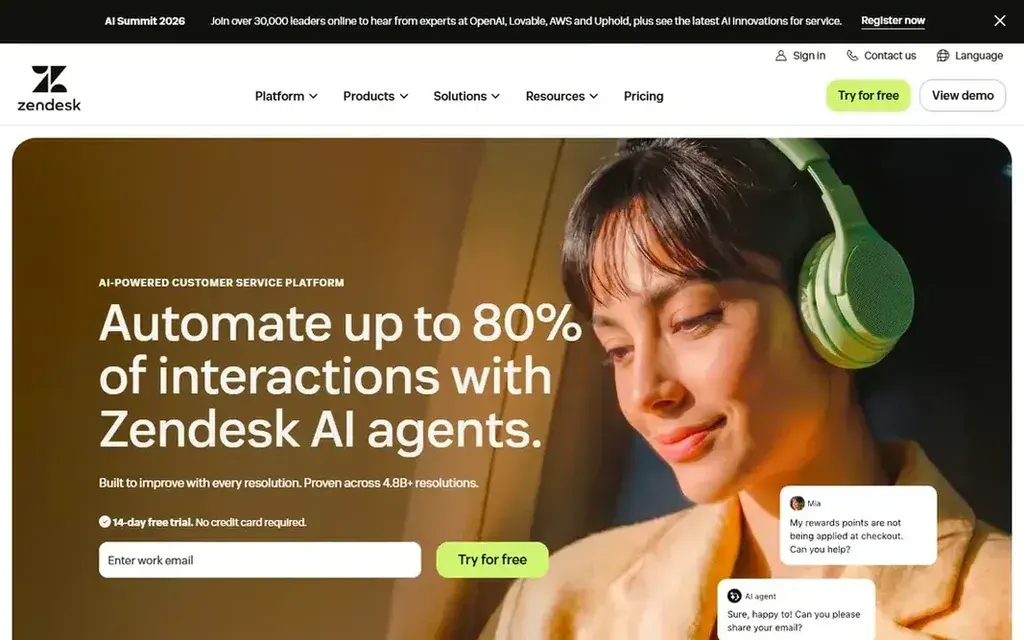
Zendesk is designed for AI agents resolving issues end to end. Zendesk presents itself as an AI-powered customer service product built to move beyond deflection, with AI agents that resolve issues end to end. Its homepage emphasizes improving service quality, speed and scale.
What to check first: Full configuration can take effort.
As for the details, consider alternatives when your priority is a light inbox or deep integration with a specific CRM instead of an expansive service suite. More specifically, the system's breadth means setup and continuing administration can need dedicated attention, and smaller teams may find more straightforward help desks simpler to run. Zendesk pricing: $19 agent/month premium yearly. Trial and free access: Free trial.
- Wide customer service system
- Speed and scale
- Advanced capabilities may suit bigger teams
How the list was put together
LinkVetted looked at what each vendor publishes: pricing, plan limits, feature coverage for customer service experience and stated drawbacks. No hands-on testing is claimed. Prices and plan limits come from vendor pages and can change, so confirm them on the vendor site before you buy. Order on the page follows fit for the typical buyer first, then price transparency and free access. Your own requirements should decide the final pick.
What to check before you buy
- Ask ServiceNow Customer Service Management, Kustomer, HubSpot Service Hub and others for a written quote, since no starting price is shown.
- Use real work to test the free trial from Zendesk, rather than a demo project.
- Read the limits listed for ServiceNow Customer Service Management first: enterprise-oriented scope.
- Make sure Zendesk lets you export your data in a format another tool can read.
- Find out what support Kustomer includes on your plan, and whether onboarding help costs extra.
FAQ
Do these tools publish their prices?
Not all of them. ServiceNow Customer Service Management, Kustomer, HubSpot Service Hub and others publish no starting price, so expect a quote request for those. The rest, Zendesk included, show a starting price, though seats and billing terms still change the final cost.
How are the tools for customer service experience ordered?
ServiceNow Customer Service Management sits first and Zendesk last because the order follows typical fit for customer service experience, then price clarity and free access. It is a judgement call, so read each profile for fit and limits.
Is ServiceNow Customer Service Management the right pick for everyone comparing customer service experience?
No single tool suits every team. ServiceNow Customer Service Management comes first because it fits connecting service across departments, while Kustomer suits unified omnichannel conversations in a CRM and HubSpot Service Hub suits growing teams building customer experience. Match the tool to your own size, budget and workflow before deciding.
Should I choose an AI-first product or a traditional help desk?
AI-first systems for example Zendesk and Kustomer emphasize automatic resolution and unified conversation data. A traditional help desk may be more straightforward if your volume is modest and your central need is organized ticketing.
Can I try these tools before paying?
Often, yes. Zendesk offers a free trial. Use your own data and a real task during the test, and check what the free tier or trial limits before you rely on it. For the full picture, the cards above cover all 6 entries of this customer service experience list, including price, free plan and limits.
Sources
- https://www.servicenow.com/products/customer-service-management.html
- https://www.kustomer.com
- https://www.hubspot.com/products/service
- https://www.salesforce.com/service
- https://www.freshworks.com/freshdesk
- https://www.zendesk.com