Best Customer Feedback Software for Law Firms in 2026: Prices, Free Plans and 6 Picks
Best customer feedback software for law firms in 2026: 6 contenders with entry costs and free tiers. Strengths and weak spots are spelled out. Facts only.

- Editor's choice
 Podium
Local businesses managing messaging and follow-up
Starts atSee websiteVisit podium.comFull review - Great alternative
 Smokeball
Small businesses wanting automatic matter workflows
Starts atSee websiteVisit smokeball.comFull review - Also consider
 SurveyMonkey
Adaptable client surveys with templates
Starts at$25 per user per monthVisit surveymonkey.comFull review
Direct answer
Start with Podium if you need local businesses managing messaging and follow-up. Listed starting prices: SurveyMonkey from $25 per user per month and MyCase from $50 per user per month. Smokeball fits small businesses wanting automatic matter workflows; SurveyMonkey fits adaptable client surveys with templates. Details, prices and limits for the rest of the 6 tools are below.
TL;DR:
- Top of the list is Podium, which targets local businesses managing messaging and follow-up.
- Qualtrics XM fits enterprise experience management programs.
- The cheapest monthly starting price in the list is $25 per user per month, offered by SurveyMonkey.
- A fair warning about Podium: not tailored to legal compliance needs.
- Only SurveyMonkey offers a free plan among these 6 tools.
Last checked November 2026. Prices and plan details were read from the vendors' own pages in November 2026; vendors change plans often, so confirm the current price on the vendor site before you buy.
Quick comparison
| Tool | Best for | Starts at | Free plan? | |
|---|---|---|---|---|
| Podium | Local businesses managing messaging and follow-up | See website | Not stated | Visit |
| Smokeball | Small businesses wanting automatic matter workflows | See website | Not stated | Visit |
| SurveyMonkey | Adaptable client surveys with templates | $25 per user per month | Yes | Visit |
 Filevine | Feedback inside legal case management | See website | Free trial | Visit |
 MyCase | Running cases, billing, and client contact in one place | $50 per user per month | Free trial | Visit |
 Qualtrics XM | Enterprise experience management programs | See website | Not stated | Visit |
Customer Feedback Software for Law Firms compared in detail
LinkVetted put together this guide to customer feedback software for law firms for readers who want a clear shortlist without reading every vendor page. It compares 6 tools on starting price, free plans, who each one suits and where each one falls short.
Pick Podium if this describes you: local businesses managing messaging and follow-up. Podium is general-purpose instead of legal-specific, so businesses with strict confidentiality requirements should review how data flows through messaging.
Check the vendor site for Podium pricing; none is listed in this comparison. Trial and free access: Not stated.
Where it is weaker: Not tailored to legal compliance needs.
- Responds to customers around the clock
- AI employees for local companies
- Feedback features center on conversations

Smokeball is aimed squarely at small businesses wanting automatic matter workflows. Smokeball is legal practice management software that emphasizes productivity through automatic time tracking, document automation, and trust and billing tools.
Businesses whose main goal is capturing and analyzing client sentiment should pair it with a feedback-focused product. Smokeball is not a dedicated feedback product, so survey design and reputation management are restricted compared to specialist tools. Smokeball shows no starting price here, so confirm the cost on the vendor site. Free plan details: Not stated.
Drawbacks to consider: Feedback collection is not a headline feature.
- Aimed at legal practice management
- Automatic time tracking and document automation
- Best value for businesses completely adopting its workflow
SurveyMonkey targets adaptable client surveys with templates. SurveyMonkey is a widely used survey system for easily creating surveys and forms with AI and templates, including employee and customer feedback, market research, event registrations, and more.
Businesses needing feedback tied to case data should choose a legal product or plan for integration work. SurveyMonkey cost at the entry level: $25 per user per month. SurveyMonkey includes a free tier.
Points against: Not legal-specific.
- AI and templates for survey creation
- Supports customer and employee feedback
- Advanced analysis may need other tools
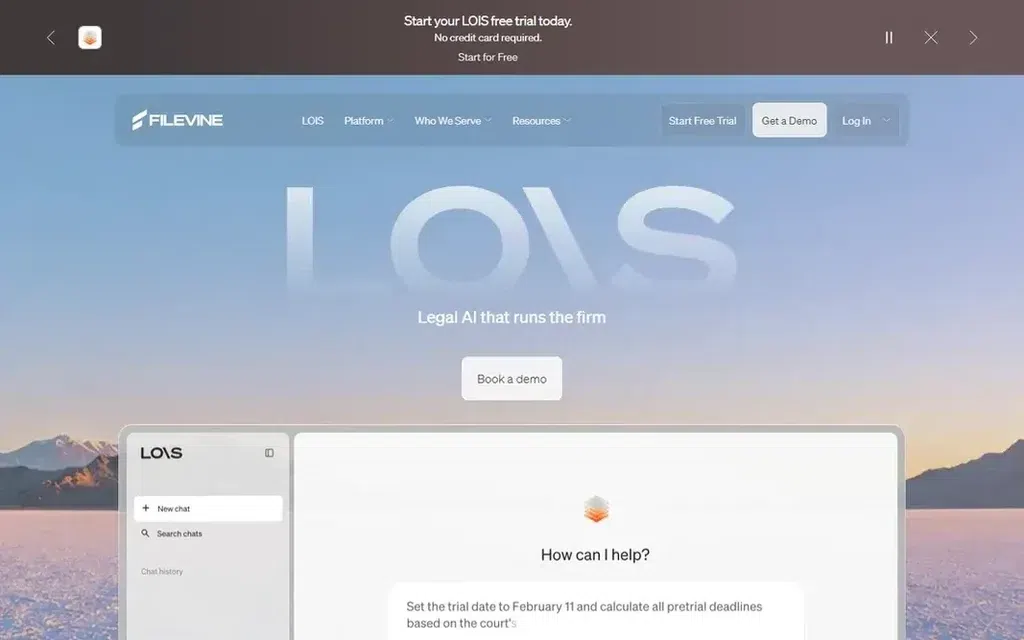
Choose Filevine for feedback inside legal case management. Since Filevine centers on legal case management, dedicated survey logic and advanced feedback analytics may be lighter than in standalone platforms.
Where it is weaker: May need setup for survey-style collection.
Worth adding: businesses needing deep survey branching or enterprise experience programs should consider a specialist tool alongside it. No starting price is listed for Filevine here; confirm pricing on the vendor site. On free options: Free trial.
- Supports legal team workflows
- Legal AI product aimed at law businesses
- Feedback features are not the primary focus
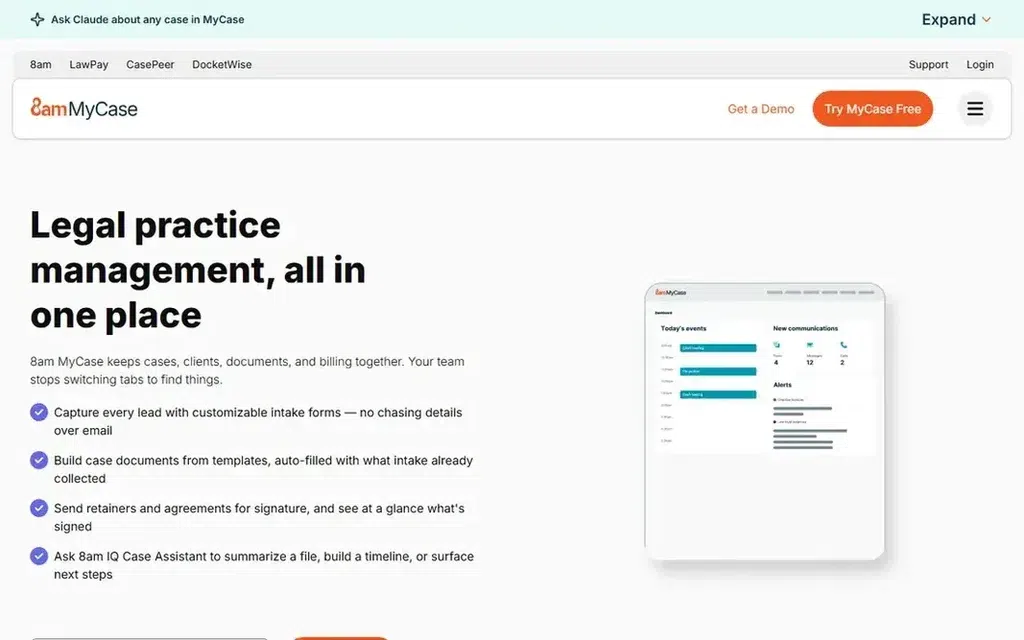
In short, MyCase is for running cases, billing, and client contact in one place. MyCase does not position itself as a survey or reputation product, so formal feedback collection may need another tool.
Points against: Feedback features are secondary.
What works well: payments together.
Choose it when practice management is the priority and feedback is a supporting workflow. MyCase cost at the entry level: $50 per user per month. Trial and free access: Free trial.
- Centralizes client information
- Cases, clients, billing
- Not built for multi-location reputation programs
Qualtrics XM works best for enterprise experience management programs. Qualtrics XM is an experience management product with AI that aims to simulate customer and employee experiences before they happen, predict what comes next, and take intelligent action that drives better outcomes.
Beyond that, smaller businesses or those wanting straightforward client feedback may prefer a legal system or a lighter survey tool. Qualtrics XM is feature-rich but complicated, and it is not tailored to legal practice management. This comparison lists no price for Qualtrics XM; ask the vendor. On free options: Not stated.
Trade-offs to know: Not legal-specific.
- Supports customer and employee experience
- Made for intelligent action on feedback
- Complicated for small firms
Selection criteria
LinkVetted used vendor pricing pages and product documentation as the base, then compared plans, free access and documented limits for 6 tools. Where a price is missing, the vendor does not list one publicly or ties it to a quote. Always confirm before budgeting. Tools are placed by general fit for customer feedback software for law firms, with price clarity and free access as tie-breakers. A different team can reasonably rank them differently.
What to check before you buy
- Get a written quote from Podium, Smokeball, Filevine and Qualtrics XM; the list shows no starting price for them.
- Test the free plan from SurveyMonkey against your real workload before relying on it.
- Run a trial of Filevine and MyCase with real work before paying for a year; your own workflow is the best test.
- Read the limits listed for Podium first: not tailored to legal compliance needs.
- Check how data leaves Smokeball: formats, limits and whether exports are available on every plan.
- Add up seats, add-ons and usage charges for SurveyMonkey before comparing it with cheaper entries.
FAQ
What is the cheapest option for customer feedback software for law firms in this list?
On published monthly entry prices, SurveyMonkey is the lowest here at $25 per user per month. Entry price is only part of the cost, because seats, add-ons and billing terms can change the total. Each of the 6 options in this customer feedback software for law firms guide has its own card above with the price, free plan and limits.
Do these tools publish their prices?
Not all of them. Podium, Smokeball, Filevine and Qualtrics XM publish no starting price, so expect a quote request for those. The rest, SurveyMonkey included, show a starting price, though seats and billing terms still change the final cost.
Which options for customer feedback software for law firms have a free plan?
SurveyMonkey is the only tool in this list with a free plan. Free plans usually cap users, projects or features, so check the limits on the vendor page. Several others offer a trial instead. All 6 picks in this customer feedback software for law firms comparison list a starting price, free plan details and the main limits on their cards above.
Is a general feedback tool right for law businesses?
General tools for example SurveyMonkey and Qualtrics XM can collect client feedback effectively, but they are not aimed at legal workflows. Businesses should review confidentiality and integration needs before adopting them.
How can law businesses encourage more client feedback?
Automating follow-up through messaging or practice management tools can make it simpler for clients to respond. Keeping surveys short and timing requests around matter milestones also helps, though businesses should confirm each tool's capabilities.
Is Podium the right pick for everyone comparing customer feedback software for law firms?
No single tool suits every team. Podium comes first because it fits local firms managing messaging and follow-up, while Smokeball suits small firms wanting automated matter workflows and SurveyMonkey suits flexible client surveys with templates. Match the tool to your own size, budget and workflow before deciding.
Sources
- https://www.podium.com
- https://www.smokeball.com
- https://www.surveymonkey.com
- https://www.filevine.com
- https://www.mycase.com
- https://www.qualtrics.com