Choosing Customer Care Platform for SaaS in 2026: 5 Options Compared
Weighing the best customer care platform for SaaS? We lined up 5 products by cost, free access and fit. Caveats come with every verdict. Compare quickly.
- Editor's choice
 Salesforce Service Cloud
Scalable AI service within Salesforce
Starts atSee websiteVisit salesforce.comFull review - Great alternative
 Freshdesk
Omnichannel ticketing with automatic workflows
Starts atSee websiteVisit freshworks.comFull review - Also consider
 Zendesk
AI-driven end-to-end issue resolution
Starts at$19 agent/month premium yearlyVisit zendesk.comFull review
Direct answer
Our first pick is Salesforce Service Cloud, best for scalable AI service within Salesforce. Listed starting prices: Zendesk from $19 agent/month premium yearly, Front from $25 per seat per month and Help Scout from $25 per user a month. If your case is different, Freshdesk suits omnichannel ticketing with automated workflows and Zendesk suits AI-driven end-to-end issue resolution. The full list of 5 tools follows, with prices and free plan facts.
TL;DR:
- This list starts with Salesforce Service Cloud, which is built for scalable AI service within Salesforce.
- The cheapest monthly starting price in the list is $19 agent/month premium yearly, offered by Zendesk.
- Help Scout suits customer-first brands wanting simplicity.
- Only Help Scout offers a free plan among these 5 tools.
Last checked November 2026. Prices and plan details were read from the vendors' own pages in November 2026; vendors change plans often, so confirm the current price on the vendor site before you buy.
Quick comparison
| Tool | Best for | Starts at | Free plan? | |
|---|---|---|---|---|
| Salesforce Service Cloud | Scalable AI service within Salesforce | See website | Not stated | Visit |
| Freshdesk | Omnichannel ticketing with automatic workflows | See website | Not stated | Visit |
| Zendesk | AI-driven end-to-end issue resolution | $19 agent/month premium yearly | Free trial | Visit |
 Front | Shared workspace for complicated customer work | $25 per seat per month | Free trial | Visit |
 Help Scout | Customer-first brands wanting simplicity | $25 per user a month | Yes | Visit |
Tool-by-tool breakdown
If you are comparing customer care platform for SaaS, this page covers 5 tools in one place: what each is best for, what it costs to start, whether it has a free plan, and the main limit to know about.
Salesforce Service Cloud works best for scalable AI service within Salesforce. The product can need substantial configuration and administrative effort, and its value is greatest for organizations already invested in Salesforce. For everyday use, teams planning for scale and deep customization frequently include it on their shortlist.
For everyday use, pick Salesforce Service Cloud when connected, scalable service inside the Salesforce ecosystem is the priority. Salesforce Service Cloud is customer service software powered by AI, built to help teams produce connected, efficient, and scalable service that customers love. Salesforce Service Cloud shows no starting price here, so confirm the cost on the vendor site. Trial and free access: Not stated.
The main drawbacks: Can need significant configuration.
- Connected, efficient
- Suits the broader Salesforce system
- Best value for existing Salesforce users
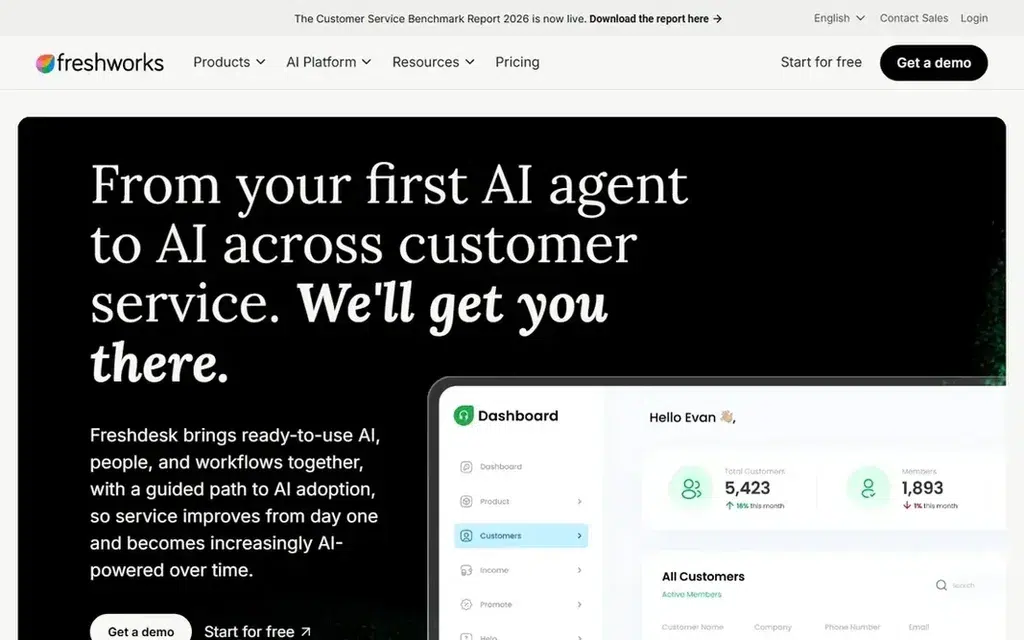
Think of Freshdesk for omnichannel ticketing with automatic workflows. Teams looking for structured ticketing with automation built in frequently consider it. On top of that, pick Freshdesk when omnichannel ticketing and workflow automation are priorities.
What to check first: Advanced setup may need admin time.
In practice, Freshdesk is an AI-powered customer service option centered on omnichannel ticketing and automatic workflows. It is meant to boost agent productivity and deliver smooth customer experiences, which fits SaaS support teams that receive requests across several channels and want them organized in a single queue. Getting the most from automatic workflows can need initial admin effort, and the depth of features relies on the edition you choose. No starting price is listed for Freshdesk here; confirm pricing on the vendor site. As for free access: Not stated.
- Omnichannel ticketing in one place
- Automatic workflows boost agent productivity
- Feature depth varies by edition
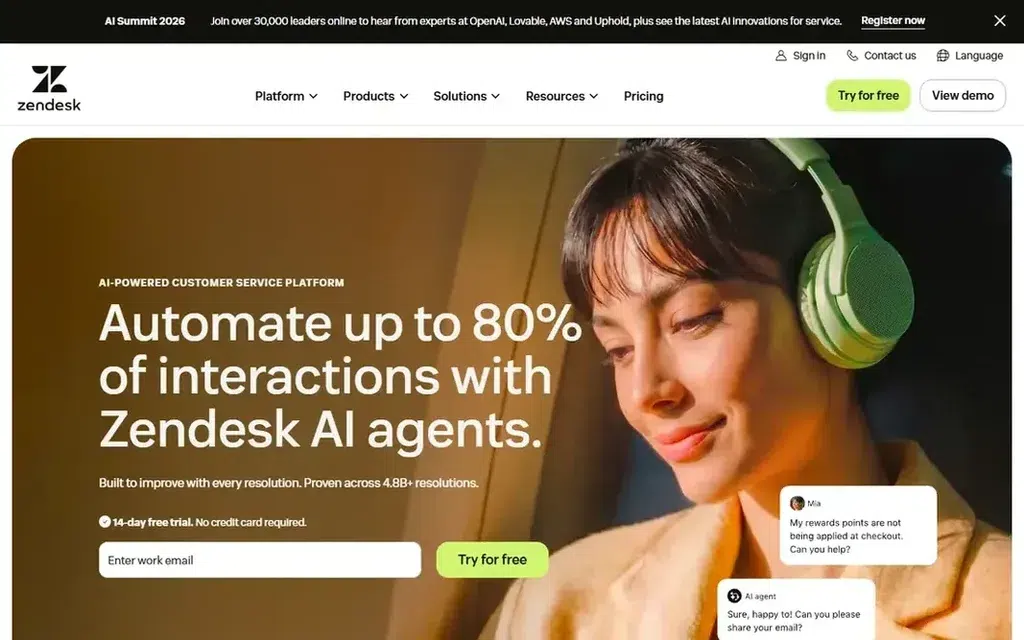
Zendesk was built for AI-driven end-to-end issue resolution. The breadth of configuration can add setup time, and smaller teams may find the product heavier than their current workflow needs.
Where it falls short: May be more than small teams need.
From a buyer's view, if you primarily need a shared inbox with light automation, a more straightforward tool may be simpler to adopt. Zendesk starts at: $19 agent/month premium yearly. Trial and free access: Free trial.
- AI agents resolve issues end-to-end
- Wide service quality and scale features
- Can be complicated to configure
Think of Front for shared workspace for complicated customer work. Front is a customer service system powered by AI where support, sales, operations, and AI agents come together to resolve complicated customer work.
Watch-outs: Collaboration-first model may not suit pure ticketing.
From a buyer's view, teams that value visibility across functions commonly find it a natural fit. Front starts at: $25 per seat per month. As for free access: Free trial.
- Shared inbox collaboration model
- AI agents assist with resolution
- Needs team-wide adoption to pay off
Help Scout is aimed squarely at customer-first brands wanting simplicity. It emphasizes capable, easy-to-learn features for delivering exceptional support at a fraction of the cost of other customer service products, which appeals to SaaS teams that want a clean, easy-to-learn tool without heavy administration. In daily use, choose Help Scout when easy-to-learn daily use and a customer-first approach matter more than maximum configurability.
Teams with highly complicated, multi-department service operations may find Help Scout less deep than bigger enterprise suites. If you need broad customization across plenty of channels, a broader system may fit better. What you pay to start with Help Scout: $25 per user per month. Help Scout has a free plan.
Downsides: Less suited to highly complicated service operations.
- Built for customer-first brands
- Easy-to-learn
- Fewer deep enterprise features
Selection criteria
The comparison looks at four things: starting price, free access, how well the feature set matches customer care platform for SaaS, and the main limit of each tool. Seat minimums, billing terms and add-ons can move the real cost, so the starting prices here are a guide and not a quote. The ranking is editorial: typical fit first, then clear pricing, then free access. If your needs are unusual, read the profiles rather than relying on position.
Pre-purchase checklist
- Get a written quote from Salesforce Service Cloud and Freshdesk; the list shows no starting price for them.
- Test the free plan from Help Scout against your real workload before relying on it.
- Run a trial of Zendesk and Front with real work before paying for a year; your own workflow is the best test.
- Before choosing Salesforce Service Cloud, weigh its main limit: can need significant configuration.
- Look at which plan of Help Scout unlocks the features you need; entry tiers are often cut down.
- Before rolling out Salesforce Service Cloud, verify the integrations your workflow depends on.
FAQ
How are the customer care platform for SaaS ordered?
Salesforce Service Cloud sits first and Help Scout last because the order follows typical fit for customer care platform for SaaS, then price clarity and free access. It is a judgement call, so read each profile for fit and limits.
Is a shared inbox or a full ticketing system better for SaaS support?
A shared inbox for example Front or Help Scout can suit teams with more straightforward, collaborative workflows. Consider how complicated your customer conversations are before choosing.
Do these tools publish their prices?
Not all of them. Salesforce Service Cloud and Freshdesk publish no starting price, so expect a quote request for those. The rest, Zendesk included, show a starting price, though seats and billing terms still change the final cost.
Can I try these tools before paying?
Often, yes. Help Scout has a free plan and Zendesk and Front offer a free trial. Use your own data and a real task during the test, and check what the free tier or trial limits before you rely on it. All 5 picks in this customer care platform for SaaS comparison list a starting price, free plan details and the main limits on their cards above.
Which customer care platform for SaaS have a free plan?
Help Scout is the only tool in this list with a free plan. Free plans usually cap users, projects or features, so check the limits on the vendor page. Several others offer a trial instead. For the full picture, the cards above cover all 5 entries of this customer care platform for SaaS list, including price, free plan and limits.
Sources
- https://www.salesforce.com/service
- https://www.freshworks.com/freshdesk
- https://www.zendesk.com
- https://front.com
- https://www.helpscout.com