Best B2B SaaS Companies in 2026: 8 Companies Compared
We compared the best b2b saas companies for 2026, covering CRM, chat, meetings, projects and support, with pricing, free plans and strengths for teams.
- Editor's choice
 Salesforce
Enterprise CRM and custom workflows
Starts at$25 per user per monthVisit salesforce.comFull review - Great alternative
 HubSpot
All-in-one growth platform
Starts atFreeVisit hubspot.comFull review - Also consider
 Slack
Team chat and channels
Starts at$7.25 per user per monthVisit slack.comFull review
TL;DR:
- The best B2B SaaS choice depends on the job: CRM, internal chat, meetings, project work, support, service management or work planning each have a different leader.
- Salesforce and HubSpot lead CRM, but Salesforce usually needs more admin time while HubSpot is easier for smaller teams to run.
- Slack, Zoom and Asana cover the daily work layer, and their free tiers let a small team test the fit before paying per seat.
- Per-seat prices hide the real cost, since contact pricing, AI add-ons, implementation and seat brackets can raise the bill sharply.
- ServiceNow and Zendesk suit larger, process-heavy operations, while monday.com suits teams that want a visual work tool without a heavy setup.
Quick comparison
| Tool | Best for | Starts at | Free plan? | |
|---|---|---|---|---|
| Salesforce | Enterprise CRM and custom workflows | $25 per user per month | No | Visit |
| HubSpot | All-in-one growth platform | Free | Yes | Visit |
| Slack | Team chat and channels | $7.25 per user per month | Yes | Visit |
 Zoom | Video meetings and phone | See website | Yes | Visit |
 Asana | Cross-team project work | $10.99 per user per month | Yes | Visit |
 Zendesk | Customer support at scale | See website | Free trial | Visit |
 ServiceNow | IT and enterprise workflows | See website | No | Visit |
 monday.com | Visual work management | $9 per user per month | Yes | Visit |
The best B2B SaaS companies
B2B SaaS covers software that one business sells to another on a subscription, usually per user per month. The eight companies below are not direct substitutes for each other. Instead, they cover the core stack most B2B teams buy: customer records, marketing and sales, internal communication, meetings, project delivery, support and enterprise service workflows.
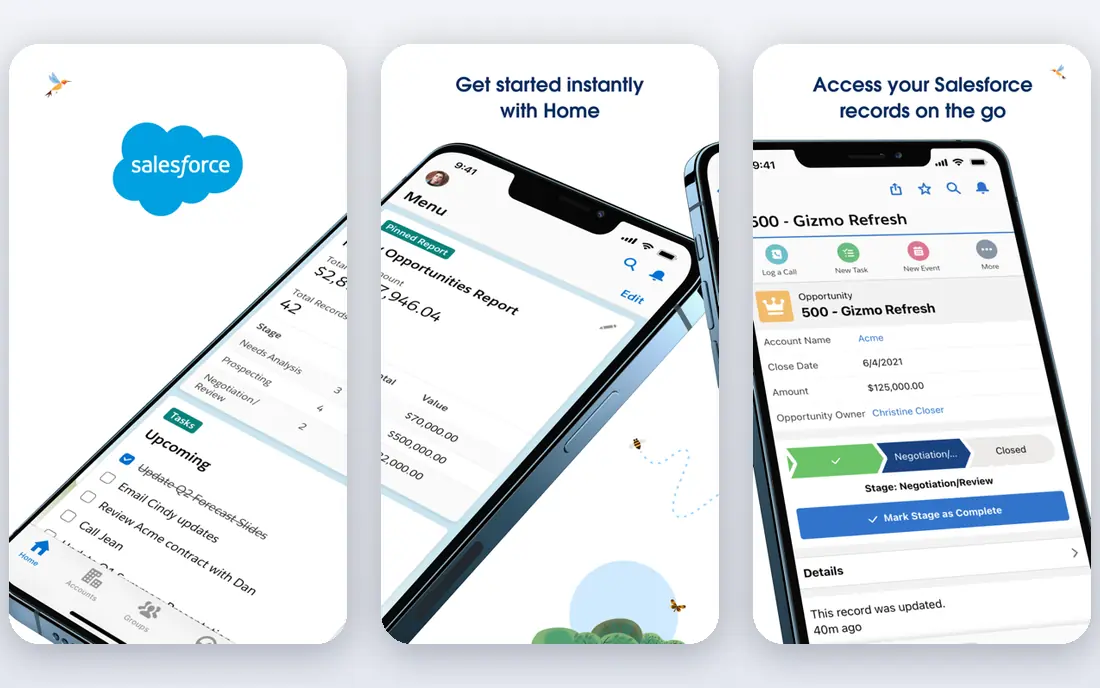
Salesforce Sales Cloud remains the default CRM for larger B2B companies, and the reason is depth rather than simplicity. It handles complex account hierarchies, territory rules, approval flows, forecasting and custom objects that smaller CRMs struggle with, and its AppExchange marketplace adds thousands of integrations for billing, data and support. For a company with multiple sales teams, partners and product lines, that structure pays off.
The catch is total cost and effort. The 25 dollar starter tier is a real entry point, but many B2B teams need Enterprise features at about 165 dollars per user per month, plus marketing automation and admin time. Implementation can take weeks or months, and a poorly set up Salesforce org can slow a sales team down. Buy Salesforce when your process is complex and you have someone to own it, not just because it is the biggest name.
- Deepest CRM customization and AppExchange ecosystem
- Strong reporting, forecasting and automation
- Widely supported by consultants and integrations
- Enterprise tiers cost far more than the starter price
- Needs admin or consultant time
- Smaller teams can find setup heavy
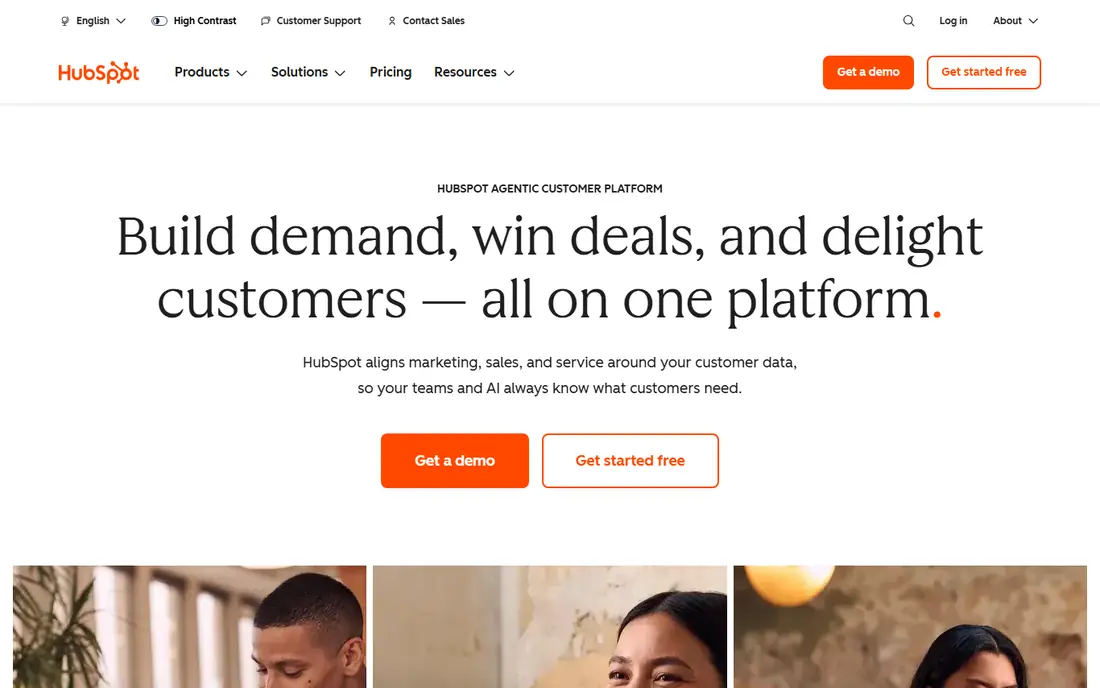
HubSpot is our pick for most small and midsize B2B teams because it combines CRM, marketing automation, sales tools and service in one platform. The free CRM is genuinely useful for founder-led sales, with contact records, deal pipelines, meeting scheduling and email tracking included. As a team grows, it can add Marketing Hub, Sales Hub and Service Hub without stitching together separate tools and data models.
The honest limit is price growth. Starter seats are about 15 dollars per seat per month, but Professional hubs are priced per bundle and contact counts can push the bill up as a database grows. Teams that only need a CRM may find a cheaper point tool, and teams with very complex enterprise workflows may hit HubSpot customization limits. For a B2B team that wants marketing, sales and service on one record, though, HubSpot is hard to beat for speed to value.
- Free CRM with unlimited users
- Marketing, sales, service and operations hubs share one record
- Easier onboarding than enterprise CRM rivals
- Paid hubs and contact pricing scale quickly
- Professional onboarding can add cost
- Advanced customization is shallower than Salesforce
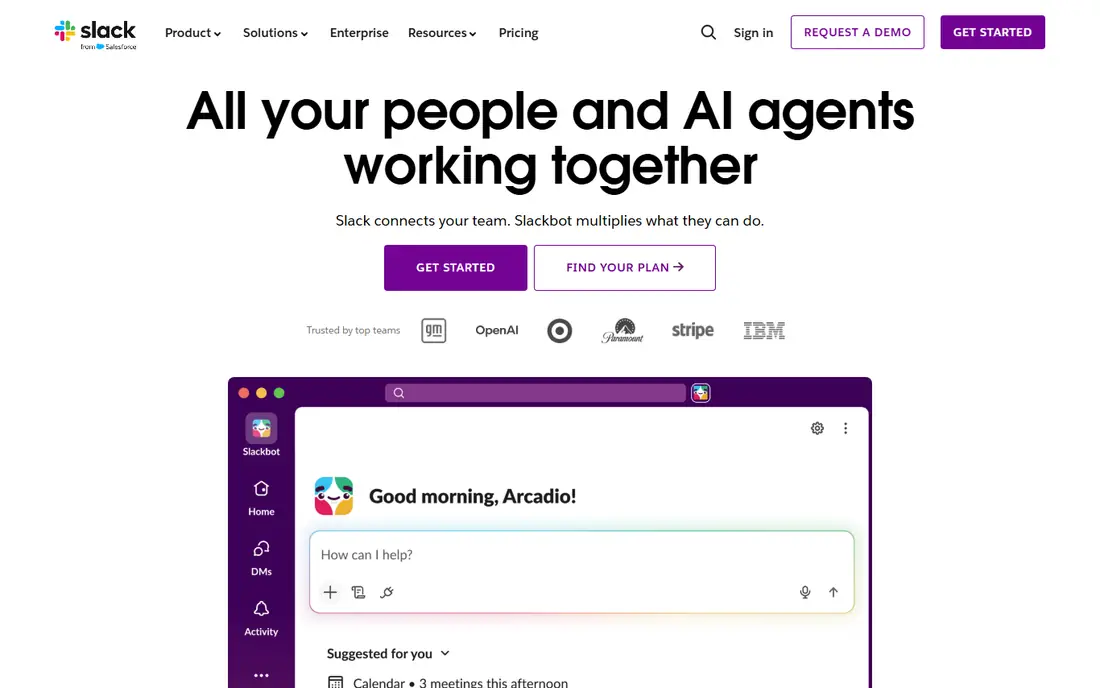
Slack changed how B2B teams talk internally, and it still leads for channel-based messaging. Channels keep project, customer and topic discussions in one searchable place, threads keep side conversations tidy, and integrations bring alerts from CRM, code, support and monitoring tools into the same window. Huddles and clips add quick voice and video without scheduling a full meeting.
The free plan is a useful trial, but its 90-day history limit means older decisions disappear from search, which pushes most serious teams to Pro at 7.25 dollars per user per month on annual billing. Slack also needs channel discipline, since an unmanaged workspace fills with noise and notifications. Teams already deep in Microsoft 365 may prefer Teams for cost reasons, but teams that want the broadest integration set still tend to pick Slack.
- Channel-based chat that replaces long email threads
- Huge integration library
- Searchable history on paid plans
- Free plan limits message history to 90 days
- Busy workspaces can become noisy
- Per-seat cost adds up for large teams
Zoom became the default meeting tool for B2B sales calls, demos and internal meetings because joining is simple and video quality is consistent. A prospect can join from a browser link without installing software in many cases, and hosts can record, transcribe and share calls. Zoom also sells phone, webinar and contact center products, so a sales or support team can expand from meetings to a fuller communication stack.
The free tier suits one-to-one calls, but group meetings end after 40 minutes, which pushes most business users to a paid plan. Pricing depends on whether you buy meetings alone or a bundle with phone or webinar, so compare the bundle total rather than a single meeting price. Admins should also lock down waiting rooms, passwords and screen-sharing defaults, since open meeting links have caused unwanted guests in the past.
- Reliable video meetings that guests can join without an account
- Webinar, phone and rooms options
- Broad device and calendar support
- Free meetings cap group calls at 40 minutes
- Pricing varies by product bundle
- Security settings need care for public links
Asana suits B2B teams that run work across departments, such as a product launch that touches marketing, sales, product and customer success. Tasks carry owners, due dates, dependencies and files, timelines show the sequence, and portfolios roll many projects into one view for managers. Templates speed up repeatable work such as onboarding, campaign launches and content production, and rules automate handoffs.
The pricing details matter. Starter is 10.99 dollars per user per month on annual billing, but seats above five users are sold in blocks, so a seven-person team may pay for ten seats. Advanced, at 24.99 dollars per user per month, adds time tracking, portfolios and deeper approvals that many teams assume are standard. Asana is a strong pick for delivery work, but check the seat math and the tier for the features you actually need.
- Clear tasks, projects, timelines and portfolios
- Strong templates for marketing, product and operations
- AI Studio workflows on paid plans
- Free plan limited to two users
- Seats sold in brackets above five users
- Time tracking and advanced approvals need higher tiers
Zendesk is the support platform many B2B SaaS companies grow into when email and chat tools no longer scale. It brings email, chat, phone, social and self-service into one ticket queue, with SLAs, macros, triggers and reporting that help a support team keep response times steady as volume grows. Its AI agent and Copilot options can draft replies and resolve routine questions, though those features sit on higher tiers or as add-ons.
The downside is cost and complexity. Suite tiers, agent counts, AI credits and add-ons make a simple price comparison hard, and a small team with one support person may do better with a lighter tool such as HubSpot Service Hub or Freshdesk. Zendesk earns its price for teams with multiple support tiers, complex routing and a need for detailed reporting, but it should be bought for that scale, not for a handful of tickets a week.
- Mature ticketing, knowledge base and omnichannel support
- Strong reporting and AI agent options
- Huge integration and app marketplace
- Pricing is complex across suite tiers and AI add-ons
- Smaller teams may find it heavy
- Copilot and AI features cost extra
ServiceNow is an enterprise platform for IT service management, employee workflows and customer workflows, built on one data model. Large companies use it to run incident, problem, change and request processes, to automate approvals across IT, HR and finance, and to give employees one portal for help. Its workflow engine and integration set suit organizations with strict controls, audit needs and many internal services.
That power comes with enterprise cost and effort. Pricing is by quote, implementation usually needs specialists, and a small company would pay for far more platform than it uses. ServiceNow is the right comparison when a business already runs formal IT processes or plans to consolidate several internal service desks onto one platform. For a startup, a simpler ticketing or project tool will deliver value faster and at a fraction of the cost.
- Powerful IT service management and workflow automation
- Strong for large enterprises with many departments
- Extensive platform customization
- Enterprise pricing by quote only
- Implementation is a major project
- Overkill for small teams and simple ticketing
monday.com appeals to B2B teams that want a visual work tool without the learning curve of a full project system. Boards show work as rows and columns that teams can filter, group and view as timelines, calendars or kanban, and templates cover sales pipelines, campaign plans, hiring and onboarding. Automations move items, notify owners and update statuses when work changes, which reduces manual chasing.
The Basic tier at 9 dollars per seat per month on annual billing is a low entry point, but teams that need more automation, integrations and dashboards will move to Standard at 12 dollars or Pro at 19 dollars. monday.com can also sprawl, since it is flexible enough to hold CRM, projects and docs in one place without replacing any of them well. It works best when a team picks one clear job for it, such as project delivery or a sales pipeline, and builds boards around that job.
- Visual boards that non-technical teams learn quickly
- Templates for CRM, projects and marketing
- Automations and dashboards included on paid tiers
- Basic tier lacks some automation depth
- Per-seat pricing with minimums
- Can become a general tool that replaces nothing well if not scoped
How we picked these
We compared official pricing pages, product documentation, integration libraries and independent price trackers checked in October 2026. We favored companies with a large B2B customer base, a current product that is actively sold and supported, and a pricing model a buyer can verify before a sales call where one is published. We excluded single-feature startups and consumer-only apps, even where they are popular, because this list is for business buyers choosing a core stack.
We did not run hands-on trials of every platform, and we do not claim lab testing. Instead, we compared published tiers, free-plan limits, seat rules, AI add-on pricing and the implementation effort each vendor describes. Where pricing is by quote, we show See website rather than repeating a third-party estimate as a vendor price.
What to check before you buy B2B SaaS
Price the second year, not the first month
Check what happens when seats, contacts, data or AI usage double. Seat brackets, contact tiers, storage limits and AI credit caps can raise the second-year bill far more than the headline per-seat price suggests. Ask for a written quote at your expected headcount in twelve months, including any AI add-ons you plan to use.
Own the data and the exit
Confirm how you export contacts, tickets, tasks and history if you leave, and whether exports include attachments and custom fields. Check contract length, renewal terms, price-change clauses and data processing terms for privacy compliance. A tool that is easy to adopt but hard to leave can cost more in the long run than a slightly pricier rival with clean exports.
Pilot with real work, not a demo
Run a short pilot with a real team, real data and real deadlines, and measure adoption, time saved and support tickets. A demo shows the best path through a product, while a pilot shows search limits, permission quirks and integration gaps. If a team will not use the tool daily during a pilot, it is unlikely to adopt it after purchase.
FAQ
What is B2B SaaS?
B2B SaaS is software as a service sold from one business to another, usually on a monthly or annual subscription per user. The vendor hosts the software, updates it and stores the data, while the customer pays for access rather than buying and installing software once. Examples include CRM, chat, project and support platforms used by companies to run sales, service and internal work.
Should a small B2B team start with Salesforce or HubSpot?
Most small teams should start with HubSpot, because its free CRM and shared marketing and sales tools are faster to set up. Salesforce suits teams with complex sales processes, many product lines or strict reporting needs, and it usually needs an admin to run well. If your process is simple, HubSpot will deliver value sooner and at lower cost.
Is a free SaaS plan enough for a business?
A free plan can be enough for a very small team or a trial, but limits on history, users, automation and support usually push growing teams to a paid tier. Slack limits free history, Asana limits free users, and Zoom limits free group calls. Use free tiers to test fit, then budget for the paid tier that removes the limit that hurts most.
How do per-seat and contact pricing differ?
Per-seat pricing charges for each user who logs in, while contact pricing charges for the size of your customer or marketing database. HubSpot uses both models across its hubs, which is why a growing contact list can raise costs even if headcount stays flat. Always model both drivers when you forecast a SaaS budget.
Can B2B SaaS tools replace each other?
Some overlap exists, but most tools in this list do different jobs. Slack does not replace a CRM, Asana does not replace a support desk, and ServiceNow does not replace a sales pipeline. Suites such as HubSpot and Microsoft 365 reduce the number of vendors, but they still contain separate products for separate jobs.
What should I ask on a SaaS sales call?
Ask for total cost at your twelve-month headcount, contract and renewal terms, data export options, security certifications, support hours and AI pricing. Ask which features in the demo require a higher tier or an add-on, and ask for customer references in your industry and size. Get the answers in the written proposal, not just on the call.