Custom Construction Management Software in 2026: The 6 Best Options Side by Side
Best custom construction management software in 2026: 6 contenders with entry costs and free tiers. Caveats come with every verdict. Checked this month.
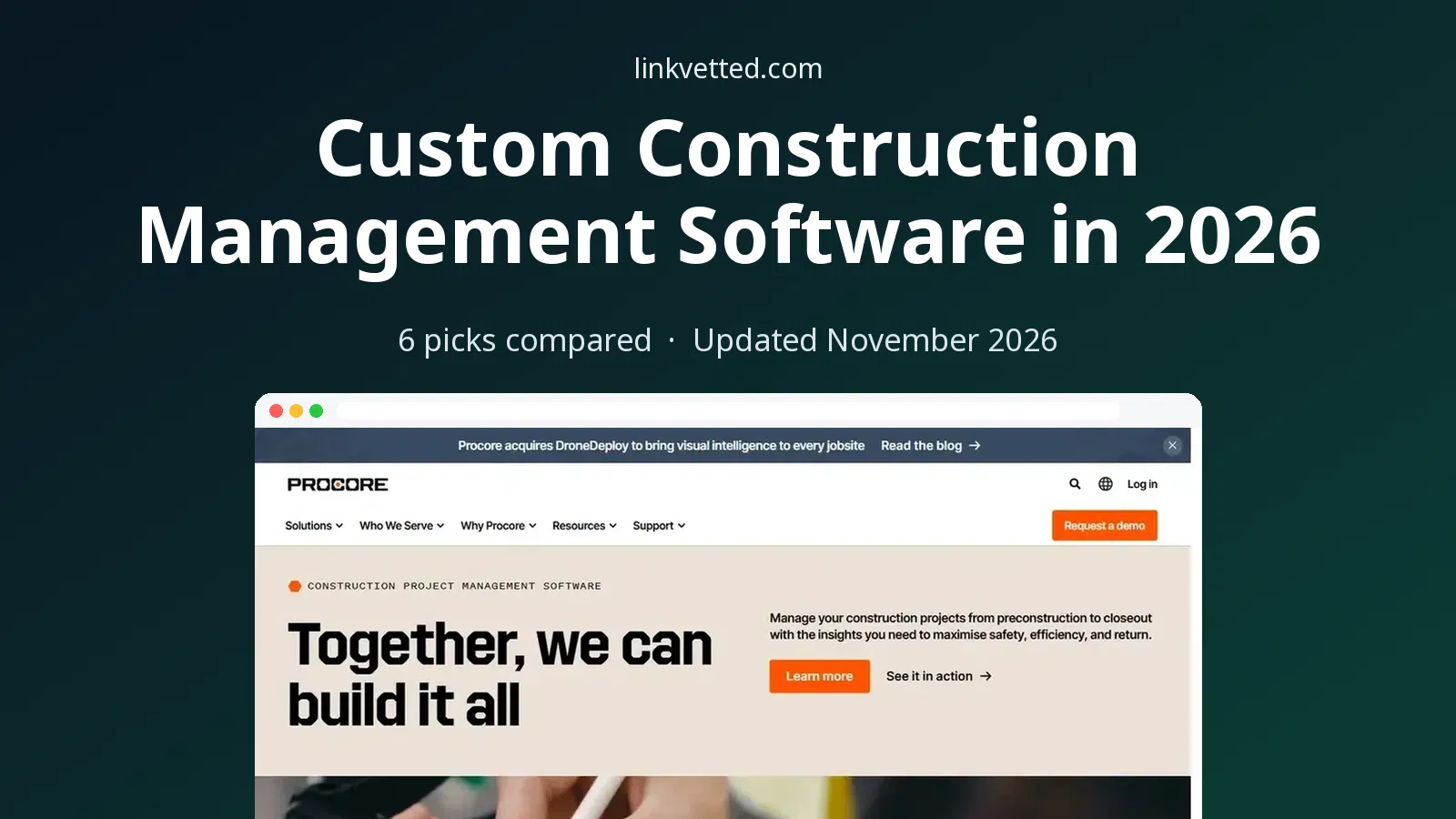
- Editor's choice
 Contractor Foreman
Budget-conscious contractors
Starts atSee websiteVisit contractorforeman.comFull review - Great alternative
 Fieldwire
Live jobsite management
Starts at$39 per user per monthVisit fieldwire.comFull review - Also consider
 Knowify
Trade contractors managing jobs
Starts at$19 per unit a monthVisit knowify.comFull review
Direct answer
For budget-conscious contractors, Contractor Foreman is where this list starts. Listed starting prices: Fieldwire from $39 per user per month and Knowify from $19 per unit a month. If your case is different, Fieldwire suits live jobsite management and Knowify suits trade contractors managing jobs. Prices, free plans and limits for all 6 tools follow.
TL;DR:
- This list starts with Contractor Foreman, which is built for budget-conscious contractors.
- The lowest published monthly entry price here is $19 per unit per month, from Knowify.
- Fieldwire stands alone as the one tool in this list with a free plan.
- The main caution on Knowify: may be less suited to general contractors.
- CoConstruct is the one to check for custom home builders and remodelers.
Last checked November 2026. Prices and plan details were read from the vendors' own pages in November 2026; vendors change plans often, so confirm the current price on the vendor site before you buy.
Quick comparison
| Tool | Best for | Starts at | Free plan? | |
|---|---|---|---|---|
| Contractor Foreman | Budget-conscious contractors | See website | Not stated | Visit |
| Fieldwire | Live jobsite management | $39 per user per month | Yes | Visit |
| Knowify | Trade contractors managing jobs | $19 per unit a month | Free trial | Visit |
 Houzz Pro | Builders, remodelers, and design professionals | See website | Not stated | Visit |
 Procore | Wide construction project management | See website | Not stated | Visit |
 CoConstruct | Custom home builders and remodelers | See website | Not stated | Visit |
Tool-by-tool breakdown
If you are comparing custom construction management software, this page covers 6 tools in one place: what each is best for, what it costs to start, whether it has a free plan, and the main limit to know about.
Think of Contractor Foreman for budget-conscious contractors. This tool suits contractors who want a single system to handle daily operations without a complicated setup.
Drawbacks to consider: Feature depth varies by module.
Contractor Foreman may lack the depth of enterprise products for large, multi-project organizations. Contractor Foreman shows no starting price here, so confirm the cost on the vendor site. On free options: Not stated.
- Time cards and invoicing
- All-in-one construction management
- May be less suited to large enterprises
Choose Fieldwire for live jobsite management. Fieldwire by Hilti is live jobsite management software that helps teams track tasks, update drawings, and cut expensive rework.
From a buyer's view, Fieldwire may not include full financial or estimating needs, so it commonly works alongside other systems. On cost, Fieldwire starts like this: $39 per user per month. Fieldwire includes a free tier.
The main drawbacks: Centred on field operations.
- Cut expensive rework
- Track tasks and drawings
- May lack full financial features
Knowify makes the most sense for trade contractors managing jobs. Knowify is construction management software for trade contractors, helping them bid, handle, and invoice commercial and residential jobs on time and on budget.
Drawbacks to consider: May be less suited to general contractors.
It is built around the workflows of specialty trades. Knowify may be less thorough for general contractors needing design collaboration or large-scale project controls. What you pay to start with Knowify: $19 per unit per month. On free options: Free trial.
- Bid, handle
- Focus on trade contractors
- Restricted design collaboration features
Houzz Pro is designed for builders, remodelers, and design professionals. It is described as the only construction and design software with AI trained on the industry, aiming to make every part of the business quicker.
Where it is weaker: May be design-centric for some GCs.
On top of that, if you need capable jobsite task tracking, Fieldwire by Hilti could be a better alternative. Houzz Pro may be more design-oriented than needed for general contractors focused purely on field operations. Houzz Pro does not show a starting price in this comparison, so check the vendor site for current pricing. Free plan details: Not stated.
- All-in-one business system
- Fits design and build businesses
- AI features may need adjustment

Procore works best for broad construction project management. Procore is a construction management system that links the site and the office.
What to check first: May be more than small teams need.
It supplies live visibility so teams can deliver quality projects on time. No starting price is listed for Procore here; confirm pricing on the vendor site. On free options: Not stated.
- Supports quality delivery
- Links site and office teams
- Needs setup and training
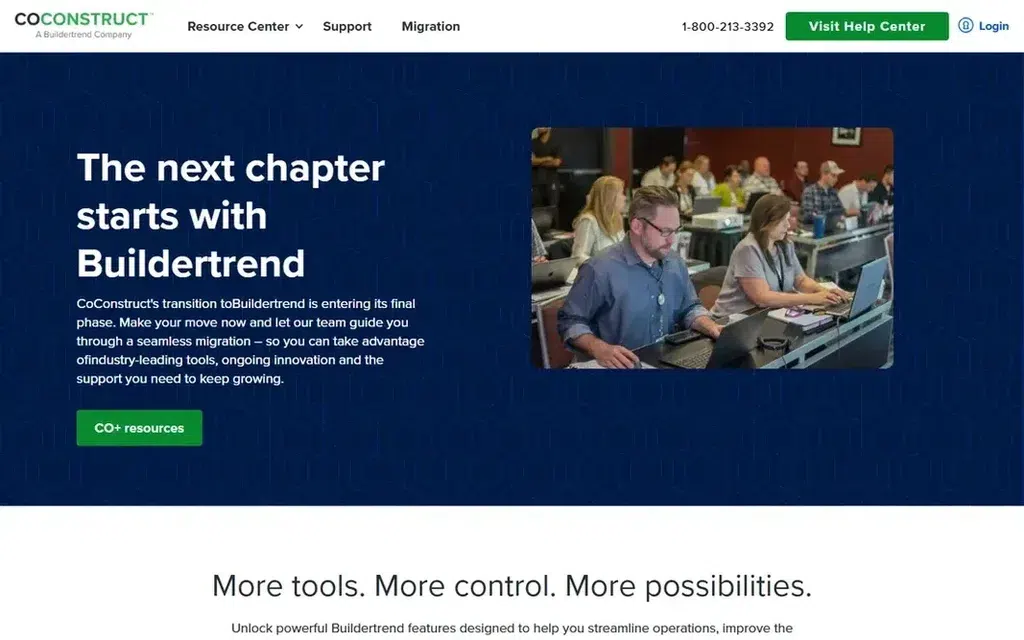
CoConstruct works best for custom home builders and remodelers. CoConstruct is construction management software that, together with Buildertrend, forms a unified brand committed to a smooth experience. It is made for custom home builders and remodelers who require to run client selections, schedules, and budgets.
Trade-offs to know: May not suit commercial GCs.
For everyday use, if you need a tool with broad commercial project management, Procore may be more appropriate. In practice, public information about CoConstruct's current standalone features is restricted following the brand unification, so confirm specifics with the vendor. CoConstruct does not show a starting price in this comparison, so check the vendor site for current pricing. Free access: Not stated.
- Focus on custom building
- Unified with Buildertrend
- Restricted public feature detail
How we chose
For each of the 6 tools we noted price, free plan or trial, fit for custom construction management software and the main limit, using vendor pages and documentation. Seat minimums, billing terms and add-ons can move the real cost, so the starting prices here are a guide and not a quote. The order reflects how well each tool fits the most common buying scenario for custom construction management software, then price clarity, then free plan access. It is a starting point, not a verdict.
A buyer's checklist
- Confirm the entry price on the vendor page. For Contractor Foreman, Houzz Pro, Procore and CoConstruct that means a quote rather than a fixed price.
- Test the free plan from Fieldwire against your real workload before relying on it.
- Use real work to test the free trial from Knowify, rather than a demo project.
- Before choosing Contractor Foreman, weigh its main limit: may be less suited to large enterprises.
- Read the plan comparison for Knowify carefully; key features often start on a higher tier.
- Confirm that CoConstruct connects to the apps your team already uses, on the plan you would actually buy.
FAQ
Which tool is a good match for custom home builders?
The first pick on this list is Contractor Foreman, because it suits budget-conscious contractors. Fieldwire is better for live jobsite management, and Knowify for trade contractors managing jobs. Check price and limits against your own needs before choosing.
What is the cheapest option for custom construction management software in this list?
On published monthly entry prices, Knowify is the lowest here at $19 per unit per month. Entry price is only part of the cost, because seats, add-ons and billing terms can change the total. For the full picture, the cards above cover all 6 entries of this custom construction management software list, including price, free plan and limits.
Can I try these options before paying?
Often, yes. Fieldwire has a free plan and Knowify offers a free trial. Use your own data and a real task during the test, and check what the free tier or trial limits before you rely on it. Prices, free plan details and limits for all 6 tools in this custom construction management software roundup sit on the individual cards above.
Is Contractor Foreman the right pick for everyone comparing custom construction management software?
No single tool suits every team. Contractor Foreman comes first because it fits budget-conscious contractors, while Fieldwire suits real-time jobsite management and Knowify suits trade contractors managing jobs. Match the tool to your own size, budget and workflow before deciding.
Do these tools publish their prices?
Not all of them. Contractor Foreman, Houzz Pro, Procore and CoConstruct publish no starting price, so expect a quote request for those. The rest, Fieldwire included, show a starting price, though seats and billing terms still change the final cost.
Can I use these tools for both residential and commercial projects?
Multiple tools support both residential and commercial work. Knowify is built for trade contractors on commercial and residential jobs, and Procore is used across project types. Confirm each tool's suitability for your mix of projects with the vendor.
Sources
- https://www.contractorforeman.com
- https://www.fieldwire.com
- https://www.knowify.com
- https://www.houzz.com/pro
- https://www.procore.com
- https://www.coConstruct.com
Related guides
- Best AI Tools for Construction Project Management in 2026: 9 Tools Compared
- Top 6 Bid Management Software for Construction Firms for 2026 (Prices and Free Plans)
- Best Construction Bid Management Software in 2026: 9 Tools Compared
- 5 Construction Document Management Software Worth Shortlisting in 2026