Best CRM for Small Companies in 2026: 8 Tools Compared
Compare the best CRM for small companies in 2026, with pricing, free plans and honest trade-offs to help a small team pick the right system in 2026 now.
- Editor's choice
 HubSpot CRM
All-round free start for small teams
Starts atFreeVisit hubspot.comFull review - Great alternative
 Zoho CRM
Value and deep customization
Starts at$14 per user per monthVisit zoho.comFull review - Also consider
 Pipedrive
Visual sales pipelines
Starts at$14 per seat per monthVisit pipedrive.comFull review
TL;DR:
- HubSpot and Zoho give small teams a real free starting point, while Pipedrive suits teams that live in a sales pipeline.
- The cheapest monthly price is rarely the cheapest total cost, because add-ons, seats and automation tiers add up fast.
- A simple CRM that your team actually updates will beat a powerful system that sits empty after the first month.
- For service businesses, look closely at scheduling, invoicing links and mobile access, not just deal tracking.
Quick comparison
| Tool | Best for | Starts at | Free plan? | |
|---|---|---|---|---|
| HubSpot CRM | All-round free start for small teams | Free | Yes | Visit |
| Zoho CRM | Value and deep customization | $14 per user per month | Yes | Visit |
| Pipedrive | Visual sales pipelines | $14 per seat per month | Free trial | Visit |
 Freshsales | Low-cost sales teams | $9 per user per month | Yes | Visit |
 Salesforce Starter | Growing teams that may scale | $25 per user per month | Free trial | Visit |
 monday Sales CRM | Pipeline plus project work | See website | Free trial | Visit |
 Capsule CRM | Simple contact management | See website | Free trial | Visit |
 Insightly | CRM plus project tracking | See website | Free trial | Visit |
The best CRM for small companies
These eight systems cover the main ways a small company works, from a solo founder to a team of twenty. We focused on tools that are easy to set up without a consultant.
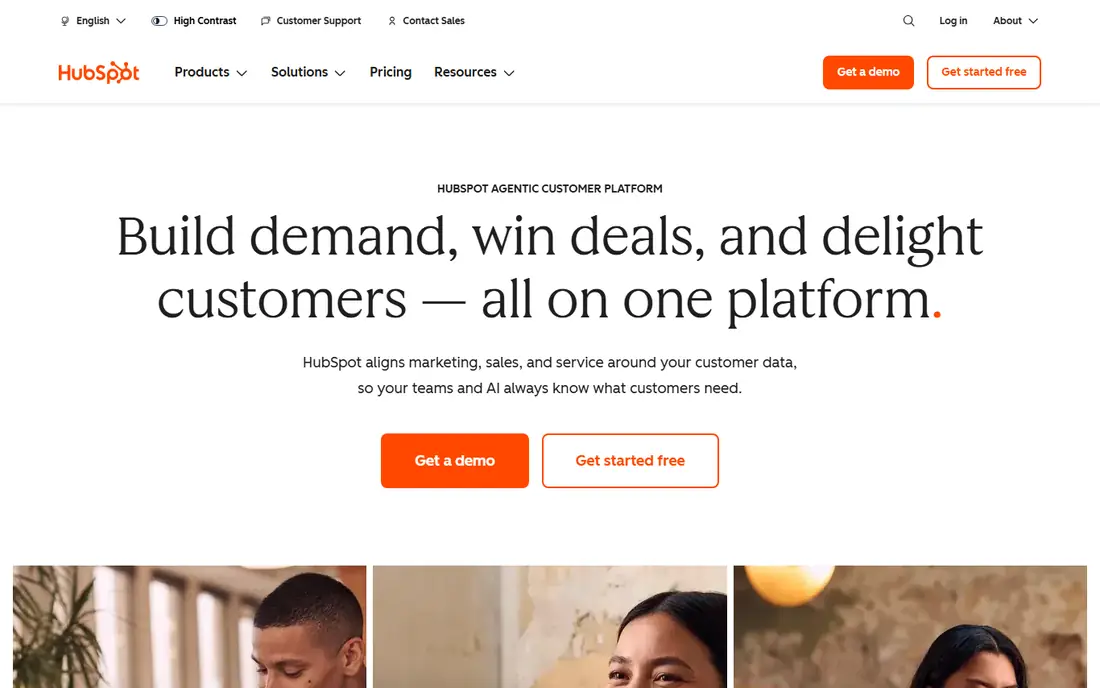
HubSpot works well as a first CRM because the free tier covers contacts, deals, tasks and basic email tracking without a card. Small teams can add marketing and service tools later on the same record, which avoids a painful move to a new system. The interface is clean, and most people can learn the basics in an afternoon.
The catch is price growth. Once you need sequences, workflows or deeper reporting, the jump to paid plans is steep, and some features are priced per seat or per hub. Still, for a team that wants to start free and grow slowly, our pick for most people is HubSpot, provided you check the paid tier you will actually need in year two.
- Generous free plan
- Contact and deal tracking in one place
- Large integration library
- Paid tiers get pricey quickly
- Advanced automation sits behind higher plans
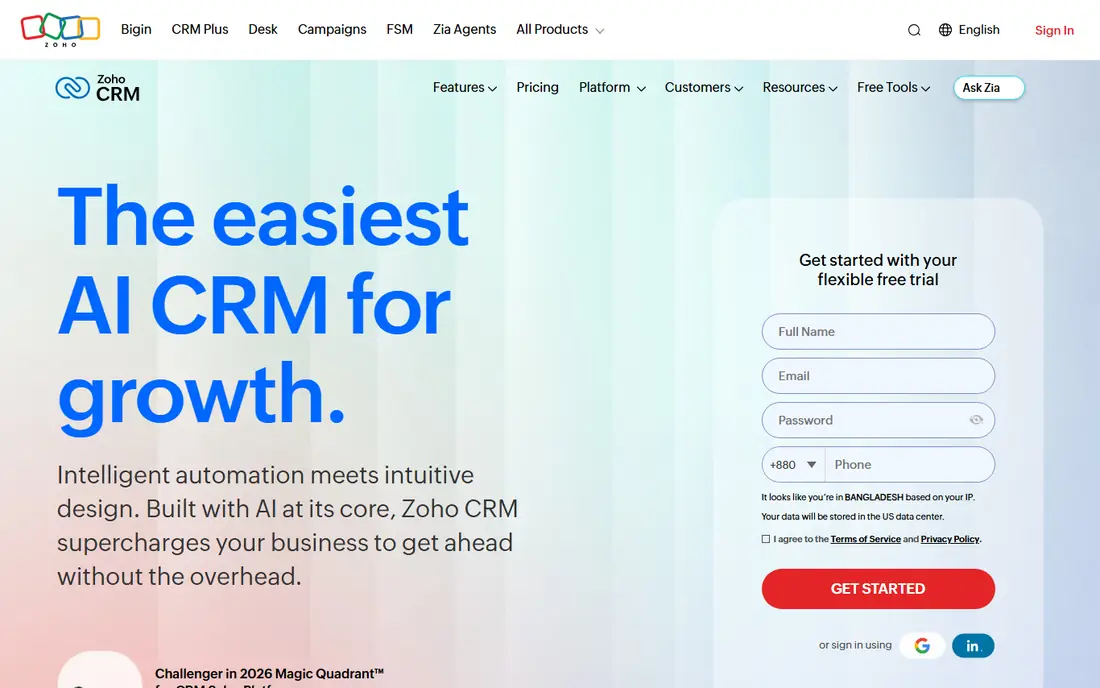
Zoho CRM packs a lot into a modest price, including workflow rules, custom fields and a built-in AI assistant on higher tiers. Companies already using Zoho Books, Mail or Desk will find the links between apps genuinely useful, since quotes, invoices and support tickets can sit near the customer record. The free edition suits a very small team that needs core contact and deal tools.
The trade-off is effort. Zoho rewards careful setup, and a rushed install can feel cluttered. Give one person ownership of fields, pipelines and permissions in the first two weeks, and the system stays tidy as you add users.
- Strong features for the price
- Free edition for up to 3 users
- Wide Zoho app links
- Setup takes more time
- Interface can feel busy at first
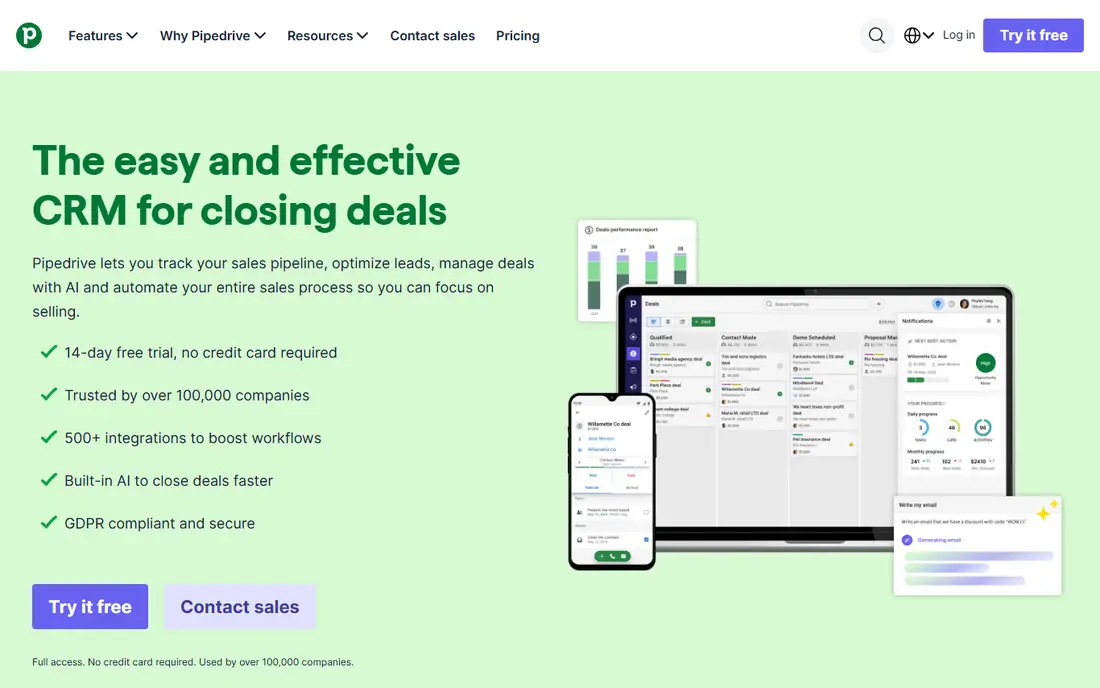
Pipedrive keeps the focus on deals moving from stage to stage, which suits sales-led small companies that do not need a full marketing suite. Dragging a deal across the board, logging a call and setting the next activity takes seconds, and that speed is why reps tend to keep it updated. Email sync, a meeting scheduler and basic automation arrive on higher tiers.
The weakness is breadth. If you also need email campaigns, landing pages or service tickets, you will buy add-ons or a second tool. For a team whose main job is closing deals, that narrow focus is a strength, not a flaw.
- Clear pipeline view
- Fast to learn
- Useful email sync and activity reminders
- No free plan
- Marketing tools need add-ons
Freshsales, from Freshworks, gives small sales teams phone, email and chat tools inside the CRM, so reps spend less time switching tabs. The entry price is among the lowest here, and the free tier lets a tiny team test contact and deal tracking before paying. Lead scoring and AI insights help a small team decide who to call first.
The limits show up as you grow. Reporting and workflow depth do not match Zoho or Salesforce, and some useful features sit on pricier plans. For a team of two to ten reps that wants a low bill and a simple setup, it is a strong fit.
- Low entry price
- Built-in phone and email
- AI lead insights on higher plans
- Some advanced features need higher tiers
- Reporting is thinner than larger rivals
Salesforce Starter trims the full Salesforce platform down to a guided setup for small businesses, with leads, contacts, accounts and opportunities in one place. The advantage is headroom: if the company grows into a larger sales, service or marketing operation, it can stay on the same platform rather than migrating. The AppExchange also offers a very large set of add-ons.
The downside is complexity and cost discipline. Even the Starter edition asks more setup questions than HubSpot or Pipedrive, and admin time grows with custom objects and integrations. Pick it when growth is likely and someone can own the setup, not just because the brand is familiar.
- Huge app ecosystem
- Strong security and permissions
- Room to scale far beyond small-team needs
- More complex than rivals
- Costs rise with add-ons and users
monday Sales CRM suits companies where a sale turns straight into a project, such as agencies, builders or service firms. You can track a deal on one board and the delivery tasks on another, with automations moving items between them. The board view is easy to read in a team meeting, and custom columns adapt to unusual sales steps.
The catch is that it is a work platform first and a CRM second. Deep sales forecasting and lead scoring are not its strongest areas, and plan minimums can raise the bill for a very small team. If project delivery matters as much as selling, that trade is worth making.
- Flexible boards and views
- Good for teams that also manage delivery work
- Easy visual setup
- Minimum seat rules on some plans
- CRM reporting is lighter than specialist CRMs
Capsule is the quiet option for a small company that mainly needs to remember people, conversations and next steps. Each contact shows a clear timeline of emails, notes and tasks, and the setup takes hours rather than days. It links well with common email and calendar tools, which keeps data entry low.
It will not suit a team that needs heavy automation, complex quoting or deep reporting. For a service business with a handful of staff and a straightforward sales process, that simplicity is the point, and the lower learning curve means the whole team may actually use it.
- Very easy to learn
- Clean contact timelines
- Good Google Workspace and Microsoft links
- Fewer automation options
- Not built for large or complex sales teams
Insightly pairs customer records with projects, so a small firm can follow a client from first enquiry through delivery without a second system. Tasks, milestones and files sit beside the contact, which helps service businesses that sell and then deliver work. Paid plans add workflow automation and deeper reporting.
The interface is less polished than HubSpot or monday, and some users report a learning curve around customization. If your work is project-shaped after the sale, Insightly earns its place; if you only need deal tracking, a simpler tool will feel faster.
- Contacts linked to projects
- Useful for service delivery
- Solid reporting on paid plans
- Interface feels dated in places
- Pricing needs a quote check before budgeting
How we picked these
We compared official feature pages, pricing pages and free plan terms, plus public reviews about setup effort and day-to-day use. We favored tools that a small company can run without a dedicated administrator, that publish clear pricing or a free starting point, and that cover contacts, deals and basic automation. We did not claim hands-on testing; the judgments here come from documented features, pricing and reported user experience.
What to check before you buy a small company CRM
Start with your real workflow, not the feature list. Write down the five steps a lead takes from first contact to paid invoice, then check each CRM against those steps in a trial. Import a small set of real contacts, send a test email and move a deal through the pipeline. A tool that feels awkward in that test will feel worse after three months of daily use.
Next, price the team you will have in a year, not today. Count every seat, check whether automation, phone or reporting tools are add-ons, and confirm what happens when you hit contact or storage limits. Also check data export: a good CRM lets you leave with your contacts and deal history in a usable format. Finally, assign one owner for fields, pipelines and cleanup, and agree on a simple rule for logging calls and next steps. That habit matters more than any single feature.
FAQ
What is the best CRM for a small service business?
A service business should favor contact timelines, scheduling links and project or job tracking over complex forecasting. HubSpot, Capsule and Insightly all fit that shape, with monday Sales CRM a good choice when delivery work follows the sale closely.
Is there a truly free CRM for small companies?
Yes. HubSpot offers a free CRM with contacts, deals and basic email tools, and Zoho offers a free edition for up to 3 users. Free plans usually limit automation, reporting and user numbers, so check those caps before you build your whole process on them.
How much should a small company pay for a CRM?
Many small teams spend between $9 and $25 per user per month on a paid starter plan, plus any add-ons for phone, marketing or automation. Solo users and tiny teams can often start free, while a team that needs workflows and reporting should budget for a mid-tier plan.
Is Salesforce too big for a small company?
Not always. Salesforce Starter is built for small teams, and it makes sense when you expect fast growth or need strict permissions and a large app ecosystem. If your process is simple and your team is small, a lighter tool will usually be faster to adopt.
Can I switch CRM later without losing data?
Most CRMs allow contact, company and deal exports, but notes, email history and custom fields may not transfer cleanly. Export a test file before you commit, keep a backup outside the CRM, and plan a cleanup week during any move.
Sources
- https://www.hubspot.com/pricing/crm
- https://www.zoho.com/crm/pricing.html
- https://www.pipedrive.com/en/pricing
- https://www.freshworks.com/crm/sales/pricing/
- https://www.salesforce.com/editions-pricing/sales-cloud/
- https://monday.com/pricing
- https://www.capsulecrm.com/pricing/
- https://www.insightly.com/pricing/