Top 6 CRM for Pharmacies for 2026 (Prices and Free Plans)
Shortlisting the best CRM for pharmacies? 6 products compared on cost, free access and ideal buyer. The weak spots sit next to the strengths. Easy to scan.
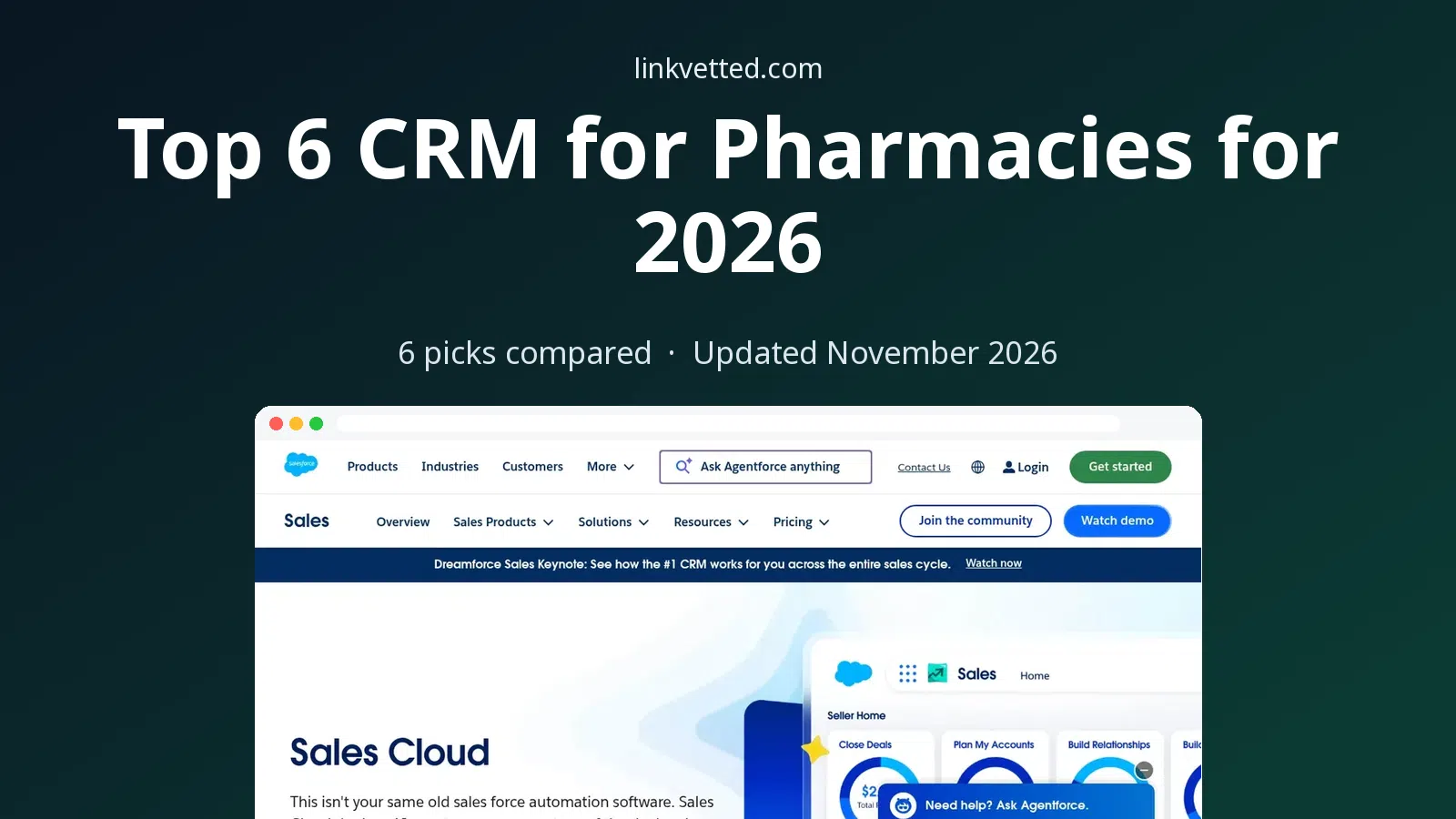
- Editor's choice
 Salesforce Sales Cloud
Large pharmacy groups with complicated needs
Starts atPricing on requestVisit salesforce.comFull review - Great alternative
 Microsoft Dynamics 365 Sales
Pharmacies in the Microsoft ecosystem
Starts atPricing on requestVisit microsoft.comFull review - Also consider
 Pipedrive
Visual pipeline management for pharmacy sales
Starts atPricing on requestVisit pipedrive.comFull review
Direct answer
Salesforce Sales Cloud is the first pick on this list for large pharmacy groups with complicated needs. Microsoft Dynamics 365 Sales is the stronger choice for pharmacies in the Microsoft ecosystem, while Pipedrive suits visual pipeline management for pharmacy sales. All 6 tools are compared below on fit, free plan and limits. None of these vendors publish plan prices, so pricing is on request for every option.
TL;DR:
- This list starts with Salesforce Sales Cloud, which is built for large pharmacy groups with complicated needs.
- Pricing across the list, from Salesforce Sales Cloud to Zoho CRM, is by quote only.
- None of the 6 tools, from Salesforce Sales Cloud to Zoho CRM, has a free plan, so budget for a subscription or use a trial.
- Zoho CRM fits pharmacies seeking adaptable automation.
Last checked November 2026. Pricing on request: vendors did not publish plan prices when this guide was last checked (November 2026), so ask each vendor for a written quote.
Quick comparison
| Tool | Best for | Starts at | Free plan? | |
|---|---|---|---|---|
| Salesforce Sales Cloud | Large pharmacy groups with complicated needs | Pricing on request | Not stated | Visit |
| Microsoft Dynamics 365 Sales | Pharmacies in the Microsoft ecosystem | Pricing on request | Not stated | Visit |
| Pipedrive | Visual pipeline management for pharmacy sales | Pricing on request | Not stated | Visit |
 HubSpot CRM | Small pharmacies new to CRM | Pricing on request | Not stated | Visit |
 Freshsales | AI-assisted pharmacy sales efficiency | Pricing on request | Not stated | Visit |
 Zoho CRM | Pharmacies seeking adaptable automation | Pricing on request | Not stated | Visit |
The best CRM for pharmacies
LinkVetted compared 6 CRM for pharmacies. The goal is a practical shortlist: published prices, free plan facts, best-fit use cases and honest limits for every entry.
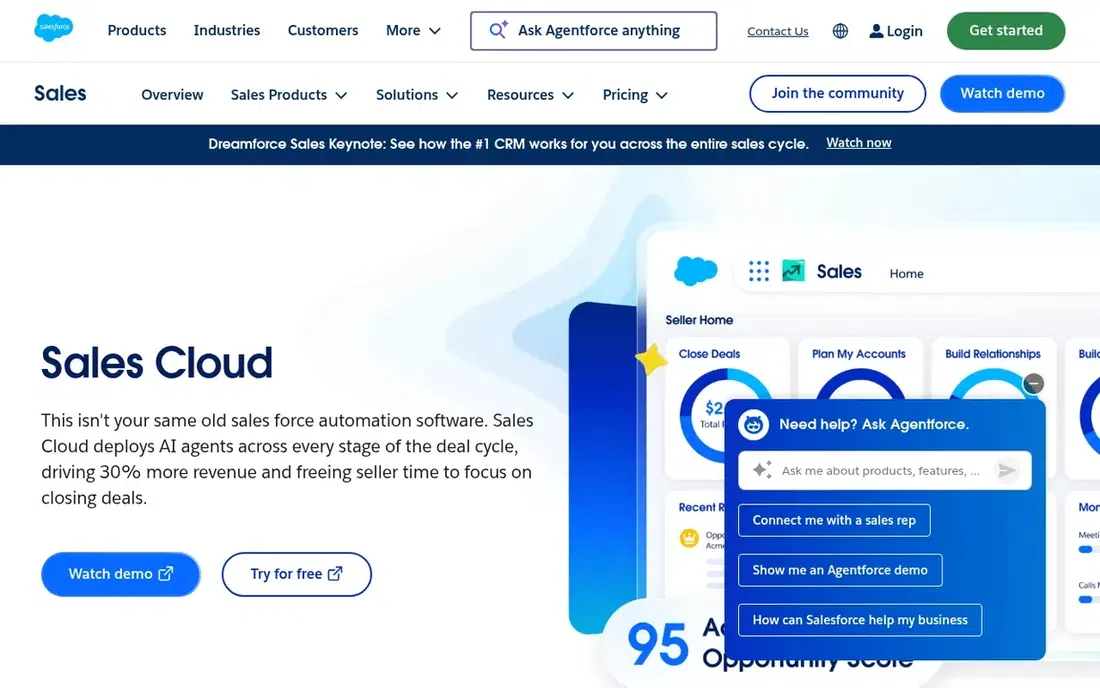
Think of Salesforce Sales Cloud for large pharmacy groups with complicated needs. Salesforce Sales Cloud is a sales force automation system built to help teams grow accounts, find new customers, and close deals quicker from anywhere. More specifically, for bigger pharmacy organizations, its depth supports multi-location account management, territory planning, and in-depth reporting.
Drawbacks to consider: Can be complicated to administer.
Beyond that, pharmacies seeking a more straightforward, faster-to-deploy choice should consider lighter alternatives before committing to Salesforce Sales Cloud. In practice, the system's power includes complexity, and smaller pharmacy teams may find administration burdensome. Salesforce Sales Cloud shows no starting price here, so confirm the cost on the vendor site. Free plan details: Not stated.
- Wide partner ecosystem
- Solid automation capabilities
- Requires dedicated setup effort
Microsoft Dynamics 365 Sales is designed for pharmacies in the Microsoft ecosystem. It fits bigger pharmacy organizations with the resources to configure and maintain a solid product.
Pricing for Microsoft Dynamics 365 Sales is not stated here, so ask the vendor for current figures. Free options: Not stated.
Where it falls short: Implementation can be complicated.
- Agentic CRM features
- Deep integration with Microsoft tools
- Needs configuration expertise
Pipedrive is aimed squarely at visual pipeline management for pharmacy sales. Pipedrive is a sales CRM and pipeline management tool known for its easy-to-use interface.
Beyond that, Pipedrive is less suited to pharmacies needing wide service or support functionality beyond sales. Worth adding: if your pharmacy needs integrated patient service workflows, a system with wider modules may be a better fit. Pipedrive does not show a starting price in this comparison, so check the vendor site for current pricing. Trial and free access: Not stated.
Downsides: Restricted non-sales features.
- Simple to use
- Focus on sales activities
- Customization has boundaries
HubSpot CRM targets small pharmacies new to CRM. Teams expecting to scale into highly tailored processes should evaluate whether the product can grow with them or consider a more customizable choice.
Upsides: Approachable interface.
More specifically, HubSpot CRM is made for small companies to organize contacts, track deals, and close more sales with built-in AI. Also, pharmacies with complicated, multi-step workflows may find HubSpot CRM's customization less broad than enterprise alternatives. This comparison lists no price for HubSpot CRM; ask the vendor. As for free access: Not stated. Points against: Advanced customization is restricted.
- Simple contact and deal tracking
- Built-in AI features
- May need extras for complicated needs
Freshsales is aimed squarely at AI-assisted pharmacy sales efficiency. Freshsales is an AI-powered CRM built to boost sales efficiency, capture leads, and close deals quicker.
In practice, teams needing deep tailoring should compare it against more customizable choices. Pharmacies can use it to manage inquiries, follow up on outreach, and track account activity with less manual effort. Check the vendor site for Freshsales pricing; none is listed in this comparison. As for free access: Not stated.
Honest limits: Less known for deep customization.
- AI-powered lead capture
- Simplified sales workflows
- May lack specialized pharmacy features
Zoho CRM works best for pharmacies seeking adaptable automation. The product's breadth means new users may need time to learn the interface and configure it for pharmacy-specific needs.
It suits pharmacies that want a customizable system without excessive complexity and are comfortable investing some time in setup. Pricing for Zoho CRM is not stated here, so ask the vendor for current figures. As for free access: Not stated.
Where it falls short: Interface may feel dense initially.
- Wide customization choices
- Broad ecosystem of integrations
- Setup can need planning
How we compared the tools
LinkVetted looked at what each vendor publishes: pricing, plan limits, feature coverage for CRM for pharmacies and stated drawbacks. No hands-on testing is claimed. Plan names, prices and limits change often. Treat the figures here as a starting point and verify them with the vendor. Tools are placed by general fit for CRM for pharmacies, with price clarity and free access as tie-breakers. A different team can reasonably rank them differently.
A buyer's checklist
- Confirm the entry price with every vendor: no tool from Salesforce Sales Cloud to Zoho CRM shows a fixed starting price.
- Read the limits listed for Salesforce Sales Cloud first: can be complicated to administer.
- Before rolling out HubSpot CRM, verify the integrations your workflow depends on.
- Total up the real monthly cost of Pipedrive, including add-ons, extra users and usage-based fees.
- See whether Freshsales offers onboarding or training, and whether it is included in the price.
FAQ
Can a general CRM be used for pharmacy patient outreach?
Yes, numerous general CRM systems can track patient interactions and automate reminders when configured appropriately. That said, pharmacies should ensure the tool supports consent management and privacy requirements for health-related communications.
How are the tools for CRM for pharmacies ordered?
Salesforce Sales Cloud sits first and Zoho CRM last because the order follows typical fit for CRM for pharmacies, then price clarity and free access. It is a judgement call, so read each profile for fit and limits.
Do these tools publish their prices?
No. None of the tools, from Salesforce Sales Cloud to Zoho CRM, shows a fixed starting price here, so budget time for quotes.
How do CRM platforms differ for pharmacy sales versus patient service?
Sales-focused CRMs like Pipedrive and Freshsales emphasize pipelines and deal tracking, which fits outreach to clinics and corporate accounts. Systems with broader customization, for example Zoho CRM or Salesforce Sales Cloud, can be adapted for patient service workflows as well.
Is Salesforce Sales Cloud the right pick for everyone comparing CRM for pharmacies?
No single tool suits every team. Salesforce Sales Cloud comes first because it fits large pharmacy groups with complex needs, while Microsoft Dynamics 365 Sales suits pharmacies in the Microsoft ecosystem and Pipedrive suits visual pipeline management for pharmacy sales. Match the tool to your own size, budget and workflow before deciding.
What should a pharmacy look for in a CRM?
Pharmacies should prioritize simplicity, automation for reminders and follow-ups, integration with existing systems, and capable data security. Customization matters if workflows are unique, whereas smaller teams may prefer more straightforward tools.
Sources
- https://www.salesforce.com/sales/cloud
- https://www.microsoft.com/en-us/dynamics-365/products/sales
- https://www.pipedrive.com
- https://www.hubspot.com/products/crm
- https://www.freshworks.com/crm/sales
- https://www.zoho.com/crm