Best Credit Card Processing Companies in 2026: 9 Services Compared
Compare the best credit card processing companies in 2026 for small businesses, from Square and Stripe to Helcim and Stax, with fees and fit compared.
- Editor's choice
 Square
Simple in-person and omnichannel selling
Starts atSee websiteVisit squareup.comFull review - Great alternative
 Stripe
Online checkout and developer tools
Starts atSee websiteVisit stripe.comFull review - Also consider
 Helcim
Transparent interchange-plus pricing
Starts atSee websiteVisit helcim.comFull review
TL;DR:
- Square suits simple in-person selling, while Stripe suits online and developer-led businesses.
- Helcim suits growing businesses that want clearer interchange-plus pricing with no monthly fee in its standard plan.
- Flat-rate pricing is simpler at low volume, while interchange-plus or subscription pricing can save more at higher volume.
- Hardware, payout speed, chargeback fees, and contract terms can matter as much as the headline percentage rate.
Quick comparison
| Tool | Best for | Starts at | Free plan? | |
|---|---|---|---|---|
| Square | Simple in-person and omnichannel selling | See website | No | Visit |
| Stripe | Online checkout and developer tools | See website | No | Visit |
| Helcim | Transparent interchange-plus pricing | See website | No | Visit |
 PayPal | Trusted online checkout and invoicing | See website | No | Visit |
 Stax | High volume subscription pricing | See website | No | Visit |
 Clover | Full retail and restaurant point of sale | See website | No | Visit |
 Shopify Payments | Stores already on Shopify | See website | No | Visit |
 Authorize.net | Gateway for existing merchant accounts | See website | No | Visit |
 Toast | Restaurant point of sale and payments | See website | No | Visit |
The best credit card processing companies
We compared official pricing pages, feature pages, and public reviews to weigh pricing model, channels, hardware, payouts, and contract terms. This guide is general information only and is not financial advice. Fees vary by card type, channel, and region, so confirm current rates with each provider before signing.

Square fits owners who want to start taking cards quickly without a long contract discussion. A free reader and a basic point of sale cover many small shops, food stalls, and service businesses, and extra tools for inventory and online orders can be added as the business grows. That all-in-one setup reduces the number of vendors to manage. The trade-off is pricing at scale. Flat-rate pricing is easy to understand, but businesses with high monthly volume or many premium cards may pay less with interchange-plus pricing. Square also has paid tiers that lower some rates, so owners should compare the basic and paid plans against real monthly sales before settling.
- No monthly fee for the basic point of sale
- Wide hardware range for shops, stalls, and counters
- Built-in tools for inventory, invoices, and online selling
- Flat-rate fees can cost more at high volume
- Online rates are higher than in-person rates
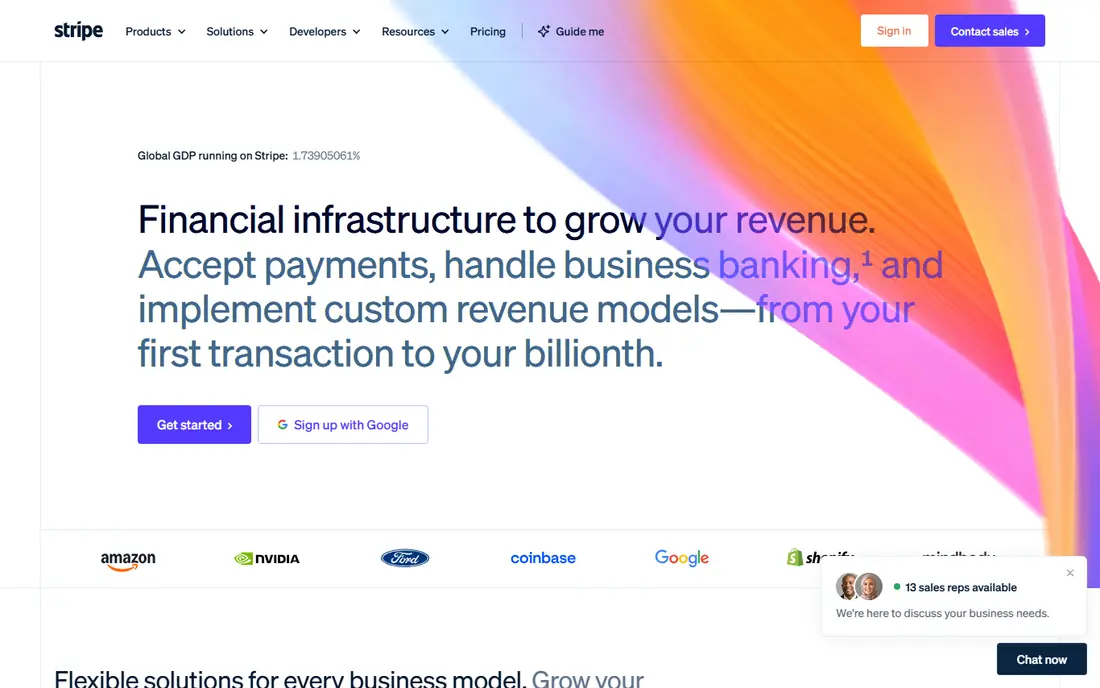
Stripe suits online stores, software businesses, and platforms that need custom checkout flows. Its APIs, subscription billing, and payment method support give developers a lot of control, and standard pricing has no monthly fee, which helps new online businesses. Integrations with major e-commerce platforms also shorten setup for many stores. In-person selling is possible through Stripe Terminal, but it is not as complete a shop system as Square, Clover, or Toast on its own. Owners without developers should check whether a ready integration covers their needs, or whether they will need help to build and maintain the checkout.
- Strong APIs and documentation for online businesses
- Supports subscriptions, invoices, and many payment methods
- No monthly fee for standard pricing
- Less suited to businesses that need a full in-person point of sale out of the box
- Dispute fees and setup complexity can surprise non-technical owners
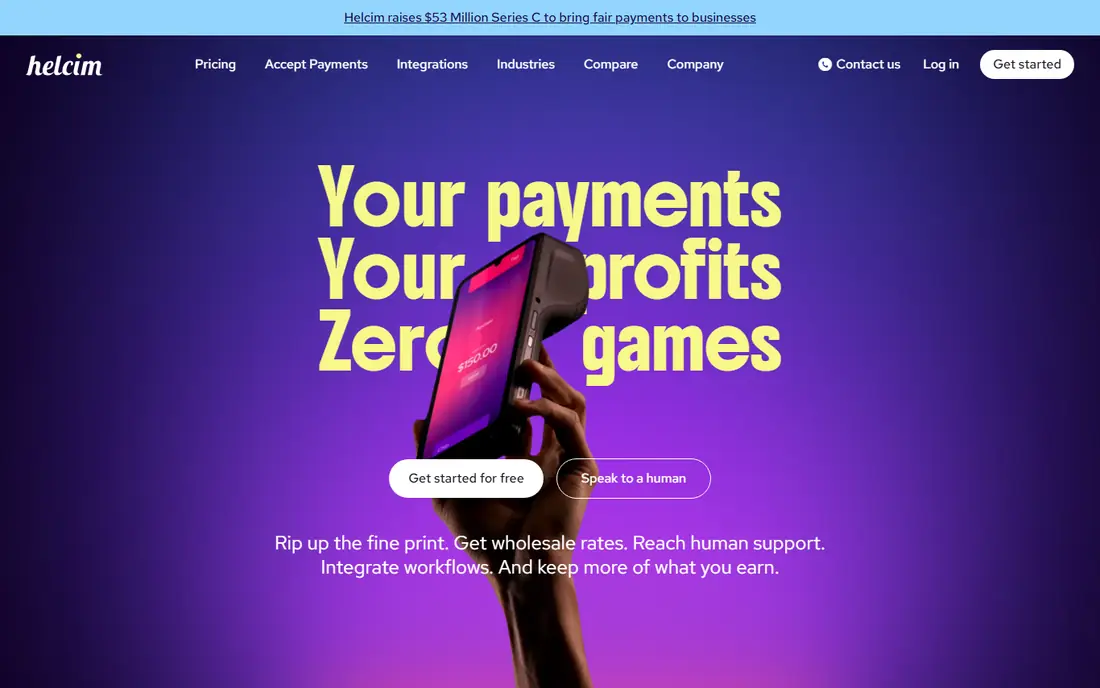
Helcim appeals to growing businesses that want to see the underlying card cost plus a clear markup, rather than one blended rate. That transparency helps owners understand why a month with more premium cards costs more, and volume discounts can reduce the markup as processing grows. No monthly fee in the standard plan also keeps fixed costs low. The downside is complexity. Interchange-plus pricing is fairer in many cases, but statements are harder to compare at a glance than a single flat rate. Owners should still calculate an effective rate, meaning total fees divided by total card sales, over a few months, rather than judging Helcim on one month alone.
- Interchange-plus pricing with no monthly fee in its standard plan
- Volume discounts can lower the markup as sales grow
- Hardware is sold outright rather than leased by default
- Interchange-plus statements take more effort to read
- Online markup and per-transaction fees are higher than in-person fees
PayPal works well as a familiar online payment option, especially for service businesses and small stores that send invoices or payment links. Many buyers already have an account, which can shorten checkout, and the brand recognition can help a new store look established. Standard accounts have no monthly fee, so it can sit beside another processor. Rates deserve a close look. Standard online card pricing is higher than Stripe or Square in some cases, and in-person pricing through Zettle differs again. PayPal is often best as an additional checkout option, or as a main option for low volume sellers who value recognition and invoicing over the lowest rate.
- Widely recognised checkout that can lift conversion for some stores
- Invoicing and payment links suit service businesses
- No monthly fee for standard accounts
- Online card rates are higher than some rivals
- Account holds and dispute handling can frustrate sellers
Stax, formerly Fattmerchant, uses a membership model. Instead of a percentage markup, businesses pay a monthly fee plus interchange and a small per-transaction fee. For a business with steady, higher volume, that structure can lower the effective rate compared with a flat-rate plan, because the markup does not grow with every sale. Low volume businesses should be careful. A monthly fee that looks small can outweigh the savings when sales are modest or uneven. Owners should model the subscription against at least three months of real sales, including card mix, before switching from a no-monthly-fee plan.
- Subscription model passes interchange through with a small per-transaction fee
- Can save money for steady high volume businesses
- Supports in-person, online, and invoicing channels
- Monthly subscription only makes sense above a volume threshold
- Smaller businesses may pay more than with a flat-rate plan
Clover suits shops and restaurants that want a complete counter system rather than a reader alone. Hardware options cover mobile selling, countertop stations, and larger setups, and the app marketplace lets owners add tools for staff, inventory, and customer loyalty. That breadth helps a growing shop avoid replacing its system as needs change. The main risk is variation. Clover is often sold through resellers, so pricing, contract length, and support can differ from one quote to another. Owners should get the software fee, processing rate, hardware cost, and contract terms in writing, and compare at least two quotes before signing.
- Wide hardware range from mobile readers to full stations
- App marketplace adds inventory, loyalty, and reporting tools
- Strong fit for counters and tables
- Pricing and contracts vary by reseller, so quotes differ
- Software fees and hardware costs can add up
Shopify Payments is the simplest choice for a store already running on Shopify. Checkout, payouts, and reporting stay in one admin area, and card payments do not carry the extra transaction fee that Shopify charges when a third-party gateway is used. That simplicity also reduces setup errors for new store owners. The limit is scope. It is not a general processor for a separate shop, restaurant, or service business outside Shopify. Store owners who plan to sell mainly through Shopify should compare Shopify plan levels too, since card rates can vary by plan, and that change can matter more than the processor name alone.
- Built into Shopify checkout with no extra gateway fee for card payments
- Supports Shop Pay and common wallets
- Payouts and reporting sit inside Shopify admin
- Only useful for Shopify stores
- Using another processor on Shopify can add extra fees
Authorize.net fits businesses that already have, or want, a separate merchant account and need a gateway to connect it to a website or virtual terminal. Its long history means many carts, platforms, and developers already support it, which can shorten integration work. Recurring billing and fraud tools also suit subscription and service businesses. All-in-one processors are simpler for most new small businesses, because Authorize.net adds a gateway fee on top of merchant account costs. Owners should only choose this route when they have a reason to keep the merchant account separate, such as an existing banking relationship or a specific platform requirement.
- Long established gateway with wide cart and platform support
- Virtual terminal and recurring billing suit many businesses
- Works with a separate merchant account
- Monthly gateway fee adds a fixed cost
- Setup is more involved than an all-in-one processor
Toast suits restaurants that want payments inside a full restaurant system, not just a card reader. Table management, menu changes, online ordering, and staff tools sit beside payment processing, which helps during busy service. That integration can save time compared with joining separate tools together. General retailers should look elsewhere, since Toast is built around restaurant workflows. Restaurant owners should also ask for a full quote covering hardware, software, and processing, because headline rates alone do not show the total cost of a restaurant system.
- Built for restaurants, with tables, menus, and online ordering
- Hardware and software are designed to work together
- Reporting covers menu and service performance
- Restaurant focus limits use for general retail
- Pricing and hardware packages need a sales quote for a full comparison
How we picked these
We compared official pricing and feature pages, support documentation, and public reviews, focusing on pricing model, sales channels, hardware, payout timing, chargeback fees, and contract terms. We favoured providers with a clear audience and published rates, and we noted where pricing varies by reseller or plan, rather than presenting a single quote as universal. This guide is general information only and is not financial advice. We did not claim hands-on testing of every processor, and rates change, so readers should request a written quote based on their own card mix and monthly volume. A useful check is to calculate the effective rate over recent months, then ask each shortlisted provider to estimate fees on that same sales profile.
How to compare processors fairly
Use your own card mix, not a headline rate
A headline rate hides differences in card type, channel, and ticket size. Pull recent statements, note the share of debit, standard credit, and premium cards, and ask each provider to price that same mix. That comparison is far more useful than comparing advertised percentages alone.
Add fixed costs and hardware
Monthly fees, gateway fees, software fees, and hardware purchases change the total. A no-monthly-fee plan with a higher rate can beat a subscription plan at low volume, while the reverse can be true at high volume. Include hardware replacement and support costs in the first-year total.
Check payouts, holds, and chargebacks
Payout speed affects cash flow, especially for restaurants and retailers. Ask how long payouts take, when holds can apply, and what each chargeback costs, including whether a fee is refunded if the dispute is won. These terms matter most when a dispute or a large sale arrives.
Read the contract before the rate
Contract length, early termination fees, and hardware lease terms can outweigh a small rate saving. Prefer month-to-month terms where possible, and get any promised rate, fee waiver, or hardware price in writing before signing.
FAQ
What is the best credit card processing company for small businesses?
Square is the best starting point for many small in-person businesses because setup is simple and the basic plan has no monthly fee. Stripe suits online businesses, while Helcim suits growing businesses that want clearer interchange-plus pricing. The best pick depends on sales channel, monthly volume, and card mix, not on brand alone.
What is the best credit card processing company for small business owners selling online?
Stripe is a strong online pick because of its checkout tools, subscription billing, and platform integrations. Shopify Payments is simpler for Shopify stores, and PayPal can lift conversion as an extra checkout option. Owners should compare online rates, dispute fees, and payout timing, since those differ by channel.
What are the best merchant services for small business?
Merchant services is a broad term for the account, gateway, hardware, and support behind card acceptance. Square and Clover cover in-person merchant services well, Stripe and Authorize.net cover online gateway needs, and Helcim and Stax cover pricing models that suit higher volume. The best service is the one that covers your main channel without forcing a long contract.
Is flat-rate or interchange-plus pricing better?
Flat-rate pricing is simpler and often better at low volume, because there is no monthly fee and one rate to track. Interchange-plus pricing is often cheaper at higher volume, because the markup is clear and does not rise with every sale in the same way. The break-even point depends on volume and card mix, so model both on real sales before choosing.
How much does credit card processing cost?
Costs vary by processor, channel, and card type, and most small businesses pay a percentage plus a small per-transaction fee. In-person rates are usually lower than online rates, and premium cards cost more than basic debit cards. The most useful figure is the effective rate, which is total processing fees divided by total card sales over a month.
Can I switch processors without losing sales?
Yes, in most cases, but plan the change carefully. Set up the new account first, test checkout and payouts, and update any saved payment details or subscriptions as needed. Keep the old account open until payouts and disputes are settled, and tell staff about the new hardware or checkout flow before the switch date.