CPU Temperature Monitoring Software in 2026: The 5 Best Options Side by Side
Best CPU temperature monitoring software in 2026: 5 tools with starting prices, free plans and limits. Each entry gets a plain verdict. Updated November 2026.
- Editor's choiceCore Temp
Compact, focused CPU temperature tracking
Starts atSee websiteVisit alcpu.comFull review - Great alternativeSpeedFan
Fan control and temperature monitoring
Starts atSee websiteVisit almico.comFull review - Also considerHWMonitor
Straightforward hardware sensor monitoring
Starts atSee websiteVisit cpuid.comFull review
Direct answer
This list puts Core Temp first for Compact, focused CPU temperature tracking. Listed starting prices: Argus Monitor from €14.95 / US $16.45 for 1 year. Alternatives: SpeedFan for fan control and temperature monitoring, and HWMonitor for straightforward hardware sensor monitoring. The full list of 5 tools follows, with prices and free plan facts.
TL;DR:
- This list starts with Core Temp, which is built for Compact, focused CPU temperature tracking.
- What to know about Argus Monitor first: premium software with trial.
- Pricing for Core Temp, SpeedFan, HWMonitor and HWiNFO is quote-based, which adds a sales step before you can compare cost.
- None of the 5 tools, from Core Temp to HWiNFO, has a free plan, so budget for a subscription or use a trial.
Last checked November 2026. Prices and plan details were read from the vendors' own pages in November 2026; vendors change plans often, so confirm the current price on the vendor site before you buy.
Quick comparison
| Tool | Best for | Starts at | Free plan? | |
|---|---|---|---|---|
| Core Temp | Compact, focused CPU temperature tracking | See website | Not stated | Visit |
| SpeedFan | Fan control and temperature monitoring | See website | Not stated | Visit |
| HWMonitor | Straightforward hardware sensor monitoring | See website | Not stated | Visit |
| Argus Monitor | Fan control based on several temperature sources | €14.95 / US $16.45 for 1 year | Not stated | Visit |
| HWiNFO | In-depth hardware analysis and monitoring | See website | Not stated | Visit |
The best CPU temperature monitoring software
LinkVetted put together this guide to CPU temperature monitoring software for readers who want a clear shortlist without reading every vendor page. It compares 5 tools on starting price, free plans, who each one suits and where each one falls short.
Core Temp
Best for: Compact, focused CPU temperature tracking
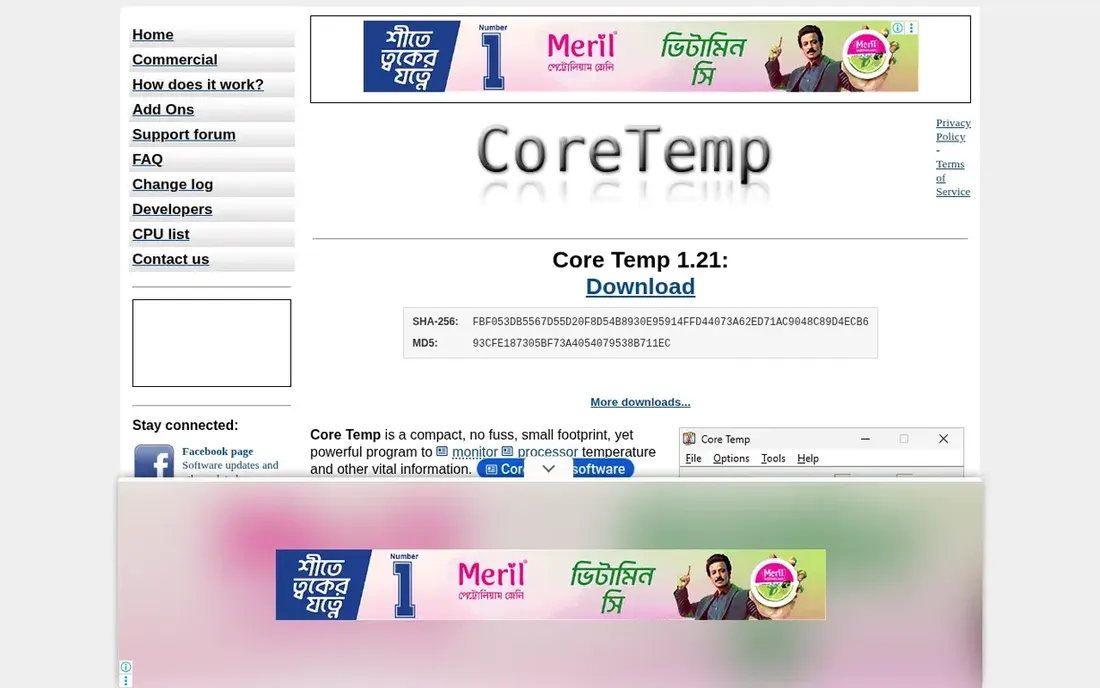
Core Temp is built with Compact, focused CPU temperature tracking in mind. Its small footprint means it runs lightly in the background, making it a decent choice for users who want a straightforward, dedicated tool for keeping an eye on CPU heat without additional features.
It is best for users who primarily need CPU temperature monitoring and prefer a minimal interface. Pricing for Core Temp is not stated here, so ask the vendor for current figures. Free options: Not stated.
Honest limits: No advanced logging or alerts.
- Concentrated on processor temperature
- Straightforward to use
- Limited to CPU temperature and entry-level info
SpeedFan
Best for: Fan control and temperature monitoring
In short, SpeedFan is for fan control and temperature monitoring. SpeedFan is a hardware monitor for Windows that accesses digital temperature sensors on multiple 2-wire SMBus Serial Bus. It can read voltages and fan speeds and control fan accelerates based on temperature.
This makes it a handy tool for users who want to run cooling actively, not just monitor temperatures. Worth adding: for straightforward monitoring without fan control, other tools are simpler to use. Check the vendor site for SpeedFan pricing; none is listed in this comparison. On free options: Not stated.
Downsides: Interface is dated and complicated.
- Bundles technical documentation
- Accesses digital temperature sensors
- May require configuration for accurate readings
HWMonitor
Best for: Straightforward hardware sensor monitoring
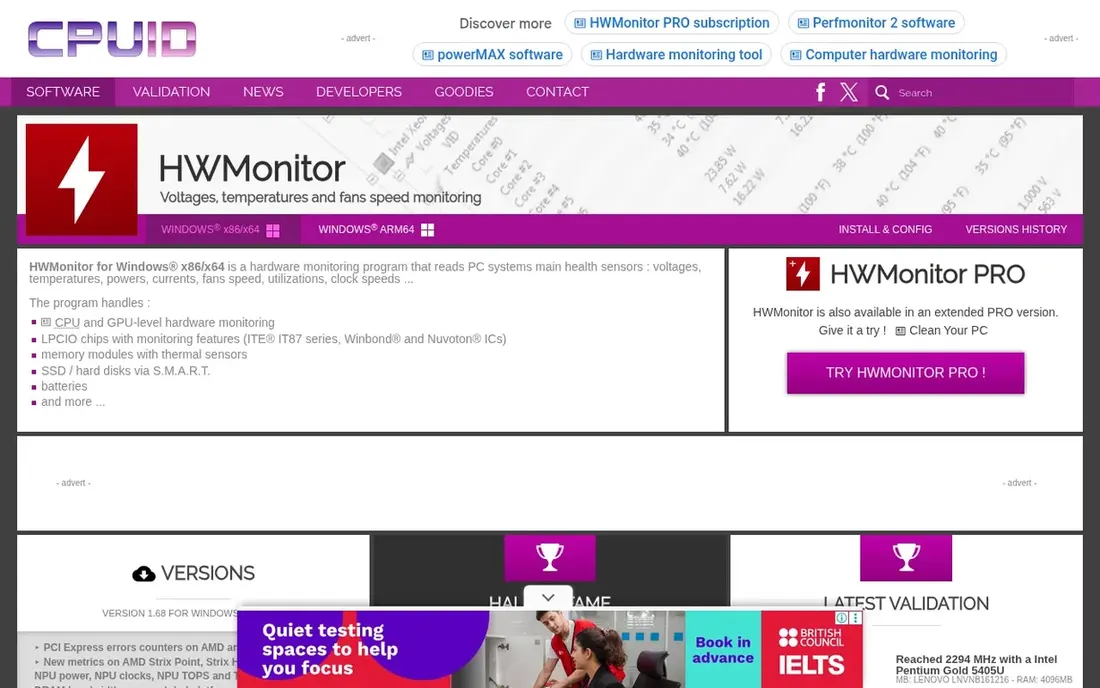
HWMonitor is designed for straightforward hardware sensor monitoring. HWMonitor concentrates on monitoring instead of control or in-depth analysis. It lacks features like fan control or deep logging, so users needing advanced diagnostics or automation may find it restricted.
Downsides: No built-in logging or alerts.
From a buyer's view, HWMonitor is a hardware monitoring program that reads a PC's central health sensors, including voltages, temperatures, powers, currents, fan accelerates, utilizations, and clock accelerates. It presents this data in a clear, hierarchical view, making it simple for users to rapidly check CPU temperatures and other vital stats. No starting price is listed for HWMonitor here; confirm pricing on the vendor site. Free access: Not stated.
- Straightforward
- Easy-to-read interface
- Restricted advanced features
Argus Monitor
Best for: Fan control based on several temperature sources
Argus Monitor makes the most sense for fan control based on several temperature sources. Argus Monitor is fan control software for Windows that controls fans based on all temperatures, including CPU, GPU, mainboard, AIO liquid, and external temperature sources. It is well suited to users who want to automate cooling based on several sensor readings, ensuring optimal thermal management.
Honest limits: premium software with trial.
Best features of Argus Monitor: Controls fans based on various temperatures.
As for the details, Argus Monitor is primarily a fan control tool, so its monitoring features may not be as in-depth as dedicated monitoring software. It is a premium solution with a trial, which may deter users seeking free choices. As for the details, for entry-level temperature monitoring, free tools like HWMonitor are more accessible. Entry price for Argus Monitor: €14.95 / US $16.45 for 1 year. Free plan details: Not stated.
- Full fan control
- Supports CPU, GPU, mainboard
- Concentrated on fan control instead of pure monitoring
HWiNFO
Best for: In-depth hardware analysis and monitoring

HWiNFO is designed for in-depth hardware analysis and monitoring. For entry-level needs, a lighter tool like Core Temp may suffice.
Watch-outs: Interface can be overwhelming.
This tool is a strong match for enthusiasts and professionals who require full data about their system's health and performance. The depth of information can make HWiNFO intimidating for casual users, and its interface is not as simplified as more straightforward tools. Pricing for HWiNFO is not stated here, so ask the vendor for current figures. As for free access: Not stated.
- Live monitoring and reporting
- In-depth hardware information
- Advanced features may need a ramp-up time
How the list was put together
Each tool was reviewed on what its vendor publishes: price, plan limits, core features and stated drawbacks. We did not run hands-on tests. Figures are shown as the vendors publish them. Billing terms, seat minimums and add-ons can change the real cost. The order reflects how well each tool fits the most common buying scenario for CPU temperature monitoring software, then price clarity, then free plan access. It is a starting point, not a verdict.
Pre-purchase checklist
- Ask Core Temp, SpeedFan, HWMonitor and HWiNFO for a written quote, since no starting price is shown.
- Read the limits listed for Core Temp first: restricted to CPU temperature and entry-level info.
- Look at the help docs and support options for Core Temp before you commit.
- Add up seats, add-ons and usage charges for HWMonitor before comparing it with cheaper entries.
- Check whether HWiNFO bills monthly or annually, and what cancelling early costs.
FAQ
Does any tool for CPU temperature monitoring software here have a free plan?
A permanent free plan is not offered by Core Temp, HWiNFO or the other tools here. Plan a short evaluation period instead.
Can I try these options before paying?
Not by default. None of the tools, from Core Temp to HWiNFO, lists a free plan or a free trial here, so ask each vendor for a demo before committing.
What is the best free CPU temperature monitoring software?
Core Temp is the pick this page puts first, mainly for Compact, focused CPU temperature tracking. If your situation differs, SpeedFan suits fan control and temperature monitoring, and HWMonitor suits straightforward hardware sensor monitoring. Compare price and limits before you decide.
Do these tools publish their prices?
Not all of them. Core Temp, SpeedFan, HWMonitor and HWiNFO publish no starting price, so expect a quote request for those. The rest, Argus Monitor included, show a starting price, though seats and billing terms still change the final cost.
How are the tools for CPU temperature monitoring software ordered?
Core Temp sits first and HWiNFO last because the order follows typical fit for CPU temperature monitoring software, then price clarity and free access. It is a judgement call, so read each profile for fit and limits.
Sources
- https://www.alcpu.com/CoreTemp
- https://www.almico.com/speedfan.php
- https://www.cpuid.com/softwares/hwmonitor.html
- https://www.argusmonitor.com
- https://www.hwinfo.com