Best Coworking Spaces Software for 2026: Our 5 Vetted Picks
5 options for the best coworking spaces software, with entry costs, free tiers and the buyer each one serves. The catches are listed up front. See which fits.
- Editor's choice
 Cobot
Easy-to-learn all-in-one coworking management
Starts atSee websiteVisit cobot.meFull review - Great alternative
 Optix
Automation-first flex space operations
Starts at$197 a monthVisit optixapp.comFull review - Also consider
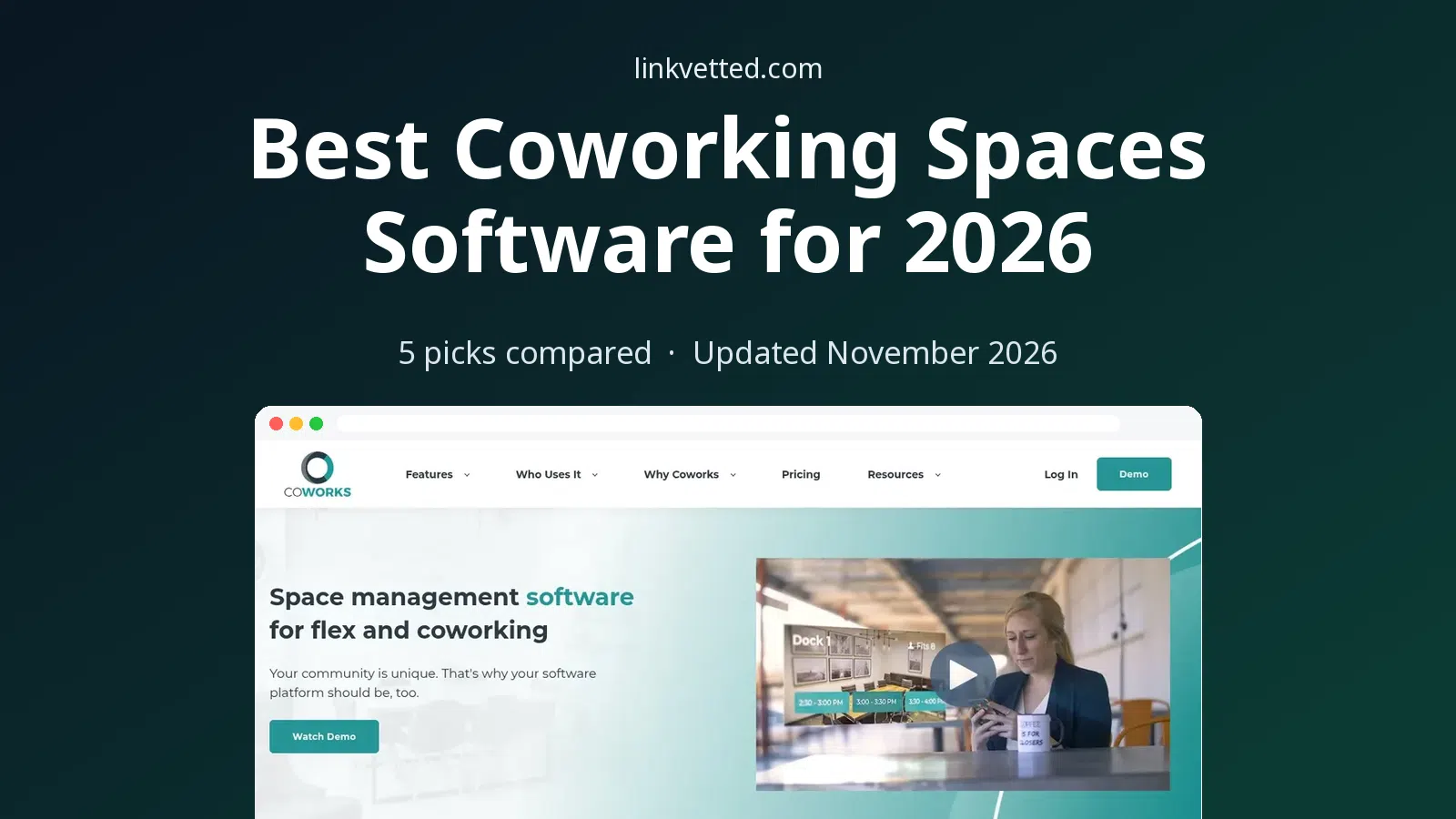
 Coworks
Community-first space management
Starts at$149 a monthVisit coworks.comFull review
Direct answer
Cobot leads the list, best for easy-to-learn all-in-one coworking management. Listed starting prices: Optix from $197 a month, Coworks from $149 a month and Spacebring from $174 per month. Optix fits automation-first flex space operations; Coworks fits community-first space management. Prices, free plans and limits for all 5 tools follow.
TL;DR:
- Cobot sits first on this list: easy-to-learn all-in-one coworking management.
- Spacebring is the one to check for member service and automation.
- What to know about Optix first: automation focus may need process review.
- Cobot, Spacebring and the 3 others all need a premium plan or a trial, since no free plan is listed.
Last checked November 2026. Prices and plan details were read from the vendors' own pages in November 2026; vendors change plans often, so confirm the current price on the vendor site before you buy.
Quick comparison
| Tool | Best for | Starts at | Free plan? | |
|---|---|---|---|---|
| Cobot | Easy-to-learn all-in-one coworking management | See website | Free trial | Visit |
| Optix | Automation-first flex space operations | $197 a month | Free trial | Visit |
| Coworks | Community-first space management | $149 a month | Not stated | Visit |
 OfficeRnD Flex | Coworking and hybrid workplace management | See website | Not stated | Visit |
 Spacebring | Member service and automation | $174 per month | Free trial | Visit |
5 options for coworking spaces software Options in detail
Choosing coworking spaces software usually comes down to price, fit and limits. This LinkVetted guide sets 5 tools side by side on those three points, with the facts kept short and checkable.
Cobot works best for intuitive all-in-one coworking management. Choose Cobot when you want an easy-to-learn system that spans core management and member tools together.
Downsides: Access control may need hardware setup.
Where Cobot stands out: Mobile app and member tools.
Spaces that value a straightforward interface and mobile access for members may find it a solid fit. The all-in-one scope may bundle features that a very small space will not need, and access control can need hardware coordination. Pricing for Cobot is not stated here, so ask the vendor for current figures. Free plan details: Free trial.
- Access control
- Analytics included
- All-in-one scope may be wide for straightforward spaces
Optix targets automation-first flex space operations. Optix is automation-first software for coworking spaces, golf simulator venues, and other flex spaces. It aims to save operators time and help grow the business by automating routine tasks.
The main drawbacks: Venue variety can mean wide configuration.
In practice, spaces with very straightforward needs might not use the automation depth. For everyday use, an automation-first approach may need operators to review and standardize their processes before setup. Entry price for Optix: $197 per month. Free access: Free trial.
- Fits coworking and golf simulator venues
- Aims to save time and grow business
- Automation focus may need process review
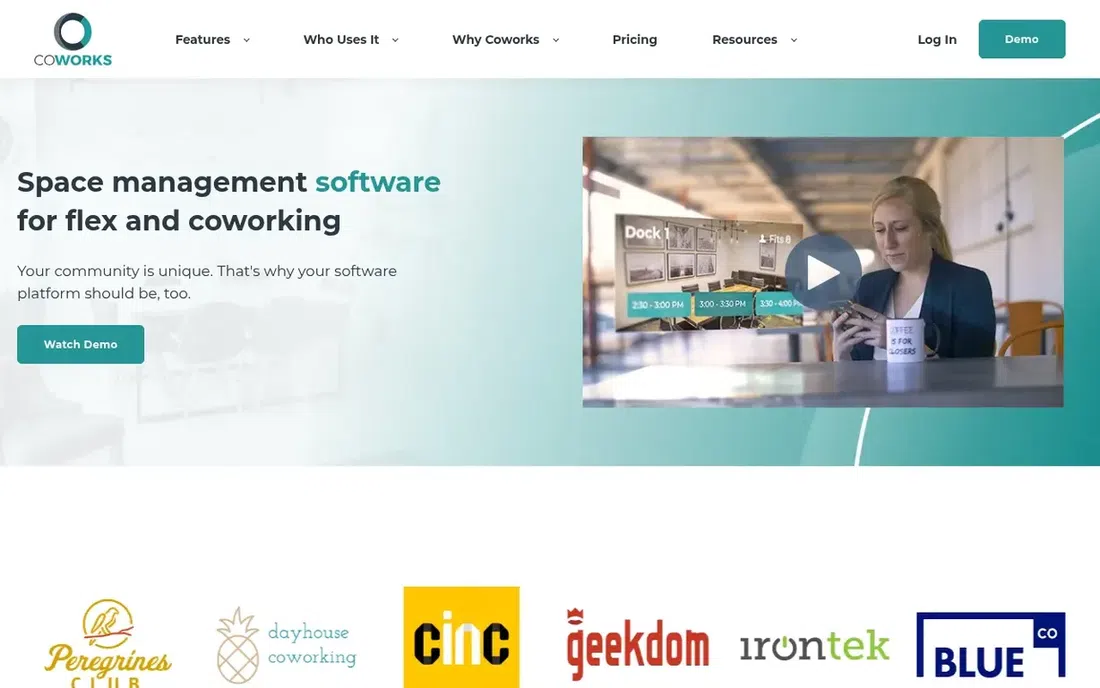
Coworks is a good fit for community-first space management. It includes billing, room booking, member management, access, and more, making it a fit for operators who see community as central to their value.
Watch-outs: Community focus may not suit all operators.
In daily use, the community-first design may be less important for spaces focused purely on private offices or industrial flex units. Coworks starts at: $149 per month. Free plan details: Not stated.
- Deals with billing and room booking
- Includes members and access
- Access features may need hardware coordination
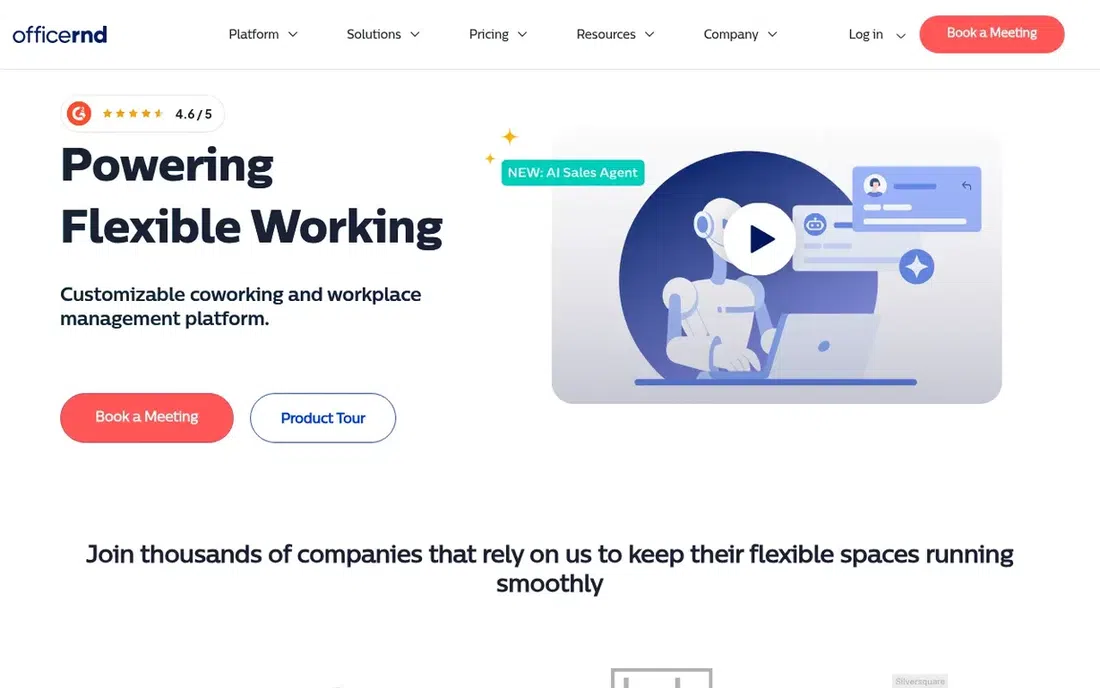
OfficeRnD Flex works best for Coworking and hybrid workplace management. OfficeRnD Flex is software for managing coworking spaces, flex spaces, and hybrid workplaces, with an emphasis on delivering a solid experience for members and employees.
This comparison lists no price for OfficeRnD Flex; ask the vendor. Trial and free access: Not stated.
What to check first: Hybrid focus can add complexity.
- Focus on member experience
- Right for mixed workplace models
- May be more than small spaces need
Choose Spacebring for member service and automation. Spacebring is coworking space software concentrated on superior member service.
Choose Spacebring when member service and automation are central and you want admin tools in a native app. Beyond that, smaller spaces without dedicated admin staff might find the feature set wide. Starting cost for Spacebring: $174 per month. Free options: Free trial.
Watch-outs: AI features may need evaluation.
- Automates billing, bookings, access
- Branded member experience
- Branding choices may need setup
What went into this list
The comparison looks at four things: starting price, free access, how well the feature set matches coworking spaces software, and the main limit of each tool. Seat minimums, billing terms and add-ons can move the real cost, so the starting prices here are a guide and not a quote. The sequence is a judgement call: typical use case first, then pricing transparency, then free access. Use the profiles to check fit.
Things to verify first
- Confirm the entry price on the vendor page. For Cobot and OfficeRnD Flex that means a quote rather than a fixed price.
- Take the trial from Cobot, Optix and Spacebring and push a live task through it before you pay.
- Read the limits listed for Cobot first: all-in-one scope may be wide for straightforward spaces.
- Confirm that Spacebring connects to the apps your team already uses, on the plan you would actually buy.
- Confirm you can export your data from OfficeRnD Flex, so leaving later does not mean losing records.
FAQ
What is the cheapest option for coworking spaces software in this list?
On published monthly entry prices, Coworks is the lowest here at $149 per month. Entry price is only part of the cost, because seats, add-ons and billing terms can change the total. All 5 picks in this Coworking spaces software comparison list a starting price, free plan details and the main limits on their cards above.
Do these tools publish their prices?
Not all of them. Cobot and OfficeRnD Flex publish no starting price, so expect a quote request for those. The rest, Optix included, show a starting price, though seats and billing terms still change the final cost.
Does any tool for coworking spaces software here have a free plan?
No tool in this list, Cobot and Spacebring included, has a permanent free plan. Cobot, Optix, Spacebring offer a trial. Trials and quotes are the usual route, so plan a short evaluation period.
Is Cobot the right pick for everyone comparing coworking spaces software?
No single tool suits every team. Cobot comes first because it fits intuitive all-in-one coworking management, while Optix suits automation-first flex space operations and Coworks suits community-first space management. Match the tool to your own size, budget and workflow before deciding.
What should a coworking space look for in management software?
Prioritize the functions you use daily, for example bookings, billing, member management, and access control. Also consider how the member experience is delivered, whether through a branded app or web portal, and how well the tool suits your space type and size.
What is the difference between bookings and access control in these tools?
Bookings usually refer to reserving desks, meeting rooms, or other resources, whereas access control handles entry to the space or specific areas.
Sources
- https://www.cobot.me
- https://optixapp.com
- https://www.coworks.com
- https://www.officernd.com
- https://www.spacebring.com