Best Cookie Consent Management Tools in 2026: 8 Tools Compared
Compare the best cookie consent management tools on GDPR and US state privacy laws, banner design, Google Consent Mode and pricing for small sites. See more.
- Editor's choice
 CookieYes
Small sites and WordPress
Starts at$10 per monthVisit cookieyes.comFull review - Great alternative
 Cookiebot
Google Consent Mode sites
Starts at$8 per monthVisit cookiebot.comFull review - Also consider
 OneTrust
Enterprise consent programs
Starts atSee websiteVisit onetrust.comFull review
TL;DR:
- CookieYes and Cookiebot suit most small and mid-size sites, with free plans for small sites and clear Google Consent Mode support.
- OneTrust and Usercentrics suit enterprises that need consent across many domains, channels and privacy workflows.
- Pageview-based pricing suits high-page sites with modest traffic, while subpage-based pricing suits high-traffic sites with few pages.
- A consent tool does not make a site compliant on its own: cookie scanning, blocking, records and a privacy policy must work together.
Quick comparison
| Tool | Best for | Starts at | Free plan? | |
|---|---|---|---|---|
| CookieYes | Small sites and WordPress | $10 per month | Yes | Visit |
| Cookiebot | Google Consent Mode sites | $8 per month | Yes | Visit |
| OneTrust | Enterprise consent programs | See website | No | Visit |
 Osano | Consent plus privacy workflows | $199 per month | Yes | Visit |
 Usercentrics | Multi-domain enterprises | $8 per month | No | Visit |
 Termly | Small business bundles | See website | Yes | Visit |
 Complianz | WordPress consent plugin | $59 per year | Yes | Visit |
 iubenda | Consent plus policies | See website | Yes | Visit |
The best cookie consent management tools
We compared consent banner tools on scanning, auto-blocking, Google Consent Mode, IAB support, consent records and pricing from official pages and current comparison guides. Prices are per domain or per plan as noted on vendor pages.
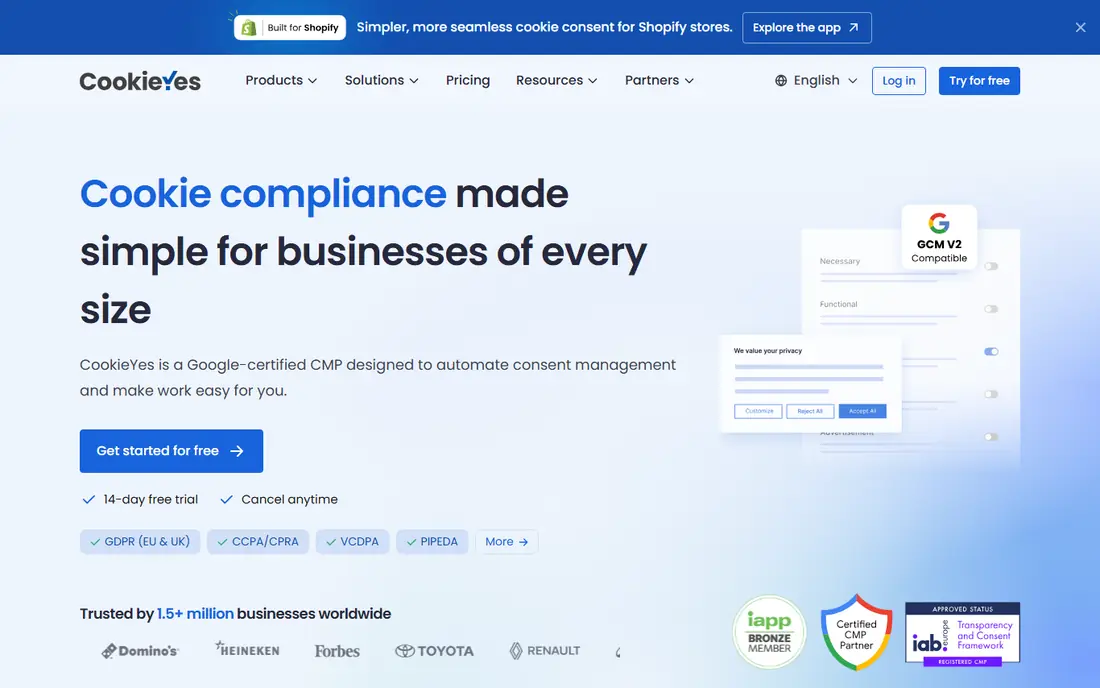
CookieYes is our pick for most small and mid-size sites, because it pairs a usable free plan with straightforward paid plans. The free plan covers one domain with a page scan limit and a monthly pageview limit, plus cookie scanning, auto-blocking and consent records. Paid plans start near 10 dollars per domain per month, with higher pageview limits and more customization.
The catch is pageview pricing. A site with heavy traffic but few pages may hit a pageview limit sooner than it would hit a subpage limit on Cookiebot. Check your monthly pageviews before you choose, and compare CookieYes against Cookiebot for your traffic pattern. For WordPress sites and small business sites, CookieYes is a fast, low-friction start.
- Free plan for one small site
- Google-certified CMP
- Auto-blocking and consent records
- Paid plans are pageview based
- Advanced features sit on higher tiers
Cookiebot suits sites that run Google Ads or Analytics and need clean Google Consent Mode support. Its free plan covers one domain with under 50 subpages, with manual blocking and consent records included. Premium plans start near 8 dollars per month per domain for the smallest tier, with larger tiers based on subpage counts and features such as branded banners, regional banner rules and advanced reporting.
The weakness is the free plan limit. Manual blocking only on the free plan means more setup work, and a site that grows past 50 subpages moves to a paid tier. For sites that use Google tools heavily and have many pages but modest traffic, Cookiebot subpage pricing can be cheaper than pageview pricing. For small sites, its free plan is a strong test route.
- Free plan for sites under 50 subpages
- Google-certified CMP
- Automatic cookie detection
- Paid pricing is subpage based
- Automatic blocking needs a paid plan
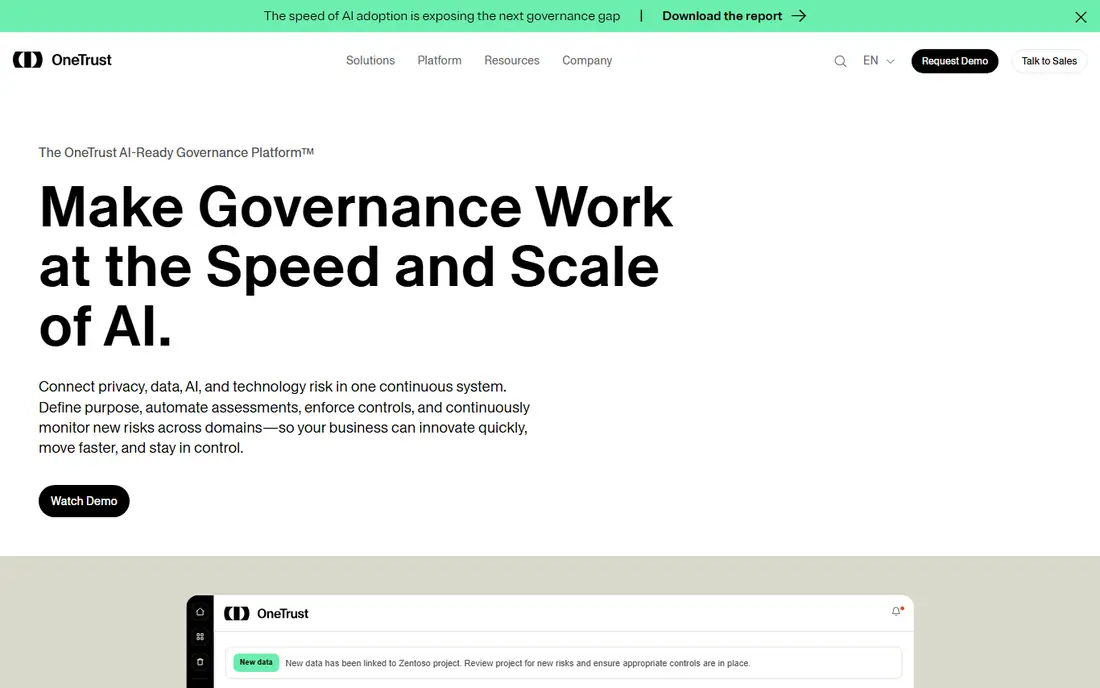
OneTrust is the enterprise pick for companies that need consent management as part of a wider privacy program. It covers web and mobile consent, preference centers, data subject requests, vendor risk and AI governance in one suite, with many integrations to marketing and data tools. Large companies with many domains, brands and regions use OneTrust to keep consent records consistent.
The catch is scale and cost. OneTrust pricing is quote based and sits at the enterprise end, and setup can be complex and lengthy. A single small site should not buy OneTrust for a banner alone. A company with a privacy team, many domains and a need for audit-ready records will get value that smaller tools cannot match.
- Enterprise consent across web, app and other channels
- Broad privacy suite
- Many integrations
- No published pricing
- Complex and lengthy setup
- Overkill for a single small site
Osano suits mid-size companies that want consent management plus privacy request handling in one tool. Its free self-serve plan covers one user, one domain and up to 5,000 monthly visitors, with customizable banners. Paid self-serve plans start near 199 dollars per month, with higher tiers by quote for larger privacy programs.
The weakness is the jump from free to paid. A site that outgrows the free visitor cap faces a steep step to the paid plan, which may exceed a small business budget. Osano is best for companies that already need privacy request intake and vendor management, not just a banner. If you only need a banner, CookieYes or Cookiebot will cost far less.
- Free self-serve plan for a small site
- Consent plus privacy request tools
- Customizable banners
- Paid self-serve plan starts high
- Traffic caps apply on some plans
Usercentrics, which now owns Cookiebot, suits companies that need a polished enterprise CMP with analytics and testing. It supports more than 60 languages, offers banner A/B testing, detailed analytics and role controls, and it integrates with many marketing tools. Paid plans start near 8 dollars per month in current comparisons, with higher tiers for larger session volumes and multi-domain use.
The catch is the lack of a free plan and the initial setup effort. Small sites may prefer Cookiebot free or CookieYes free for a first test, then move to Usercentrics when they need analytics, testing or multi-domain controls. For enterprises that already use Cookiebot, Usercentrics offers a clear upgrade path inside the same company group.
- Google-certified CMP
- Strong analytics and A/B testing
- Supports many languages
- No free plan
- Setup needs manual effort at first
- Premium support sits on higher tiers
Termly suits small businesses that want a consent banner plus privacy policy, terms and disclaimer generators in one account. Its free plan covers basic consent needs, and paid bundles add policy generators and more banner controls. For a new site owner who needs both a banner and a first privacy policy, that bundle can save time.
The weakness is depth. Termly consent features are solid for small sites but less advanced than CookieYes, Cookiebot or OneTrust for complex consent records, IAB framework support or multi-region rules. Use Termly when you need a simple bundle, and move to a specialist CMP when your traffic, regions or ad partners grow.
- Consent banner plus policy generators
- Free plan for a small site
- Simple setup
- Advanced consent features trail specialist CMPs
- Pricing varies by bundle
Complianz is the pick for WordPress sites that want consent management inside WordPress rather than as an external script. Its free plugin covers basic consent banners and cookie scanning, while premium plans start near 59 dollars per year for one site, with more regions, integrations and legal documents. Running inside WordPress keeps banner design and policy pages close to site content.
The catch is scope. Complianz only works for WordPress, so a site with a separate app, landing pages or non-WordPress pages needs another tool or a workaround. WordPress knowledge also helps, since setup involves plugin settings and theme compatibility checks. For a WordPress-only site, Complianz is a strong, low-cost choice.
- Free WordPress plugin
- Premium from 59 dollars per year for one site
- Runs inside WordPress
- WordPress only
- Some features need premium
- Setup needs WordPress knowledge
iubenda suits sites that need a consent banner plus privacy and cookie policies, terms and other legal documents from one vendor. Its free tier covers basic use, and paid plans add more languages, policy options and consent features. Multi-language support helps sites with European visitors, and its templates are reviewed for many regions.
The weakness is bundled pricing. Each product, such as the privacy policy generator and the consent solution, can carry its own price, so the total can exceed a single CMP plan. Compare the iubenda bundle total against CookieYes plus a separate policy generator before you buy. For sites that need policies and consent together, iubenda remains a convenient one-stop option.
- Consent banner plus policy generators
- Multi-language support
- Attorney-reviewed templates in many regions
- Pricing is per product and can add up
- Advanced CMP features need higher plans
How we picked these
We compared official pricing pages, Google CMP certification, IAB framework support, consent records, scanning and blocking features, and current comparison guides. We favored tools with a current free plan or trial, clear Google Consent Mode support and a usable banner editor. We left out open-source snippets with no hosted service, since most small businesses need a managed CMP rather than code to maintain.
How to set up cookie consent correctly
A banner alone does not create compliance. Scanning, blocking, records and policy wording must work together, and the setup must match the laws that apply to your visitors.
Scan, block and record consent
Run a full cookie scan, categorize cookies as necessary, analytics, marketing or preferences, and set auto-blocking so non-necessary cookies wait for consent. Keep consent records with time, choice and banner version, since regulators and ad partners may ask for proof. Test the banner on desktop and mobile, in each region you serve, and check that rejecting cookies actually blocks trackers.
GDPR, US state laws and Google Consent Mode
GDPR and the ePrivacy rules require prior consent for non-necessary cookies in Europe, while US state laws such as California, Colorado and Connecticut focus more on opt-outs and Global Privacy Control signals. A good CMP should support both models with regional banner rules. If you run Google Ads or Analytics, enable Google Consent Mode so tags adjust to consent choices and measurement stays as complete as the law allows.
Banner design that users trust
Write banner text in plain language, offer equal accept and reject buttons, and link to a cookie policy that lists each cookie, its purpose and its duration. Avoid dark patterns such as a bright accept button and a hidden reject link, since regulators penalize them and users distrust them. A clear banner with a real reject option often keeps trust and consent rates higher over time than a pushy banner.
FAQ
What is the best cookie consent management tool?
CookieYes and Cookiebot lead for most small and mid-size sites, with free plans and Google Consent Mode support. OneTrust leads for enterprises with many domains and privacy workflows. The best tool for you depends on your traffic, page count, regions and whether you need consent records for audits.
Is there a free cookie consent tool?
Yes. CookieYes, Cookiebot, Osano, Termly, Complianz and iubenda all offer free plans or free tiers for small sites, with limits on domains, pages or visitors. Free plans suit a single small site, while larger sites usually need a paid plan for auto-blocking, branding and higher limits.
Do I need a cookie consent tool for a US-only website?
Federal US law does not require a cookie banner in the same way GDPR does, but state laws in California, Colorado, Connecticut and other states require honoring opt-outs and Global Privacy Control signals. If you run ads or analytics, a light CMP is still useful insurance as state laws expand. Check the laws in each state where your visitors live.
What is Google Consent Mode?
Google Consent Mode lets Google tags adjust their behavior based on a visitor consent choice, so Analytics and Ads collect less data when consent is denied and fuller data when consent is granted. A Google-certified CMP such as CookieYes, Cookiebot or Usercentrics can send those consent signals correctly. Without Consent Mode, a site may lose measurement or risk sending data before consent.
How much does a cookie consent tool cost?
Free plans cover small sites, while paid plans often start near 8 to 10 dollars per month per domain for Cookiebot and CookieYes. Mid-size plans run from 29 to 199 dollars per month depending on traffic and features, and enterprise tools such as OneTrust are quote based. Compare pageview limits, subpage limits and domain counts before you choose.
What is the difference between CookieYes and Cookiebot pricing?
CookieYes prices mainly by monthly pageviews, while Cookiebot prices mainly by the number of subpages on a domain. A high-traffic site with few pages may pay less on Cookiebot, while a large site with modest traffic may pay less on CookieYes. Check your pageviews and subpage count, then compare the matching tier for each tool.