Best Core Temp Alternatives for 2026 (5 Compared)
5 tools for Core Temp alternatives, compared on pricing, free plans and best-fit use. Every pick includes one clear drawback. Current for November 2026.
- Editor's choiceSpeedFan
Fan control and temperature monitoring
Starts atSee websiteVisit almico.comFull review - Great alternativeHWiNFO
In-depth hardware diagnostics
Starts atSee websiteVisit hwinfo.comFull review - Also considerOpen Hardware Monitor
Open-source sensor monitoring
Starts atSee websiteVisit openhardwaremonitor.orgFull review
Direct answer
SpeedFan comes first here, mainly for fan control and temperature monitoring. Listed starting prices: Argus Monitor from €14.95 / US $16.45 for 1 year. Look at HWiNFO for in-depth hardware diagnostics, and at Open Hardware Monitor for Open-source sensor monitoring. Details, prices and limits for the rest of the 5 tools are below.
TL;DR:
- SpeedFan takes the first slot, best suited to fan control and temperature monitoring.
- HWMonitor fits straightforward system sensor monitoring.
- Neither SpeedFan nor HWMonitor, nor any of the other 3 tools, has a permanent free plan; trials and quotes are the norm.
- Expect to ask for a quote from SpeedFan, HWiNFO, Open Hardware Monitor and HWMonitor; the other tools show a starting price.
Last checked November 2026. Prices and plan details were read from the vendors' own pages in November 2026; vendors change plans often, so confirm the current price on the vendor site before you buy.
Quick comparison
| Tool | Best for | Starts at | Free plan? | |
|---|---|---|---|---|
| SpeedFan | Fan control and temperature monitoring | See website | Not stated | Visit |
| HWiNFO | In-depth hardware diagnostics | See website | Not stated | Visit |
| Open Hardware Monitor | Open-source sensor monitoring | See website | Not stated | Visit |
| Argus Monitor | Advanced fan control | €14.95 / US $16.45 for 1 year | Not stated | Visit |
| HWMonitor | Straightforward system sensor monitoring | See website | Not stated | Visit |
Core Temp profiles
Short on time? The summary and table above give the quick view of 5 tools for Core Temp, and the profiles that follow give the detail behind each entry.
SpeedFan
Best for: Fan control and temperature monitoring
SpeedFan is a good fit for fan control and temperature monitoring. Choose SpeedFan if you need a free tool with fan control capabilities and don't mind the ramp-up time. Beyond that, SpeedFan is a hardware monitor for Windows that accesses digital temperature sensors on multiple 2-wire SMBus Serial Bus.
Honest limits: Configuration can be complicated.
For more modern fan control, consider Argus Monitor. Also, SpeedFan's interface is dated, and configuring fan control can be challenging, notably on newer systems. Beyond that, the software bundles technical articles and documentation to help with setup. Check the vendor site for SpeedFan pricing; none is listed in this comparison. As for free access: Not stated.
- Accesses digital temperature sensors
- Comes with technical documentation
- Dated interface
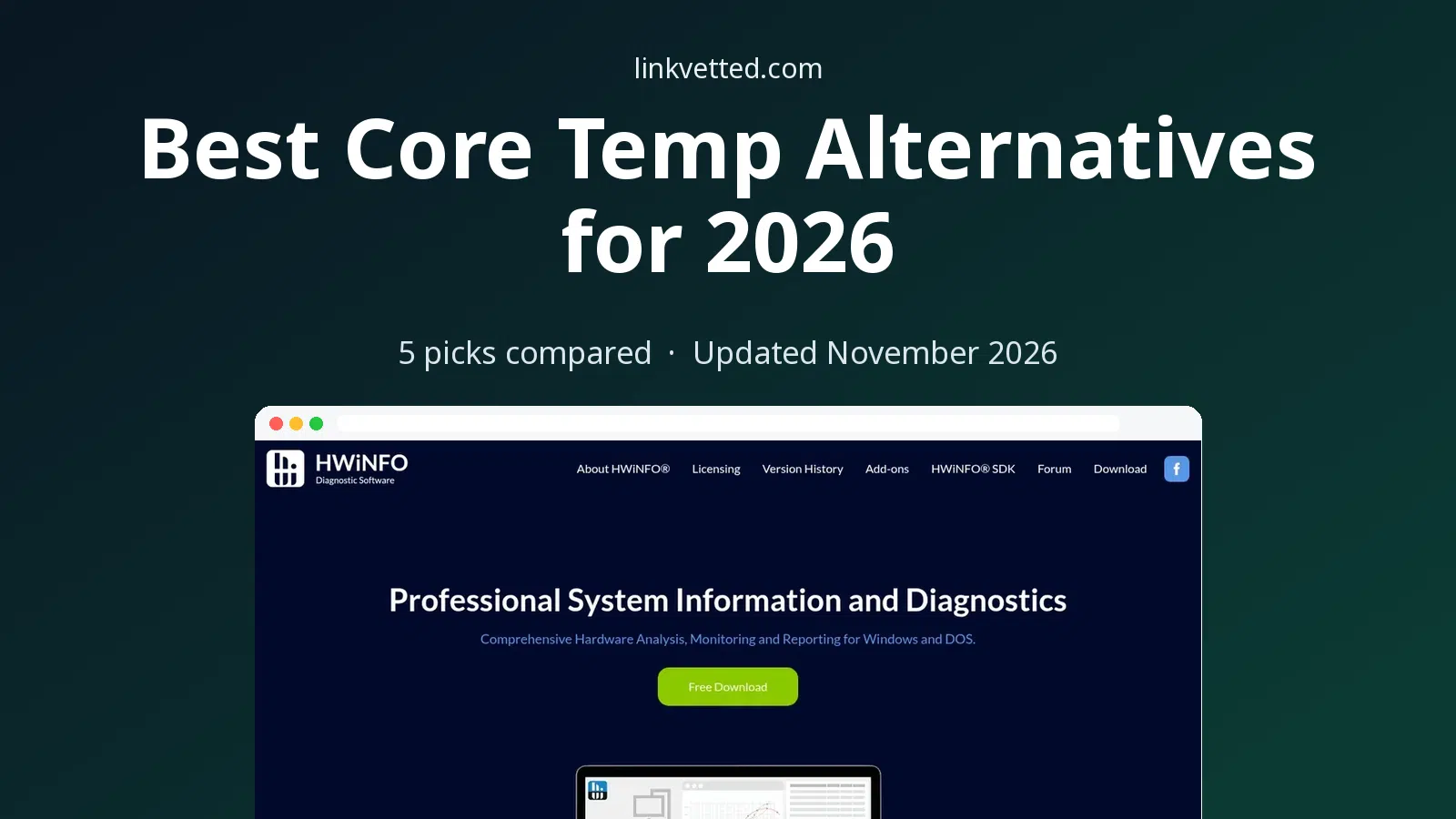
HWiNFO
Best for: In-depth hardware diagnostics

HWiNFO makes the most sense for in-depth hardware diagnostics. HWiNFO is a free system information, monitoring, and diagnostics tool that supplies in-depth hardware analysis and live sensor readings. It supports a vast array of sensors and gives you in-depth reports, making it right for enthusiasts, overclockers, and technicians who require full data.
Its depth comes at the cost of complexity; the interface is dense and may intimidate casual users. Also, it is primarily a monitoring tool without native fan control. As for the details, pick HWiNFO when you need thorough hardware insights. No starting price is listed for HWiNFO here; confirm pricing on the vendor site. Free options: Not stated.
Where it is weaker: Steeper ramp-up time.
- In-depth sensor reporting
- Regular updates
- Interface can be overwhelming
Open Hardware Monitor
Best for: Open-source sensor monitoring
Choose Open Hardware Monitor for Open-source sensor monitoring. Open Hardware Monitor is a free, open-source program that displays core temperatures, fan accelerates, and voltages.
Where it falls short: Restricted support for newer hardware.
Strengths: Light. From a buyer's view, the tool is light and can run without installation. Beyond that, if you have newer components or need more frequent updates, HWiNFO or HWMonitor are better choices. This comparison lists no price for Open Hardware Monitor; ask the vendor. Trial and free access: Not stated.
- Free and open-source
- Reads core temperatures
- No recent updates
Argus Monitor
Best for: Advanced fan control
Argus Monitor targets advanced fan control. Choose Argus Monitor if fan control is your primary priority.
Where it is weaker: Focused primarily on fan control.
It is aimed at users who want precise cooling management and an approachable interface. For everyday use, the tool is especially handy for gamers and enthusiasts looking to optimize airflow and noise. Entry price for Argus Monitor: €14.95 / US $16.45 for 1 year. Free access: Not stated.
- AIO liquid temperatures
- Approachable interface
- Premium software
HWMonitor
Best for: Straightforward system sensor monitoring
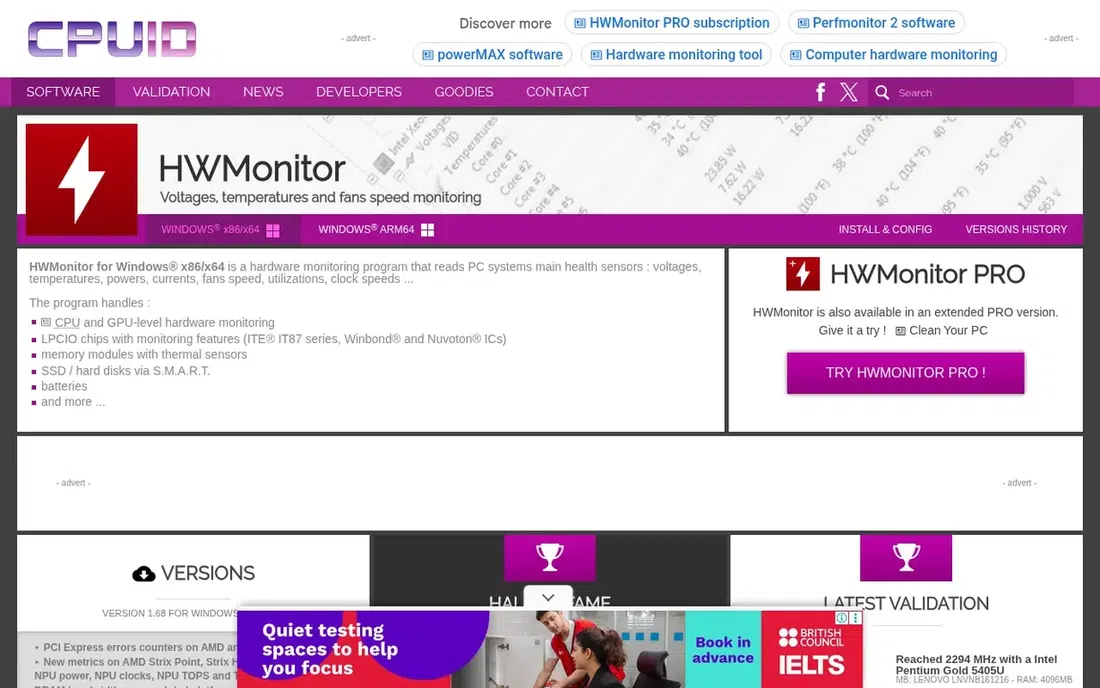
Think of HWMonitor for straightforward system sensor monitoring. If you need in-depth sensor logging or fan adjustments, consider HWiNFO or Argus Monitor.
What to check first: Restricted advanced features.
Pricing for HWMonitor is not stated here, so ask the vendor for current figures. Free plan details: Not stated. Highlights: fan accelerates.
- Available for Windows
- Reads many different sensors including voltages, temperatures
- No built-in fan control
How we built this list
We compared the tools on published pricing, free plan or trial availability, feature coverage for Core Temp, and the limits each vendor documents. Where a price is missing, the vendor does not list one publicly or ties it to a quote. Always confirm before budgeting. Tools are placed by general fit for Core Temp, with price clarity and free access as tie-breakers. A different team can reasonably rank them differently.
Before you commit
- Ask SpeedFan, HWiNFO, Open Hardware Monitor and HWMonitor for a written quote, since no starting price is shown.
- Read the limits listed for SpeedFan first: dated interface.
- List the apps you already depend on and check that Argus Monitor supports each one on the plan you would buy.
- Pick one real project and run it in SpeedFan first; a small pilot shows fit faster than a checklist.
- See whether HWiNFO offers onboarding or training, and whether it is included in the price.
FAQ
Does any tool for Core Temp here have a free plan?
A permanent free plan is not offered by SpeedFan, HWMonitor or the other tools here. Plan a short evaluation period instead.
Which tool is a good match for in-depth hardware diagnostics?
SpeedFan is the pick this page puts first, mainly for fan control and temperature monitoring. If your situation differs, HWiNFO suits in-depth hardware diagnostics, and Open Hardware Monitor suits Open-source sensor monitoring. Compare price and limits before you decide.
Is SpeedFan the right pick for everyone comparing Core Temp?
No single tool suits every team. SpeedFan comes first because it fits fan control and temperature monitoring, while HWiNFO suits in-depth hardware diagnostics and Open Hardware Monitor suits Open-source sensor monitoring. Match the tool to your own size, budget and workflow before deciding.
Can I try these tools before paying?
Not by default. None of the tools, from SpeedFan to HWMonitor, lists a free plan or a free trial here, so ask each vendor for a demo before committing.
How are the tools for Core Temp ordered?
SpeedFan sits first and HWMonitor last because the order follows typical fit for Core Temp, then price clarity and free access. It is a judgement call, so read each profile for fit and limits.
Sources
- https://www.almico.com/speedfan.php
- https://www.hwinfo.com
- https://openhardwaremonitor.org
- https://www.argusmonitor.com
- https://www.cpuid.com/softwares/hwmonitor.html