Best Cookie Audit Tools in 2026: 8 Tools Compared
Compare the best cookie audit tool options for scanning, consent banners, and privacy reports, with pricing and features for sites of every size in 2026.
- Editor's choice
 CookieYes
Small and mid-size sites
Starts at$10 per monthVisit cookieyes.comFull review - Great alternative
 Cookiebot
Multi-domain and EU-focused sites
Starts atSee websiteVisit cookiebot.comFull review - Also consider
 OneTrust
Large enterprises
Starts atSee websiteVisit onetrust.comFull review
TL;DR:
- CookieYes is our pick for most small and mid-size sites because it pairs a free tier with clear scanning and consent controls at a low starting price.
- Cookiebot and OneTrust suit larger or regulated operations, with deeper scanning, multi-domain support, and consent records that auditors can review.
- Osano stands out for teams that want vendor risk checks alongside cookie consent, though its starting price is higher than the budget options here.
- A cookie audit is only useful if you repeat it, since new scripts and trackers appear whenever a site adds marketing tools or plugins.
Quick comparison
| Tool | Best for | Starts at | Free plan? | |
|---|---|---|---|---|
| CookieYes | Small and mid-size sites | $10 per month | Yes | Visit |
| Cookiebot | Multi-domain and EU-focused sites | See website | Yes | Visit |
| OneTrust | Large enterprises | See website | No | Visit |
 Osano | Mid-market privacy teams | $199 per month | Yes | Visit |
 Usercentrics | EU-heavy sites and apps | See website | Free trial | Visit |
 Termly | US small businesses | See website | Yes | Visit |
 iubenda | Sites needing policies too | See website | Free trial | Visit |
 Complianz | WordPress sites | See website | Yes | Visit |
The best cookie audit tools
A cookie audit finds every cookie and tracker on a site, groups them by purpose, and shows what still needs consent. These eight tools scan, categorise, and help you fix gaps before a regulator or a customer finds them.
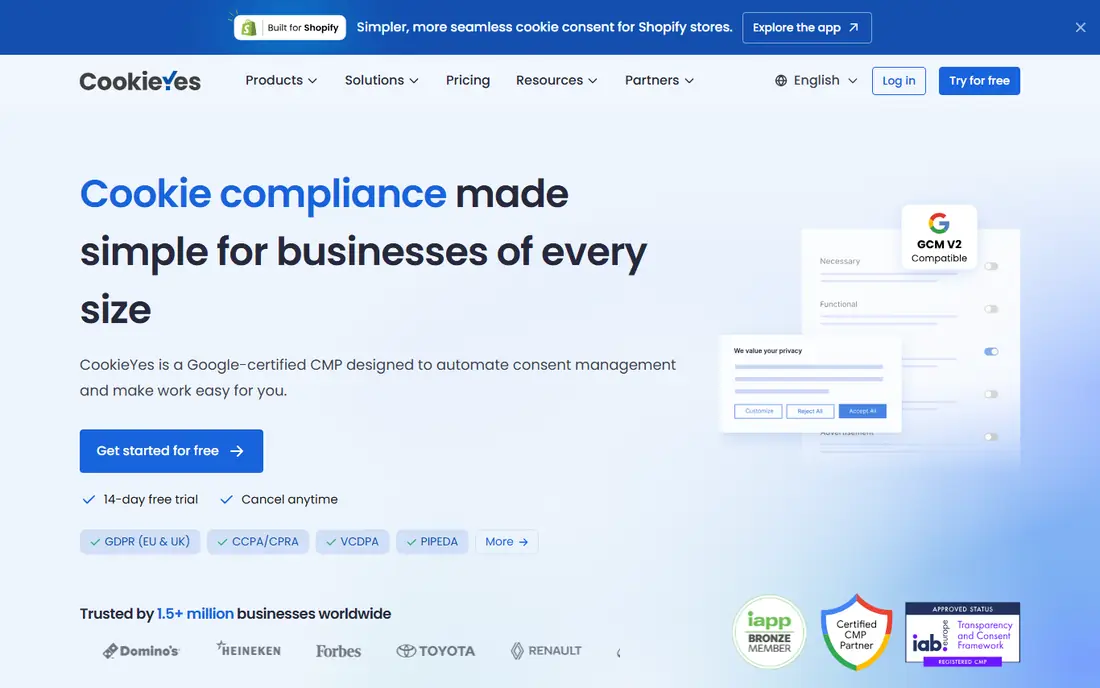
CookieYes opens with a scan that lists cookies by category, so a site owner can see first-party cookies, analytics tags, and marketing trackers in one place. The banner can be shaped to match a site, and consent choices are stored for later review. That combination explains its wide use among small businesses and agencies that manage several client sites.
The trade-off is scale. The free tier covers modest traffic, and teams with many domains or heavy traffic will move to paid plans fairly quickly. Still, for a typical business site, CookieYes gives a fast route from a first scan to a working banner, without a long setup project.
- Low starting price
- Free tier for small sites
- Clear cookie scanning and banner controls
- Advanced reporting sits on higher tiers
- Very large sites may need a custom plan
Cookiebot scans a site each month and updates its cookie declaration as trackers change, which cuts down on manual checking. Its banner supports regional rules, so visitors in different places can see different consent options. Consent logs give a paper trail that helps during an audit or a customer complaint.
The pricing model rewards careful planning. Page counts and domains drive cost, so a sprawling site should count pages before signing up. For EU-focused teams and agencies with several domains, the automatic rescans and detailed declarations justify the extra effort.
- Automatic monthly scanning
- Consent records
- Support for many languages and regions
- Pricing rises with page counts
- Setup options can feel dense for beginners
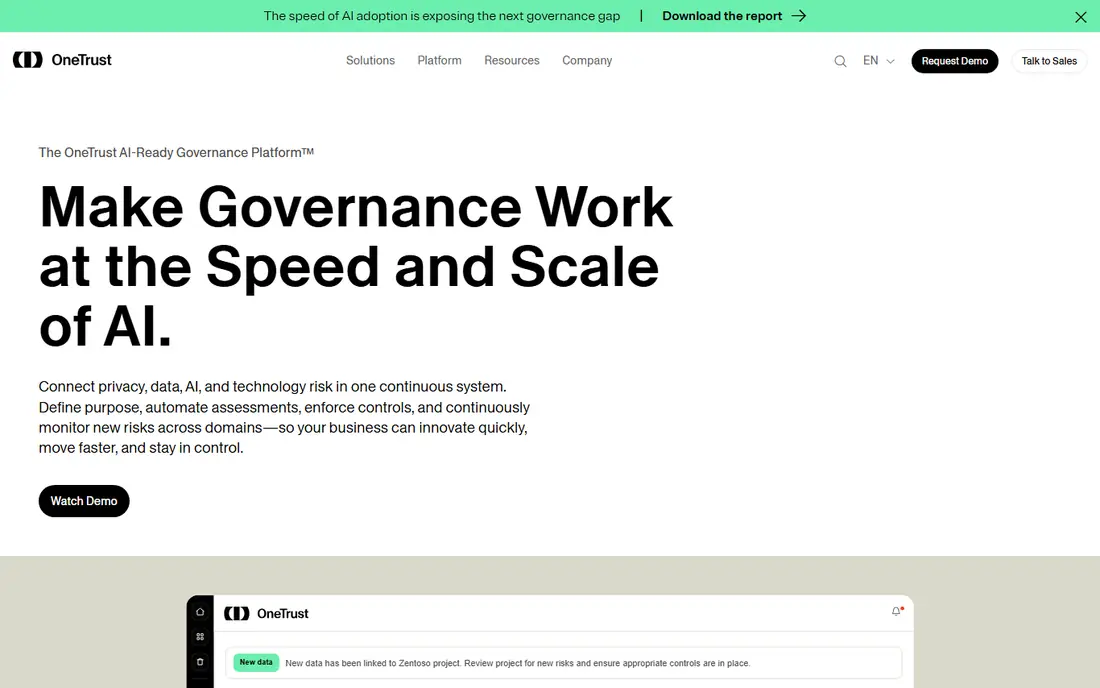
OneTrust treats cookie auditing as one part of a wider privacy program, covering consent, data mapping, and requests from individuals. Its scanner categorises cookies and flags trackers that lack consent, and its reporting suits teams that answer to legal, security, and compliance reviewers. Large companies also gain integrations with tag managers and content platforms.
That breadth comes with weight. Pricing is quoted, and implementation takes more planning than a plug-in banner tool. OneTrust fits best when cookie compliance is one item in a larger privacy workload, not the only job on the list.
- Broad privacy platform beyond cookies
- Strong audit trails
- Enterprise integrations
- Quote-based pricing
- Heavier setup than simpler tools
Osano pairs cookie scanning with vendor monitoring, so teams can see which third parties set cookies and how their practices change over time. The consent banner handles regional rules, and the dashboard points out gaps rather than leaving users to hunt through raw scan data. That guidance helps privacy teams that lack a dedicated lawyer.
The price puts Osano out of reach for many hobby sites, and that is fine. Its audience is companies with real traffic, real vendors, and real risk. For that group, the monitoring and reporting are worth more than a cheaper banner alone.
- Vendor and tracker monitoring
- Consent management
- Clear compliance guidance
- High starting price for small sites
- Some features need a paid tier
Usercentrics built its name on consent management for European rules, and its cookie audit tools reflect that focus. Scans categorise cookies, the banner adapts to visitor location, and consent data is stored in a form that teams can export. App support matters for companies that run a website and a mobile app under one privacy program.
Smaller sites should compare the entry tier carefully, since costs climb with traffic and features. For EU-heavy businesses, though, the regional detail and consent record keeping are strong reasons to shortlist it.
- Strong GDPR-focused consent features
- App and web support
- Regular scanning
- Pricing is quote-based on higher tiers
- Smaller sites may find it pricey
Termly suits a US small business that needs a cookie scan, a banner, and matching policies without hiring a consultant. The scanner identifies cookies and trackers, and the banner can reflect state rules such as those in California and Colorado. Policy generators for privacy and cookie notices save a separate writing task.
Larger teams with many domains or strict audit demands may want a deeper platform. For a single site or a small portfolio, Termly keeps the workload short and the cost predictable.
- Simple setup
- US state law coverage
- Policy generators alongside consent tools
- Less depth for complex enterprise needs
- Some features sit behind paid plans
iubenda appeals to site owners who want the audit and the paperwork in one place. Its scanner finds cookies, the consent banner collects choices, and its policy tools generate privacy and cookie documents that match the tools a site actually uses. Multi-language support helps sites with visitors in several countries.
The absence of a permanent free tier means even small sites pay something, so budget buyers should compare it with CookieYes or Complianz first. For teams that would otherwise pay a lawyer to draft policies, the bundle can still work out well.
- Cookie scanning plus privacy and cookie policies
- Multi-language support
- Consent records
- No permanent free tier
- Pricing varies by site and features
Complianz is built for WordPress, and that focus shows in its setup. The plugin scans a site, builds a cookie policy from the results, and adds a banner that respects regional consent rules. Site owners who already run WordPress avoid the extra step of wiring a separate script into their theme.
The limit is obvious: sites outside WordPress need a different tool. Within WordPress, though, Complianz is one of the simplest ways to move from an unknown cookie problem to a documented, consent-based setup.
- WordPress-native setup
- Cookie scan and banner in one plugin
- Regional consent options
- WordPress only
- Premium features require a paid licence
How we picked these
We compared official feature pages, pricing pages, and public documentation for tools that scan cookies, categorise trackers, and manage consent. We favoured tools that still operate in October 2026, publish clear pricing or a free tier, and serve a distinct audience, from a single WordPress blog to a large enterprise. We did not claim hands-on testing, and we left out tools that only show a banner without a real audit behind it.
What to check before you buy
A banner alone does not fix a cookie problem. The audit behind it matters more, so check how often scans run, how cookies are grouped, and how consent is recorded.
Scan depth and frequency
Look for scans that catch third-party trackers loaded by tag managers, embedded videos, and marketing pixels, not just cookies set by your own domain. Monthly rescans help, since trackers change when plugins update or new campaigns launch. Ask how scan results are stored, and whether you can export them for an audit.
Consent and records
A good tool blocks non-essential cookies until a visitor agrees, and it keeps a record of each choice. Check regional support for the places your visitors live, and confirm that consent can be withdrawn as easily as it was given. If your team answers privacy requests, consent records will save time later.
Cost at your real size
Free tiers often cap pages, visits, or domains. Count your pages and domains before you compare prices, and check what happens when you pass a limit. A tool that looks cheap at ten pages can cost far more at ten thousand, so model the price at your current size and at double that size.
FAQ
What is a cookie audit?
A cookie audit is a scan of a website that lists every cookie and tracker, who sets it, what it does, and how long it lasts. The result helps a site owner group cookies by purpose, remove ones that are no longer needed, and set up consent for the rest. Most tools repeat the scan on a schedule so new trackers do not go unnoticed.
Do I need a cookie audit tool if my site is small?
Small sites still use analytics, embedded videos, and social buttons, and each of those can set cookies. A free tier from CookieYes, Cookiebot, or Complianz is often enough to find those trackers and add a basic banner. The audit also gives you a record to show visitors who ask what your site collects.
How often should I run a cookie audit?
Run a full scan at least once a month, and again after any major site change, such as a new plugin, a new marketing tool, or a redesign. Trackers appear quietly when third-party scripts update, so a one-time scan goes stale fast. Tools with automatic rescans handle this without manual reminders.
What is the difference between a cookie banner and a cookie audit?
A banner collects visitor choices, while an audit finds and categorises the cookies those choices apply to. A banner without an audit may miss trackers or block the wrong ones. The tools in this guide do both jobs, so consent choices match what a site actually sets.
Can a cookie audit tool make my site fully compliant?
No tool alone guarantees compliance, since rules depend on your location, your visitors, and how you use data. A good audit tool gives you accurate scans, consent records, and policies to support compliance, but legal questions still need a lawyer for complex cases. Use the tool as evidence of a careful process, not as a legal promise.