Best Consent Management Platforms in 2026: 8 Platforms Compared
Compare the best consent management platforms for GDPR, CCPA, and US state laws, with banners, scanning, Consent Mode, and pricing compared today in 2026.
- Editor's choice
 OneTrust
Enterprise privacy governance
Starts atSee websiteVisit onetrust.comFull review - Great alternative
 CookieYes
Small sites and fast setup
Starts at$10 per domain per monthVisit cookieyes.comFull review - Also consider
 Cookiebot
Automatic scanning and Consent Mode
Starts at$8 per monthVisit cookiebot.comFull review
TL;DR:
- CookieYes and Cookiebot suit small and mid sized sites that want a clear published price and fast setup.
- OneTrust and Didomi suit large companies that need multi domain consent, governance, and broad regulation coverage.
- Ketch suits teams that need consent signals shared across apps, marketing tools, and data systems.
- Check Google Consent Mode v2, IAB TCF support, and geo targeting before you buy, since those decide real compliance coverage.
Quick comparison
| Tool | Best for | Starts at | Free plan? | |
|---|---|---|---|---|
| OneTrust | Enterprise privacy governance | See website | No | Visit |
| CookieYes | Small sites and fast setup | $10 per domain per month | Yes | Visit |
| Cookiebot | Automatic scanning and Consent Mode | $8 per month | Yes | Visit |
 Usercentrics | High traffic scalable consent | $8 per month | Yes | Visit |
 iubenda | Consent plus legal documents | $6.99 per site per month | Yes | Visit |
 Ketch | Consent across systems | $150 per month | Yes | Visit |
 Osano | US multi state privacy | $199 per month | Yes | Visit |
 Didomi | Consent rate optimization | See website | No | Visit |
The best consent management platforms
We compared banner builders, cookie scanning, regulation coverage, Consent Mode support, consent records, and pricing.
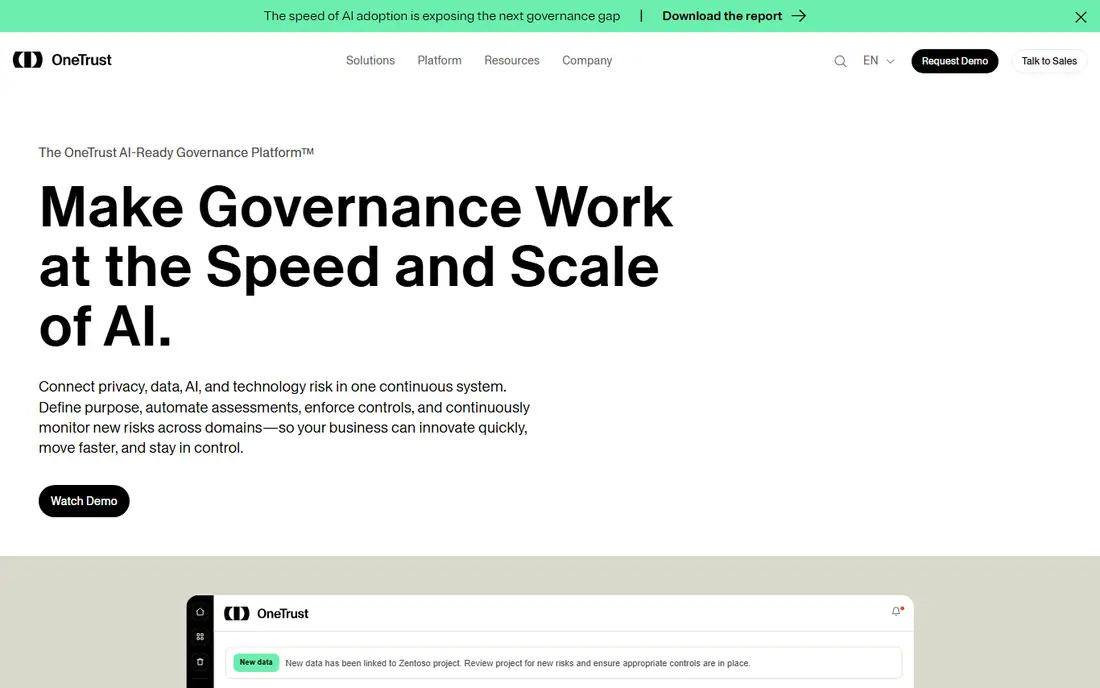
OneTrust is the enterprise pick for companies that manage consent across many domains, regions, and devices. Its platform covers GDPR, CCPA, and other state and global laws, with automatic tracker scanning, consent records, and preference centers. Larger teams also get privacy governance, data mapping, and vendor risk tools in the wider OneTrust suite.
Small sites will find the quote only pricing and implementation scope heavier than they need. For a multinational company or a large publisher with complex consent needs, OneTrust brings depth that self serve tools do not match. Start with a scoped demo covering your domains and regions.
- Broad regulation coverage
- Web, mobile, and TV consent
- Deep governance and vendor tools
- Pricing is quote only
- Setup and cost suit larger teams, not small sites
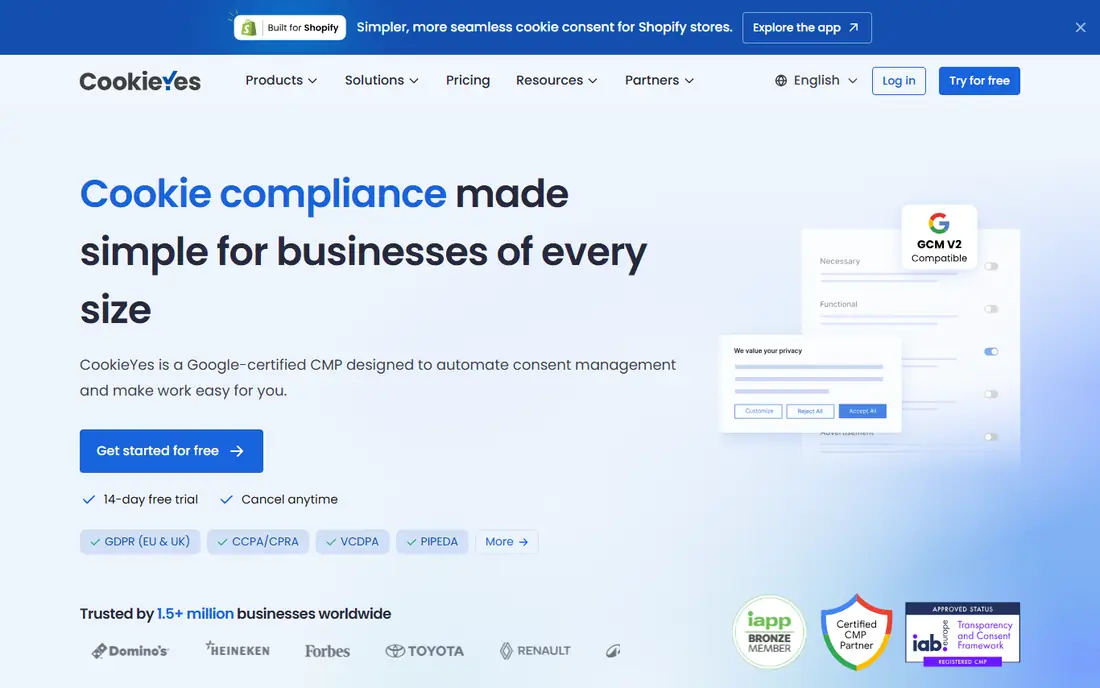
CookieYes suits small and mid sized websites that want a compliant banner without a sales call. Setup is self serve, with a banner builder, automatic cookie scanning, geo targeted banners, and consent logs. Google Consent Mode support helps sites that rely on Google Analytics and ads.
Per domain pricing means a company with many sites pays per domain, which can add up. CookieYes also focuses on consent, not full privacy governance or data subject request workflows at enterprise depth. For a single site or a small portfolio, it is a strong value pick.
- Low published price
- Auto cookie scanning
- Google Consent Mode support and geo targeting
- Per domain pricing adds up for many sites
- Lighter on broader privacy governance
Cookiebot, now part of Usercentrics, is known for automatic scanning that finds cookies and trackers and groups them for consent. That scanning saves manual work on sites with many scripts, and Consent Mode v2 support helps with Google tools. A free plan covers one domain with a limited subpage count, which suits small sites testing the tool.
Price rises with subpage count, so large sites should check the plan that covers their full site. Cookiebot focuses on consent rather than broader governance, but for scanning depth and Google compatibility, it is a leading self serve choice.
- Automatic cookie and tracker scanning
- Google Consent Mode v2 support
- IAB TCF registered
- Price scales with subpages
- Enterprise features need higher plans
Usercentrics suits websites and apps with high traffic and many sessions, where banner performance and scale matter. Banners support many languages and regulations, and the platform handles large session counts on higher plans. It also works for apps and TV in addition to web, which helps media companies.
Free and low plans have limits, so high traffic sites should confirm domain, session, and subpage coverage before committing. Advanced script blocking may need developer time. For scalable consent with a published starting price, Usercentrics is a solid option.
- Scalable for high traffic sites
- Multi language banners
- Broad regulation support
- Plan choice affects domain and session limits
- Setup can need developer help for advanced blocking
iubenda appeals to small businesses that want consent and legal documents in one tool. Alongside a cookie banner and consent database, it generates privacy policies, terms, and cookie policies that update with law changes. That bundle saves a small team from buying two separate tools.
Per site pricing means multi site companies pay per site, and script weight can affect page speed if not configured carefully. For a small business that needs both consent and basic legal documents, iubenda is a convenient, low cost pick.
- Consent banner plus privacy policy and terms generators
- Multi law support
- Customizable banners
- Per site pricing
- Some users report page speed impact from scripts
Ketch suits SaaS and mid market companies that need consent signals to flow beyond a website banner. It connects consent choices to marketing tools, analytics, and data systems, so a user opt out is respected across the stack, not just on one page. Adaptive banners adjust by region and law, which helps companies operating in several states and countries.
The starting paid price is higher than small site tools, and full integration can need developer time. For teams where consent must sync across systems, that cost buys a capability that banner only tools do not offer. Trial the free plan first to test banner and record basics.
- Syncs consent across apps and data systems
- Adaptive banner workflows
- Multi law support
- Paid tier starts at $150 per month
- Developer help may be needed for full integration
Osano suits US focused companies that need coverage across many state privacy laws, plus GDPR for EU visitors. Its consent platform includes a preference hub, consent records, and geo targeting, while the wider Osano platform adds vendor risk and data mapping. That breadth helps companies facing a growing patchwork of state laws.
Price is the barrier for small sites, since the first paid tier is $199 per month after a limited free plan. For mid sized US companies with multi state traffic, Osano gives clearer state coverage than a banner only tool. Check which states and features sit in your chosen tier.
- Broad US state law coverage
- Consent plus preference hub
- Vendor and risk modules in wider platform
- First paid tier jumps to $199 per month
- Enterprise governance needs higher plans
Didomi suits publishers and large brands that care about consent rates as well as compliance. Banner A/B testing, analytics, and preference management help teams improve opt in rates without breaking rules. Coverage spans web, mobile apps, and connected TV, which suits media companies with varied audiences.
Quote only pricing and no free plan mean evaluation needs a sales conversation. Smaller sites should start with CookieYes or Cookiebot instead. For large publishers where consent rate affects revenue, Didomi is worth a demo focused on testing and analytics.
- Web, mobile, and TV consent
- A/B testing for banners
- Strong analytics on consent rates
- Pricing is quote only
- No free plan for evaluation
How we picked these
We compared official pricing pages, product pages, and recent 2026 consent platform comparisons for tools that are Google certified CMPs or widely used for GDPR and US state laws. We favored tools with cookie scanning, consent records, geo targeting, and Consent Mode support, since those features decide whether a banner actually controls trackers. We did not claim hands-on testing, and we marked pricing as See website where vendors use quotes.
We also kept a mix of small site, mid market, and enterprise tools, because a blog and a multinational publisher need different platforms. Pricing models vary by domain, site, session, and subpage, so confirm the metric that drives your cost before you buy.
How to choose a consent management platform
Start with your traffic, regions, and tech stack, then match the platform to those facts. A banner that looks good but fails to block trackers before consent does not solve the problem.
Check blocking, Consent Mode, and TCF
Confirm that the platform blocks non essential cookies and tags until consent is given, not just shows a banner. Check Google Consent Mode v2 support if you use Google Analytics or ads, and IAB TCF support if you use programmatic advertising. Test blocking on a staging site with your real tag manager setup.
Match pricing to domains, traffic, and pages
Pricing can scale by domain, site, session, subpage, or visitor count, so a low headline price can rise fast. Count your domains, subpages, and monthly sessions, then get a quote for that exact footprint. A flat plan with a visitor cap can cost more than a per domain plan once traffic grows.
Plan for records, preferences, and updates
Look for searchable consent records, a preference center where users can change choices, and regular rescans as your site changes. Laws and trackers change often, so a tool with automatic rescans and law updates saves ongoing work. Assign an owner for consent, since an unowned banner drifts out of date quickly.
FAQ
Do I need a consent management platform for a US only website?
Federal US law does not require a cookie banner in the same way GDPR does, but California and other state laws require honoring opt out signals and privacy rights. If you run ads or analytics, a lightweight CMP also helps with platform requirements. A small site tool like CookieYes or Cookiebot gives useful coverage at low cost.
What is Google Consent Mode v2?
Google Consent Mode v2 lets your site send consent signals to Google tools, so Analytics and ads adjust to user choices. A CMP that supports it can pass consent state for analytics and advertising storage, which helps with measurement and compliance. Check that your chosen CMP is Google certified and that Consent Mode is configured correctly.
What is the difference between CookieYes and Cookiebot?
Both are Google certified CMPs with free plans and automatic scanning. CookieYes starts at $10 per domain per month and suits small sites with fast setup, while Cookiebot starts at $8 per month and scales with subpage count, with strong scanning depth. Compare your domain and subpage count, then trial both banners on a staging site.
Can a CMP replace legal advice?
No, a CMP helps implement consent banners, records, and blocking, but it does not replace legal advice for your specific laws, data practices, and contracts. Use a CMP for technical controls, and get legal review for your privacy policy, data processing terms, and state law obligations. That combination covers both tooling and legal risk.
How long does it take to set up a CMP?
Self serve tools can be live in hours for a simple site, with scanning, banner design, and tag blocking taking most of the time. Enterprise platforms can take weeks with integrations, multi domain setup, and legal review. Start on a staging site, test blocking and consent records, and then roll out to production.