Best Contract Compliance Software in 2026: 8 Tools Compared
We compared the best contract compliance software for obligations, renewals, and approvals, so you can stop missed deadlines and stay fully audit-ready.

- Editor's choice
 Ironclad
Large legal teams needing deep workflows
Starts atSee websiteVisit ironcladapp.comFull review - Great alternative
 Agiloft
Complex no-code workflow needs
Starts atSee websiteVisit agiloft.comFull review - Also consider
 DocuSign CLM
Enterprises already on DocuSign
Starts atSee websiteVisit docusign.comFull review
TL;DR:
- Ironclad and Agiloft suit large legal teams with complex, conditional approval workflows.
- ContractWorks and ContractSafe suit teams that mainly need a searchable repository with alerts and clear pricing.
- Concord and PandaDoc suit business teams that want to self-serve routine contracts without routing everything through legal.
- LinkSquares and DocuSign CLM suit teams with large legacy portfolios or an existing DocuSign setup.
- AI review speeds drafting and extraction, but it does not replace attorney judgment, so pilot accuracy on your contract types.
Quick comparison
| Tool | Best for | Starts at | Free plan? | |
|---|---|---|---|---|
| Ironclad | Large legal teams needing deep workflows | See website | No | Visit |
| Agiloft | Complex no-code workflow needs | See website | No | Visit |
| DocuSign CLM | Enterprises already on DocuSign | See website | No | Visit |
 LinkSquares | Legal teams with large legacy portfolios | See website | No | Visit |
 ContractWorks | Simple searchable repository | See website | Yes | Visit |
 Concord | Business teams self-serving contracts | $499 per month | No | Visit |
 ContractSafe | Transparent pricing and unlimited users | $450 per month | No | Visit |
 PandaDoc | Sales teams needing documents and e-sign | $19 per user per month | Yes | Visit |
The best contract compliance software
We compared vendor pages, pricing disclosures, and public reviews to find tools that keep contracts compliant, not just stored. The list covers enterprise workflow platforms, repository-first tools, and business-friendly contracting, so start with your biggest pain: missed renewals, slow approvals, or messy legacy files.
Ironclad suits mid-market and enterprise legal teams that run complex, conditional approvals across departments. The no-code workflow designer lets legal teams build intake, approval, and signature flows without engineering help, while clause libraries and playbooks keep drafting consistent. Native e-signature and broad integrations mean a contract can move from request to signed record without leaving the system.
The trade-off is cost and time. Pricing is quote-only, with market estimates placing annual costs in the five to six figure range, and implementation often takes two to six months with process design. Small teams will find Ironclad more than they need. Large legal teams that need governance at scale will find its workflow depth worth the investment.
- No-code workflow designer
- Clause library and playbooks
- Native e-sign
- Quote-only enterprise pricing
- Implementation takes months
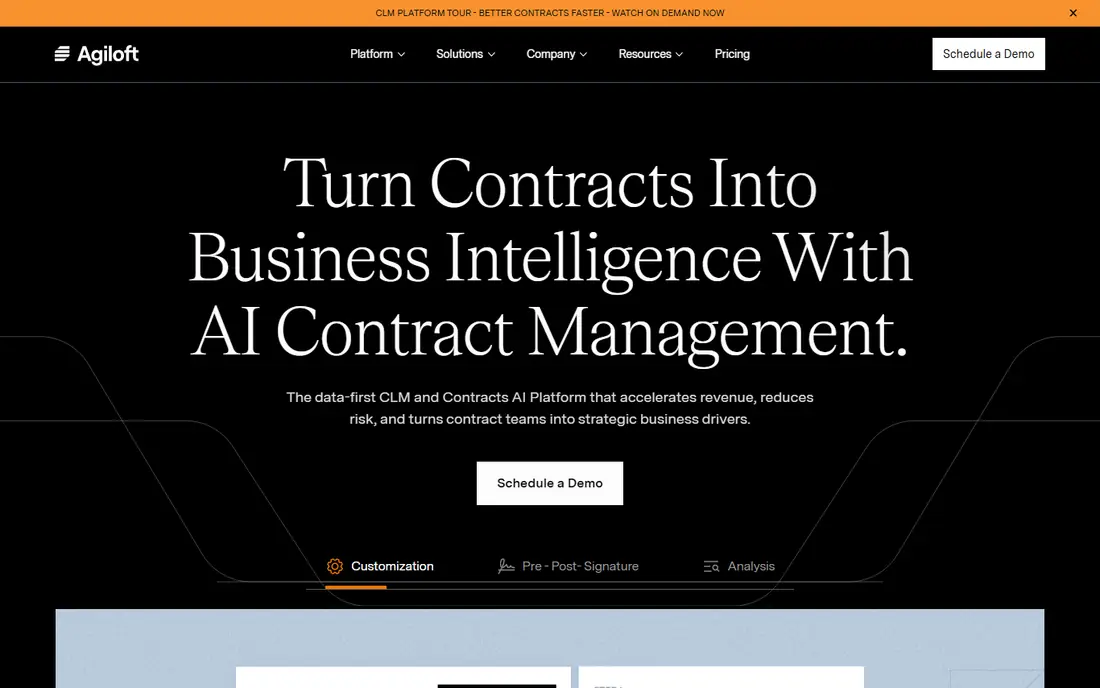
Agiloft suits organisations with complex or unusual contract processes that off-the-shelf tools cannot model. Its no-code platform lets teams build custom fields, permissions, approval matrices, templates, and renewal workflows, with AI extraction for key terms and dates. That configurability helps legal and procurement teams in multi-jurisdiction or heavily regulated work, where one standard workflow rarely fits.
Depth brings a cost. Pricing is quote-only, and the same configurability that makes Agiloft flexible can slow early rollout if the team tries to model every edge case at launch. Start with core workflows, prove value, then extend. For teams whose processes truly differ from the norm, Agiloft offers control that simpler tools cannot match.
- Highly configurable no-code workflows
- Renewals and dashboards
- AI extraction
- Quote-only pricing
- Configuration depth can slow early rollout

DocuSign CLM suits enterprises already standardised on DocuSign eSignature, since adoption is smoother when staff already sign in DocuSign. Template and merge automation, AI review features, and workflow tools cover the full lifecycle from drafting to renewal, while the partner system links to CRM, ERP, and document tools. For a firm that already pays for DocuSign, adding CLM often beats retraining staff on a new signature system.
Pricing is quote-based, with market estimates ranging widely by seats and modules, and add-ons can raise the total. Teams that do not use DocuSign may find better value elsewhere. For DocuSign shops that need lifecycle management, DocuSign CLM is the natural next step.
- Deep e-signature pairing
- Template and merge automation
- Broad partner system
- Quote-based pricing
- Add-ons can raise total cost
LinkSquares suits in-house legal teams sitting on years of unstructured contracts that no one can search. Its AI extraction reads uploaded contracts, pulls out dates, values, obligations, and clauses, and builds a searchable repository that teams can query. Modular products for analysis, drafting, and signing let teams buy the piece they need first, while the Word add-in keeps redlining in a familiar editor.
Pricing is module and quote-based, and some AI features need enablement, so budgeting requires a clear scope of modules and volume. Teams with a small, tidy portfolio may not need this extraction depth. Teams with a large legacy pile that must become searchable and auditable will find LinkSquares practical and fast to value.
- AI extraction for legacy contracts
- Modular Analyze, Finalize, and Sign
- Word add-in
- Module and quote-based pricing
- AI features may need enablement
ContractWorks suits teams whose immediate pain is a pile of untracked PDFs. A central repository with OCR search, alerts for renewals and expirations, reporting, and e-signature gets a searchable system running in weeks rather than months. Unlimited users on its plans helps firms where many staff need to find contracts without per-seat costs.
Workflow depth is the limit. ContractWorks does not match Ironclad or Agiloft on complex conditional approvals, and pricing is not fully published, though published comparisons place it near $600 per month. For a team that mainly needs to find contracts, track dates, and sign them, ContractWorks offers the fastest path to order.
- Fast rollout
- Central repository with OCR
- Alerts and e-sign included
- Less workflow depth than Ironclad or Agiloft
- Pricing not fully published
Concord suits small and mid-size businesses whose teams want to draft, negotiate, and sign routine contracts without routing every document through legal. The browser editor, approval workflows, and unlimited e-signatures on plans keep the full cycle in one place, while published pricing from $499 per month for five users billed annually makes budgeting clear. That transparency helps firms that dislike quote-only sales cycles.
The entry price may still feel high for a very small firm that signs few contracts, and AI review is more basic than LinkSquares or Ironclad. For a business team that self-serves NDAs, service agreements, and sales contracts, Concord offers simplicity and predictable cost.
- Browser editor
- Approval workflows
- Unlimited e-sign on plans
- Higher entry price for very small firms
- AI review is basic
ContractSafe is the price-transparency pick on this list, with flat published pricing from $450 per month, unlimited users, and migration included. Teams get a searchable repository, alerts, and reporting without negotiating a quote or counting seats. That clarity suits mid-market teams that want to budget in one conversation and start quickly.
ContractSafe is repository-first, so teams that need deep workflow automation or advanced AI review should look at Ironclad, Agiloft, or LinkSquares. For a team whose main compliance risk is missed renewals and lost contracts, ContractSafe covers the core job at a fair, visible price.
- Flat published pricing
- Unlimited users
- Migration included
- Repository-first, not full workflow CLM
- Fewer advanced AI features
PandaDoc suits sales-led small businesses that mainly sign proposals, quotes, and sales agreements. A free plan lets a team test document creation and e-signature, while paid plans start at $19 per user per month billed annually. Templates, content libraries, and payment collection help sales teams close faster, which is a different job from enterprise compliance.
Lifecycle depth is the limit. PandaDoc offers lighter obligation tracking, renewal workflows, and compliance reporting than dedicated CLM tools, so legal-heavy firms should not rely on it alone. For a sales team that needs fast, professional documents with signature and basic tracking, PandaDoc is an affordable, easy start.
- Free plan
- Low entry price
- Strong proposals and sales documents
- Limited contract lifecycle depth
- Compliance features are lighter
How we picked these
We compared vendor pages, pricing disclosures, and public reviews, and we checked that each homepage belongs to the product named. We favoured tools that are still sold in 2026, that cover a clear compliance job, and that explain whether they are repository-first or workflow-first. We gave weight to published pricing, since quote-only tools make budgeting hard for smaller firms.
We did not claim hands-on testing that did not happen. Instead, we weighed obligation and renewal tracking, approval workflows, AI extraction claims, e-signature inclusion, and implementation timelines reported by vendors and reviewers. That keeps the list useful for a small business and a large legal team alike.
What to check before you buy
Start with your compliance risk, not with a feature list. If missed renewals are the problem, a repository with alerts may be enough. If inconsistent approvals are the problem, you need workflow tools. If a legacy pile is the problem, you need AI extraction. Buying the wrong type leaves the real risk untouched.
Pilot AI accuracy on your contracts
AI extraction and review sound strong in demos, but accuracy varies by contract type. Pilot the tool on your most common agreements, check extracted dates, values, and clauses by hand, and confirm how deviations are flagged. AI speeds review, but it does not replace attorney judgment, so keep a human check on high-risk terms.
Model envelope and user costs
Some tools charge per envelope, some per user, and some flat per month. Model your annual envelope count and user count before choosing, since unlimited-signature plans can beat per-envelope pricing for high-volume teams. Ask about storage, migration, and renewal alert limits too.
Involve legal from the start
For anything beyond a repository, include your legal team in the evaluation. Approval matrices, clause libraries, and risk thresholds encode legal process, and buying without legal input produces a system staff avoid. A short workshop with legal before purchase saves months of rework later.
FAQ
What is contract compliance software?
Contract compliance software stores contracts in a searchable repository, tracks obligations, renewals, and deadlines, and manages approvals and signatures. It helps firms avoid missed renewals, inconsistent terms, and audit gaps. Full lifecycle tools also handle drafting, negotiation, and AI review.
How much does contract compliance software cost?
Small business tools start near $19 per user per month at PandaDoc or $450 to $499 per month flat at ContractSafe and Concord. Mid-market and enterprise CLM tools such as Ironclad, Agiloft, and DocuSign CLM are quote-only, typically in the five to six figure range annually. Price the repository and workflow modules separately.
Can contract software replace my e-signature tool?
Usually yes, since every platform here includes e-signature. The question is volume economics: unlimited-signature plans suit high-volume teams, while per-envelope pricing suits low-volume teams. Model your annual envelope count before cancelling a separate signature tool.
How does AI contract review work?
AI extracts key terms such as dates, values, obligations, and clauses from uploaded contracts and flags non-standard language during drafting. It speeds review and finds risks faster, but it does not replace attorney judgment. Verify accuracy on your contract types in a pilot before relying on it.
How long does implementation take?
Repository-first tools such as ContractWorks and ContractSafe can go live in one to four weeks including migration. Workflow CLM tools such as Ironclad and Agiloft typically take two to six months with process design. Enterprise rollouts can take six months or more, and migration quality matters more than installation speed.
Do I need legal involved to buy contract software?
Yes, for anything beyond a simple repository. Contract software encodes legal process through approval matrices, clause libraries, and risk thresholds. Buying without legal workflow input often produces a system that staff bypass. Include legal from the evaluation stage, not after purchase.