Best Contract Signing Software for Event Vendors in 2026: Prices, Free Plans and 5 Picks
Best contract signing software for event vendors in 2026: 5 contenders with entry costs and free tiers. Pros and cons for every tool. Refreshed for 2026.
- Editor's choice
 Adobe Acrobat Sign
Signatures with payments and web capture
Starts atSee websiteVisit adobe.comFull review - Great alternative
 OneSpan Sign
Secure agreements with identity assurance
Starts atSee websiteVisit onespan.comFull review - Also consider
 DocuSign
Full agreement management plus eSignature
Starts at$45 per user per monthVisit docusign.comFull review
Direct answer
Start with Adobe Acrobat Sign if you need signatures with payments and web capture. Listed starting prices: DocuSign from $45 per user per month, Dropbox Sign from $15 USD / mo and Concord from $499 a month. OneSpan Sign is better for secure agreements with identity assurance, and DocuSign is better for full agreement management plus eSignature. The other 2 tools in the list cover narrower or pricier cases.
TL;DR:
- Adobe Acrobat Sign is the opening pick, best for signatures with payments and web capture.
- One limit worth knowing about DocuSign: feature depth can feel heavy for small vendors.
- For contract management after signing, Concord is worth a look.
- None of the 5 tools, from Adobe Acrobat Sign to Concord, has a free plan, so budget for a subscription or use a trial.
- DocuSign has the lowest monthly starting price in this list: $45 per user per month.
Last checked November 2026. Prices and plan details were read from the vendors' own pages in November 2026; vendors change plans often, so confirm the current price on the vendor site before you buy.
Quick comparison
| Tool | Best for | Starts at | Free plan? | |
|---|---|---|---|---|
| Adobe Acrobat Sign | Signatures with payments and web capture | See website | Not stated | Visit |
| OneSpan Sign | Secure agreements with identity assurance | See website | Not stated | Visit |
| DocuSign | Full agreement management plus eSignature | $45 per user per month | Not stated | Visit |
 Dropbox Sign | Straightforward, quick signature requests | $15 USD / mo | Free trial | Visit |
 Concord | Contract management after signing | $499 a month | No | Visit |
The full contract signing software for event vendors list
Choosing contract signing software for event vendors usually comes down to price, fit and limits. This LinkVetted guide sets 5 tools side by side on those three points, with the facts kept short and checkable.
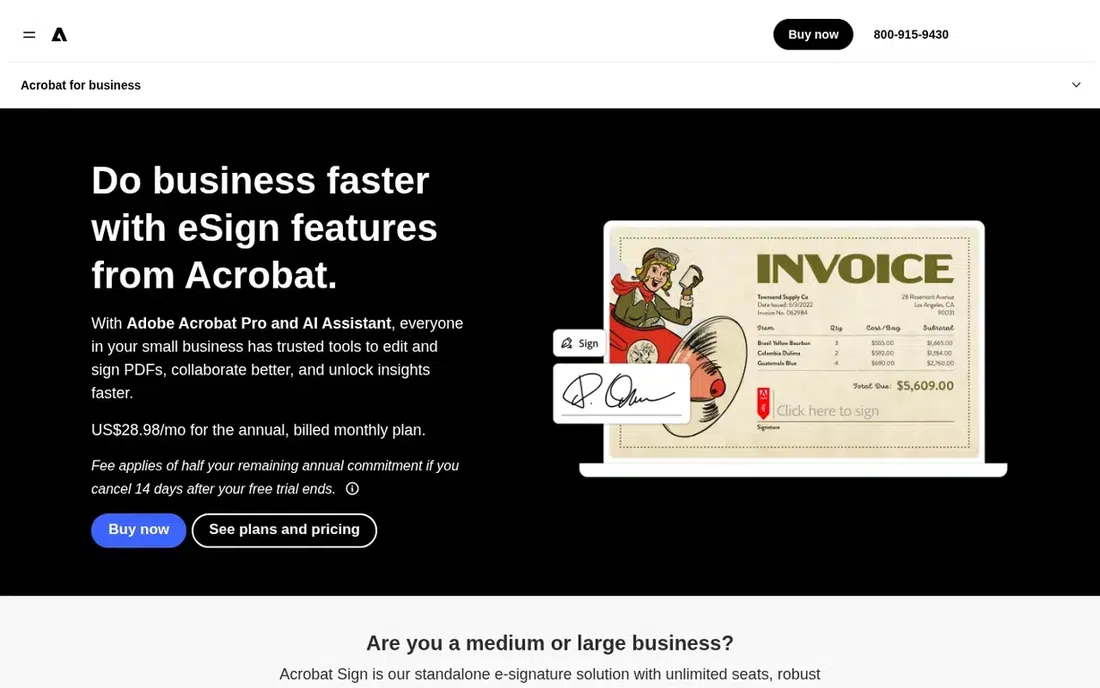
Adobe Acrobat Sign works best for signatures with payments and web capture. Adobe Acrobat Sign lets firms sign documents, collect digital payments and accept electronic signatures on their websites.
The most solid case for Acrobat Sign is when payment collection or website-based signing is part of your booking flow. Check the vendor site for Adobe Acrobat Sign pricing; none is listed in this comparison. Free plan details: Not stated.
Limits to weigh: Feature set may exceed straightforward signing needs.
- Supports signatures on your website
- Collects digital payments alongside signing
- Best value for Adobe-centric workflows
OneSpan Sign works best for secure agreements with identity assurance. Event vendors handling high-value bookings or needing more solid identity checks before signing may find those safeguards relevant. It leans toward organizations with formal agreement processes.
The main drawbacks: More configuration than entry-level signing.
On top of that, more straightforward signing tools can include routine booking forms quicker. On top of that, the security and automation depth comes with configuration effort that a small vendor may not need. OneSpan Sign does not show a starting price in this comparison, so check the vendor site for current pricing. Free access: Not stated.
- Identity assurance features
- Integration choices for workflows
- Enterprise focus can feel heavy for small vendors
Choose DocuSign for full agreement management plus eSignature. For event vendors handling repeated booking contracts, venue agreements and supplier paperwork, that combination of signing and continuing agreement oversight can cut the number of separate tools involved. In practice, the system is wide, which can mean more setup than a vendor who only needs occasional signatures might want.
Points against: Feature depth can feel heavy for small vendors.
Consider DocuSign when agreement management matters alongside the signature itself. In practice, small operations with straightforward, one-off documents may find a lighter signing tool faster to adopt. Price to start with DocuSign: $45 per user per month. As for free access: Not stated.
- Well known across industries
- Wide system for plenty of document types
- Broader product than straightforward signing needs
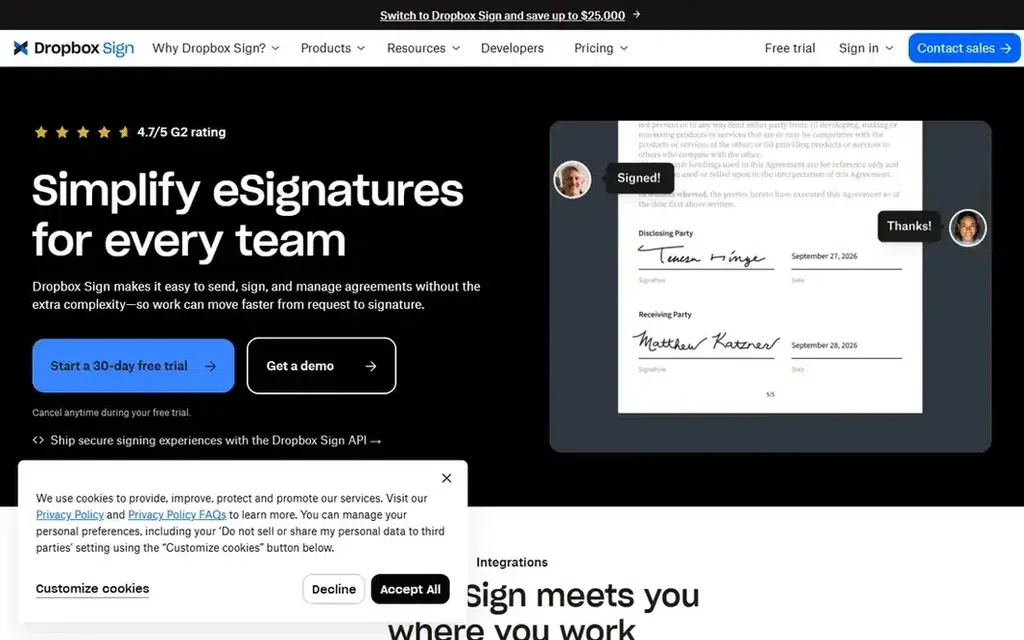
Dropbox Sign was built for straightforward, quick signature requests. Dropbox Sign, formerly HelloSign, describes itself as a simple way to send, receive and run legally binding electronic signatures.
Where it falls short: Less emphasis on full contract management.
Event vendors who largely need clients and suppliers to sign booking forms or service agreements rapidly will find the focused approach appealing. More specifically, look elsewhere if post-signature contract oversight is central to your process. Dropbox Sign pricing: $15 USD / mo. Free plan details: Free trial.
- Straightforward send and receive flow
- Runs signed agreements in one place
- May feel entry-level for complicated workflows
Where Concord fits: contract management after signing. Concord positions itself around contract management, helping teams keep agreements organized instead of only capturing signatures. For everyday use, the value grows with contract volume and the have to reference terms later.
Vendors who chiefly need quick signature collection may find a management-first tool more than necessary. Event vendors with plenty of venue, supplier and client contracts over a season may value a place to track terms and status. On cost, Concord starts like this: $499 per month. Concord does not include a free plan.
Where it is weaker: Signature is one part of a bigger tool.
- Centers on contract management
- Fits continuing contract oversight
- May be more than occasional signers need
How we compared the tools
Pre-purchase checklist
- Get a written quote from Adobe Acrobat Sign and OneSpan Sign; the list shows no starting price for them.
- Run a trial of Dropbox Sign with real work before paying for a year; your own workflow is the best test.
- Read the limits listed for Adobe Acrobat Sign first: feature set may exceed straightforward signing needs.
- Look at the renewal terms for OneSpan Sign: auto-renewal, notice periods and price changes can matter more than the first-year price.
- Check whether the features you need in DocuSign sit on the entry plan or only on higher tiers.
FAQ
Do event vendors need contract management or just eSignature?
Vendors managing numerous venue and supplier contracts across a season may benefit from management features found in tools like Concord or DocuSign. Consider how frequently you have to revisit contract terms later.
Which contract signing tool is best for a small event vendor?
Adobe Acrobat Sign comes first here and is built for signatures with payments and web capture. Buyers with other needs may prefer OneSpan Sign (for secure agreements with identity assurance) or DocuSign (for full agreement management plus eSignature). Compare costs and limits first.
Is Adobe Acrobat Sign the right pick for everyone comparing contract signing software for event vendors?
No single tool suits every team. Adobe Acrobat Sign comes first because it fits signatures with payments and web capture, while OneSpan Sign suits secure agreements with identity assurance and DocuSign suits full agreement management plus eSignature. Match the tool to your own size, budget and workflow before deciding.
Can I try these tools before paying?
Often, yes. Dropbox Sign offers a free trial. Use your own data and a real task during the test, and check what the free tier or trial limits before you rely on it. Prices, free plan details and limits for all 5 tools in this contract signing software for event vendors roundup sit on the individual cards above.
How are the tools for contract signing software for event vendors ordered?
The order follows typical fit for contract signing software for event vendors, with Adobe Acrobat Sign first and Concord last, then price clarity and free access. It is editorial judgement, not a score, so another team could rank the tools differently.
What is the cheapest option for contract signing software for event vendors in this list?
On published monthly entry prices, DocuSign is the lowest here at $45 per user per month. Entry price is only part of the cost, because seats, add-ons and billing terms can change the total. Each of the 5 options in this contract signing software for event vendors guide has its own card above with the price, free plan and limits.
Sources
- https://www.adobe.com/sign.html
- https://www.onespan.com/products/onespan-sign
- https://www.docusign.com
- https://sign.dropbox.com
- https://www.concord.app