Best Contract Management Software for Small Legal Teams in 2026: 5 Tools Compared
Best contract management software for small legal teams: 5 tools compared on price, free plans and fit. Details on cost, catches and fit. Read the profiles.
- Editor's choice
 Concord
Simplified contract management
Starts at$499 a monthVisit concord.appFull review - Great alternative
 DocuSign
Electronic signature and agreement management
Starts at$45 per user per monthVisit docusign.comFull review - Also consider
 Dropbox Sign
Straightforward eSignature agreement management
Starts at$15 USD / moVisit sign.dropbox.comFull review
Direct answer
This list puts Concord first for simplified contract management. Listed starting prices: Concord from $499 a month, DocuSign from $45 per user per month and Dropbox Sign from $15 USD / mo. DocuSign is the stronger choice for electronic signature and agreement management, while Dropbox Sign suits straightforward eSignature agreement management. The remaining 2 options are covered below with prices and limits.
TL;DR:
- This list starts with Concord, which is built for simplified contract management.
- What to know about Dropbox Sign first: restricted contract management features.
- A permanent free plan is missing from all 5 tools, Concord and Ironclad included; plan for a trial or a premium start.
- For AI-driven contract lifecycle management, Ironclad is worth a look.
- DocuSign has the lowest monthly starting price in this list: $45 per user per month.
Last checked November 2026. Prices and plan details were read from the vendors' own pages in November 2026; vendors change plans often, so confirm the current price on the vendor site before you buy.
Quick comparison
| Tool | Best for | Starts at | Free plan? | |
|---|---|---|---|---|
| Concord | Simplified contract management | $499 a month | No | Visit |
| DocuSign | Electronic signature and agreement management | $45 per user per month | Not stated | Visit |
| Dropbox Sign | Straightforward eSignature agreement management | $15 USD / mo | Free trial | Visit |
 Juro | Intelligent contracting with adaptable automation | See website | Not stated | Visit |
 Ironclad | AI-driven contract lifecycle management | See website | Not stated | Visit |
Contract Management Software for Small Legal Teams compared in detail
Short on time? The summary and table above give the quick view of 5 contract management software for small legal teams, and the profiles that follow give the detail behind each entry.
For simplified contract management, Concord is a natural candidate. Small legal teams that need entry-level contract organization and collaboration may find it suitable. If you need deep integration with other legal tech, explore alternatives.
Where it falls short: May lack deep customization.
Concord may not offer the advanced automation or AI insights found in more thorough products. It is built for users who want a straightforward system without deep setup. Concord cost at the entry level: $499 per month. No free plan comes with Concord.
- Approachable contract management
- Centralized agreement storage
- Restricted advanced AI features
Think of DocuSign for electronic signature and agreement management. It permits users to produce, commit to, and run agreements in one place.
For everyday use, small legal teams that prioritize dependable e-signatures and entry-level agreement tracking will find it a solid choice. On top of that, teams needing deep contract analytics or automation should evaluate specialized CLM tools. On cost, DocuSign starts like this: $45 per user per month. Free access: Not stated.
Watch-outs: CLM features may need extras.
- Industry-standard e-signatures
- Intelligent agreement management
- Can be expensive for advanced features
Choose Dropbox Sign for straightforward eSignature agreement management. Dropbox Sign, formerly HelloSign, supplies a straightforward way to send, receive, and run legally binding electronic signatures. It is aimed at simplicity and fast adoption.
Worth adding: if you need more than signing, consider a fuller CLM system. More specifically, Dropbox Sign lacks advanced contract lifecycle features like AI review or obligation management. Dropbox Sign starts at: $15 USD / mo. Free plan details: Free trial.
Honest limits: Restricted contract management features.
- Simple to use
- Legally binding e-signatures
- Entry-level automation
In short, Juro is for intelligent contracting with adaptable automation. Small legal teams looking to automate contract creation and approval processes may benefit from its adaptable approach.
Worth adding: Juro's automation features may need initial configuration to match your workflows. This comparison lists no price for Juro; ask the vendor. As for free access: Not stated.
Watch-outs: Concentrated on mid-sized teams.
- Adaptable workflows
- AI-powered automation
- May need setup for automation
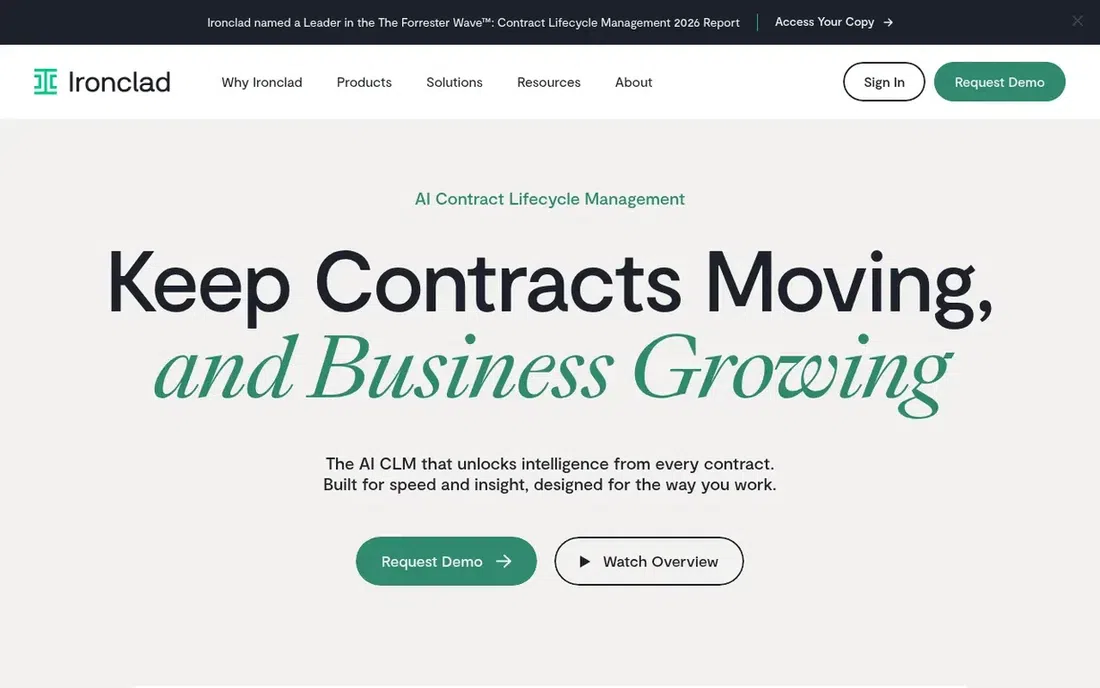
Pick Ironclad if this describes you: AI-driven contract lifecycle management. It surfaces insights from legal agreements and helps handle risk.
What to check first: Concentrated on bigger legal operations.
Its emphasis on AI and lifecycle management could need onboarding time. Consider a more straightforward e-signature tool if you only need signing capabilities. This comparison lists no price for Ironclad; ask the vendor. On free options: Not stated.
- Risk management features
- AI insights from legal agreements
- May need demo for full evaluation
Selection criteria
The comparison looks at four things: starting price, free access, how well the feature set matches contract management software for small legal teams, and the main limit of each tool. Treat prices as a snapshot: vendors change plans often, so check the vendor site for the figure that applies today. The sequence is a judgement call: typical use case first, then pricing transparency, then free access. Use the profiles to check fit.
Things to verify first
- Get a written quote from Juro and Ironclad; the list shows no starting price for them.
- Use real work to test the free trial from Dropbox Sign, rather than a demo project.
- Before choosing Concord, weigh its main limit: restricted advanced AI features.
- Map your must-have features to a specific Dropbox Sign plan before you compare prices.
- Check the support hours and onboarding help Ironclad offers; smaller vendors vary a lot here.
FAQ
Can I try these tools before paying?
Often, yes. Dropbox Sign offers a free trial. Use your own data and a real task during the test, and check what the free tier or trial limits before you rely on it. For the full picture, the cards above cover all 5 entries of this contract management software for small legal teams list, including price, free plan and limits.
Can e-signature tools like DocuSign or Dropbox Sign deal with full contract management?
They can be part of a contract management process but may have to be paired with other tools for full functionality. Consider dedicated CLM platforms for thorough needs.
Is it better to choose a specialized CLM tool or a general e-signature platform?
It relies on your contract volume and workflow complexity. Worth adding: specialized CLM tools offer deeper automation and analytics but may be more complicated and expensive. General e-signature products are more straightforward and frequently sufficient for teams with entry-level signing needs.
Is Concord the right pick for everyone comparing contract management software for small legal teams?
No single tool suits every team. Concord comes first because it fits simplified contract management, while DocuSign suits electronic signature and agreement management and Dropbox Sign suits simple eSignature agreement management. Match the tool to your own size, budget and workflow before deciding.
Does any tool for contract management software for small legal teams here have a free plan?
No tool in this list, Concord and Ironclad included, has a permanent free plan. Dropbox Sign offer a trial. Trials and quotes are the usual route, so plan a short evaluation period.
What features should small legal teams prioritize in contract management software?
Small legal teams should prioritize simplicity, e-signature capabilities, and entry-level contract tracking. Automation and AI features can be beneficial but may add complexity.
Sources
- https://www.concord.app
- https://www.docusign.com
- https://sign.dropbox.com
- https://juro.com
- https://ironcladapp.com