Top 6 Contextual AI Platforms for Developers for 2026 (Prices and Free Plans)
Searching for the best contextual AI platforms for developers? Here are 6 options with prices and free plans. Cost notes and weak points included. Start here.
- Editor's choice
 Amazon Q Developer
IDE-native assistance in AWS workflows
Starts atSee websiteVisit aws.amazon.comFull review - Great alternative
 JetBrains AI Assistant
Agent-based building inside JetBrains tooling
Starts atSee websiteVisit jetbrains.comFull review - Also consider
 Sourcegraph Cody
Codebase-aware assistance with code intelligence
Starts atSee websiteVisit sourcegraph.comFull review
Direct answer
Amazon Q Developer comes first here, mainly for IDE-native assistance in AWS workflows. Listed starting prices: Cursor from $8 per month and Codeium from $20 a month. JetBrains AI Assistant fits agent-based building inside JetBrains tooling; Sourcegraph Cody fits Codebase-aware assistance with code intelligence. The remaining 3 options are covered below with prices and limits.
TL;DR:
- Number one here is Amazon Q Developer, a fit for IDE-native assistance in AWS workflows.
- 2 of 6 tools offer a free plan: Cursor, Codeium.
- GitHub Copilot fits end-to-end coding across editor and GitHub.
- The cheapest monthly starting price in the list is $8 per month, offered by Cursor.
Last checked November 2026. Prices and plan details were read from the vendors' own pages in November 2026; vendors change plans often, so confirm the current price on the vendor site before you buy.
Quick comparison
| Tool | Best for | Starts at | Free plan? | |
|---|---|---|---|---|
| Amazon Q Developer | IDE-native assistance in AWS workflows | See website | Not stated | Visit |
| JetBrains AI Assistant | Agent-based building inside JetBrains tooling | See website | Not stated | Visit |
| Sourcegraph Cody | Codebase-aware assistance with code intelligence | See website | Not stated | Visit |
 Cursor | Agent-led building in a dedicated editor | $8 per month | Yes | Visit |
| Codeium | Managing agents from one command center | $20 a month | Yes | Visit |
 GitHub Copilot | End-to-end coding across editor and GitHub | See website | Not stated | Visit |
Every option for contextual AI platforms for developers explained
If you are comparing contextual AI platforms for developers, this page covers 6 tools in one place: what each is best for, what it costs to start, whether it has a free plan, and the main limit to know about.
Amazon Q Developer is designed for IDE-native assistance in AWS workflows. Amazon Q Developer is an AI coding assistant that writes, debugs and refactors code natively in the IDE. On top of that, support and capabilities can differ between IDEs, so check the specifics for your setup.
Drawbacks to consider: Feature set varies by IDE.
For everyday use, teams wanting a host-agnostic agent editor may prefer a different tool. From a buyer's view, the focus on everyday coding tasks for example writing, debugging and refactoring makes it a practical general-purpose assistant for IDE-based work. Its appeal is most solid where AWS services are already central to the stack, and developers elsewhere may get less contextual value. Pricing for Amazon Q Developer is not stated here, so ask the vendor for current figures. On free options: Not stated.
- Handles typical coding tasks in one assistant
- Debugs and refactors code in the IDE
- Most solid pull toward AWS environments
Choose JetBrains AI Assistant for agent-based building inside JetBrains tooling. Confirm supported agents and IDE versions on the vendor site before standardizing. Beyond that, the value is concentrated in JetBrains environments, and how much you gain depends on which agents you use and their compatibility.
Developers outside JetBrains tooling will likely find little reason to switch. It works with the agents you already use and with any ACP-compatible agent, which fits teams invested in JetBrains IDEs who want a single place to coordinate agent-driven work instead of juggling separate tools. This comparison lists no price for JetBrains AI Assistant; ask the vendor. On free options: Not stated.
Points against: Agent support relies on compatibility. Upsides: One system for building with agents.
- Works with agents you already use
- Supports ACP-compatible agents
- Tied to the JetBrains ecosystem
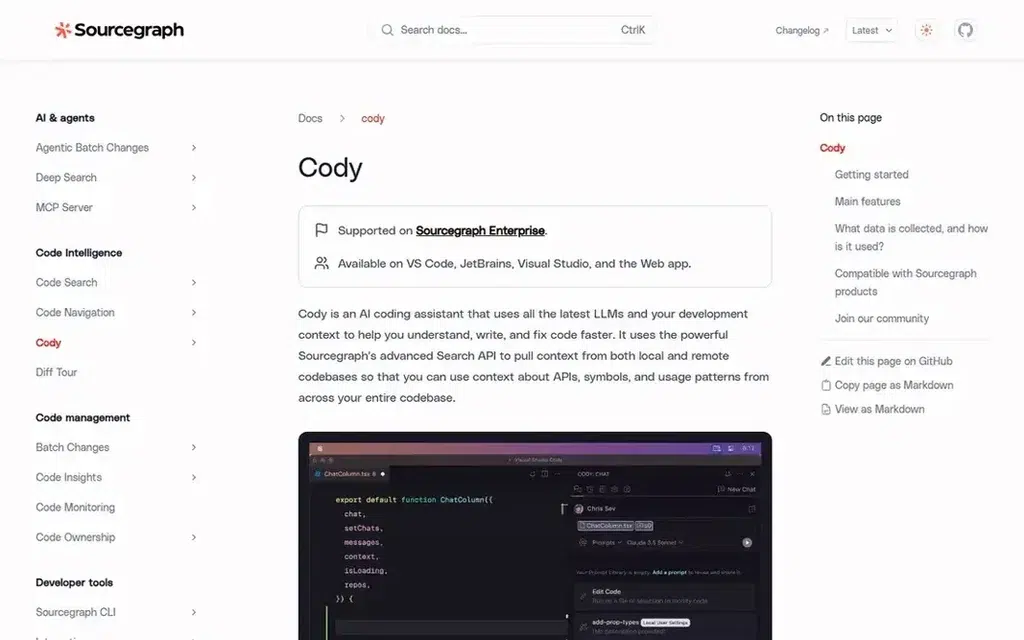
Sourcegraph Cody is designed for Codebase-aware assistance with code intelligence. Sourcegraph Cody comes from Sourcegraph, the code intelligence system, and inherits that focus on understanding code across a repository.
Cody is most compelling where Sourcegraph is already part of the workflow; without it, the contextual advantage is smaller. More specifically, teams wanting a standalone agent editor or a host-native assistant may find other choices more straightforward to adopt. Sourcegraph Cody shows no starting price here, so confirm the cost on the vendor site. Free options: Not stated.
Drawbacks to consider: Value relies on Sourcegraph adoption.
- Geared toward understanding large codebases
- Handy context for search and navigation
- Documentation-oriented presentation
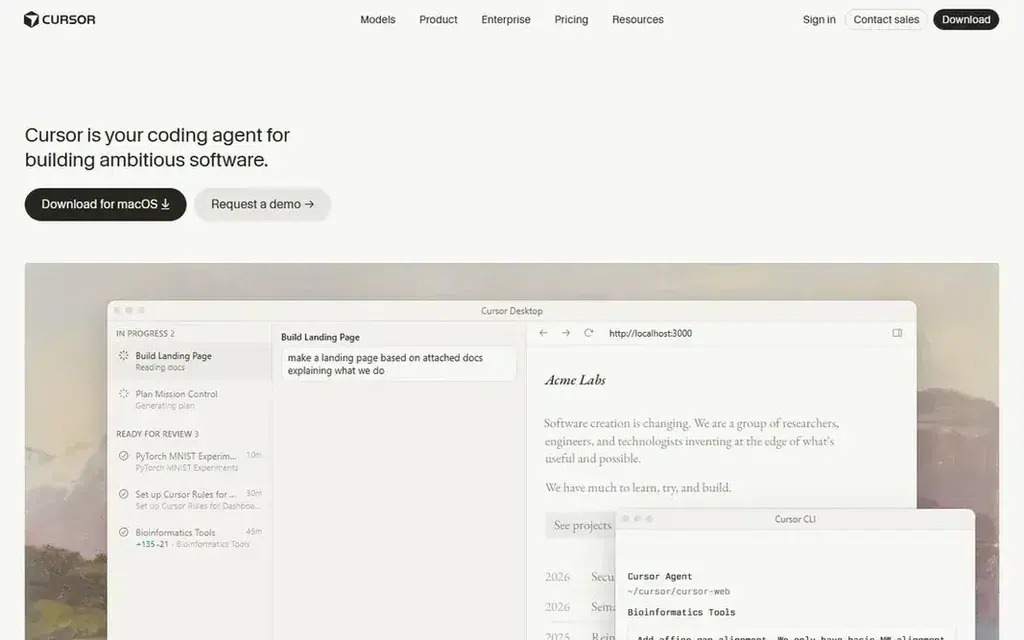
For agent-led building in a dedicated editor, Cursor is a natural candidate. Development accelerates by handing tasks off to Cursor instead of typing every line.
Its agent-centric model also rewards clear task descriptions. More specifically, if you need assistance spread across an existing host product or several IDEs, consider a broader product instead. Price to start with Cursor: $8 per month. Free access exists with Cursor.
Drawbacks to consider: Teams must adjust habits to agent handoffs.
- Productivity-oriented editor
- Agents turn ideas into code
- Centered on its own editor
Codeium
Best for: Managing agents from one command center
For managing agents from one command center, Codeium is a natural candidate. Codeium is presented through Devin Desktop, a command center for managing any agent, locally or in the cloud.
What to check first: Value relies on multi-agent use.
In daily use, developers who just want inline suggestions in their editor may find it more than they need. On top of that, check current product details and supported agents on the vendor site before committing. Codeium starts at: $20 per month. A free plan is available with Codeium.
- Run any agent locally or in the cloud
- One command center for planning and review
- Agent management brings a layer to learn
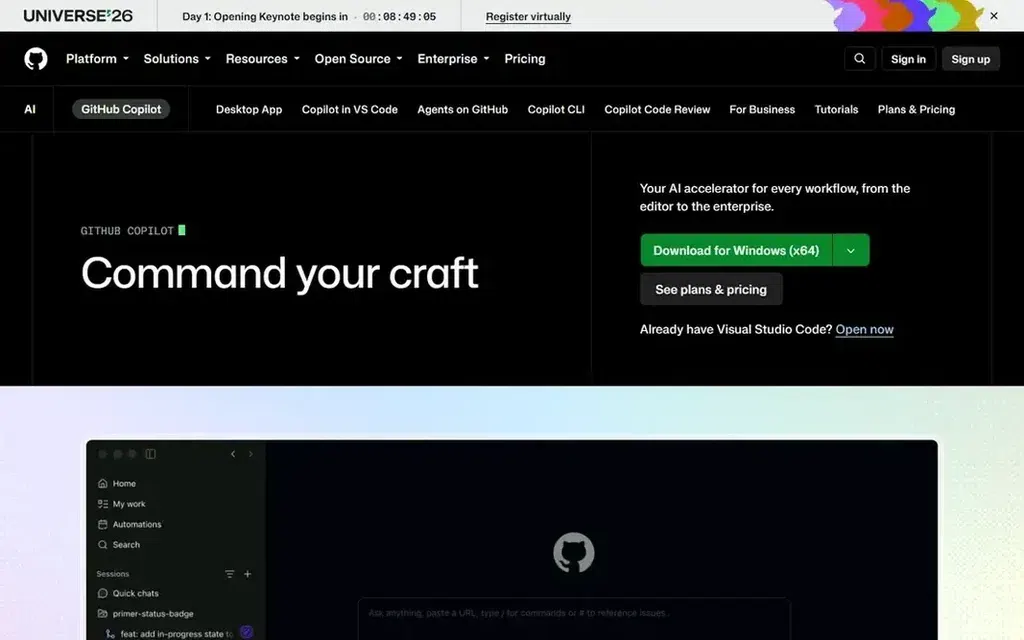
GitHub Copilot is designed for end-to-end coding across editor and GitHub. GitHub Copilot is positioned as an AI coding agent that works every step of the way, from an open issue through to reviewing and merging a pull request.
GitHub Copilot does not show a starting price in this comparison, so check the vendor site for current pricing. Free options: Not stated.
Reasons to shortlist it: Works in the editor.
Drawbacks to consider: Depth varies by surface.
- Supports the path from open issue to pull request review
- Terminal and on GitHub
- Less appealing if your work sits outside GitHub
How we compared the tools
The comparison looks at four things: starting price, free access, how well the feature set matches contextual AI platforms for developers, and the main limit of each tool. Prices and plan limits come from vendor pages and can change, so confirm them on the vendor site before you buy. The sequence is a judgement call: typical use case first, then pricing transparency, then free access. Use the profiles to check fit.
Pre-purchase checklist
- Ask Amazon Q Developer, JetBrains AI Assistant, Sourcegraph Cody and GitHub Copilot for a written quote, since no starting price is shown.
- Look at free plan limits closely: Cursor and Codeium have one, and the caps decide whether it is usable for real work.
- Read the limits listed for Amazon Q Developer first: most solid pull toward AWS environments.
- Confirm that GitHub Copilot connects to the apps your team already uses, on the plan you would actually buy.
- Verify that exporting from Sourcegraph Cody is possible on your plan and covers all your records.
FAQ
Should I choose an editor-native or host-native assistant?
Editor-native tools like Cursor and JetBrains AI Assistant keep work inside a single environment, whereas host-native choices like GitHub Copilot follow you across surfaces. Choose based on where your team already spends time.
Can I try these tools before paying?
Often, yes. Cursor and Codeium have a free plan. Use your own data and a real task during the test, and check what the free tier or trial limits before you rely on it. Prices, free plan details and limits for all 6 tools in this contextual AI platforms for developers roundup sit on the individual cards above.
What makes an AI product contextual for developers?
Contextual tools draw on more than the line you are typing, using repository, issue or workflow context to inform suggestions and agent actions. The practical difference displays up in how well suggestions fit your actual codebase.
How should a team evaluate these tools before adopting one?
Start from the workflow you want covered, then check documented support for your editors, repositories and agents. A small pilot on one team surfaces friction quicker than a wide rollout.
Do these tools publish their prices?
Not all of them. Amazon Q Developer, JetBrains AI Assistant, Sourcegraph Cody and GitHub Copilot publish no starting price, so expect a quote request for those. The rest, Cursor included, show a starting price, though seats and billing terms still change the final cost.
What is the cheapest option for contextual AI platforms for developers in this list?
On published monthly entry prices, Cursor is the lowest here at $8 per month. Entry price is only part of the cost, because seats, add-ons and billing terms can change the total. Each of the 6 options in this contextual AI platforms for developers guide has its own card above with the price, free plan and limits.
Sources
- https://aws.amazon.com/q/developer
- https://www.jetbrains.com/ai
- https://sourcegraph.com/cody
- https://cursor.com
- https://codeium.com
- https://github.com/features/copilot