7 AI Tools for Software Developers Ranked for 2026
Best AI tools for software developers in 2026: 7 contenders with entry costs and free tiers. Every profile names its biggest catch. See the full list.

- Editor's choice
 JetBrains Air
JetBrains users and agent governance
Starts atSee websiteVisit jetbrains.comFull review - Great alternative
 Replit
Building apps without setup
Starts atFreeVisit replit.comFull review - Also consider
 Junie
Model-agnostic coding agent
Starts atFreeVisit junie.jetbrains.comFull review
Direct answer
JetBrains Air comes first here, mainly for JetBrains users and agent governance. For a different need, Replit covers building apps without setup and Junie covers model-agnostic coding agent. The other 4 tools in the list cover narrower or pricier cases.
TL;DR:
- Top of the list is JetBrains Air, which targets JetBrains users and agent governance.
- 4 of 7 tools offer a free plan: Replit, Junie, GitHub Copilot, Amazon Q Developer.
- For AWS-centered teams, Amazon Q Developer is worth a look.
- The main caution on Junie: newer agent with a smaller community.
- Starting prices begin at $10 per month with GitHub Copilot.
Quick comparison
| Tool | Best for | Starts at | Free plan? | |
|---|---|---|---|---|
| JetBrains Air | JetBrains users and agent governance | See website | No | Visit |
| Replit | Building apps without setup | Free | Yes | Visit |
| Junie | Model-agnostic coding agent | Free | Yes | Visit |
 Gemini Code Assist | Google Cloud shops | $19 per user/month (billed yearly) | No | Visit |
 OpenAI Codex | Cloud agents tied to ChatGPT | See website | No | Visit |
 GitHub Copilot | Developers who stay in their IDE | $10 a month | Yes | Visit |
 Amazon Q Developer | AWS-centered teams | See website | Yes | Visit |
The 7 tools in detail
If you are comparing AI tools for software developers, this page covers 7 tools in one place: what each is best for, what it costs to start, whether it has a free plan, and the main limit to know about.
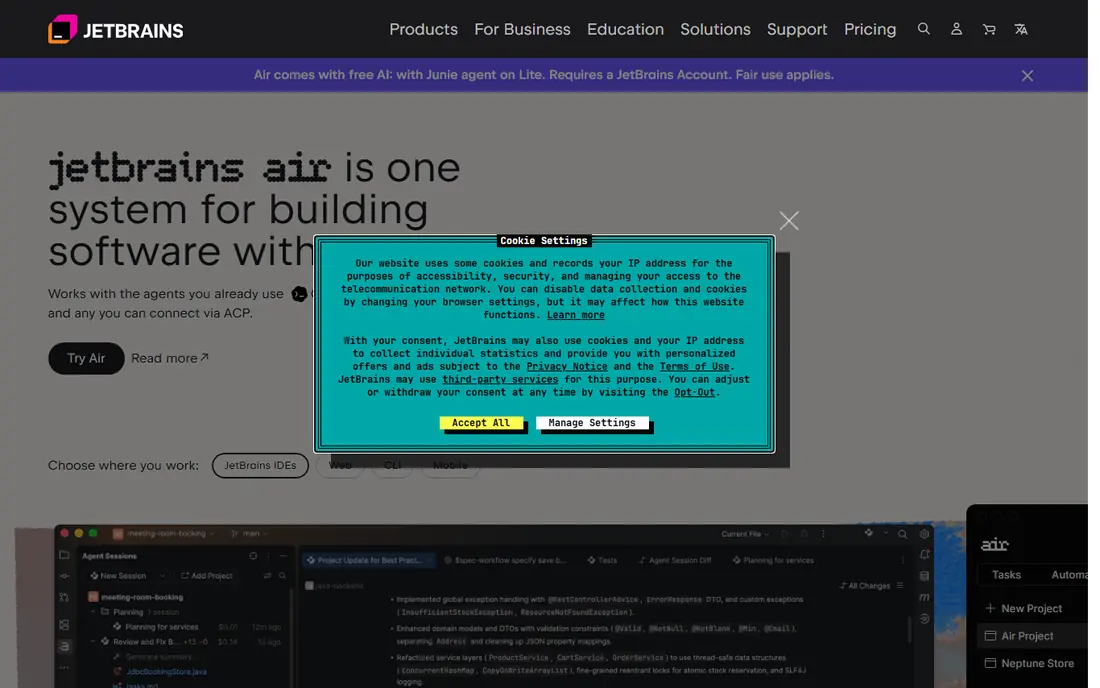
JetBrains Air makes the most sense for JetBrains users and agent governance. It links the agents you already use, including Claude and Codex, runs them inside JetBrains IDEs with parallel session tracking, and lets you review every change in context.
Teams get shared cloud environments, automations, and governance with spend controls. This comparison lists no price for JetBrains Air; ask the vendor. JetBrains Air has no permanent free option.
Watch-outs: Value relies on existing JetBrains investment.
- Team governance and cost controls
- Run any agent inside JetBrains IDEs
- Pricing not public
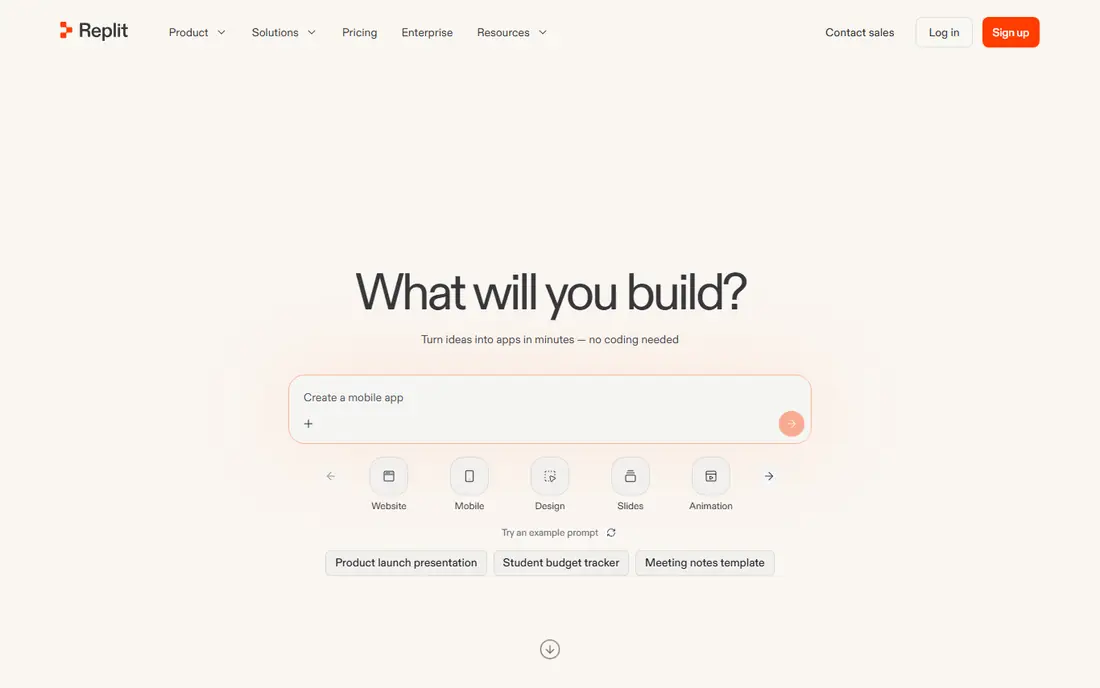
For building apps without setup, Replit is a natural candidate. The honest note: Replit is for creating apps, not for assisting inside your existing codebase and IDE. On top of that, professional teams will hit its limits on architecture, testing, and version control discipline.
But for prototypes, internal tools, and founders who do not code, it collapses the distance from idea to deployed app like nothing else here. On top of that, intelligent model routing picks the best model per task, and you can start free with no credit card. The starting price for Replit: Free. Replit has a free plan.
Watch-outs: Costs scale with usage.
- Agent writes and deploys full-stack apps
- Built-in hosting, database, auth
- Not an IDE assistant for existing codebases
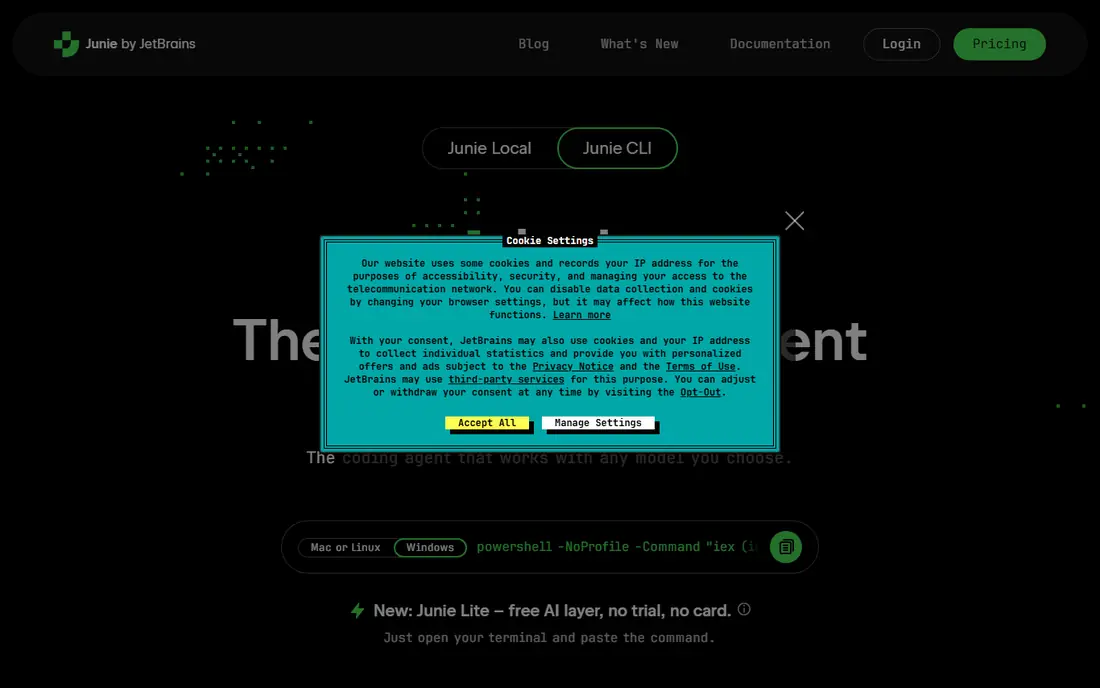
Junie is aimed squarely at model-agnostic coding agent. Junie is JetBrains' coding agent: provide it a task in natural language and it fixes bugs, implements features, and reviews PRs from the terminal, the IDE, or CI/CD.
Where it falls short: Advanced usage needs premium AI credits.
premium AI Pro ($8.33 per user a month) and Ultimate ($25) plans include heavier usage with cloud credits. Junie pricing: Free. Junie has a free plan.
- Works with any model via BYOK
- CI/CD support
- Newer agent with a smaller community
In short, Gemini Code Assist is for Google Cloud shops. Google's Gemini Code Assist brings the 1M-token context window to IDE coding assistance, with completion, chat, agent mode, and the Gemini CLI for the terminal.
Downsides: Best value only inside the Google ecosystem.
Enterprise security, SOC certifications, and IP indemnification make it the compliance-friendly pick. Worth adding: standard is $19 per user a month on an annual commitment ($22.80 monthly); Enterprise at $45 to $54 brings codebase customization, usage analytics, and stricter governance. On cost, Gemini Code Assist starts like this: $19 per user/month. Gemini Code Assist has no free tier.
- 1M token context window
- Deep Google Cloud integration
- No free plan
OpenAI Codex works best for cloud agents tied to ChatGPT. The honest trade: Codex's quality relies on the plan level and current usage limits.
The product moves fast enough that features shift between releases. OpenAI Codex does not show a starting price in this comparison, so check the vendor site for current pricing. OpenAI Codex has no permanent free option.
Drawbacks to consider: Newest features roll out unevenly.
Upsides: Cloud agents keep working with the laptop closed.
- Web app
- CLI
- Needs a ChatGPT subscription
Pick GitHub Copilot if this describes you: developers who stay in their IDE. The Pro level at $10 per month (prices from GitHub's plan listings) is the natural upgrade once the free level's limits bite.
What users get: Works in VS Code, JetBrains.
Drawbacks to consider: Usage-based credits on advanced features.
As for the details, free hands you 2,000 code completions per month plus a restricted allowance of AI credits for chat and agent features. GitHub Copilot cost at the entry level: $10 per month. GitHub Copilot includes a free tier.
- CLI in one subscription
- Free level with 2,000 completions monthly
- Best results still need prompt skill
Pick Amazon Q Developer if this describes you: AWS-centered teams. Amazon Q Developer is AWS's coding assistant, with inline suggestions, agentic chat, code transformation for upgrades, and security scanning, plus expertise on AWS services from the console to Slack. Evaluate with the 2027 date in mind.
Drawbacks to consider: Best only for AWS shops.
The perpetual free level hands 50 agentic chat interactions and 1,000 lines of code transformation monthly. Your content is not used for training on premium plans. That makes Q Developer a strange recommendation for new IDE-based adoption, though the console, CLI, and transformation features continue. This comparison lists no price for Amazon Q Developer; ask the vendor. Amazon Q Developer offers a free plan.
- Security scanning with auto-remediation
- Free level with 50 agentic chats per month
- IDE plugins face end of support in April 2027, with AWS pointing users to Kiro
How we built this list
Selection started from tools commonly considered for AI tools for software developers, then narrowed to 7 that have clear pricing information or a clear quote process. Treat prices as a snapshot: vendors change plans often, so check the vendor site for the figure that applies today. The order reflects how well each tool fits the most common buying scenario for AI tools for software developers, then price clarity, then free plan access. It is a starting point, not a verdict.
Before you commit
- Ask JetBrains Air, OpenAI Codex and Amazon Q Developer for a written quote, since no starting price is shown.
- Look at free plan limits closely: Replit, Junie, GitHub Copilot and Amazon Q Developer have one, and the caps decide whether it is usable for real work.
- Before choosing JetBrains Air, weigh its main limit: newest product in the lineup.
- Look at which plan of OpenAI Codex unlocks the features you need; entry tiers are often cut down.
- Total up the real monthly cost of Junie, including add-ons, extra users and usage-based fees.
FAQ
Why is Amazon Q Developer's IDE support ending?
AWS announced it will discontinue support for the Amazon Q Developer IDE plugins on April 30, 2027, and points users to Kiro for agentic coding with the latest models.
Can I try these tools before paying?
Often, yes. Replit, Junie, GitHub Copilot and Amazon Q Developer have a free plan. Use your own data and a real task during the test, and check what the free tier or trial limits before you rely on it.
How are the tools for AI tools for software developers ordered?
The order follows typical fit for AI tools for software developers, with JetBrains Air first and Amazon Q Developer last, then price clarity and free access. It is editorial judgement, not a score, so another team could rank the tools differently.
Do these tools publish their prices?
Not all of them. JetBrains Air, OpenAI Codex and Amazon Q Developer publish no starting price, so expect a quote request for those. The rest, Replit included, show a starting price, though seats and billing terms still change the final cost.
Do AI coding tools replace developers?
No. They accelerate writing, testing, and understanding code, but the tools still need developers to define problems, review output, and make architectural decisions.
Which options for AI tools for software developers have a free plan?
Replit, Junie, GitHub Copilot and Amazon Q Developer offer a free plan in this list. Free plans usually cap users, projects or features, so check the limits on the vendor page.