5 Best Construction Software Land Developer for 2026, Vetted and Compared
Best construction software land developer: 5 contenders ranked by fit, with entry costs and free tiers. Every pick includes one clear drawback. See which fits.
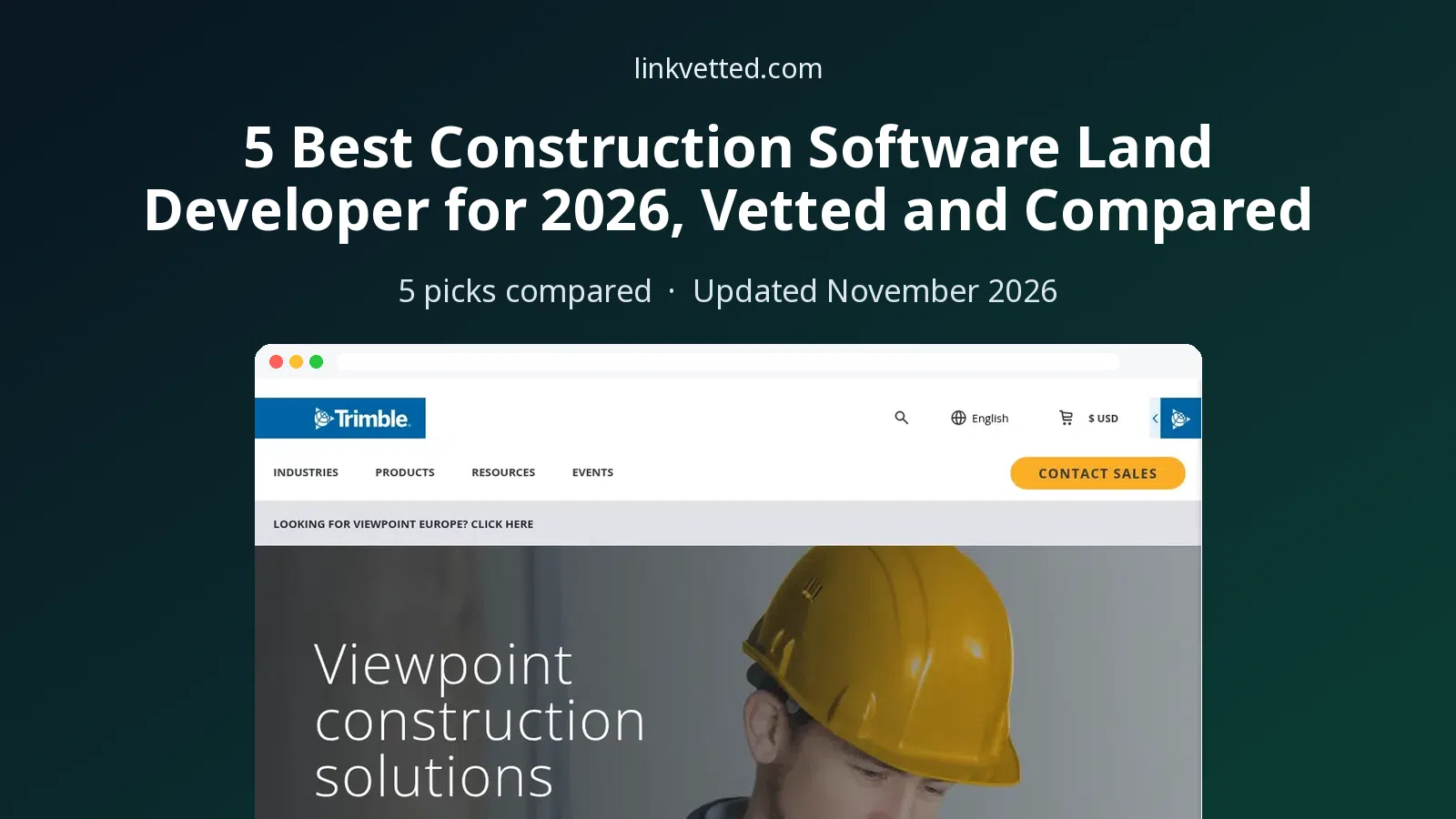
- Editor's choice
 PlanGrid
Field collaboration and document management
Starts atPricing on requestVisit plangrid.comFull review - Great alternativeJonas Construction Software
Unified job costing and financials
Starts atPricing on requestVisit jonasconstruction.comFull review - Also considerTrimble Viewpoint
Construction ERP and job costing
Starts atPricing on requestVisit viewpoint.comFull review
Direct answer
PlanGrid leads the list, best for field collaboration and document management. Jonas Construction Software fits unified job costing and financials; Trimble Viewpoint fits Construction ERP and job costing. The remaining 2 options are covered below with pricing notes and limits. None of these vendors publish plan prices, so pricing is on request for every option.
TL;DR:
- Top of the list is PlanGrid, which targets field collaboration and document management.
- Pricing across the list, from PlanGrid to Autodesk Construction Cloud, is by quote only.
- PlanGrid, Autodesk Construction Cloud and the 3 others all need a premium plan or a trial, since no free plan is listed.
- Autodesk Construction Cloud is the one to check for secure team collaboration.
- Before buying Jonas Construction Software, weigh this: may need migration effort.
Last checked November 2026. Pricing on request: vendors did not publish plan prices when this guide was last checked (November 2026), so ask each vendor for a written quote.
Quick comparison
| Tool | Best for | Starts at | Free plan? | |
|---|---|---|---|---|
| PlanGrid | Field collaboration and document management | Pricing on request | Not stated | Visit |
| Jonas Construction Software | Unified job costing and financials | Pricing on request | Not stated | Visit |
| Trimble Viewpoint | Construction ERP and job costing | Pricing on request | Not stated | Visit |
 Procore | Live project visibility | Pricing on request | Not stated | Visit |
 Autodesk Construction Cloud | Secure team collaboration | Pricing on request | Not stated | Visit |
Construction Software Land Developer compared in detail
Choosing construction software land developer usually comes down to price, fit and limits. This LinkVetted guide sets 5 tools side by side on those three points, with the facts kept short and checkable.
PlanGrid is built with field collaboration and document management in mind. It fits land developers who require to run drawings and field data efficiently.
Downsides: Restricted standalone information.
For everyday use, as PlanGrid is now integrated into Autodesk Forma, its standalone features may be restricted. No starting price is listed for PlanGrid here; confirm pricing on the vendor site. Free access: Not stated.
- Construction app focus
- Login and support available
- May need Autodesk account
Jonas Construction Software
Best for: Unified job costing and financials
Jonas Construction Software works best for unified job costing and financials. It fits land developers looking to consolidate financial and operational data.
For pure project management, consider Procore or Autodesk Construction Cloud. This comparison lists no price for Jonas Construction Software; ask the vendor. Trial and free access: Not stated.
Downsides: May need migration effort.
- Brings together job costing
- Replaces generic accounting
- Focus on contractors
Trimble Viewpoint
Best for: Construction ERP and job costing
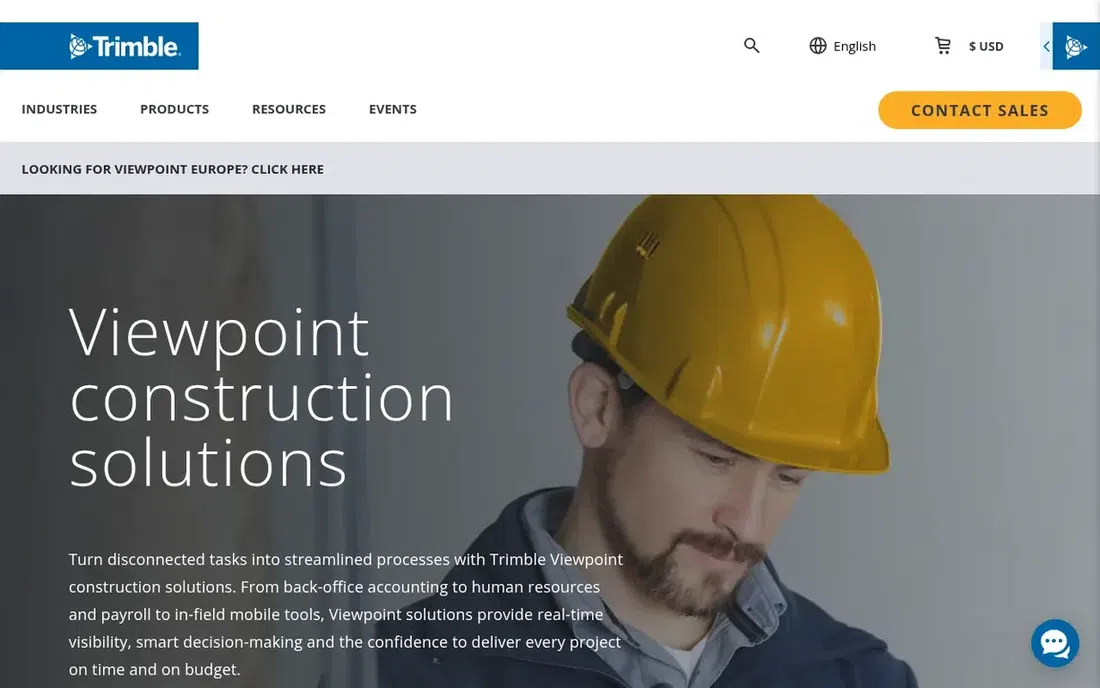
Where Trimble Viewpoint fits: Construction ERP and job costing. Viewpoint's ERP nature means it may be more than needed for straightforward project tracking.
Beyond that, if you primarily need field collaboration, a tool like PlanGrid could be a better fit. Trimble Viewpoint does not show a starting price in this comparison, so check the vendor site for current pricing. Free options: Not stated.
Honest limits: ERP focus may not suit all.
- Boosts workflows
- Simplifies job costing
- Implementation can be involved

Choose Procore for live project visibility. Procore is a construction management system that links the field and office, supplying live visibility to help deliver quality projects on time. It is well-suited for land developers managing several projects who require up-to-date information across teams.
Watch-outs: Requires training to completely use.
Strengths: Live visibility. For everyday use, Procore may be overwhelming for smaller operations due to its deep feature set. In daily use, if you need a more straightforward tool focused only on project management, consider alternatives like PlanGrid for field tasks. Check the vendor site for Procore pricing; none is listed in this comparison. Free options: Not stated.
- Links site and office
- Helps deliver projects on time
- May be complicated for small teams
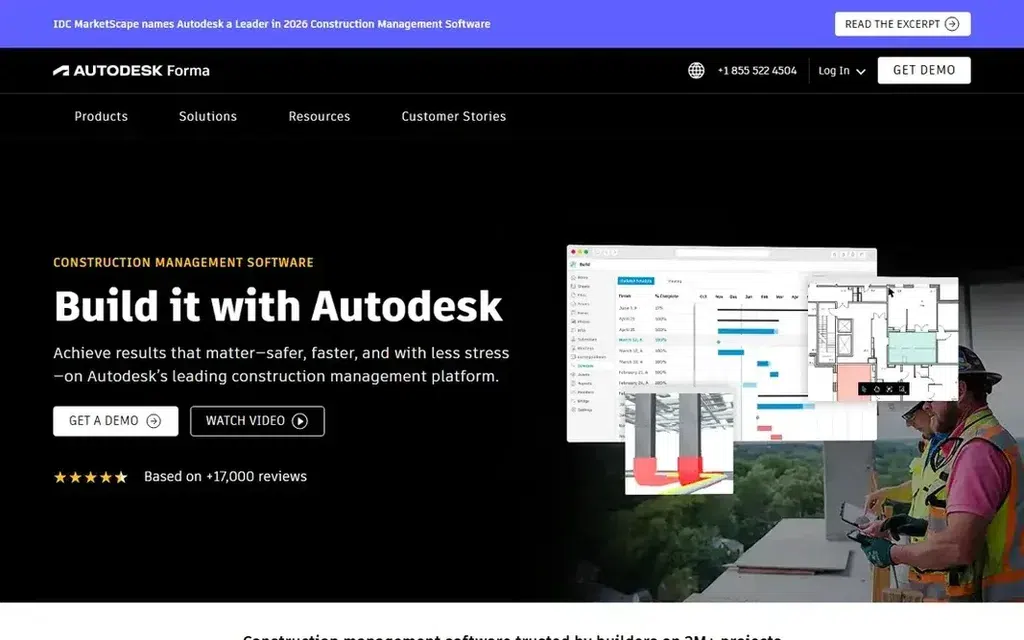
For secure team collaboration, Autodesk Construction Cloud is a natural candidate. Autodesk Construction Cloud, now part of Autodesk Forma, makes it possible for project teams to collaborate securely and rapidly, aiming to deliver projects on time and on budget.
It suits land developers who value integrated design and construction workflows. Autodesk Construction Cloud does not show a starting price in this comparison, so check the vendor site for current pricing. Free plan details: Not stated.
The main drawbacks: Ramp-up time for new users.
- Budget tracking
- Secure collaboration
- May need Autodesk ecosystem
What went into this list
What to confirm before you sign up
- Ask each vendor, from PlanGrid to Autodesk Construction Cloud, for a written quote; none of them publishes a starting price.
- Before choosing PlanGrid, weigh its main limit: limited standalone information.
- Confirm the exact PlanGrid plan that includes your must-have features.
- Get the contract term, renewal terms and any onboarding fees from Jonas Construction Software in writing.
- Find out what support Trimble Viewpoint includes on your plan, and whether onboarding help costs extra.
FAQ
Can I try these tools before paying?
Not by default. None of the tools, from PlanGrid to Autodesk Construction Cloud, lists a free plan or a free trial here, so ask each vendor for a demo before committing.
Does any tool for construction software land developer here have a free plan?
No tool in this list, PlanGrid and Autodesk Construction Cloud included, has a permanent free plan. Trials and quotes are the usual route, so plan a short evaluation period.
What is the best construction software for land developers?
PlanGrid is the pick this page puts first, mainly for field collaboration and document management. If your situation differs, Jonas Construction Software suits unified job costing and financials, and Trimble Viewpoint suits Construction ERP and job costing. Compare price and limits before you decide.
Do these tools publish their prices?
No. None of the tools, from PlanGrid to Autodesk Construction Cloud, shows a fixed starting price here, so budget time for quotes.
Is PlanGrid the right pick for everyone comparing construction software land developer?
No single tool suits every team. PlanGrid comes first because it fits field collaboration and document management, while Jonas Construction Software suits unified job costing and financials and Trimble Viewpoint suits Construction ERP and job costing. Match the tool to your own size, budget and workflow before deciding.
Sources
- https://www.plangrid.com
- https://www.jonasconstruction.com
- https://www.viewpoint.com
- https://www.procore.com
- https://construction.autodesk.com