Top 5 Construction Schedule Software for 2026 (Prices and Free Plans)
Need the best construction schedule software? We compare 5 tools on cost, free access and who each suits. Strengths and weak spots are spelled out. Facts only.
- Editor's choice
 Viewpoint Vista
Construction ERP with scheduling and accounting
Starts atSee websiteVisit viewpoint.comFull review - Great alternative
 Smartsheet
Adaptable, spreadsheet-style schedule planning
Starts at$12 per Member/monthVisit smartsheet.comFull review - Also consider
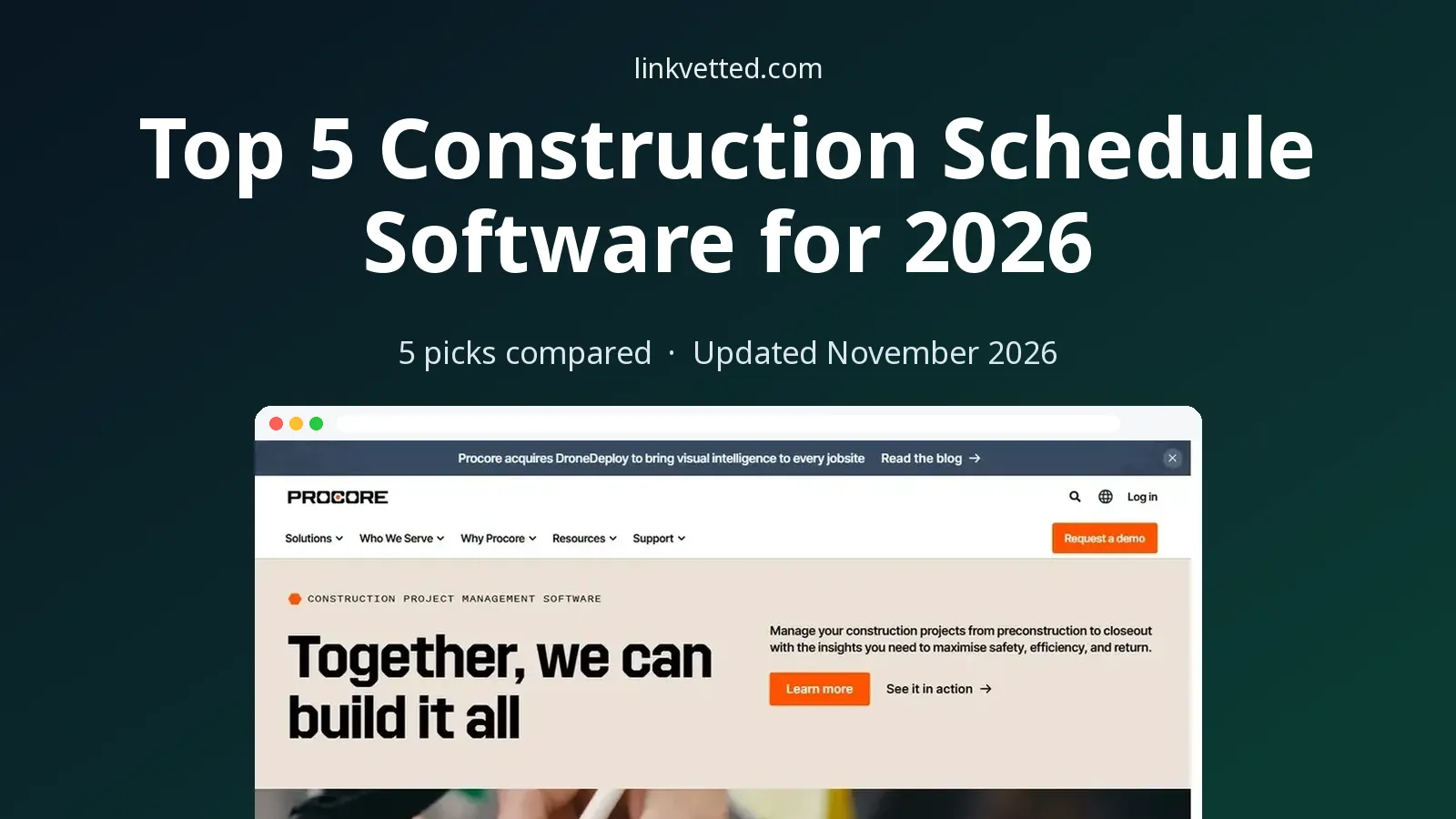
 Procore
Connecting schedules to field and office work
Starts atSee websiteVisit procore.comFull review
Direct answer
For Construction ERP with scheduling and accounting, Viewpoint Vista is where this list starts. Listed starting prices: Smartsheet from $12 per Member/month. If your case is different, Smartsheet suits adaptable, spreadsheet-style schedule planning and Procore suits connecting schedules to field and office work. All 5 tools are compared below on price, free plan and limits.
TL;DR:
- This list starts with Viewpoint Vista, which is built for Construction ERP with scheduling and accounting.
- None of the 5 tools, from Viewpoint Vista to Oracle Primavera P6, has a free plan, so budget for a subscription or use a trial.
- For large, complex enterprise construction schedules, Oracle Primavera P6 is worth a look.
- The lowest published monthly entry price here is $12 per Member/month, from Smartsheet.
- Before buying Autodesk Construction Cloud, weigh this: best value within Autodesk workflows.
Last checked November 2026. Prices and plan details were read from the vendors' own pages in November 2026; vendors change plans often, so confirm the current price on the vendor site before you buy.
Quick comparison
| Tool | Best for | Starts at | Free plan? | |
|---|---|---|---|---|
| Viewpoint Vista | Construction ERP with scheduling and accounting | See website | Not stated | Visit |
| Smartsheet | Adaptable, spreadsheet-style schedule planning | $12 per Member/month | Not stated | Visit |
| Procore | Connecting schedules to field and office work | See website | Not stated | Visit |
 Autodesk Construction Cloud | Collaborative, design-connected project scheduling | See website | Not stated | Visit |
 Oracle Primavera P6 | Large, complicated enterprise construction schedules | See website | Not stated | Visit |
The full construction schedule software list
Choosing construction schedule software usually comes down to price, fit and limits. This LinkVetted guide sets 5 tools side by side on those three points, with the facts kept short and checkable.
Viewpoint Vista makes the most sense for Construction ERP with scheduling and accounting. Viewpoint Vista, part of Trimble Construction One, is construction ERP software aimed at accounting, resource planning and project collaboration.
From a buyer's view, businesses that only have to build and share schedules may find a lighter tool quicker to adopt. Viewpoint Vista does not show a starting price in this comparison, so check the vendor site for current pricing. Free access: Not stated.
Watch-outs: Implementation needs planning.
- Links resources with project collaboration
- Made for construction accounting and planning
- ERP focus may be heavy for small teams
Smartsheet targets adaptable, spreadsheet-style schedule planning. Smartsheet describes itself as an execution hub where people and AI get work done together, with the governance and visibility enterprises need.
Honest limits: Complicated scheduling logic needs setup.
Large, schedule-intensive builds are better served by dedicated construction scheduling products. For construction, it suits teams that want adaptable, spreadsheet-style schedules and trackers they can shape themselves, notably for lighter projects or coordination across departments. Starting cost for Smartsheet: $12 per Member/month. Free options: Not stated.
- Governance and visibility for enterprise work
- Familiar spreadsheet-like interface
- Not construction-specific

Procore makes the most sense for connecting schedules to field and office work. Scheduling sits within a wider project management environment, so it fits general contractors and owners who want the schedule connected to drawings, field communication and project records instead of standing alone.
Watch-outs: Needs team adoption across roles.
No starting price is listed for Procore here; confirm pricing on the vendor site. Trial and free access: Not stated.
- Live project visibility
- Links site and office teams
- Wide product may exceed straightforward scheduling needs
Autodesk Construction Cloud
Best for: Collaborative, design-connected project scheduling
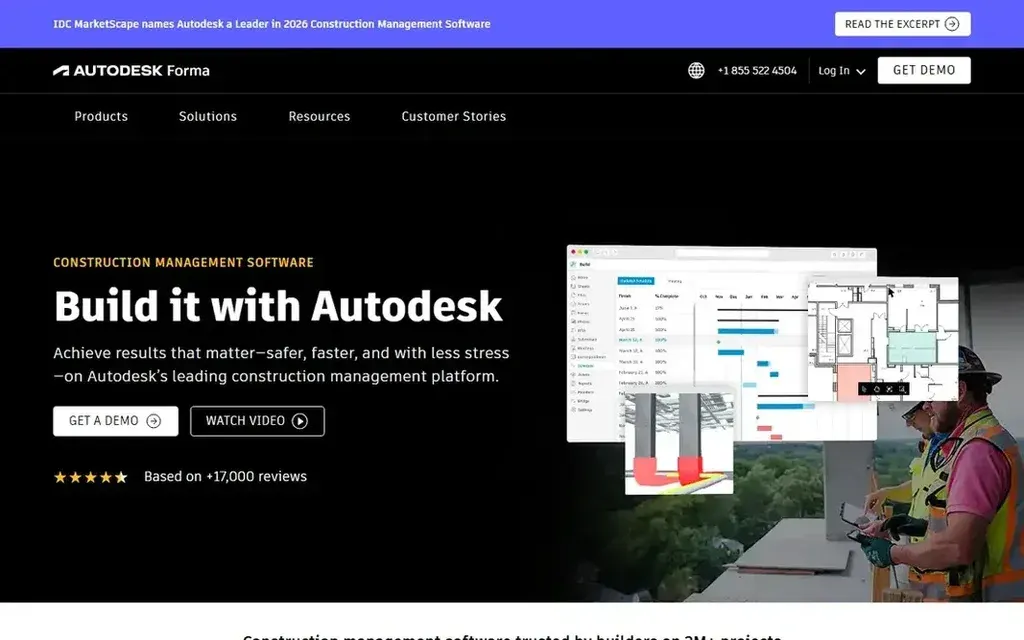
For collaborative, design-connected project scheduling, Autodesk Construction Cloud is a natural candidate. It suits teams already working in Autodesk design environments and those who want scheduling and project data shared across owners, designers and builders.
Downsides: Breadth can take time to learn.
The product is wide, so teams outside Autodesk workflows may not use its full value, and adoption takes time. No starting price is listed for Autodesk Construction Cloud here; confirm pricing on the vendor site. As for free access: Not stated.
- Secure
- Ties scheduling to project delivery
- Best value within Autodesk workflows
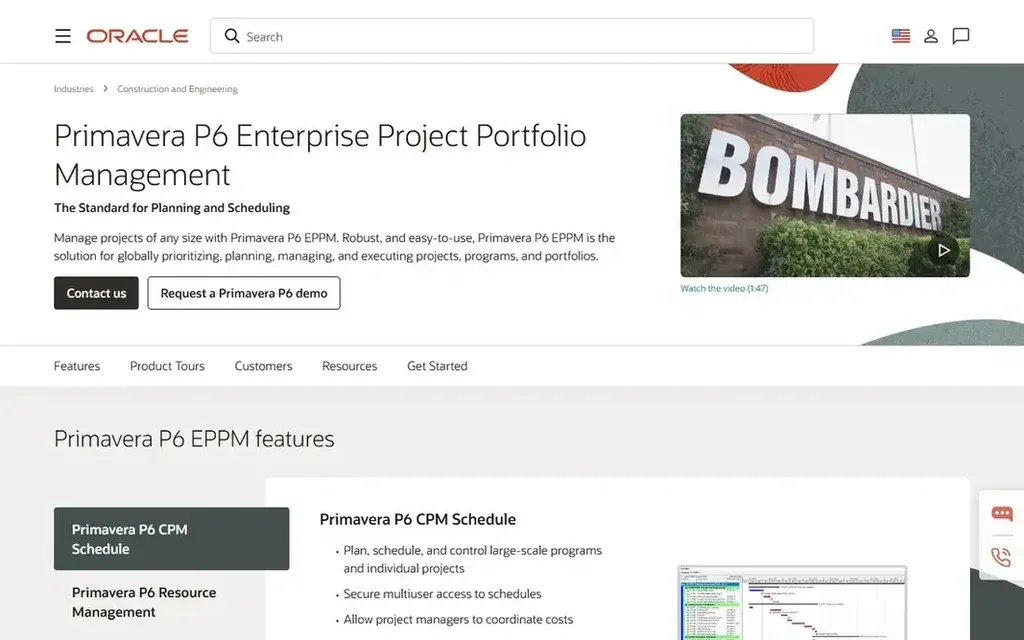
Oracle Primavera P6 works best for large, complicated enterprise construction schedules. Smaller businesses or teams wanting schedule visibility tied to daily site work may prefer a construction management system or a lighter planning tool instead.
Pricing for Oracle Primavera P6 is not stated here, so ask the vendor for current figures. As for free access: Not stated.
Drawbacks to consider: Heavier setup than straightforward tools.
- Capable enterprise portfolio scheduling
- Aimed at managing projects of any size
- Steep ramp-up time
Our selection method
We compared the tools on published pricing, free plan or trial availability, feature coverage for construction schedule software, and the limits each vendor documents. Figures are shown as the vendors publish them. Billing terms, seat minimums and add-ons can change the real cost. The order reflects how well each tool fits the most common buying scenario for construction schedule software, then price clarity, then free plan access. It is a starting point, not a verdict.
Questions to settle before buying
- Ask Viewpoint Vista, Procore, Autodesk Construction Cloud and Oracle Primavera P6 for a written quote, since no starting price is shown.
- Before choosing Viewpoint Vista, weigh its main limit: ERP focus may be heavy for small teams.
- The entry price of Autodesk Construction Cloud is only the starting point; model the full cost with seats and extras.
- Involve the people who will use Oracle Primavera P6 daily; a short pilot beats a long feature checklist.
- Look at which plan of Procore unlocks the features you need; entry tiers are often cut down.
FAQ
Does any tool for construction schedule software here have a free plan?
A permanent free plan is not offered by Viewpoint Vista, Oracle Primavera P6 or the other tools here. Plan a short evaluation period instead.
How does construction ERP fit into scheduling?
Viewpoint Vista links scheduling and resource planning with construction accounting and collaboration. That helps when you want timelines tied to cost and financial data, though it is broader than a standalone scheduling tool.
What should I check before choosing?
Confirm project size and scheduling complexity, field access, integrations with your existing systems, and how implementation and training work. Testing the schedule workflow with your actual team is the most dependable check.
Can I try these options before paying?
Not by default. None of the tools, from Viewpoint Vista to Oracle Primavera P6, lists a free plan or a free trial here, so ask each vendor for a demo before committing.
Is Viewpoint Vista the right pick for everyone comparing construction schedule software?
No single tool suits every team. Viewpoint Vista comes first because it fits Construction ERP with scheduling and accounting, while Smartsheet suits flexible, spreadsheet-style schedule planning and Procore suits connecting schedules to field and office work. Match the tool to your own size, budget and workflow before deciding.
What is the cheapest option for construction schedule software in this list?
On published monthly entry prices, Smartsheet is the lowest here at $12 per Member/month. Entry price is only part of the cost, because seats, add-ons and billing terms can change the total.
Sources
- https://www.viewpoint.com/products/vista
- https://www.smartsheet.com
- https://www.procore.com
- https://construction.autodesk.com
- https://www.oracle.com/construction-engineering/primavera-p6