Best Conference Call Service in 2026: 8 Services Compared
Compare the best conference call services in 2026, from Zoom and Google Meet to Teams, Webex, GoTo Meeting, and FreeConferenceCall, with free plans today.

- Editor's choice
 Zoom
General conference calls
Starts at$14.16 per user per monthVisit zoom.usFull review - Great alternative
 Google Meet
Google Workspace teams
Starts at$7 per user per monthVisit meet.google.comFull review - Also consider
 Microsoft Teams
Microsoft 365 organisations
Starts at$4 per user per monthVisit microsoft.comFull review
TL;DR:
- Zoom remains the safest general pick for conference calls, with a free plan for 40-minute group meetings and broad familiarity.
- Google Meet suits teams already in Gmail and Google Calendar, with a free plan for 60-minute group calls.
- Microsoft Teams suits organisations on Microsoft 365, with a free version and a standalone Essentials plan from $4 per user per month.
- Webex suits security-conscious organisations, with a free plan and enterprise controls on paid plans.
- FreeConferenceCall.com suits callers who only need audio, a dial-in number, and a large participant cap at no cost.
Quick comparison
| Tool | Best for | Starts at | Free plan? | |
|---|---|---|---|---|
| Zoom | General conference calls | $14.16 per user per month | Yes | Visit |
| Google Meet | Google Workspace teams | $7 per user per month | Yes | Visit |
| Microsoft Teams | Microsoft 365 organisations | $4 per user per month | Yes | Visit |
 Webex | Security-conscious teams | $12 per user per month | Yes | Visit |
 GoTo Meeting | Small business hosts | $12 per organiser per month | Free trial (14 days) | Visit |
 FreeConferenceCall.com | Free audio calls | Free | Yes | Visit |
 Dialpad | AI meeting notes on a budget | $15 per user per month | Yes | Visit |
 RingCentral | Phone plus video in one system | $20 per user per month | Yes | Visit |
The best conference call services
Conference calls now mean video, audio, screen sharing, and sometimes phone dial-in, and the best service depends on who joins and how long calls run. The tools below cover free audio-only calls, browser-based video, and full business phone systems. We compared official pricing pages and feature pages to build this list.
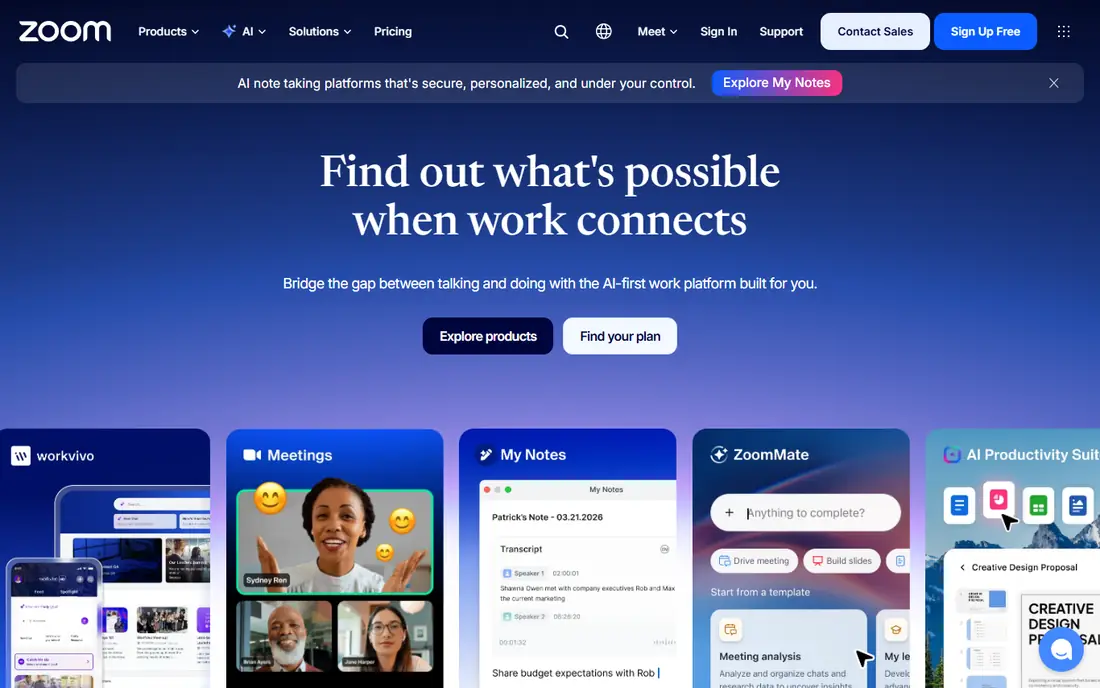
Zoom is the default conference call service for many teams because guests already know how to join. The free Basic plan allows 100 participants with a 40-minute limit on group meetings, while Pro at $14.16 per user per month billed annually removes that limit and adds cloud recording, AI summaries, and more controls. Screen sharing, breakout rooms, and dial-in options cover most meeting types.
The free limit is the main catch for longer calls, and some advanced features require paid plans or add-ons. For a team that hosts external guests often, Zoom familiarity alone is a strong reason to choose it, since fewer guests need help joining.
- Familiar to most guests
- Reliable video and audio
- Broad features
- Free group meetings limited to 40 minutes
- AI features sit on paid plans

Google Meet suits teams that live in Gmail and Google Calendar, since meetings can be scheduled, joined, and recorded from the same system. Any Google account can host a free meeting for up to 100 participants with a 60-minute limit on group calls, while Workspace Business Starter at $7 per user per month billed annually adds longer meetings, more participants on higher plans, and admin controls.
Browser joining means guests need no app install for most calls, which helps external meetings. Advanced features such as noise cancellation, breakout rooms on higher plans, and Gemini summaries depend on the Workspace plan. For Google-centred teams, Meet is the simplest conference call choice.
- Browser-based joining
- Google Calendar integration
- Simple interface
- Advanced features need Workspace plans
- Recording limits on free plan
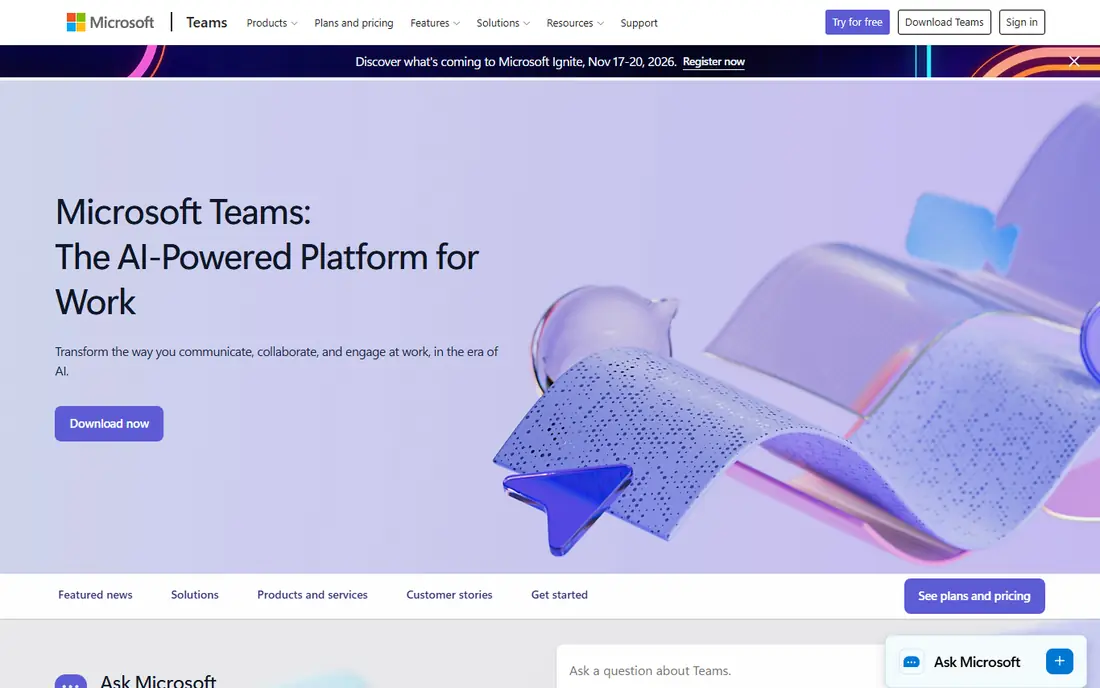
Microsoft Teams combines chat, calls, meetings, and file sharing in one app, which suits organisations already using Outlook, Word, and SharePoint. The free version allows 60-minute group meetings for up to 100 participants, while Teams Essentials starts at $4 per user per month as a standalone plan. Business Standard and higher Microsoft 365 plans add webinars, larger meetings, and town halls.
Teams can feel heavy for a team that only needs a simple call link, and AI Copilot features require a separate licence. For organisations already paying for Microsoft 365, Teams is usually the lowest extra cost and the easiest to administer.
- Deep Microsoft 365 integration
- Free version available
- Chat plus calls
- Best value depends on the Microsoft ecosystem
- Copilot needs a separate licence
Webex by Cisco suits enterprises, healthcare, education, and government teams that need strong security and admin controls. The free plan allows meetings up to 40 minutes for 100 attendees, while Webex Meet at $12 per user per month billed annually adds longer meetings, more controls, and AI features on higher tiers. Webinars and events scale to much larger audiences on enterprise plans.
The interface feels more corporate than Zoom or Meet, and some users prefer a simpler join flow for casual calls. For organisations where security review, compliance, and admin control matter most, Webex is a strong and proven choice.
- Strong security controls
- Free plan with 40-minute meetings
- Enterprise features
- Interface feels corporate
- Some features need higher plans
GoTo Meeting suits small and mid-size businesses where a few people host most calls. Professional starts at $12 per organiser per month billed annually, with support for up to 250 participants, screen sharing, recording, and meeting controls. The host-based pricing means only organisers need a licence, which can keep costs down for teams with few hosts.
There is no permanent free plan, only a trial, so casual users should choose Zoom, Meet, or Teams instead. For a business that wants a dependable, no-fuss meeting tool for a small number of hosts, GoTo Meeting remains a solid option.
- Simple hosting
- Reliable audio and video
- Screen sharing and recording
- No permanent free plan
- Priced per organiser
FreeConferenceCall.com is the best free conference call service for audio-only calls. It offers a dial-in number, online meeting tools, recording, and support for up to 1,000 participants at no cost for the basic service, which suits community groups, clubs, and small businesses that do not need video. Callers can join by phone or web, without a subscription.
Video features are more basic than Zoom or Meet, and the interface feels dated next to modern video tools. For a weekly audio call, a prayer group, a club meeting, or a simple team check-in, however, the free price and large participant cap are hard to beat.
- Free audio conferencing
- Up to 1,000 participants
- Recording and dial-in
- Video features are basic
- Interface feels dated
Dialpad Meetings offers a free tier with unlimited meetings, though video participants and duration are capped, and paid Business plans are listed around $15 per user per month billed annually in third-party directories. Its AI tools can summarise meetings and capture action items, which helps teams that struggle to keep notes. Dialpad also offers a full business phone system, so meetings can sit alongside calling in one platform.
Free-tier limits mean larger video calls will need a paid plan, and pricing should be confirmed on the vendor site for the exact plan. For small teams that want AI notes without paying for a premium video tool, Dialpad is worth a trial.
- Free meeting tier
- AI summaries
- Phone and video in one system
- Business pricing varies by source
- Video participant limits on free tier
RingCentral Video offers a free tier with limits, while RingEX Core starts at $20 per user per month billed annually and adds phone, messaging, and video in one system. That combination suits businesses replacing a desk-phone system, since one vendor can cover calls, meetings, and team messaging, with admin controls and integrations for larger teams.
Video-only teams will find Zoom, Meet, or Teams cheaper, since RingCentral pricing covers a wider phone system. Businesses that need both a phone system and conference calls, however, often save money and admin time by consolidating on RingCentral.
- Video, messaging, and phone together
- Free video tier
- Reliable call quality
- Full price is higher than video-only tools
- Setup is broader
How we picked these
We compared official pricing pages and feature pages for conference call services available in October 2026, favouring tools with a current free plan or trial and a dial-in or browser join option for guests. We included audio-only, video, and full phone-system options, since readers search for conference call services for all three needs. Prices are entry-level list prices and change with billing period and plan, so readers should confirm the current price before buying.
How to choose a conference call service
Start with the guests. If most guests use Zoom, choosing Zoom reduces join problems, while a Google or Microsoft team should stay inside its own system for calendar and admin simplicity. Check the free plan limits carefully, since a 40-minute or 60-minute group limit will force an upgrade for longer meetings.
Audio, video, and dial-in needs
Check whether guests need a phone dial-in number, since some free plans are video-only or limit dial-in by region. Test audio quality on a real call, including a participant on a weak connection, and check recording, captions, and breakout rooms if those features matter. A service that works well for internal calls may still need a paid plan for webinars or large town halls.
FAQ
What is the best conference call service?
Zoom is the best general conference call service, Google Meet suits Google Workspace teams, Microsoft Teams suits Microsoft 365 organisations, and Webex suits security-conscious teams. FreeConferenceCall.com is the best free audio-only option.
What is the best free conference call service?
FreeConferenceCall.com offers free audio calls for up to 1,000 participants, while Zoom, Google Meet, Microsoft Teams, and Webex all offer free video plans with time or participant limits. The best free choice depends on whether video is needed.
What is the best conference call service for business?
Zoom, Microsoft Teams, and Webex are the strongest business picks, with admin controls, recording, and larger meeting capacities on paid plans. RingCentral suits businesses that also need a full phone system.
Can I make a conference call without an app?
Yes. Google Meet and Webex support browser joining, and FreeConferenceCall.com supports phone dial-in, so guests can join without installing software in many cases. Zoom also offers browser and dial-in options depending on the host plan.
How many people can join a free conference call?
Free plans in this list typically allow 100 participants, while FreeConferenceCall.com allows up to 1,000 audio participants. Paid plans raise limits to 300 or more, with webinar and event plans reaching thousands.
Do conference call services offer toll-free numbers?
Some services offer toll-free dial-in numbers as a paid add-on, while others offer standard local numbers on free plans. Check the current dial-in options for the host country before relying on a toll-free number for guests.