Best AI Recolor Software in 2026: 8 Tools Compared
Compare the best company for ai recolor software options for turning black and white photos into color, with free previews, paid downloads, and pro tools.
- Editor's choice
 Hotpot AI
Quick realistic colorization online
Starts atSee websiteVisit hotpot.aiFull review - Great alternative
 Palette
Detailed and precise colorization
Starts atSee websiteVisit palette.fmFull review - Also consider
 ImageColorizer
Restoring old family photos
Starts atSee websiteVisit imagecolorizer.comFull review
TL;DR:
- Colorization is a best guess based on objects, skin tones, and context, so the same photo can look different across tools.
- Free previews are common, while full resolution downloads usually require payment or credits.
- Old, damaged, or very low resolution photos benefit from repair and enhancement before colorization.
- Check file handling and deletion policies before uploading sensitive family photos.
Quick comparison
| Tool | Best for | Starts at | Free plan? | |
|---|---|---|---|---|
| Hotpot AI | Quick realistic colorization online | See website | Yes | Visit |
| Palette | Detailed and precise colorization | See website | Yes | Visit |
| ImageColorizer | Restoring old family photos | See website | Yes | Visit |
 MyHeritage In Color | Genealogy and family photos | See website | Yes | Visit |
 Topaz Labs Photo Colorizer | Browser colorization with enhancement | See website | Yes | Visit |
 VanceAI | Colorization plus photo repair | See website | Yes | Visit |
 Kolorize | Pay per download colorization | See website | Yes | Visit |
 DeepAI | Simple no-fuss colorization | See website | Yes | Visit |
The best AI recolor software
AI recolor software, often called a photo colorizer, adds plausible color to black and white or faded photos. The color is a prediction, not a recovery of the original colors, so results vary by image quality, subject, and lighting. We compared tools that are still available online, with attention to free previews, output quality controls, and privacy handling.
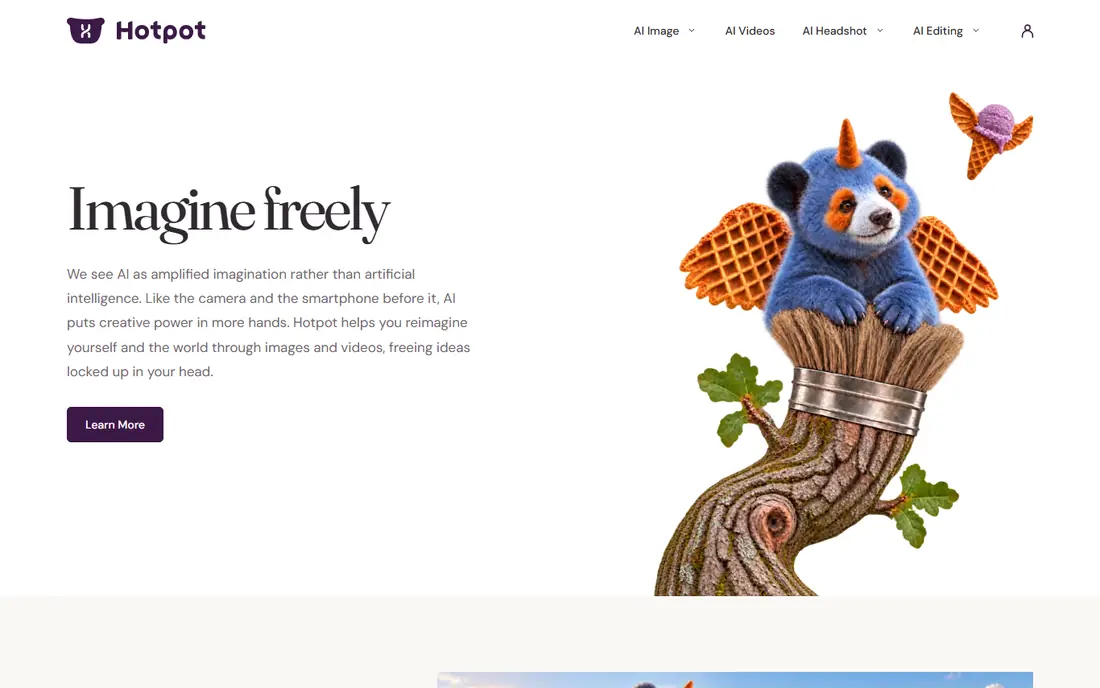
For shoppers who want a clear starting point, Hotpot AI is worth a close look because fast online colorization with a simple upload flow. In practice, that means Hotpot AI works best for people who want a quick color result without installing software. The trade off is free output may be limited, and manual controls are limited. Before you commit, check the current terms on the official site, including any fees, limits, and eligibility rules, because those details can change and they matter more than a headline rate or feature list.
- Fast online colorization
- Simple upload flow
- Other AI image tools in one account
- Free output may be limited
- Controls are limited compared with desktop editors
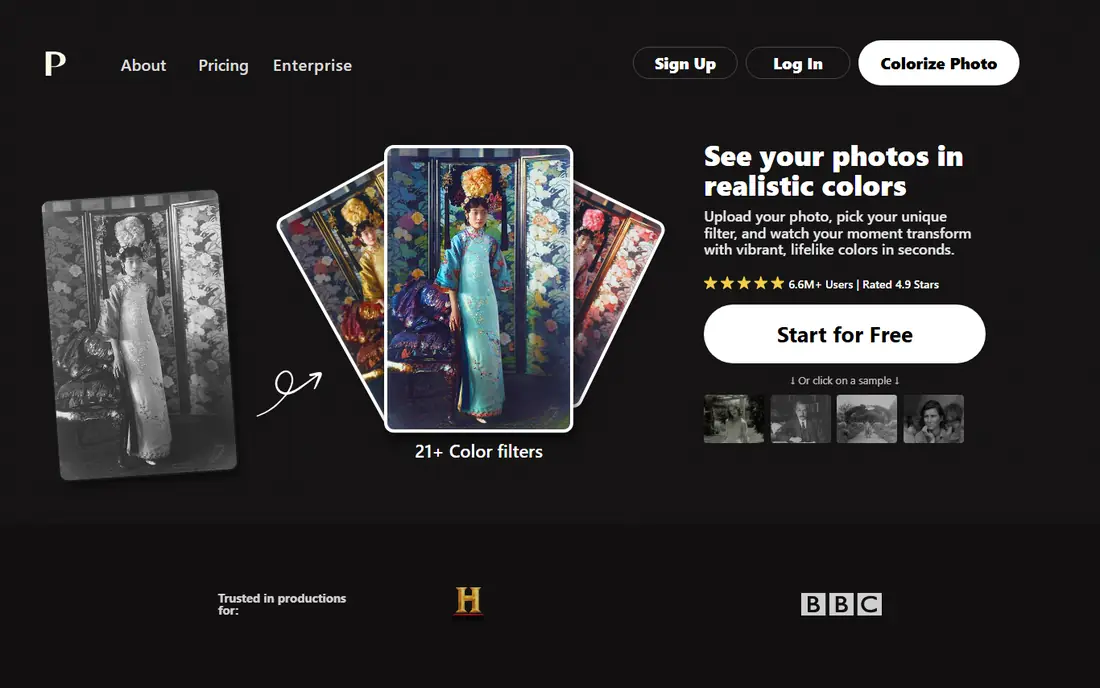
What stands out first about Palette is detailed colorization with filter options to adjust the look. That profile makes Palette a sensible fit for users who want to compare color styles for one photo, provided you accept full resolution downloads may require payment, and results vary by photo. Read the terms carefully, compare the total cost over the full period, and confirm that the plan still works if your circumstances change partway through.
- Detailed colorization with filter options
- Web based
- No install needed
- Full resolution downloads may require payment
- Results vary by photo
If your main concern is families restoring old portraits and damaged prints, ImageColorizer deserves a place on the shortlist. So ImageColorizer suits families restoring old portraits and damaged prints who value colorization paired with repair and enhancement tools for old photos and can live with free daily credits are limited, and heavy use needs a premium plan. Compare it side by side with one or two others on this list before deciding, and keep a note of the renewal, cancellation, and support terms.
- Colorization plus repair and enhancement tools
- Web, desktop, and mobile options
- Free daily credits are limited
- Premium plans are needed for heavy use
We would point genealogy researchers restoring family photos buyers toward MyHeritage In Color first, mainly because colorization inside a genealogy platform, with photo enhancement alongside family history tools. Put simply, MyHeritage In Color is a good match for genealogy researchers restoring family photos. The honest catch is it makes most sense for MyHeritage users, and standalone use is limited, so weigh that against the benefit of colorization inside a genealogy platform, with photo enhancement alongside family history tools before you sign up or place an order.
- Colorization inside a genealogy platform
- Photo enhancement
- Family history context
- Best value for MyHeritage users
- Standalone colorization is limited
Among the options here, Topaz Labs Photo Colorizer is the one that puts users who also want enhancement and upscaling front and center. In practice, that means Topaz Labs Photo Colorizer works best for users who also want enhancement and upscaling. The trade off is best results need clear subjects and good contrast, and damaged photos need extra work. Before you commit, check the current terms on the official site, including any fees, limits, and eligibility rules, because those details can change and they matter more than a headline rate or feature list.
- Browser based colorization
- Pairing with Topaz enhancement tools
- Clear subject handling
- Best results need clear subjects and good contrast
- Damaged photos need extra work
A practical reason to consider VanceAI is colorization combined with old photo restoration and batch options. That profile makes VanceAI a sensible fit for users restoring several old photos at once, provided you accept the credit system can be confusing, and free credits are limited. Read the terms carefully, compare the total cost over the full period, and confirm that the plan still works if your circumstances change partway through.
- Colorization with old photo restoration
- PSD export on some plans
- Batch options
- Credit system can be confusing
- Free credits are limited
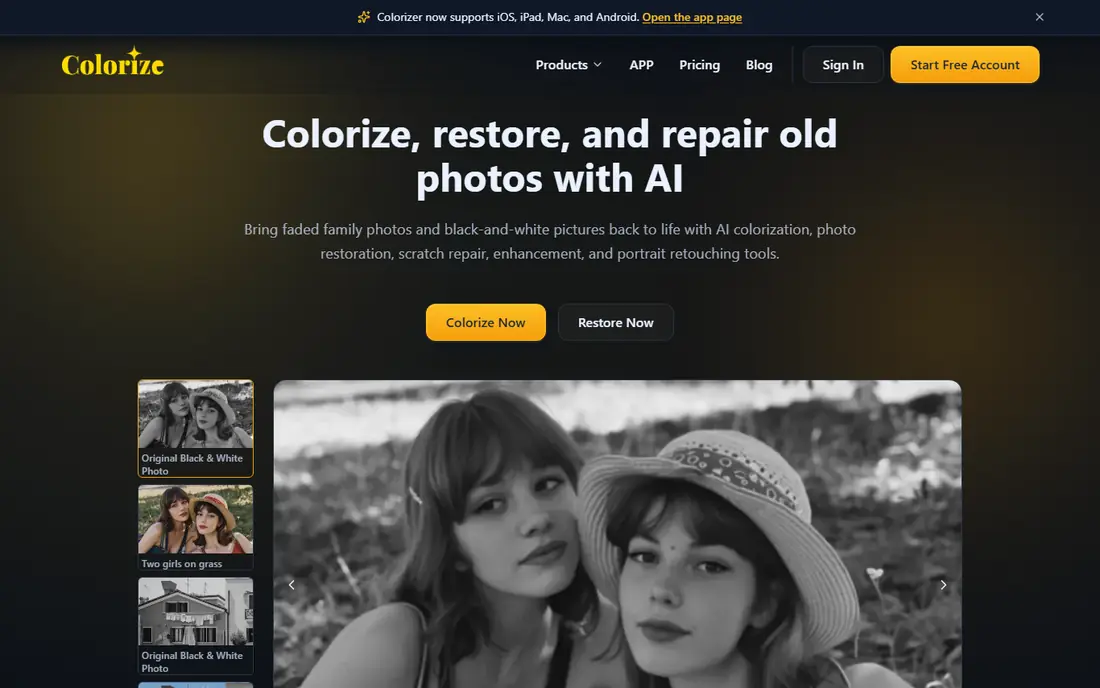
For many people, Kolorize will be the simplest match, since unlimited free previews with payment only when you download a result you like. So Kolorize suits users who want to preview many versions before paying who value unlimited free previews with payment only when you download a result you like and can live with downloads need credits, and batch upload needs a paid plan. Compare it side by side with one or two others on this list before deciding, and keep a note of the renewal, cancellation, and support terms.
- Unlimited free previews
- Pay only on download
- Credit packs with long validity
- Downloads need credits
- Batch upload needs a paid plan
The case for DeepAI rests on a simple web tool and API with minimal steps, paired with a setup that suits developers and casual users who want a simple tool. Put simply, DeepAI is a good match for developers and casual users who want a simple tool. The honest catch is controls are basic, and output quality varies by image, so weigh that against the benefit of a simple web tool and API with minimal steps before you sign up or place an order.
- Simple API and web tool
- Minimal steps
- Quick results
- Controls are basic
- Output quality varies by image
How we picked these
We compared official tool pages, free preview terms, download rules, and stated file handling. We favored tools that let you preview before paying, state what happens to uploaded files, and offer some control over the result. We did not treat a colorized photo as a factual record, because the AI predicts colors it cannot know for certain.
How to get better colorization results
Start with the best scan you can make. Scan prints at 300 DPI or higher, avoid glare, and crop out album borders before uploading. A clean, high contrast scan gives the model more to work with, especially for faces, clothing, and skies.
Repair before you colorize. If a photo has scratches, tears, or yellowing, use a repair or enhancement step first. Color applied over damage can look patchy, while a cleaned image usually produces more even skin tones and backgrounds.
Compare two tools before you pay. Upload the same photo to two tools, compare skin tones, sky, and clothing, and check whether the result looks natural at full size. Pay only for the version you would actually print or share, and keep the original scan unchanged.
Before you decide, compare the total cost, the contract length, and the support you will actually get, not just the headline feature. Read the current terms on the official site, check whether the service covers your state, region, or use case, and confirm what happens if you cancel, pause, or need help. A short trial, a demo, or a small first order can reveal problems that a sales page will not show, including slow support, unclear billing, or limits that only appear after signup. Keep notes on the options you compared, so you can return to the second choice if the first one does not work out as promised.
FAQ
Is AI colorization accurate?
No, it is a prediction based on patterns in training images, not a recovery of true colors. Skin tones, skies, and common objects often look plausible, while unusual clothing or lighting can be guessed wrong. Treat the result as an interpretation, not a historical record.
Can AI recolor software fix damaged photos?
Some tools combine colorization with repair and enhancement, which helps with scratches and fading. Heavy damage, tears, or very low resolution still limit results, and a professional restorer may be needed for valuable originals.
Are AI photo colorizers free?
Many offer free previews or limited free credits, while full resolution downloads usually require payment. Check whether the free output is watermarked or low resolution before you spend time on a large batch.
What happens to photos I upload?
Policies vary, and some services state that files are deleted after processing while others keep them longer. Read the privacy policy before uploading sensitive family photos, and avoid uploading images you do not have rights to share.
Can I colorize a video with AI?
Some tools, including Kolorize, offer video colorization, but it is more complex and can be costly in credits. Results depend on frame quality and motion, so test a short clip before committing to a full video.